
In today’s digital-first environment, organizations need centralized hubs where users can securely access resources, manage tasks, and interact with services. A custom portal serves as that hub—offering tailored experiences based on roles, preferences, and workflows. Unlike generic platforms, a well-designed custom portal enhances productivity, improves engagement, and reduces friction in daily operations. This guide walks through the essential steps, strategies, and real-world considerations for building a user-friendly access point that delivers value from day one.
Define Purpose and Identify User Needs
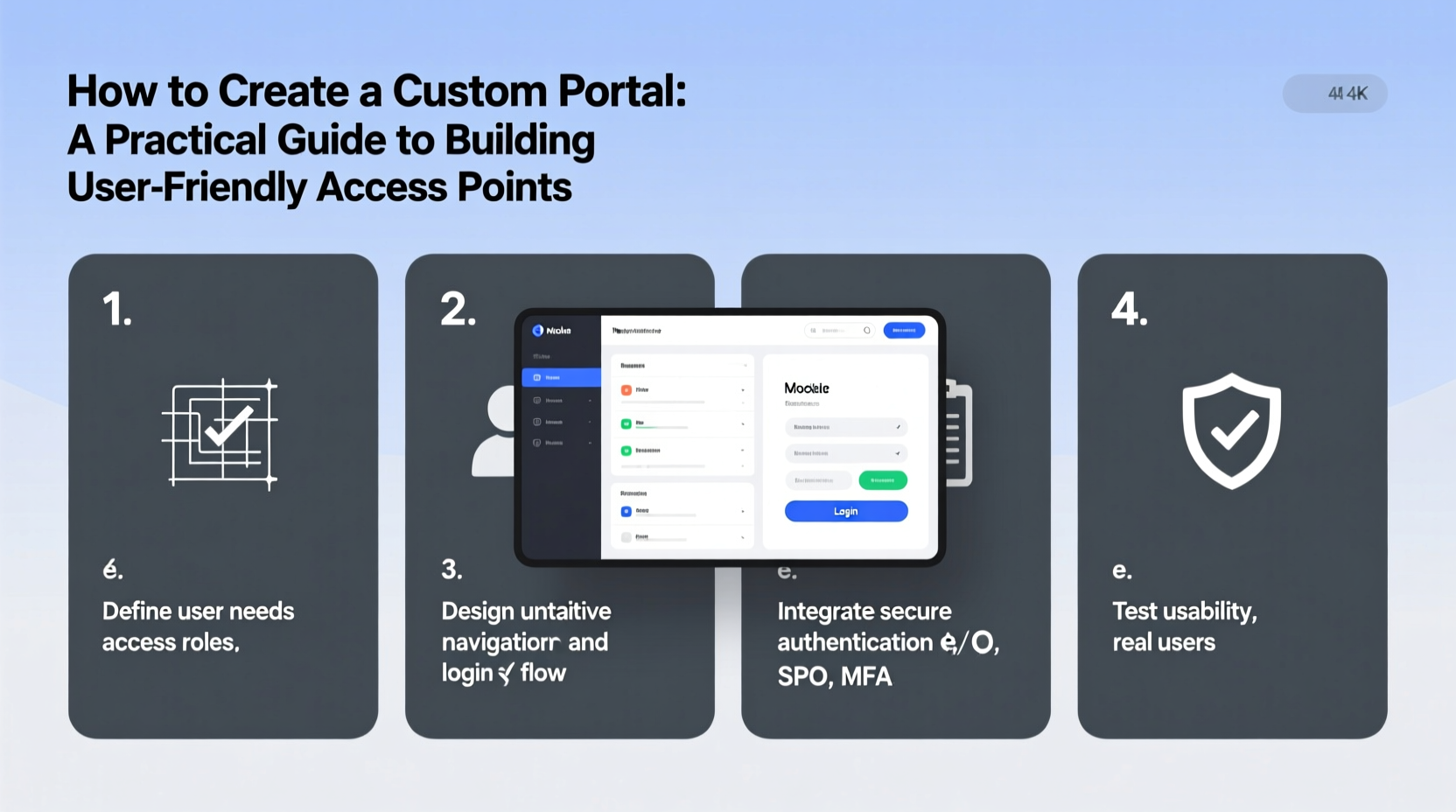
Every successful portal begins with clarity of purpose. Is it an employee intranet? A client-facing service dashboard? A partner collaboration space? The answer shapes every subsequent decision. Start by mapping out core objectives: streamline communication, reduce support tickets, centralize document access, or automate approvals.
Equally important is understanding your audience. Conduct interviews or surveys with stakeholders across departments. Ask: What information do they need most often? Which tools do they use daily? Where do bottlenecks occur? Use this data to define user personas—fictional representations of typical users such as “Sarah the HR Manager” or “David the Field Technician.” These personas guide interface design, feature prioritization, and navigation logic.
Design for Usability and Accessibility
A portal only works if people can use it easily. Prioritize simplicity over complexity. Focus on clean layouts, consistent labeling, and logical flow. Users should find what they need within three clicks or less.
Accessibility is non-negotiable. Ensure compatibility with screen readers, keyboard navigation, and high-contrast modes. Follow WCAG 2.1 guidelines to accommodate users with visual, auditory, or motor impairments. For example, avoid color-only indicators (like red text for errors) and always include alt text for icons and images—even if symbolic.
| Design Principle | Do | Avoid |
|---|---|---|
| Navigation | Use labeled menus and breadcrumbs | Hidden dropdowns without labels |
| Typography | Legible fonts at 16px minimum | Fancy scripts or low-contrast text |
| Forms | Clear error messages and input hints | Vague alerts like \"Invalid entry\" |
| Responsiveness | Test on mobile, tablet, desktop | Fixed-width layouts |
“Usability isn’t a feature—it’s the foundation. If users struggle to navigate, even the most powerful backend fails.” — Lena Torres, UX Lead at CivicTech Solutions
Step-by-Step Development Process
Building a functional and scalable portal requires structured planning. Follow these phases to maintain momentum and minimize rework:
- Requirement Gathering: Collaborate with stakeholders to list must-have vs. nice-to-have features.
- Wireframing: Create low-fidelity mockups of key pages (dashboard, login, profile settings).
- Technology Selection: Choose between custom code (React + Node.js), low-code platforms (OutSystems, Microsoft Power Apps), or open-source frameworks (Drupal, Liferay).
- Backend Integration: Connect to existing systems via APIs (HRIS, CRM, ERP) for real-time data sync.
- Frontend Development: Build responsive interfaces using component libraries for consistency.
- Testing: Run usability tests with real users and fix pain points before launch.
- Deployment & Monitoring: Roll out in stages, track performance metrics, and collect feedback.
Real Example: Municipal Employee Portal Upgrade
The city of Ashford faced rising helpdesk calls due to fragmented systems. HR forms lived in shared drives, time-off requests required email chains, and policy updates were buried in newsletters. To solve this, they launched a custom employee portal integrating their payroll system, document repository, and internal communications.
The team started with focus groups identifying top frustrations. They designed a dashboard showing pending approvals, upcoming training, and quick links to common forms. Single sign-on (SSO) eliminated multiple logins. Within six months, helpdesk inquiries dropped by 42%, and employee satisfaction with internal tools rose from 58% to 83% in a follow-up survey.
Critical success factors included phased rollout, mandatory training modules, and assigning “portal champions” in each department to assist peers during transition.
Essential Features Checklist
To ensure your portal meets baseline functionality, verify the following components are included:
- Secure authentication (multi-factor options recommended)
- Role-based access control (RBAC) for permissions
- Searchable knowledge base or FAQ section
- Personalized dashboard with relevant widgets
- Integrated messaging or notification center
- Document upload/download capabilities with audit logs
- Mobile-responsive design
- Feedback mechanism (e.g., “Was this helpful?” button)
- Analytics dashboard for admin usage tracking
- API connectivity for future integrations
Common Pitfalls and How to Avoid Them
Even well-intentioned projects fail when teams overlook operational realities. One frequent mistake is overloading the initial release with too many features, delaying launch and increasing bugs. Instead, adopt a minimum viable product (MVP) approach—launch core functions first, then iterate based on usage data.
Another issue is poor change management. Employees may resist switching from familiar tools unless given clear reasons and training. Communicate benefits early: “This portal will cut your monthly reporting time in half.” Offer video tutorials, live Q&A sessions, and downloadable guides.
Finally, don’t neglect post-launch maintenance. Schedule quarterly reviews to update content, retire obsolete links, and incorporate new feature requests. A stagnant portal quickly loses credibility.
Frequently Asked Questions
How much does it cost to build a custom portal?
Costs vary widely based on scope. Simple portals using low-code platforms can start around $10,000. Fully custom solutions with deep integrations may range from $50,000 to $200,000+. Ongoing maintenance typically adds 15–20% of initial cost annually.
Can we integrate our existing software?
Yes—most modern portals support integration via RESTful APIs, SSO protocols (SAML/OAuth), and middleware tools like Zapier or MuleSoft. Assess API availability of current systems early in planning.
How long does development take?
A basic MVP can be ready in 8–12 weeks. Larger enterprise portals with complex workflows and compliance needs may take 6–9 months. Agile sprints allow partial releases while continuing development.
Conclusion: Build Once, Scale Smartly
A custom portal is more than a website—it's a strategic asset that connects people, processes, and data. When built with user needs at the center, it becomes the go-to destination for information, action, and collaboration. Success doesn’t come from advanced technology alone, but from thoughtful design, iterative improvement, and ongoing engagement.




 浙公网安备
33010002000092号
浙公网安备
33010002000092号 浙B2-20120091-4
Comments
No comments yet. Why don't you start the discussion?