
In an age where notifications never sleep and inboxes refill faster than they empty, the idea of stepping away from screens can feel like professional suicide. Yet, mounting evidence shows that constant connectivity erodes focus, depletes mental energy, and undermines long-term performance. The solution isn’t abandoning technology—it’s redefining your relationship with it. A well-structured digital detox doesn’t mean disappearing offline; it means reclaiming control over your attention so you can work smarter, not harder.
The goal is balance: reducing digital noise while preserving—and even enhancing—your ability to produce high-quality work. This requires intentionality, structure, and a shift from reactive scrolling to purposeful engagement. By designing a sustainable digital detox routine, you protect your cognitive bandwidth, reduce stress, and maintain peak productivity without burnout.
Why Digital Detox Isn’t About Elimination—It’s About Optimization
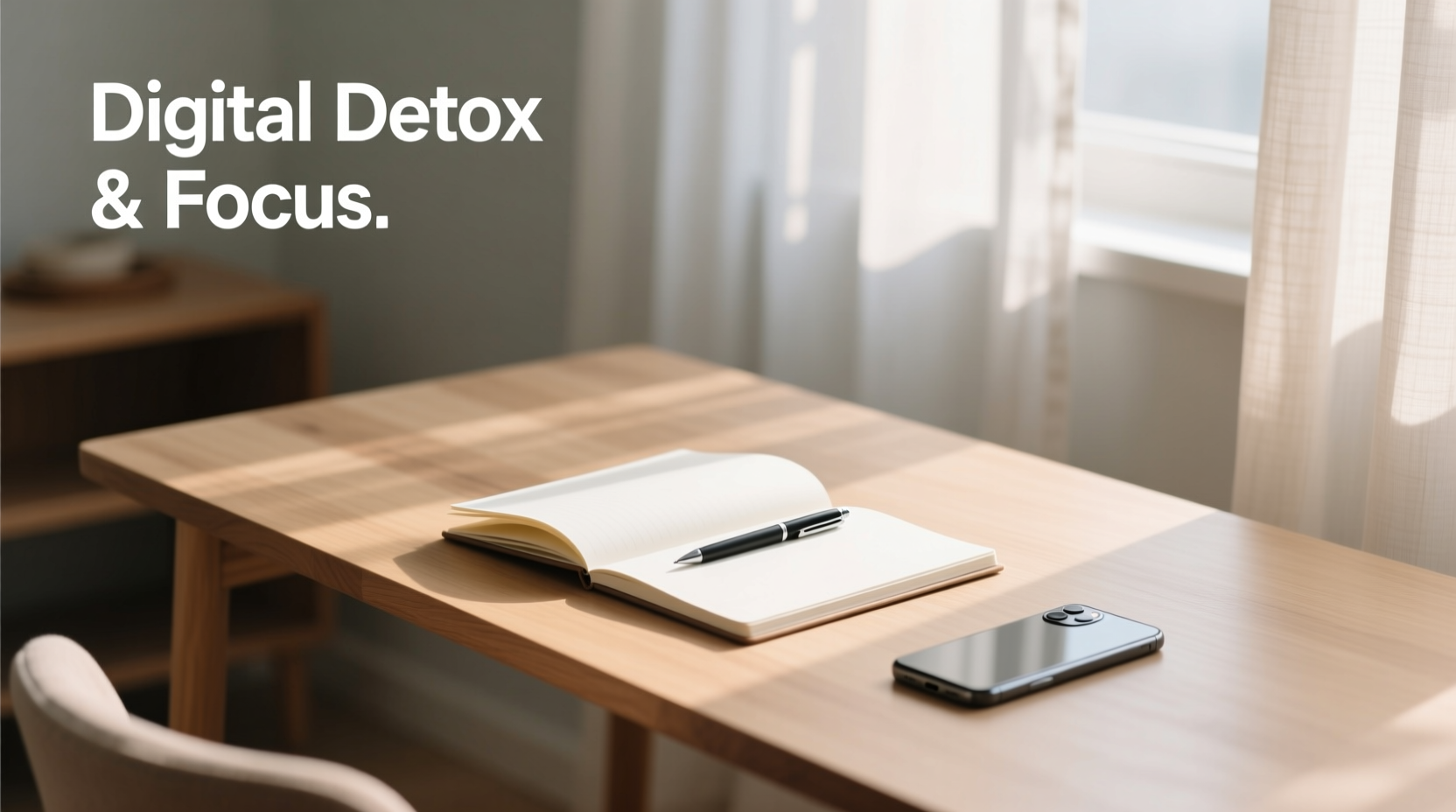
Digital detox often conjures images of people hiking remote trails with no phone in sight. While that may work for a weekend reset, most professionals need a more practical approach. The real issue isn’t technology itself but the unmanaged way we use it. Endless pings, multitasking across apps, and compulsive checking fracture concentration and trigger chronic low-grade stress.
According to Cal Newport, author of *Digital Minimalism*, “You don’t need to quit social media or delete all your apps. You need a philosophy for technology use that puts your values first.” This mindset shift—from passive consumption to deliberate usage—is the foundation of a productive digital detox.
A successful routine doesn’t eliminate tools; it filters them. It removes distractions disguised as utility and amplifies only those digital interactions that serve your goals. When done right, a detox clears mental clutter, improves decision-making, and creates space for deep work—the kind that moves projects forward and builds meaningful results.
Step-by-Step Guide to Building Your Digital Detox Routine
Creating a sustainable digital detox doesn’t happen overnight. It’s a gradual recalibration of habits, environments, and expectations. Follow this five-step process to design a routine that protects your focus without compromising output.
- Conduct a Digital Audit
Track your screen time for three days using built-in tools (iOS Screen Time, Android Digital Wellbeing, or third-party apps like RescueTime). Note when and why you pick up devices. Identify patterns: Are you checking email during meals? Scrolling after midnight? These insights reveal friction points. - Define Your Core Work Hours
Select 3–4 hours daily for deep, focused work. During this time, silence non-essential notifications, close irrelevant tabs, and disable chat apps. Use calendar blocking to signal availability to others and protect this time fiercely. - Create Device-Free Zones
Designate specific areas or times as tech-free: the dining table, the first 30 minutes after waking, or one evening per week. These boundaries train your brain to associate certain spaces with presence rather than distraction. - Replace Habit Loops with Intentional Actions
When you instinctively reach for your phone during downtime, replace that habit with a structured alternative: jotting ideas in a notebook, stretching, or reviewing your task list. Over time, these new routines become automatic. - Schedule Weekly Digital Reviews
Every Sunday, assess what worked and what didn’t. Did you stay off social media during work blocks? Did urgent messages still interrupt flow? Adjust settings, app permissions, or schedules accordingly.
Sample Daily Digital Detox Timeline
| Time | Activity | Digital Rule |
|---|---|---|
| 6:30–7:00 AM | Morning routine | No screens until after breakfast |
| 8:00–11:00 AM | Deep work block | Phone on airplane mode; only essential apps open |
| 12:30–1:00 PM | Lunch break | No work emails or social media |
| 3:00–3:15 PM | Afternoon pause | Walk outside without headphones |
| 7:00–9:00 PM | Wind-down period | No blue light devices; read or journal instead |
Do’s and Don’ts of Productive Digital Detoxing
Avoid common pitfalls by aligning your actions with proven behavioral principles. The following table outlines key do’s and don’ts to keep your routine effective and realistic.
| Do | Don’t |
|---|---|
| Use grayscale mode on your phone to reduce visual appeal of apps | Try to quit everything at once—willpower fades fast |
| Batch-check emails twice daily (e.g., 10 AM and 3 PM) | Keep Slack or Teams set to “Always Notify” |
| Turn off non-urgent notifications (especially social media) | Leave work apps running on personal devices after hours |
| Invest in analog alternatives (planner, alarm clock, notebook) | Assume you’ll remember tasks—rely on systems, not memory |
| Communicate boundaries to colleagues (“I respond within 24 hours”) | Apologize for delayed replies—set expectations upfront |
Real Example: How a Marketing Manager Reclaimed 10 Hours a Week
Sarah, a senior marketing manager at a mid-sized tech firm, was logging 55-hour weeks but felt perpetually behind. Her days were fragmented: responding to Slack messages, jumping into unplanned Zoom calls, and checking Instagram during brief pauses. Despite being “always on,” her strategic projects stalled.
She began a phased digital detox. First, she turned off desktop notifications for Slack and email. Then, she blocked 9–11 AM and 2–4 PM on her calendar as “Focus Blocks”—no meetings, no messaging. She informed her team: “I check messages at 11, 1, and 5. Urgent issues? Call me.”
Within two weeks, her team adapted. Colleagues started consolidating questions and respecting her schedule. Sarah used her reclaimed focus time to draft campaign strategies, analyze data, and delegate clearly. After a month, she completed a quarter-long project two weeks early. More importantly, she reduced her weekly hours to 45 without missing deadlines.
“I thought being responsive made me productive,” Sarah said. “But I was just busy. Now I’m actually moving things forward.”
“We mistake constant activity for progress. True productivity comes from uninterrupted attention.” — Dr. Gloria Mark, Professor of Informatics, University of California, Irvine
Essential Tools and Tactics for Sustained Success
A digital detox isn’t about willpower—it’s about environment design. The most effective routines rely on systems that make the right choice the easy one. Consider integrating the following tools and practices:
- App blockers: Use Freedom, Cold Turkey, or FocusMe to restrict access to distracting websites during work hours.
- Single-tasking rituals: Open only one browser window and one document at a time. Close everything else.
- Email filters: Automatically sort incoming mail into folders (e.g., “Action Required,” “Read Later”) to prevent inbox overload.
- Physical separation: Charge your phone in another room at night. Use a dedicated e-reader instead of tablets for bedtime reading.
- Notification triage: Disable sounds for all but mission-critical alerts (e.g., direct messages from managers, calendar reminders).
Also consider adopting a “digital sunset” 60–90 minutes before bed. Replace screen time with low-stimulus activities: light stretching, listening to music, or writing in a gratitude journal. This improves sleep quality, which directly impacts next-day focus and efficiency.
Digital Detox Checklist
- ✔️ Audit current screen usage with tracking tools
- ✔️ Define 2–3 daily focus blocks for deep work
- ✔️ Turn off non-essential notifications on all devices
- ✔️ Set up email batching (e.g., 2x/day checks)
- ✔️ Designate one screen-free zone (bedroom, dining area, etc.)
- ✔️ Schedule a weekly review to adjust your routine
- ✔️ Communicate availability windows to colleagues and family
Frequently Asked Questions
Won’t disconnecting make me seem unresponsive or lazy?
Not if you manage expectations. Proactively inform your team or clients about your communication rhythm. For example: “I review messages at 11 AM, 1 PM, and 5 PM. If something is urgent, please call.” Most people appreciate clarity more than instant replies. In fact, research shows that rapid responses often encourage more interruptions, creating a cycle of reactivity.
How do I detox if my job requires constant online collaboration?
You don’t have to go dark—you need precision. Use status indicators (“In Focus Mode until 11”), set response-time standards, and batch collaborative tasks. Instead of reacting to every message, schedule two 20-minute slots daily to catch up. Many teams find this reduces chaos and improves clarity. Tools like asynchronous video updates (via Loom) or shared docs can also minimize real-time demands.
What if I fall back into old habits?
Relapse is normal. The key is reflection, not guilt. When you notice yourself mindlessly scrolling or checking email at midnight, ask: What triggered this? Was I avoiding a hard task? Feeling anxious? Use these moments to refine your system. Maybe you need clearer evening rituals or better task breakdowns. Progress isn’t perfection—it’s persistence.
Conclusion: Reclaim Your Attention, Amplify Your Output
A digital detox isn’t a retreat from modern work—it’s a recalibration for it. The most productive people aren’t those who spend the most time online, but those who guard their focus like a finite resource. By building a thoughtful, structured routine, you reduce digital drag and create space for work that matters.
Start today. Pick one habit from this guide—silence notifications, block a focus hour, or charge your phone outside the bedroom. Small changes compound. Within weeks, you’ll notice sharper thinking, fewer distractions, and a surprising increase in what you accomplish. Productivity isn’t about doing more; it’s about doing what counts. And that begins with mastering your relationship with technology.




 浙公网安备
33010002000092号
浙公网安备
33010002000092号 浙B2-20120091-4
Comments
No comments yet. Why don't you start the discussion?