
Creating a synchronized light show doesn’t require expensive equipment or professional-grade controllers. With careful planning, accessible technology, and a bit of creativity, you can design an impressive display that dances in rhythm with music—perfect for holidays, parties, or neighborhood events. The key lies in selecting the right components, understanding synchronization methods, and leveraging open-source tools to keep costs low without sacrificing impact.
Understanding Synchronized Lighting Basics
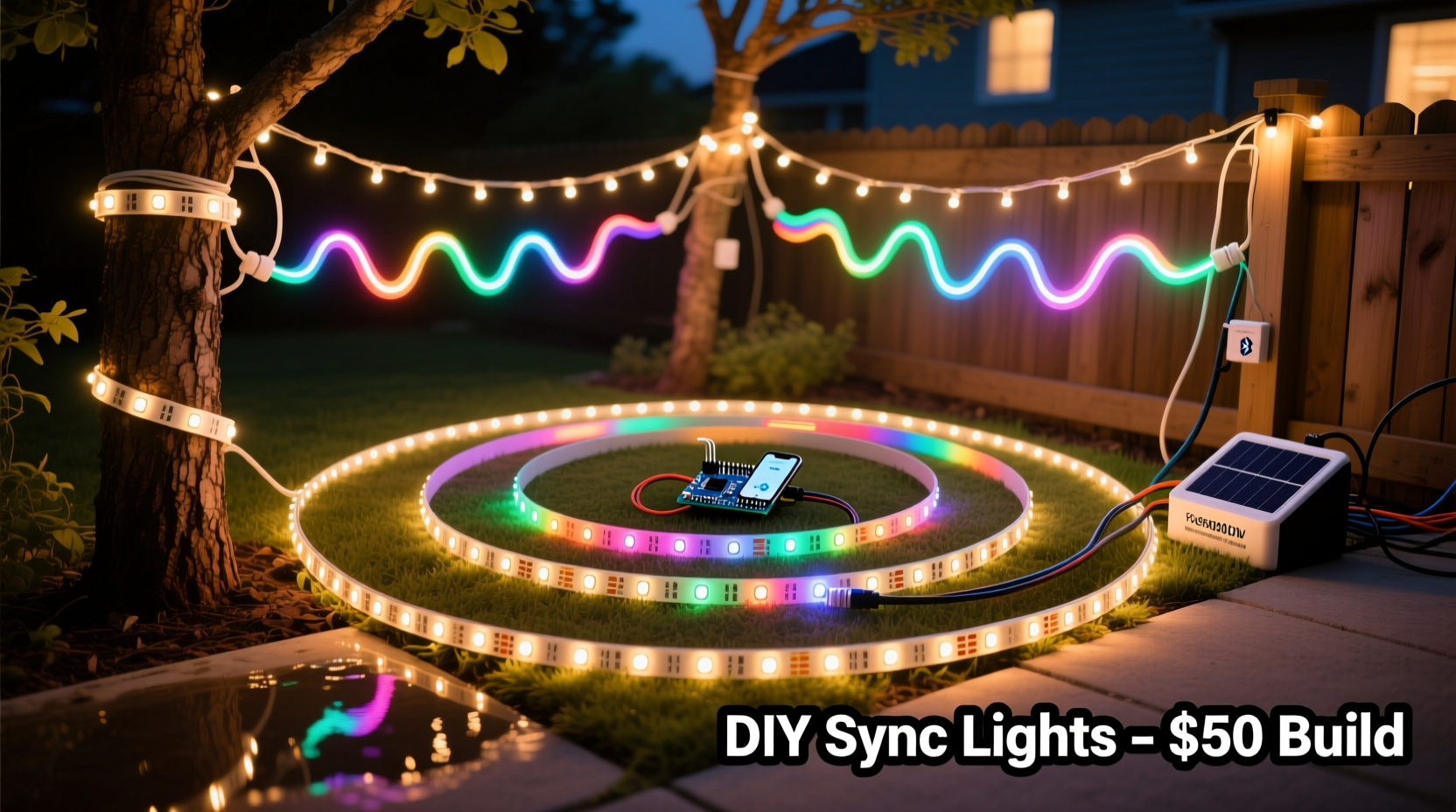
Synchronization means aligning light patterns—such as color changes, fades, chases, or flashes—with specific beats or tones in music. This requires three core elements: lights, control hardware, and software. In traditional setups, these systems could cost thousands of dollars. Today, however, affordable LED strips, Wi-Fi-enabled controllers, and free software have democratized the process.
The most common approach involves using addressable LEDs (like WS2812B or NeoPixels), which allow individual bulbs to be programmed independently. These are controlled via microcontrollers such as Arduino or ESP32 devices, paired with software that interprets audio input and translates it into lighting commands.
Budget-conscious builders often start small—using existing holiday lights or repurposed electronics—and scale up over time. What matters most isn’t the initial investment but consistency in design and timing accuracy.
Choosing Affordable Components
You don't need top-tier gear to achieve professional-looking results. Many effective builds use off-the-shelf parts available from online retailers like Amazon, AliExpress, or Adafruit. Below is a comparison of typical component options based on cost, compatibility, and ease of use.
| Component | Affordable Option | Mid-Range Alternative | Key Considerations |
|---|---|---|---|
| Lights | WS2811 LED strips (5V or 12V) | NeoPixel Digital Strips | Ensure voltage matches controller; check waterproof rating if outdoors |
| Controller | ESP8266 (NodeMCU) | ESP32 (dual-core, Bluetooth capable) | ESP8266 supports Wi-Fi and works with E1.31 protocol for network sync |
| Power Supply | Used laptop charger (12V DC) | Dedicated 12V/5A power adapter | Calculate total wattage: 0.3W per LED × number of LEDs |
| Software | XLights (free) | Light-O-Rama (paid) | XLights supports audio analysis, sequencing, and E1.31 output |
| Cables & Connectors | JST-SM connectors + stranded wire | Pre-wired harnesses | Solder connections for reliability; use heat shrink tubing |
By sourcing components during sales or reusing old electronics, you can assemble a functional multi-strand setup for under $150. For example, a 5-meter strip of 300 WS2811 LEDs costs around $25, an ESP8266 module is under $5, and XLights runs completely free on Windows, macOS, or Linux.
Step-by-Step Setup Process
Follow this sequence to build your first synchronized light show using budget-friendly tools.
- Plan Your Layout: Sketch where each strand will go—windows, rooflines, trees. Decide how many channels (independent strings) you’ll control.
- Acquire Materials: Buy LED strips, controllers, power supplies, and wiring. Label each strand for easy identification later.
- Assemble Hardware: Cut strips to size (if needed), solder data wires, connect power injection points for long runs, and attach to mounting surfaces.
- Flash Firmware: Install FastLED or ESPixelStick firmware onto your ESP8266/ESP32 so it can receive DMX-like signals over Wi-Fi.
- Configure Network: Assign static IP addresses to each controller. Ensure all devices are on the same local network.
- Set Up XLights: Download and install XLights. Import your song, analyze the beat grid, and map virtual models to physical strands.
- Test Sequences: Send test patterns (rainbow chase, fade) to confirm communication between software and hardware.
- Sync to Music: Use XLights’ beat detection to align flash moments with drum hits or melody shifts.
- Run Live Show: Play the sequence while viewing the actual lights. Make adjustments until timing feels natural.
- Expand Gradually: Add more strands or effects next season as confidence grows.
This method allows precise choreography without proprietary hardware. Once configured, the system can run autonomously or stream live from a computer during events.
Real Example: A Backyard Holiday Display on $120
Mark, a high school teacher in Ohio, wanted to surprise his kids with a Christmas light show synced to classic carols. He had no prior electronics experience but followed online forums and YouTube tutorials. His final setup included:
- Two 5-meter WS2811 LED strips ($25 each)
- One NodeMCU ESP8266 ($4.50)
- One used 12V/3A laptop power supply ($10)
- Basic jumper wires, connectors, and zip ties ($15)
- Free software: XLights and Audacity for audio editing
He mounted one strip along the porch railing and another around the front window. After flashing the ESP8266 with ESPixelStick firmware, he connected it to his home Wi-Fi and assigned it IP 192.168.1.100. In XLights, he created a simple model with two horizontal lines representing the physical layout.
Using “Jingle Bell Rock,” he marked major beats manually and programmed alternating red-green flashes, slow fades, and sparkle effects. On Christmas Eve, he ran the show from his laptop, and neighbors gathered to watch. Total build time: 14 hours over three weekends. Total cost: $119.75.
“I thought I’d need special licenses or expensive gear,” Mark said. “But once I got past the jargon, it was just plug, code, test, repeat.”
“We’ve seen hobbyists create stunning displays using less than $100 in parts. The barrier used to be technical knowledge—but now, communities share everything from wiring diagrams to ready-to-use code.” — Sarah Lin, Open Source Lighting Advocate
Avoiding Common Pitfalls
Even experienced builders encounter issues when scaling to multiple strands. Here are frequent problems and how to prevent them:
- Data Signal Degradation: Long data lines cause flickering or missed commands. Fix by using shielded cable, adding a 470Ω resistor between data pin and power, or inserting logic level shifters.
- Power Droop: Voltage drops across long strips make end LEDs dimmer. Prevent with power injection—run separate positive and ground wires to midpoints and ends.
- Wi-Fi Congestion: Too many controllers on a crowded network lead to lag. Use a dedicated access point or reduce packet frequency in software settings.
- Misaligned Timing: Lights appear out of sync due to processing delays. Calibrate latency in XLights using video recording feedback.
- Overheating Controllers: Enclosing ESP modules in sealed boxes traps heat. Provide ventilation or mount externally.
Always test each strand individually before integrating into a full sequence. Isolating faults early saves hours of troubleshooting later.
Budget Optimization Checklist
Use this checklist to maximize performance while minimizing spending:
- ☐ Reuse old power adapters with matching voltage and sufficient amperage
- ☐ Buy LED strips in bulk (5m or 10m rolls) instead of pre-made sets
- ☐ Use free software: XLights, VLC for audio, Audacity for trimming tracks
- ☐ Flash firmware yourself—no need to buy pre-programmed controllers
- ☐ Share Wi-Fi access with other smart home devices temporarily during shows
- ☐ Repurpose old extension cords and outdoor-rated enclosures
- ☐ Join online communities (r/LightShow, DIYChristmas.com) for part swaps and advice
Frequently Asked Questions
Can I run the show without a computer running constantly?
Yes. Once sequences are designed in XLights, you can export them to standalone players like PiLight or SD card-based systems. Alternatively, schedule your computer to wake at showtime using built-in task schedulers.
Do I need internet access during the show?
No. Only local network connectivity (via router or access point) is required for E1.31 communication between software and controllers. Internet is only needed for initial downloads or updates.
How many strands can I synchronize reliably?
With proper networking, dozens of strands can stay in sync. Each ESP8266 can handle up to 500 LEDs reliably. Use multiple controllers on different IPs and group them under one model in XLights for unified control.
Final Thoughts and Next Steps
Creating a synchronized light show on a budget is not only possible—it’s increasingly common among DIY enthusiasts who value creativity over cost. The ecosystem of open-source tools, community support, and affordable hardware has never been stronger. You don’t need engineering credentials or deep pockets to start; you just need curiosity and patience.
Your first attempt may not rival Las Vegas spectacles, but it will bring joy, spark conversation, and give you a tangible sense of accomplishment. As skills grow, so too can your display—adding motion sensors, voice triggers, or even audience interactivity through mobile apps.




 浙公网安备
33010002000092号
浙公网安备
33010002000092号 浙B2-20120091-4
Comments
No comments yet. Why don't you start the discussion?