
In an age where privacy, professional boundaries, and digital identity matter more than ever, having a second phone number can be invaluable. Whether you're separating work from personal life, protecting your primary number online, or managing freelance gigs, a secondary number offers flexibility. The good news? You don’t need a second SIM card or an additional smartphone. Modern technology allows you to generate and manage a new phone number directly from your existing device—no hardware required.
This guide walks through practical, secure, and cost-effective ways to set up and maintain a second number using only your current phone and trusted apps. From choosing the right service to avoiding common pitfalls, you’ll gain full control over your communication without cluttering your pocket with extra gadgets.
Why Use a Virtual Phone Number?
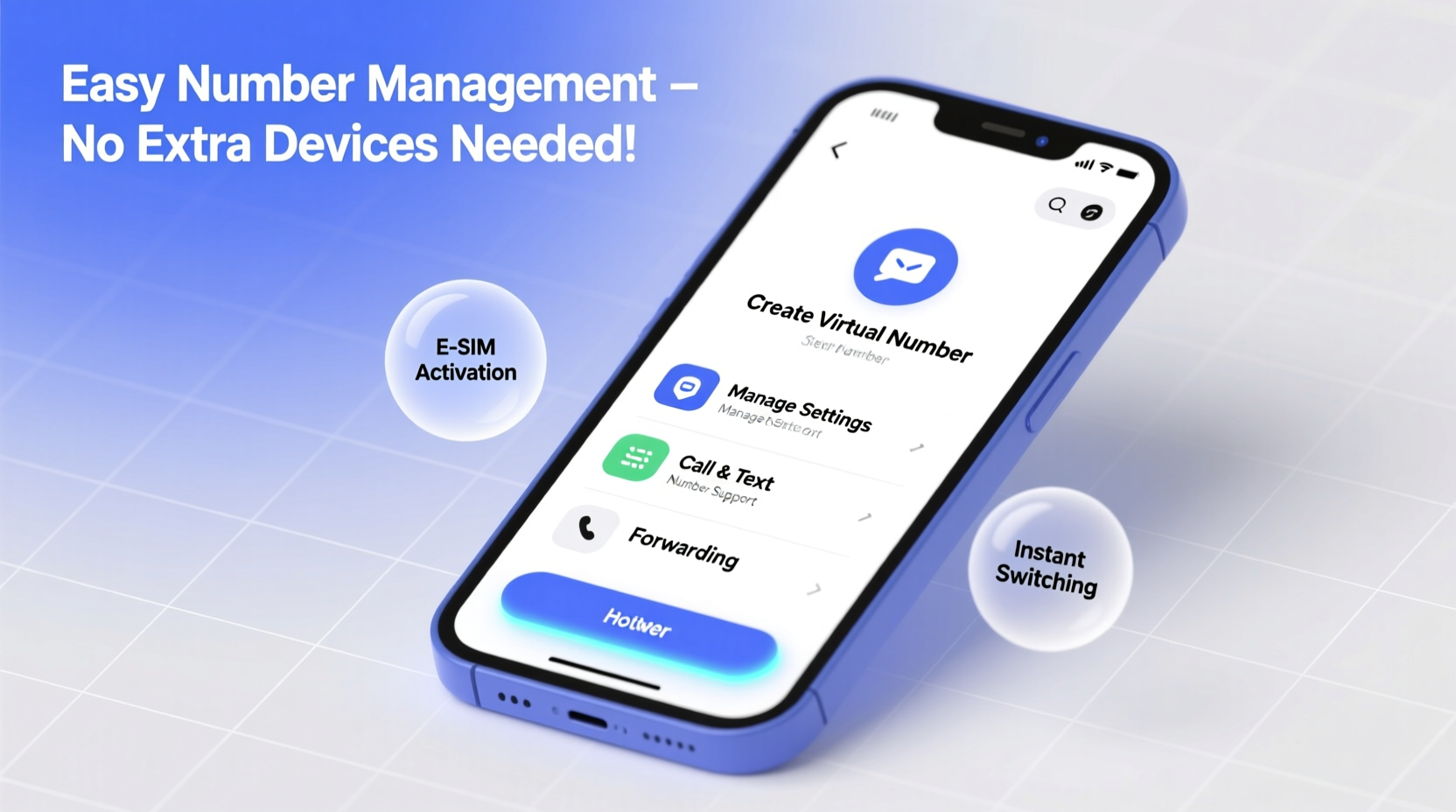
A virtual phone number is a real, functional number not tied to a physical SIM card. Instead, it operates over the internet via Voice over IP (VoIP) or app-based calling and texting. These numbers are hosted in the cloud and accessible through smartphones, tablets, or computers.
People use virtual numbers for various reasons:
- Privacy protection: Avoid sharing your personal number when signing up for services, selling items online, or networking.
- Work-life separation: Maintain professionalism by giving clients or employers a dedicated contact line.
- Travel and international use: Keep a local number while abroad without roaming charges.
- Business scalability: Entrepreneurs and freelancers can project legitimacy without investing in office infrastructure.
How to Create a New Number on Your Current Device
Setting up a new number doesn’t require technical expertise. Most solutions involve downloading an app, selecting a number, and linking it to your existing phone. Here’s a step-by-step process:
- Choose a reliable virtual number provider. Popular options include Google Voice, TextNow, Line2, and MySudo.
- Download the app from the App Store (iOS) or Google Play (Android).
- Create an account using your email address or Google/Apple ID.
- Select your preferred area code and search for available numbers.
- Verify your identity—some services ask for your primary number for security purposes.
- Start using the number for calls, texts, and even receiving two-factor authentication codes.
Once activated, incoming calls and messages appear within the app. Many services also support call forwarding, voicemail transcription, and SMS syncing across devices.
Top Virtual Number Apps Compared
| Service | Cost | Free Number? | iOS & Android? | Key Feature |
|---|---|---|---|---|
| Google Voice | Free (US only) | Yes | Yes | Integrates with Gmail and YouTube |
| TextNow | Free (ad-supported), Premium $5/mo | Yes | Yes | Unlimited free calling in US/Canada |
| Line2 | $9.99–$29.99/month | No | Yes | Dedicated business lines with auto-attendant |
| MySudo | $1–$15/month | Yes (1 free) | Yes | Create up to 9 separate identities |
| AirDroid Business | $24.99/year | No | Yes | Remote phone management + virtual number |
“Virtual numbers are no longer just for tech enthusiasts—they’re essential tools for anyone serious about digital privacy and communication efficiency.” — Sarah Lin, Digital Security Consultant
Managing Multiple Numbers Seamlessly
The challenge isn’t creating a second number—it’s managing both without confusion. Fortunately, modern apps offer smart features to streamline usage.
Use Labeling and Notifications Wisely
Assign distinct ringtones and notification sounds for each number. For example, set a professional tone for your business line and a casual chime for personal messages. This helps you respond appropriately—even before checking your phone.
Enable Call Forwarding When Needed
If you’re expecting an important call on your virtual number but prefer to use your primary line, enable call forwarding. Services like Google Voice allow you to route incoming calls to any verified device or number temporarily.
Sync Across Devices (Without Extra Hardware)
Many virtual number platforms support web versions. You can access your secondary inbox and make calls from a laptop using Chrome or Safari. This is ideal for drafting longer messages or handling customer inquiries during remote work—all from one device.
Real-World Example: Freelancer Using One Phone, Two Identities
Jamal, a freelance graphic designer based in Austin, used to juggle client communications on his personal number. He noticed that late-night messages blurred his boundaries and made him seem less professional. After researching options, he signed up for MySudo and created a clean “work” identity with a Texas-based number.
He now uses this number exclusively for client outreach, portfolio sign-ups, and invoices. His clients appreciate the dedicated line, and Jamal reports fewer distractions after hours. Best of all, everything runs on his single iPhone—he never had to buy a second device.
“It took me five minutes to set up,” Jamal said. “Now I look more credible, and my personal time stays protected.”
Common Mistakes to Avoid
While virtual numbers simplify communication, poor practices can undermine their benefits. Watch out for these pitfalls:
- Using unreliable free services: Some ad-supported apps may deactivate inactive numbers or display intrusive ads during calls.
- Sharing your virtual number too widely: Even secondary numbers can attract spam if posted publicly across multiple forums.
- Forgetting to back up messages: Not all apps automatically sync message history. Enable cloud backups if available.
- Assuming all verification systems accept VoIP: Some banks and social media platforms block virtual numbers during registration.
Do’s and Don’ts at a Glance
| Do | Don't |
|---|---|
| Use a reputable provider with strong encryption | Rely on unknown apps with poor reviews |
| Set clear usage rules (e.g., work vs. personal) | Mix both types of conversations on one line |
| Regularly update your app for security patches | Ignore app permissions or outdated software |
| Test call quality before critical meetings | Assume Wi-Fi will always deliver perfect audio |
Frequently Asked Questions
Can I receive text messages and calls on my virtual number?
Yes. Most virtual number services support full two-way calling and SMS. Messages are delivered within the app and often synced across devices if logged into the same account.
Will my contacts know it’s not my real number?
No—not unless you tell them. To the recipient, your virtual number appears as a standard mobile number. Caller ID displays normally, and replies go directly to your app.
Are virtual numbers legal and safe to use?
Absolutely. Legitimate providers comply with telecommunications regulations and data protection laws. However, avoid using them for deceptive or fraudulent activities, which violate terms of service and may carry legal consequences.
Final Thoughts: Take Control of Your Communication
Creating and managing a second phone number has never been easier—or more necessary. With just your current smartphone and a trusted app, you can establish a separate identity for business, privacy, or convenience. There’s no need to carry multiple devices, pay for extra plans, or compromise your personal information.
The key is choosing the right service for your needs, setting clear usage habits, and staying aware of limitations. Whether you're a remote worker, entrepreneur, or simply value your digital footprint, a virtual number gives you greater control over who reaches you and how.




 浙公网安备
33010002000092号
浙公网安备
33010002000092号 浙B2-20120091-4
Comments
No comments yet. Why don't you start the discussion?