
Creating an online course no longer requires expensive software, technical expertise, or a large budget. With the right approach and free tools, anyone can design a high-quality, engaging course from scratch. Whether you're passionate about teaching yoga, coding, cooking, or personal finance, turning your knowledge into a structured learning experience is more accessible than ever. This guide walks through the essential steps to build, deliver, and refine an online course—without spending a dollar.
1. Define Your Course Topic and Audience
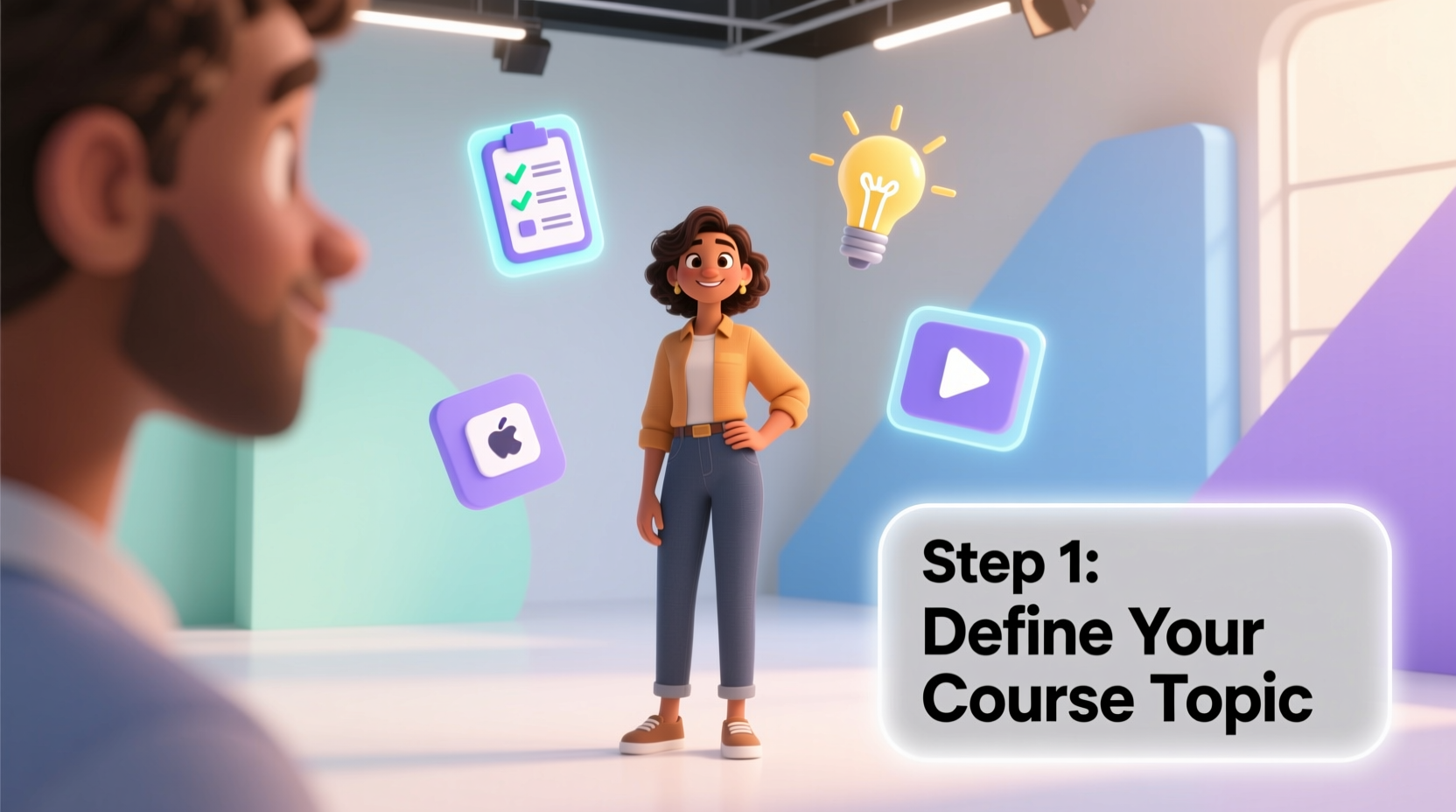
The foundation of any successful course is clarity. Start by identifying what you want to teach and who will benefit most from it. Choose a topic you’re knowledgeable and enthusiastic about. Then narrow it down to a specific skill or outcome. For example, instead of “cooking,” focus on “30-minute vegetarian meals for busy professionals.”
Understanding your audience ensures your content resonates. Ask yourself: What challenges do they face? What level of prior knowledge do they have? Are they looking for quick wins or in-depth mastery?
2. Plan Your Course Structure Step by Step
A well-organized course keeps learners engaged and motivated. Break your topic into digestible modules and lessons. Each module should represent a major concept, while each lesson covers a smaller, actionable idea.
- Outline your main goal: What will students be able to do by the end?
- Create 3–5 core modules: Group related concepts together.
- Break each module into 3–6 short lessons: Aim for 5–10 minutes per lesson.
- Add assessments: Include quizzes or reflection prompts to reinforce learning.
For example, a course titled “Beginner’s Guide to Budgeting” might include:
- Module 1: Understanding Income vs. Expenses
- Module 2: Building Your First Monthly Budget
- Module 3: Tracking Spending Without Stress
- Module 4: Saving for Short-Term Goals
3. Create Content Using Free Tools
You don’t need professional equipment to produce effective course material. Focus on clarity and consistency over production quality. Here are reliable free tools to use at every stage:
| Content Type | Free Tool | What It Does |
|---|---|---|
| Video Lessons | OBS Studio + YouTube | Record screen and webcam, then upload to unlisted YouTube videos |
| Slides & Handouts | Google Slides / Canva | Design visuals and downloadable PDFs |
| Course Hosting | Teachable (free plan) or Thinkific | Upload lessons, organize modules, track student progress |
| Quizzes & Assessments | Google Forms or ClassMarker | Create instant feedback quizzes |
| Audio Recording | Anchor or Audacity | Capture voiceovers or podcast-style lessons |
To record a lesson, open OBS Studio, select your screen and microphone, and start recording. Edit out long pauses using the free version of Shotcut or DaVinci Resolve. Upload the final video to YouTube as “unlisted” so only enrolled students can view it via the link in your course platform.
“Engagement comes not from polished visuals, but from clear explanations and relatable examples.” — Dr. Lina Patel, Educational Technologist
4. Build Engagement Through Active Learning
An engaging course invites participation, not passive watching. Incorporate opportunities for interaction throughout your content:
- Ask reflective questions (“What’s one expense you could reduce this week?”)
- Include simple exercises (“Download the budget template and fill in your last month’s income”)
- Encourage journaling or sharing in a discussion forum
- Use storytelling to illustrate key points
On platforms like Teachable’s free plan, you can add discussion comments under each lesson. Prompt conversation with questions like, “What’s your biggest money habit—and is it helping or hurting you?”
5. Launch and Improve Based on Feedback
Your first version doesn’t need to be perfect—launching early allows you to gather real user insights. Share your course with a small group of beta testers (friends, social media followers, or email subscribers). Ask them to complete it and provide honest feedback.
Look for answers to these questions:
- Was anything confusing or too fast?
- Did the exercises feel useful?
- Would they recommend it to someone else?
Use their input to refine your explanations, reorder lessons, or add missing content. One educator improved her course on mindful breathing after testers said the instructions were unclear. She added a simple diagram made in Google Drawings—and completion rates jumped by 40%.
Mini Case Study: From Idea to Impact
Sarah, a freelance graphic designer, wanted to help new entrepreneurs create simple logos without hiring a designer. She created a free course called “DIY Logo Design in Canva” using Google Slides for tutorials, recorded her screen with OBS, and hosted everything on Thinkific. She shared it with 50 people in a Facebook group for solopreneurs. Within two weeks, 32 completed the course, and several posted their logo designs in the group. Based on feedback, Sarah added a bonus lesson on color psychology. Six months later, she turned the course into a paid offering—starting with zero investment.
Essential Checklist for Beginners
Follow this checklist to ensure your course is ready for learners:
- ✅ Choose a focused, valuable topic
- ✅ Identify your ideal learner’s needs
- ✅ Outline 3–5 modules with clear outcomes
- ✅ Record short video or audio lessons using free tools
- ✅ Design simple slides or handouts (PDF format)
- ✅ Add quizzes or reflection prompts
- ✅ Host your course on a free platform (Teachable, Thinkific)
- ✅ Test with 5–10 people and collect feedback
- ✅ Revise based on suggestions
- ✅ Share publicly or promote via email/social media
Frequently Asked Questions
Can I really create a course with no budget?
Yes. All the tools mentioned—OBS Studio, Google Workspace, Canva, Teachable’s free plan, and YouTube—are completely free for basic use. You only need a computer, internet connection, and willingness to learn.
How long does it take to make a course?
A basic 4-module course can be built in 10–20 hours over a few weeks. The time varies based on content depth, but breaking work into small tasks makes it manageable even with a full schedule.
Do I need teaching experience?
No. If you’ve successfully applied a skill yourself, you can teach it. Clarity, empathy, and organization matter more than formal credentials.
Start Teaching What You Know
Creating an engaging online course for free is within reach for anyone willing to start small and stay consistent. The tools exist. The audience is searching. What sets successful creators apart isn’t budget or perfection—it’s action. Begin with one lesson. Share it. Learn from feedback. Improve. Repeat. Every expert was once a beginner who pressed record and hit publish. Your knowledge has value. Package it clearly, deliver it kindly, and you’ll make a real difference—one learner at a time.




 浙公网安备
33010002000092号
浙公网安备
33010002000092号 浙B2-20120091-4
Comments
No comments yet. Why don't you start the discussion?