
YouTube has become one of the most powerful platforms for sharing ideas, building communities, and even launching careers. The good news? You don’t need expensive gear or a production team to start. With smart planning and the right techniques, you can create compelling videos using only tools and apps available for free. Whether you're teaching a skill, vlogging your journey, or reviewing products, this guide walks you through every stage—from concept to upload—without spending a cent.
1. Define Your Purpose and Audience
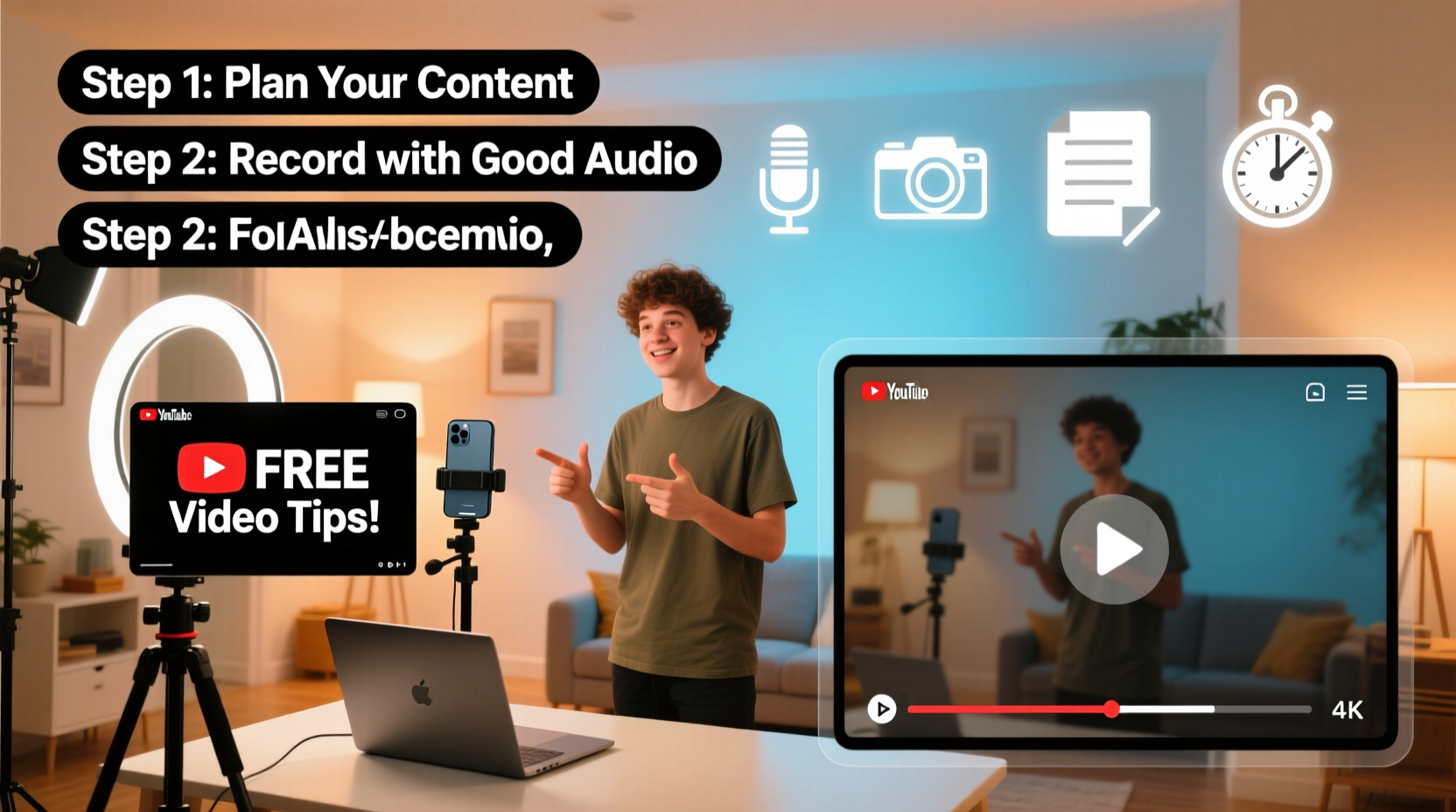
Before pressing record, clarity is essential. Ask yourself: What do I want viewers to gain from my video? Who am I speaking to? A tech tutorial aimed at beginners will look very different from a travel diary targeting adventure seekers. Narrowing your niche helps you craft content that resonates deeply.
Start by writing down three key elements:
- Topic: What subject are you covering?
- Target viewer: Age, interests, pain points.
- Goal: Educate, entertain, inspire, or convert?
2. Plan Your Content Strategically
Engaging videos don’t happen by accident. They follow a structure designed to hold attention. Use this simple framework to outline your script:
- Hook (0–10 seconds): Start with a question, bold statement, or visual surprise.
- Intro (10–30 seconds): Introduce yourself and explain what the viewer will learn.
- Main content (1–5 minutes): Break information into clear segments.
- Call to action (last 30 seconds): Ask viewers to like, subscribe, comment, or visit a link.
For example, if you’re making a “How to Study Effectively” video, your hook could be: “You’ve been studying wrong—and it’s costing you grades.” That creates instant curiosity.
“Viewers decide whether to stay within the first seven seconds. Make them count.” — Matt Wolfe, Digital Creator & Tech Analyst
3. Record High-Quality Video and Audio Without Spending Money
You don’t need a DSLR or lavalier mic to get started. Most smartphones today shoot in 1080p or even 4K, which is more than enough for YouTube. Here’s how to maximize what you already have:
- Lighting: Film near a window during daylight. Avoid backlighting—face the light source.
- Stability: Rest your phone on a stack of books or use a DIY tripod made from household items.
- Audio: Record in a quiet room. Use free apps like RecForge II (Android) or Voice Memos (iOS) for cleaner sound than default camera apps.
- Framing: Position the camera at eye level. Leave space above your head and avoid cluttered backgrounds.
If filming yourself isn’t possible, consider screen recordings. Tools like OBS Studio (free and open-source) let you capture your desktop, webcam, and audio simultaneously—perfect for tutorials or commentary videos.
| Need | Free Solution | Platform |
|---|---|---|
| Video Editing | DaVinci Resolve | Windows, Mac, Linux |
| Screen Recording | OBS Studio | All platforms |
| Audio Editing | Audacity | Windows, Mac, Linux |
| Thumbnail Design | Canva (Free Tier) | Web-based |
| Script Writing | Google Docs | Web-based |
4. Edit Like a Pro Using Free Tools
Editing transforms raw footage into a polished story. DaVinci Resolve offers professional-grade features—color correction, transitions, audio leveling—for free. While it has a learning curve, its built-in tutorials make it accessible even for beginners.
Follow these editing steps:
- Import and organize clips by scene or topic.
- Cut out pauses, mistakes, and filler words (“um,” “like”) to keep pace tight.
- Add background music from YouTube’s Audio Library (royalty-free and safe to use).
- Include text overlays to emphasize key points—especially helpful for silent viewers.
- Export in 1080p with H.264 codec for best balance of quality and file size.
5. Optimize for Discovery and Engagement
Even the best video won’t succeed if no one sees it. YouTube is the second-largest search engine, so treat your upload like a search result.
Use this checklist before publishing:
- Title: Clear, keyword-rich, under 60 characters. Example: “5 Free Apps to Edit YouTube Videos (No Experience Needed)”
- Description: First two lines should include main keywords and a brief summary. Add timestamps if applicable.
- Tags: Include 5–8 relevant terms (e.g., “free video editing,” “beginner YouTube tips”)
- Thumbnail: Use high contrast, readable text, and expressive facial reactions if on camera. Canva has free YouTube thumbnail templates.
- Playlist: Add your video to a themed playlist to encourage binge-watching.
“Your thumbnail and title are a promise. If the content delivers, YouTube rewards you with more recommendations.” — Marie Haynes, SEO Consultant
Mini Case Study: From Zero to 10K Views in 60 Days
Jamal, a college student passionate about budget cooking, wanted to share quick meal ideas. He used his iPhone to film recipes in his dorm kitchen, edited clips with DaVinci Resolve, and created thumbnails in Canva. His first video, “$3 Ramen Upgrade in 5 Minutes,” used a bright red text overlay and close-up shots of ingredients.
He optimized the title and description with keywords like “cheap college meals” and “easy ramen hacks.” Within two weeks, the video gained traction through YouTube search and was featured in several “Recommended” feeds. In two months, he reached over 10,000 views and grew his channel to 1,200 subscribers—all without spending a dollar on equipment or ads.
6. Publish Consistently and Engage Authentically
Consistency builds trust. Uploading once a week—even short videos—signals to YouTube’s algorithm that you’re an active creator. More importantly, it gives your audience something to look forward to.
After uploading, engage with comments. Respond to questions, thank viewers for feedback, and ask for video suggestions. This interaction boosts watch time and loyalty.
Track performance using YouTube Studio. Focus on three metrics:
- Click-Through Rate (CTR): Percentage of people who click your video after seeing it. Aim for 5% or higher.
- Average View Duration: How long people watch. Improve this by tightening edits and improving hooks.
- Subscriber Conversion: How many viewers hit “Subscribe.” Encourage this with a natural call-to-action.
FAQ
Do I need a microphone to start a YouTube channel?
No. Built-in phone mics work well in quiet environments. For better results, record in a closet filled with clothes—it dampens echo. Upgrade later if needed.
Can I monetize videos made with free tools?
Absolutely. YouTube’s Partner Program requires 1,000 subscribers and 4,000 watch hours—not paid software. Many successful creators began with free setups.
How often should I post as a beginner?
Start with one high-quality video per week. It’s better to publish consistently with moderate effort than burn out trying to post daily.
Conclusion
Creating engaging YouTube videos for free is not just possible—it’s practical and powerful. By focusing on value, clarity, and consistency, you can build an audience without investing a single dollar. The tools are already in your pocket or on your laptop. What matters most is showing up, being real, and solving problems for your viewers.




 浙公网安备
33010002000092号
浙公网安备
33010002000092号 浙B2-20120091-4
Comments
No comments yet. Why don't you start the discussion?