
In an age where information is constantly streaming across our screens, it's easy to fall into the trap of endless scrolling—browsing social media, shopping sites, news feeds, or video platforms without a clear purpose. What begins as a moment of relaxation often turns into hours of passive consumption, leaving us mentally drained and paradoxically worse at making even simple decisions. This state is known as decision fatigue: a cognitive decline in the quality of choices after prolonged mental effort. Unlike physical exhaustion, decision fatigue creeps in subtly, eroding willpower and clarity until you feel stuck, overwhelmed, or indifferent. The root? Not just too many decisions, but too much exposure to stimuli that mimic choice without delivering satisfaction.
Understanding how digital overload contributes to decision fatigue is the first step toward reclaiming focus and agency. More importantly, practical systems can be implemented to reduce mental clutter, improve decision-making stamina, and restore intentionality to your digital habits.
The Hidden Cost of Endless Scrolling
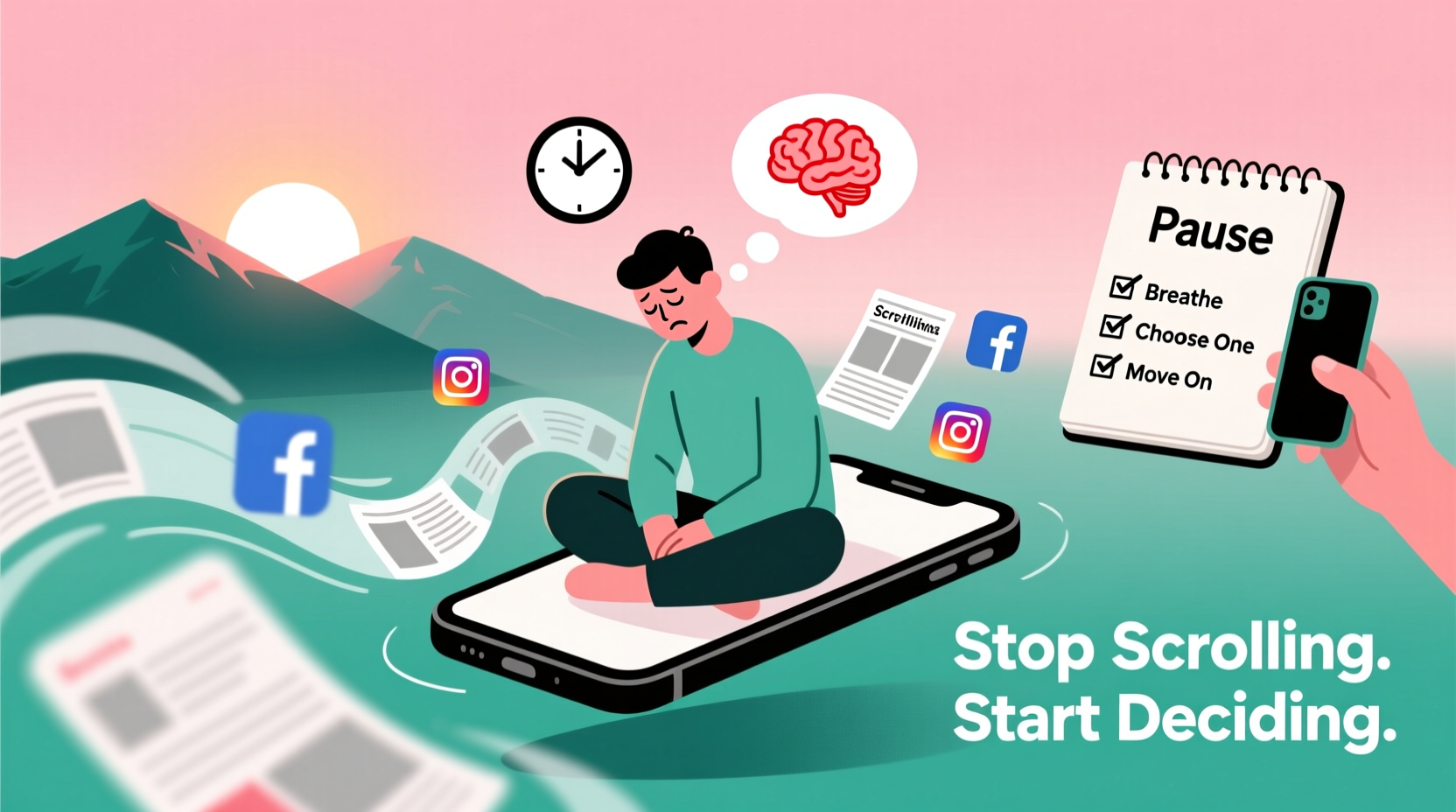
Scrolling has become second nature. Whether it’s checking Instagram for updates, watching TikTok videos “just one more,” or comparing ten nearly identical products on Amazon, each action presents micro-decisions: Do I like this post? Should I save it? Is this the right color? Which review matters most? While individually trivial, these choices accumulate rapidly, taxing the brain’s prefrontal cortex—the region responsible for judgment, self-control, and planning.
Research from Roy F. Baumeister and colleagues on ego depletion suggests that willpower and decision-making are finite resources. Every time you resist clicking on a distracting link, choose between two outfits online, or decide whether to reply to a message, you deplete a small portion of your mental reserves. When scrolling becomes habitual, these micro-decisions compound, leading to mental exhaustion even if no major life choice was made.
The problem intensifies because digital environments are engineered to exploit attention. Platforms use algorithms designed to keep users engaged through variable rewards—similar to slot machines—triggering dopamine spikes that reinforce continued scrolling. Over time, this creates a cycle: more scrolling → more micro-decisions → increased fatigue → poorer decisions → greater impulsivity → more scrolling.
“Every decision we make, no matter how small, draws from the same well of mental energy. When that well runs low, even choosing what to eat for dinner feels overwhelming.” — Dr. Emily Tran, Cognitive Psychologist
Recognizing the Signs of Decision Fatigue
Decision fatigue doesn’t always announce itself dramatically. Instead, it manifests in behaviors and emotional states that may seem unrelated at first:
- Procrastinating on small tasks (e.g., replying to emails, scheduling appointments)
- Feeling irritable or emotionally reactive after screen time
- Defaulting to impulsive choices (ordering fast food, buying unnecessary items)
- Experiencing mental fog or difficulty concentrating
- Avoiding decisions altogether by doing nothing
- Increased reliance on defaults or recommendations instead of personal judgment
If you’ve ever found yourself staring at a menu unable to pick, abandoning a cart full of items, or snapping at someone after a long session online, you’ve likely experienced decision fatigue. It’s not laziness—it’s cognitive overload disguised as indecision.
Strategies to Reduce Digital Decision Load
The goal isn’t to eliminate scrolling entirely—though mindful usage helps—but to minimize its toll on decision-making capacity. Here are proven methods to protect your mental energy:
1. Set Intentional Browsing Windows
Instead of allowing open-ended access to apps and websites, define specific times and durations for online browsing. For example, allow 20 minutes after lunch for social media, then close all related apps. This reduces the number of entry points where decisions must be made (“Should I check now?”) and establishes boundaries that preserve mental bandwidth.
2. Curate Your Feeds Proactively
Unfollow accounts, mute keywords, and unsubscribe from newsletters that don’t add value. A cluttered feed forces constant filtering—another form of decision-making. By curating content aggressively, you reduce cognitive load every time you open an app.
3. Batch Similar Decisions
Group decision types together and handle them in dedicated sessions. For instance:
- Shopping: Once a week, review needs and make purchases in one go.
- Scheduling: Block calendar time monthly to plan appointments and events.
- Content creation: Draft multiple social posts in a single session rather than deciding daily.
4. Automate Low-Stakes Choices
Eliminate recurring decisions with routines and defaults. Wear a capsule wardrobe, meal prep weekly, or set standard replies for common messages. Fewer trivial decisions mean more clarity for important ones.
Step-by-Step Guide to Reset After Digital Overload
When you recognize signs of decision fatigue, immediate intervention can help reset your mental state. Follow this six-step process:
- Pause and Disengage: Close all tabs and apps. Physically move away from the device if possible.
- Breathe and Ground Yourself: Take five slow breaths, focusing on inhaling deeply and exhaling fully. This activates the parasympathetic nervous system, reducing stress.
- Hydrate and Move: Drink water and stretch. Physical movement increases blood flow to the brain and improves alertness.
- Write Down What You Need to Decide: Externalize choices on paper. Seeing them visually reduces anxiety and clarifies priorities.
- Apply the 2-Minute Rule: If a decision takes less than two minutes (e.g., sending a quick text), do it immediately. Otherwise, schedule it.
- Protect the Next Hour: Commit to no new inputs—no emails, no notifications—for 60 minutes. Use this time to rest or engage in low-cognitive tasks like walking or journaling.
This sequence interrupts the feedback loop of digital overstimulation and restores executive function gradually.
Do’s and Don’ts of Managing Online Decision Load
| Do | Don’t |
|---|---|
| Use website blockers during focused work hours | Scroll while waiting for minor tasks (e.g., microwave, loading screens) |
| Create templates for frequent decisions (e.g., email responses) | Make major financial or emotional decisions when mentally fatigued |
| Review and prune subscriptions monthly | Keep apps with push notifications enabled unnecessarily |
| Designate tech-free zones (e.g., bedroom, dining table) | Use your phone immediately upon waking or before sleeping |
| Practice “single-tasking” when making important choices | Multitask across decision-heavy activities (e.g., shopping while working) |
Mini Case Study: From Paralysis to Clarity
Sarah, a freelance graphic designer, noticed she was spending up to three hours a day scrolling through design inspiration sites, client portfolios, and social media. Despite gathering ideas, she struggled to start her own projects, often feeling “overwhelmed by options.” She’d delay client revisions, skip meals, and end the day exhausted without completing key tasks.
After tracking her behavior, Sarah realized that passive browsing wasn’t inspiring—it was depleting. She implemented several changes:
- Limited design research to 30 minutes per week using a timer.
- Created mood boards in advance so she wouldn’t need to search mid-project.
- Turned off non-essential notifications and used grayscale mode on her phone after 7 PM.
- Adopted a morning routine that included journaling and tea—no screens for the first hour.
Expert Insight: The Neuroscience Behind Choice Overload
Dr. Lena Patel, a behavioral neuroscientist at Stanford University, explains: “The human brain evolved to make a limited number of high-stakes decisions per day—like where to find food or avoid danger. Today, we face hundreds of ‘pseudo-choices’ hourly, none of which carry survival weight but all of which activate the same neural circuits. This mismatch leads to chronic low-grade stress and diminished cognitive control.”
She emphasizes that awareness alone isn’t enough. “You need structural changes—routines, filters, and environmental design—to counteract the default pull of infinite scroll.”
“The best defense against decision fatigue isn’t stronger willpower. It’s smarter architecture around your choices.” — Dr. Lena Patel, Behavioral Neuroscientist
Checklist: Reclaim Your Decision-Making Power
Use this checklist weekly to assess and improve your digital decision hygiene:
- ✅ Audit apps: Uninstall or disable at least one app that causes mindless scrolling
- ✅ Set screen time limits for entertainment platforms
- ✅ Schedule one “decision-free” evening per week (no shopping, planning, or problem-solving)
- ✅ Implement a shutdown ritual: Close all browser tabs and note unfinished decisions for tomorrow
- ✅ Replace one scrolling habit with a tactile alternative (e.g., reading a physical book, drawing, walking)
- ✅ Review upcoming decisions and batch them into one session
- ✅ Test one automation (e.g., auto-renewals, recurring orders) to eliminate a repeated choice
Frequently Asked Questions
Can decision fatigue affect physical health?
Yes. Chronic decision fatigue is linked to elevated cortisol levels, poor sleep, and reduced impulse control, which can contribute to unhealthy eating, sedentary behavior, and burnout. Over time, this increases risk for metabolic disorders and cardiovascular strain.
Is there a difference between decision fatigue and burnout?
While related, they are distinct. Burnout is a prolonged state of emotional, physical, and mental exhaustion often tied to work or caregiving. Decision fatigue is a temporary depletion of cognitive resources after excessive choices, which can occur even in short bursts of online activity. However, untreated decision fatigue can accelerate burnout.
How long does it take to recover from decision fatigue?
Recovery varies, but most people experience noticeable improvement within 30–90 minutes of disengaging from stimuli, hydrating, and resting. Full restoration of decision-making capacity typically occurs after a good night’s sleep and structured downtime. Consistent habits reduce both frequency and severity over time.
Conclusion: Take Back Control One Choice at a Time
Endless scrolling doesn’t just waste time—it drains the mental reserves needed to live intentionally. Decision fatigue is not a personal failing; it’s a predictable consequence of living in an environment saturated with artificial urgency and infinite options. But with deliberate design, you can reverse the trend. Start small: limit one app, automate one choice, create one screen-free zone. Each adjustment protects your attention and strengthens your ability to act with clarity rather than react out of exhaustion.
You don’t need to quit technology to regain control. You need to redesign your relationship with it. Begin today—not by scrolling less, but by choosing more wisely when and how you engage. Your future self will make better decisions because of it.




 浙公网安备
33010002000092号
浙公网安备
33010002000092号 浙B2-20120091-4
Comments
No comments yet. Why don't you start the discussion?