
Dictionaries are one of the most powerful and widely used data structures in Python. They allow you to store data as key-value pairs, making it easy to retrieve values based on meaningful identifiers rather than numeric indices. Whether you're building a configuration system, managing user data, or parsing JSON responses, understanding how to properly declare and initialize dictionaries is essential for any beginner stepping into real-world programming.
Unlike lists or tuples, dictionaries are unordered (prior to Python 3.7) but highly efficient for lookups. Since Python 3.7+, insertion order is preserved by default, adding predictability without sacrificing performance. This guide walks through every method of creating dictionaries, explains syntax nuances, and demonstrates when to use each approach.
Understanding Dictionary Basics
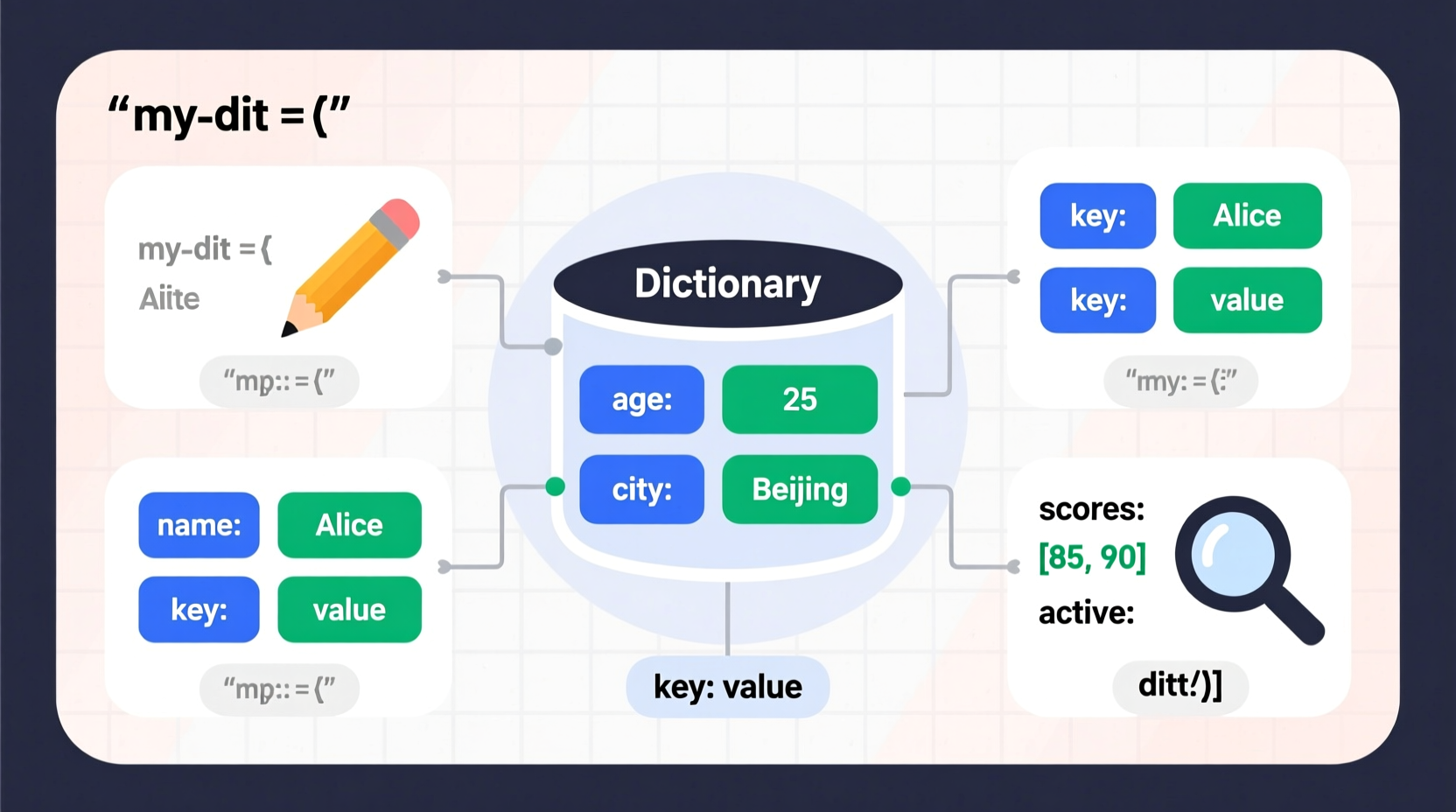
A dictionary in Python is defined using curly braces {} and contains comma-separated key-value pairs. Each key must be unique and immutable (like strings, numbers, or tuples), while values can be any data type—strings, lists, other dictionaries, functions, or even custom objects.
The basic structure looks like this:
dictionary_name = {key1: value1, key2: value2, key3: value3}For example:
student = {\"name\": \"Lena\", \"age\": 21, \"major\": \"Computer Science\"}Here, \"name\", \"age\", and \"major\" are keys; \"Lena\", 21, and \"Computer Science\" are their corresponding values. You can access values using bracket notation:
print(student[\"name\"]) # Output: LenaMethods to Declare and Initialize Dictionaries
Python offers multiple ways to create dictionaries. Choosing the right method depends on context, readability, and source data.
1. Using Curly Braces (Literal Syntax)
This is the most common and readable way to define a dictionary directly in code:
person = {
    \"first_name\": \"Jamal\",
    \"last_name\": \"Thompson\",
    \"email\": \"jamal@example.com\",
    \"is_active\": True
}
This format works well for hardcoded configurations, defaults, or small datasets. It’s clean and immediately understandable.
2. Using the dict() Constructor
You can also create dictionaries using the built-in dict() function. This method supports several input styles:
- Keyword arguments: Keys must be valid identifiers (no spaces or special characters).
user = dict(username=\"jenny_123\", role=\"admin\", active=True)- Key-value pairs via tuples: Useful when keys aren’t valid identifiers or come from variables.
config = dict([(\"debug_mode\", True), (\"timeout\", 30), (\"retries\", 3)])- From another dictionary: Creates a shallow copy.
original = {\"a\": 1, \"b\": 2}
copy_dict = dict(original)
“Using
dict() improves clarity when constructing dictionaries dynamically or from external inputs.” — Ana Perez, Senior Python Developer
3. Dictionary Comprehensions
Similar to list comprehensions, dictionary comprehensions offer a concise way to generate dictionaries from iterables:
squares = {x: x**2 for x in range(1, 6)}
# Result: {1: 1, 2: 4, 3: 9, 4: 16, 5: 25}
You can add conditions:
evens_squared = {x: x**2 for x in range(1, 11) if x % 2 == 0}
# Result: {2: 4, 4: 16, 6: 36, 8: 64, 10: 100}
This method shines when transforming or filtering large datasets programmatically.
4. From Keys Using fromkeys()
If you want to initialize a dictionary with known keys and a default value (often None or zero), use fromkeys():
defaults = dict.fromkeys([\"host\", \"port\", \"username\", \"password\"], None)
# Result: {'host': None, 'port': None, 'username': None, 'password': None}
Note: All keys share the same reference. Avoid using mutable defaults (like lists) unless you plan to reassign them later.
5. Building Incrementally
Sometimes, you start with an empty dictionary and populate it over time:
inventory = {}
inventory[\"apples\"] = 45
inventory[\"bananas\"] = 30
inventory[\"oranges\"] = 20
This approach is useful in loops or conditional logic where entries depend on runtime data.
Best Practices and Common Pitfalls
While declaring dictionaries seems straightforward, subtle issues can arise without proper care.
| Pitfall | Description | Solution |
|---|---|---|
| Invalid Key Types | Using mutable types like lists as keys | Stick to strings, numbers, or tuples of immutables |
| Missing Keys | Accessing a non-existent key raises KeyError | Use .get() or in checks before access |
| Mutating Shared Values | fromkeys() with mutable default affects all entries |
Reinitialize values individually after creation |
| Unnecessary Nesting | Over-nesting makes data hard to navigate | Flatten structure or use classes/dataclasses for complex models |
my_dict.get(\"key\", \"default\") instead of direct access to safely handle missing keys.
Real-World Example: User Registration System
Imagine building a simple registration form that collects user input and stores profile data. Here's how dictionaries streamline the process:
# Initialize template
user_template = dict.fromkeys([\"username\", \"email\", \"age\", \"subscription_plan\"], None)

# Simulate form submission
form_data = {\"username\": \"maria_dev\", \"email\": \"maria@example.com\", \"age\": 29}

# Populate dictionary
for key, value in form_data.items():
    if key in user_template:
        user_template[key] = value

# Set default subscription
user_template[\"subscription_plan\"] = user_template.get(\"subscription_plan\", \"basic\")

print(user_template)
# Output: {'username': 'maria_dev', 'email': 'maria@example.com',
#          'age': 29, 'subscription_plan': 'basic'}
This pattern ensures consistency across user records and simplifies future updates or validations.
Step-by-Step Guide to Initializing a Configuration Dictionary
Follow these steps to build a robust configuration dictionary for an application:
- Identify required settings: List all parameters needed (e.g., database URL, API key, debug flag).
- Choose initialization method: Use literal syntax for static values,
dict()for dynamic ones. - Set defaults: Apply
fromkeys()or comprehension for uniform initial states. - Add environment overrides: Update values from environment variables if available.
- Validate entries: Ensure critical keys exist before proceeding.
import os

config = {
    \"db_host\": \"localhost\",
    \"db_port\": 5432,
    \"api_timeout\": 10
}

# Override with environment variables if set
config[\"db_host\"] = os.getenv(\"DB_HOST\", config[\"db_host\"])
config[\"api_timeout\"] = int(os.getenv(\"API_TIMEOUT\", config[\"api_timeout\"]))
Frequently Asked Questions
Can dictionary keys be numbers?
Yes. Integers, floats, and even complex numbers (if hashable) can serve as keys. However, strings are preferred for readability.
What happens if I assign a new value to an existing key?
The old value is overwritten. Dictionaries enforce unique keys, so duplicate assignment updates rather than appends.
Is there a performance difference between initialization methods?
Minor differences exist, but readability and maintainability matter more in most applications. Literal syntax ({}) is generally fastest for static data.
Final Thoughts and Next Steps
Mastering dictionary declaration and initialization opens doors to cleaner, more efficient Python code. From storing user profiles to managing application settings, dictionaries provide flexibility and speed. By choosing the appropriate method—literal syntax, constructor calls, comprehensions, or incremental builds—you gain control over both structure and scalability.
As you grow more comfortable, explore advanced topics like nested dictionaries, merging dictionaries with | (Python 3.9+), or using defaultdict from the collections module for automatic default handling.




 浙公网安备
33010002000092号
浙公网安备
33010002000092号 浙B2-20120091-4
Comments
No comments yet. Why don't you start the discussion?