
In a world where most of our work happens on screens, digital clutter has become an invisible burden. Unlike physical mess, it doesn’t pile up on the floor—but it does accumulate in folders, browser tabs, email inboxes, and desktop icons. Over time, this disorganization drains mental energy, increases anxiety, and fragments attention. The good news? A clean digital environment isn’t about deleting everything or becoming a minimalist overnight. It’s about creating systems that support clarity, reduce distractions, and allow deep work to flourish.
Just as a tidy desk helps you think clearly, a streamlined digital workspace can dramatically improve focus, reduce decision fatigue, and lower daily stress. This guide walks through practical, sustainable strategies to reclaim control over your digital life—without overwhelm.
The Hidden Cost of Digital Clutter
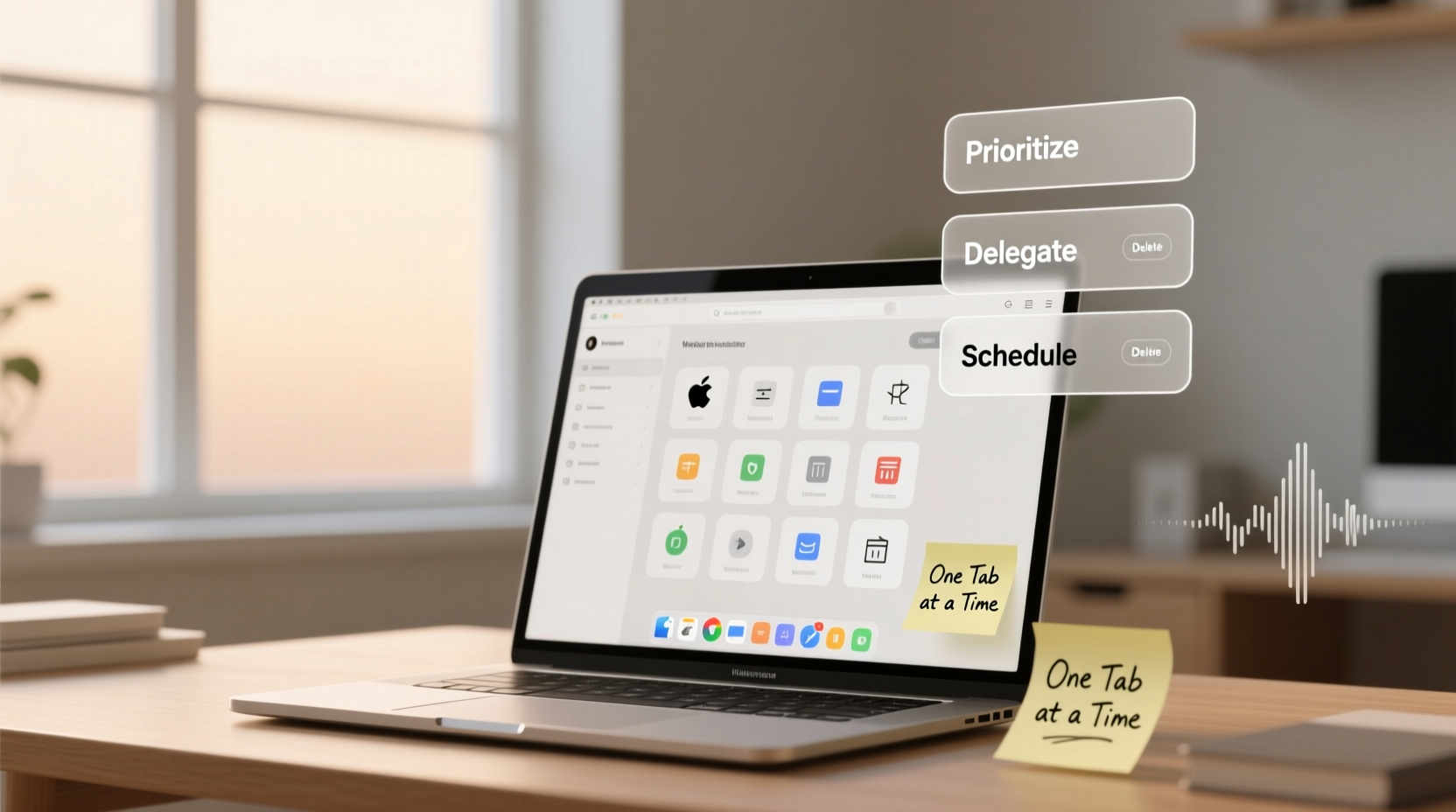
Digital clutter isn't just about having too many files. It's the constant visual noise from desktop icons, the cognitive load of sifting through unread emails, and the frustration of searching for a document you know exists but can’t locate. Studies show that environmental disorder competes for attention, reducing working memory and increasing cortisol levels—the hormone linked to stress.
A 2021 study published in the *Journal of Environmental Psychology* found that participants in visually cluttered digital environments made more errors and reported higher mental fatigue than those in organized interfaces. Notifications, overlapping windows, and chaotic folder structures force the brain into reactive mode, making it harder to engage in focused, creative thinking.
“Digital clutter is not benign. It’s a continuous low-grade distraction that erodes productivity and emotional well-being.” — Dr. Linda Ray, Cognitive Behavioral Specialist
The solution isn’t working longer hours or using more apps. It’s simplifying the environment so your tools serve you—not distract you.
Step-by-Step Guide to Decluttering Your Digital Workspace
Decluttering digitally requires intentionality and structure. Follow this five-phase process to build a cleaner, calmer, and more efficient workflow.
Phase 1: Audit Your Current Setup
Begin by observing your digital habits without judgment. For one full workday, note:
- How many browser tabs you typically have open
- Where you save new files (desktop, downloads, cloud?)
- How often notifications interrupt your focus
- Which apps or tools you use daily vs. rarely
This audit reveals patterns—like saving everything to the desktop “for now” or using five different note-taking apps at once. Awareness is the first step toward change.
Phase 2: Clean Your Desktop and File System
Your desktop is prime visual real estate. When filled with icons, it becomes a source of subconscious stress. Aim for a clean slate: no more than five active items.
Follow these steps:
- Select all desktop items and move them into a temporary folder called “Review – [Today’s Date].”
- Open the folder and sort files into categories: Active Projects, Reference, Archive, Delete.
- Delete duplicates, outdated versions, and irrelevant downloads.
- Create a logical folder hierarchy (e.g., Work > Clients > Project Alpha) and file accordingly.
- Set up automated rules: Move all downloads older than 30 days to an archive folder.
Phase 3: Streamline Your Email Inbox
Email is often the biggest source of digital overwhelm. Instead of aiming for “inbox zero,” aim for “inbox control.”
Start by unsubscribing from newsletters and promotions you no longer read. Tools like Unroll.me or Gmail’s built-in unsubscribe feature make this quick.
Next, apply the “Four Ds” to each message:
| Action | What It Means |
|---|---|
| Delete | Remove spam, outdated notices, or irrelevant messages immediately. |
| Delegate | Forward tasks that belong to others; archive after. |
| Do | If it takes less than two minutes, handle it now. |
| Defer | Move actionable items to a task manager or schedule a time to respond. |
Finally, create folders or labels for active projects, and archive everything else. Turn off desktop notifications and check email only at scheduled times—twice a day is usually sufficient.
Phase 4: Optimize Your Browser and Apps
Browser tab overload is a modern epidemic. Having 20+ tabs open doesn’t mean you’re productive—it means your brain is holding onto tasks instead of completing them.
Use this approach:
- Install a tab manager like OneTab or Toby to save groups of research tabs.
- Close all tabs and reopen only what you need for the current task.
- Bookmark essential pages in categorized folders (e.g., “Finance Tools,” “Design Resources”).
- Remove unused extensions—they slow down performance and add visual noise.
Similarly, audit your installed applications. Uninstall software you haven’t used in six months. Keep only the core tools that align with your daily work.
Phase 5: Establish Maintenance Routines
Decluttering isn’t a one-time event. To sustain results, build micro-habits:
- Spend 10 minutes every Friday closing unused tabs and organizing files.
- Clear your downloads folder weekly.
- Review app usage monthly via screen time reports (available on macOS and Android).
- Automate backups using cloud services like Google Drive or iCloud.
These small actions prevent clutter from creeping back in.
Digital Decluttering Checklist
Use this checklist to guide your cleanup process. Complete one section per day to avoid burnout.
- ✅ Clear desktop: Move all icons to a review folder
- ✅ Delete duplicate, outdated, or unnecessary files
- ✅ Organize documents into a clear folder hierarchy
- ✅ Unsubscribe from 10+ unwanted emails
- ✅ Apply the Four Ds to your inbox
- ✅ Close all unused browser tabs
- ✅ Install a tab manager or session saver
- ✅ Remove unused apps and browser extensions
- ✅ Set up automatic cloud backups
- ✅ Schedule a weekly 15-minute digital cleanup
Real Example: How Sarah Regained Focus in Two Weeks
Sarah, a freelance graphic designer, was struggling with constant distractions. Her desktop had 87 files, her inbox had over 3,000 unread messages, and she often lost client assets because they were buried in subfolders.
She decided to implement a two-week digital reset. In week one, she cleared her desktop, archived old projects, and created a standardized folder system. She also set up filters to automatically sort client emails into labeled folders.
In week two, she tackled her browser habits. She reduced her average tab count from 35 to 5 by using Toby to save research sessions. She turned off non-essential notifications and began checking email only at 10 a.m. and 3 p.m.
The result? Within 10 days, she reported feeling “lighter” at work. She completed client revisions 30% faster and stopped missing deadlines due to misplaced files. Most importantly, she felt more in control—mentally and emotionally.
Common Pitfalls to Avoid
Even with the best intentions, people fall into traps when decluttering digitally. Here are key mistakes and how to avoid them:
| Pitfall | Why It’s Harmful | Better Approach |
|---|---|---|
| Trying to do everything at once | Leads to burnout and abandonment | Break the process into 20-minute daily tasks |
| Keeping files “just in case” | Creates false security and clutter | Ask: “Will I realistically use this in the next 6 months?” |
| Over-organizing with too many folders | Makes navigation harder | Stick to 3–5 main categories max |
| Ignoring mobile devices | Photos, apps, and notes add up quickly | Sync cleanup efforts across all devices |
Frequently Asked Questions
How often should I declutter my digital workspace?
Aim for a full reset every 3–6 months. However, incorporate micro-cleanup habits weekly—like clearing downloads and closing tabs—to maintain order between deep cleans.
Is it safe to delete old files or emails?
Yes, if you’ve backed up important data. For critical records (tax documents, contracts), keep them in a secure, labeled archive folder. For everything else, ask whether losing it would cause real harm. If not, delete it.
What if I’m worried about losing something important?
Start with archiving instead of deleting. Create an “Archive – Old Files” folder and move items there. Wait 30 days. If you haven’t needed anything, permanently delete the folder. This builds confidence in your system.
Final Thoughts: Design a Workspace That Serves You
Your digital environment should be a tool for clarity, not a source of stress. By removing visual noise, streamlining workflows, and building simple maintenance habits, you create space for deeper focus and sustained productivity. The goal isn’t perfection—it’s progress. A clean desktop, a quiet inbox, and a lean set of tools don’t just look better; they help you think better.
Start small. Pick one area—your desktop, your email, your browser—and spend 20 minutes today restoring order. Over time, these actions compound into a calmer, more intentional way of working. You’ll notice fewer distractions, quicker access to what matters, and a renewed sense of control.




 浙公网安备
33010002000092号
浙公网安备
33010002000092号 浙B2-20120091-4
Comments
No comments yet. Why don't you start the discussion?