
Standing fans are essential for comfort during warm months, but over time, dust, grime, and allergens accumulate on blades, grills, and internal components. A dirty fan not only reduces airflow efficiency but can also circulate contaminants into your living space. While deep cleaning is necessary, many homeowners hesitate—fearing that disassembling or improperly handling their fan could void the manufacturer’s warranty. The good news: with the right approach, you can thoroughly clean your standing fan while staying within warranty guidelines.
This guide walks you through a safe, effective deep-cleaning process that respects your fan’s design, avoids unauthorized modifications, and preserves your coverage. Whether you own a basic oscillating model or a modern smart fan with remote controls, these steps apply universally across brands like Lasko, Honeywell, Vornado, and more.
Why Deep Cleaning Matters—and When to Do It
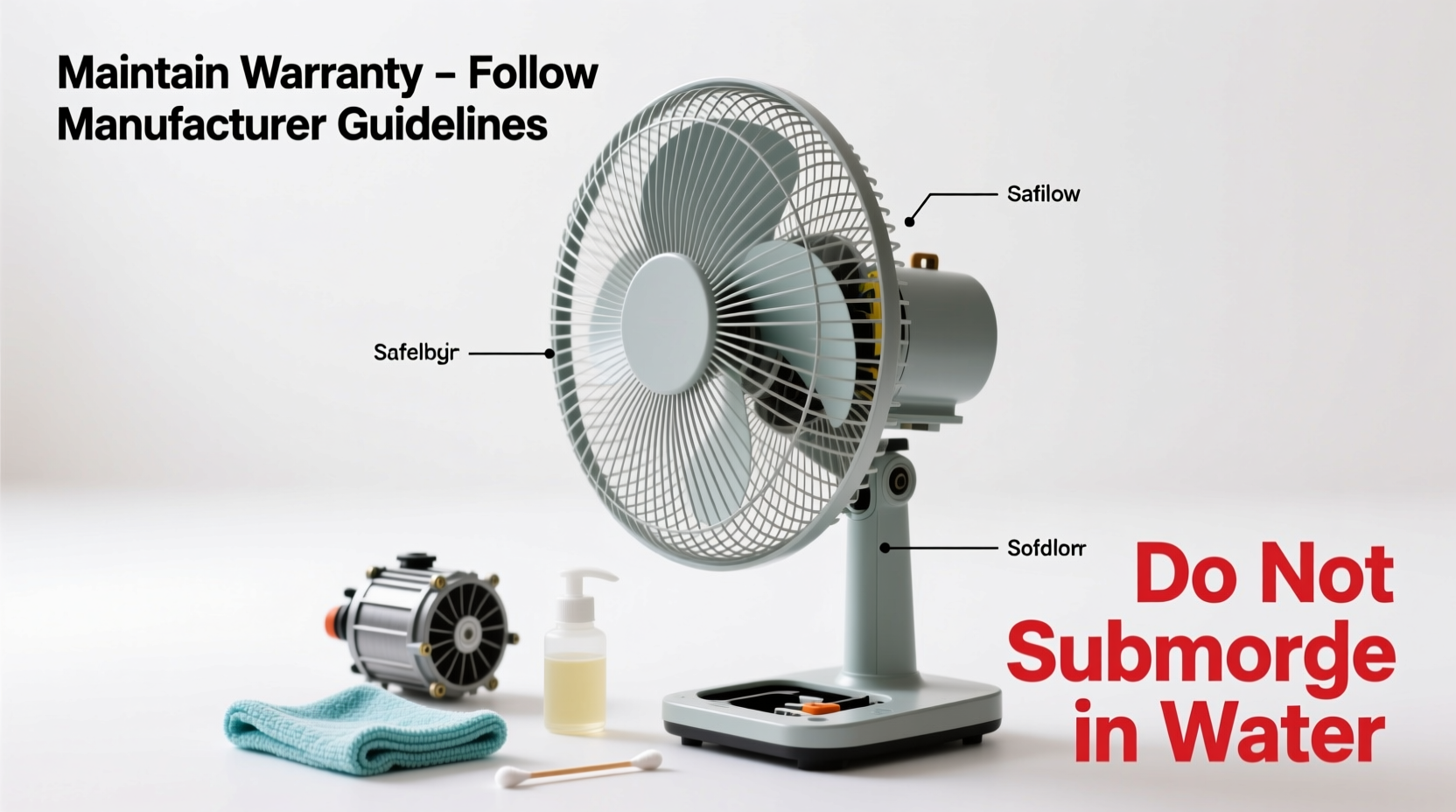
Dust buildup isn’t just unsightly—it directly impacts performance. A layer of grime on fan blades increases air resistance, forcing the motor to work harder. This leads to higher energy consumption, louder operation, and reduced lifespan. Additionally, pet dander, pollen, and mold spores trapped in the grill can be blown into the room, worsening indoor air quality.
Manufacturers typically recommend cleaning every 3–6 months, depending on usage and environment. Homes with pets, smokers, or high dust levels may require more frequent maintenance. Signs it’s time for a deep clean include:
- Visible dust or debris on blades and front/rear grills
- Unusual noise during operation (grinding, rattling)
- Reduced airflow despite full speed settings
- A musty odor when the fan runs
“Regular cleaning prevents premature wear and keeps warranties intact—as long as users follow the manual and avoid invasive disassembly.” — Carlos Mendez, Appliance Safety Engineer at Consumer Home Tech Group
Step-by-Step Guide to Safe Deep Cleaning
Cleaning a standing fan doesn’t require technical expertise, but it does demand attention to detail and adherence to safety protocols. Follow this sequence carefully to ensure effectiveness without risking damage or warranty invalidation.
- Unplug the Fan
Always disconnect power before any maintenance. Never attempt cleaning while plugged in, even if the fan is turned off. - Remove Surface Dust with a Dry Cloth
Use a microfiber cloth to wipe down the exterior housing, base, and control panel. Avoid wet cloths near electrical components or buttons. - Clean the Front and Rear Grills
Most standing fans have removable front and rear grills secured by clips or screws. Check your user manual—many manufacturers allow grill removal for cleaning. If screws are involved, use the correct screwdriver and keep them organized. - Wash Grills with Mild Soap and Water
Soak grills in warm, soapy water (dish soap works well). Use a soft brush (like an old toothbrush) to scrub between wires. Rinse thoroughly and let dry completely before reattaching. - Clean Blades Without Removing Them
This is critical: most warranties prohibit blade removal unless specified. Instead, use a damp microfiber cloth wrapped around a butter knife or a specialized blade cleaner tool. Gently slide the cloth between each blade to remove built-up dust from both sides. - Wipe Internal Areas Carefully
If the rear grill is off, lightly dampen a corner of a microfiber cloth and reach into the motor housing area to wipe accessible surfaces. Never spray liquid inside or touch wiring/motor coils. - Reassemble and Test
Once all parts are dry, reattach grills securely. Plug in the fan and test all functions—oscillation, speed settings, tilt adjustment—to confirm everything operates normally.
Do’s and Don’ts: Protecting Your Warranty
Many warranty claims are denied not because of damage, but due to violation of usage terms. Below is a clear comparison of actions that preserve versus compromise your coverage.
| Do’s | Don’ts |
|---|---|
| Refer to the user manual before cleaning | Disassemble the motor housing or remove screws near the motor |
| Use mild detergent and water on removable grills | Immerse the entire fan or submerge non-removable parts |
| Clean blades externally with a damp cloth | Remove blades unless explicitly allowed in the manual |
| Allow all parts to dry fully before reassembly | Reassemble while components are still wet |
| Contact customer support for unclear procedures | Use harsh chemicals like bleach, ammonia, or abrasive cleaners |
Warranties typically cover defects in materials and workmanship, not damage caused by misuse. If a technician finds evidence of improper cleaning—such as corrosion from moisture exposure or stripped screws—they may classify repairs as out-of-warranty.
Real Example: How One User Avoided Costly Repairs
Sarah K., a homeowner in Austin, Texas, noticed her Vornado 660 was running louder than usual after six months of daily summer use. She considered taking it apart to “really clean it,” but paused when she read online about warranty risks. Instead, she consulted the digital manual on Vornado’s website, which confirmed that the front and rear grills were removable—but cautioned against touching the blade hub or motor assembly.
She followed the recommended method: removing the grills, washing them in soapy water, and using a folded cloth to clean each blade. After drying and reassembling, the fan ran smoothly again. Later, when the oscillation motor failed a year later, she filed a warranty claim. The service center approved it because inspection showed no signs of tampering. Had she removed the blades or used a pressure washer—as one forum suggested—her claim would likely have been denied.
Sarah’s experience underscores a key principle: patience and adherence to guidelines pay off in long-term savings.
Expert Tips for Ongoing Maintenance
Deep cleaning once or twice a year is essential, but integrating small habits into your routine extends intervals and improves performance.
- Use a vacuum with a brush attachment monthly to gently remove surface dust from grills and base vents.
- Keep the fan elevated on a stand or table to reduce floor dust intake.
- Avoid using in dusty workshops or garages unless specifically designed for such environments.
- Store properly in off-seasons: Wrap in a breathable cloth bag and keep in a dry closet, away from rodents or humidity.
Some newer models come with washable pre-filters or antimicrobial coatings. If yours has these features, follow the care instructions precisely—improper washing can degrade filter integrity or coating effectiveness.
Frequently Asked Questions
Can I use compressed air to clean inside the fan?
Yes, but with caution. Use short bursts and hold the can upright to avoid propellant discharge. Never direct air toward the motor or wiring. Compressed air is best for loosening dust from grills and blade surfaces before wiping.
What should I do if my fan smells musty after cleaning?
A lingering odor usually means residual moisture. Disassemble again (only removable parts), dry thoroughly in sunlight or a well-ventilated area, and ensure no dampness remains in crevices. Never operate a fan that smells moldy, as it can spread spores.
Does cleaning frequency affect warranty validity?
No—cleaning itself doesn’t impact warranty status. However, skipping maintenance to the point of clogged airflow causing motor burnout may lead manufacturers to deny claims, citing “lack of reasonable care.” Regular cleaning demonstrates responsible ownership.
Final Checklist: Deep Clean Without Risk
Before starting your next cleaning session, run through this concise checklist to ensure safety and compliance:
- ✅ Unplugged the fan from the wall outlet
- ✅ Consulted the user manual for cleaning permissions
- ✅ Removed only authorized parts (e.g., grills)
- ✅ Used only mild soap, water, and soft cloths/brushes
- ✅ Avoided motor housing, wiring, and blade detachment
- ✅ Allowed all components to dry completely
- ✅ Reassembled securely and tested functionality
Conclusion: Clean Smarter, Not Harder
Deep cleaning a standing fan doesn’t require dismantling every component or risking your warranty. By respecting the manufacturer’s design and limitations, you protect your investment while restoring optimal performance. The goal isn’t just cleanliness—it’s longevity, efficiency, and peace of mind.
Take action today: locate your fan’s manual, gather a few basic tools, and schedule your next deep clean. Small efforts now prevent costly replacements later. Share your experience or ask questions in the comments—your insights might help others maintain their fans safely and effectively.




 浙公网安备
33010002000092号
浙公网安备
33010002000092号 浙B2-20120091-4
Comments
No comments yet. Why don't you start the discussion?