
In an age where smartphones store nearly every aspect of our personal lives—from private messages and photos to banking details and location history—digital privacy is more critical than ever. Unfortunately, spyware and unauthorized surveillance are real threats. Whether it’s a jealous partner, a nosy family member, or a malicious actor, someone could be monitoring your device without your knowledge. The good news: you can detect the signs and take decisive steps to regain control. This guide walks you through identifying suspicious behavior, confirming potential spying, and securing your device for good.
Signs Your Phone Might Be Spied On
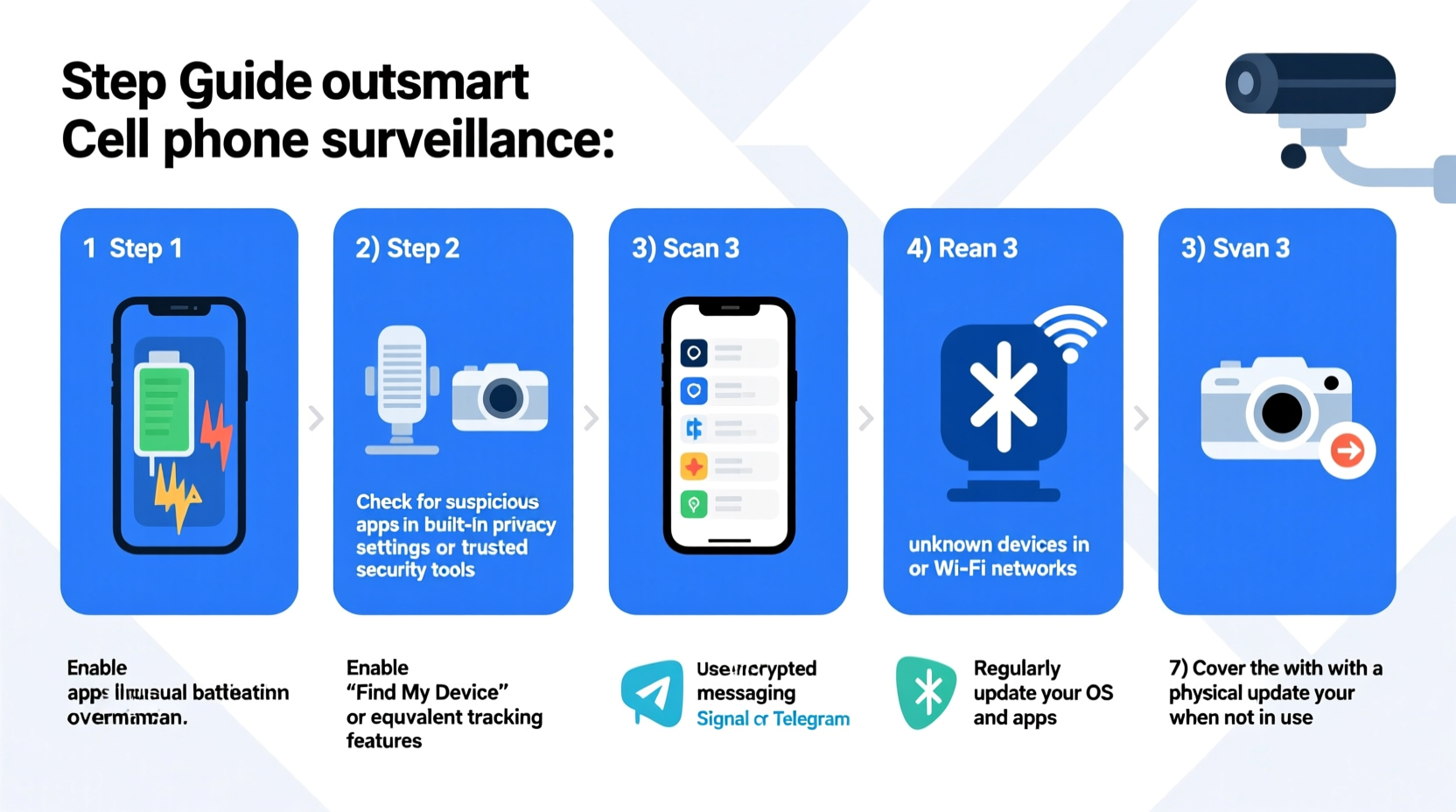
Before taking technical measures, pay attention to behavioral and performance clues. Many spy apps operate silently, but they often leave subtle digital footprints. Watch for these red flags:
- Unusual battery drain: If your phone dies much faster than usual, especially when idle, background spy apps may be active.
- Overheating without cause: Excessive processing from tracking software can make your phone hot even when not in use.
- Suspicious background noises during calls: Echoes, clicks, or static might indicate call interception.
- Increased data usage: Spy apps regularly send data to remote servers, which spikes your data consumption.
- Strange texts or pop-ups: Unexpected SMS containing random codes or symbols could be commands sent to installed spyware.
- Camera or microphone activating unexpectedly: Apps accessing hardware without user input is a major warning sign.
- Apps behaving oddly: Messaging or social media apps crashing frequently or logging you out without reason.
Step-by-Step Guide to Detecting Spyware
Detection requires both observation and direct inspection. Follow this timeline to methodically check for intrusion:
- Check for physical access: Did someone have unsupervised access to your phone? Most spy apps require manual installation.
- Review installed apps: Go to Settings > Apps and look for unfamiliar names like “UpdateService,” “System Helper,” or anything disguised as a system tool.
- Look for hidden apps: Some spyware hides icons. Use your app drawer’s search function or a file manager to scan for suspicious APKs.
- Verify device administrator access: Navigate to Security > Device Administrators. Revoke permissions from any unrecognized apps.
- Check accessibility services: Spy apps often request Accessibility access to log keystrokes. Disable unnecessary entries in Accessibility settings.
- Analyze network traffic: Use tools like NetGuard (Android) or monitor Wi-Fi usage in router settings to spot unusual outbound connections.
- Boot into Safe Mode: Restart in Safe Mode to disable third-party apps. If strange behavior stops, a downloaded app is likely the culprit.
Advanced Detection Methods
For higher confidence, consider using anti-spyware tools:
- Malwarebytes for Mobile: Scans for known spyware signatures.
- Bitdefender Mobile Security: Offers real-time protection and vulnerability assessment.
- Certo Mobile Security (iOS): Provides detailed reports detecting stalkerware like mSpy or FlexiSPY.
“Many modern spy apps are designed to evade detection, but no solution is invisible. Behavioral anomalies and permission overreach are telltale signs.” — Dr. Lena Patel, Cybersecurity Researcher at MIT Lincoln Lab
How to Outsmart a Spy: Immediate Actions
If you suspect surveillance, act fast. Here’s what to do next:
1. Disconnect from Networks
Turn off Wi-Fi, Bluetooth, and mobile data immediately. This prevents real-time data transmission from spyware.
2. Change All Critical Passwords
Use a clean device (like a trusted laptop) to reset passwords for email, social media, banking, and cloud accounts. Enable two-factor authentication (2FA) wherever possible.
3. Remove Suspicious Apps
Uninstall any apps you don’t recognize or didn’t install yourself. Be cautious—some spyware disguises itself as legitimate software.
4. Factory Reset Your Phone
This is the most effective way to eliminate persistent spyware. Before doing so:
- Back up essential data via computer (avoid cloud sync, which could be compromised).
- Ensure Find My iPhone (iOS) or Find My Device (Android) is disabled to prevent remote lock.
- Perform the reset via Settings > System > Reset Options.
5. Reinstall Only Trusted Apps
After resetting, manually download essential apps from official stores. Avoid sideloading APKs or clicking suspicious links.
Do’s and Don’ts When Securing Your Phone
| Do’s | Don’ts |
|---|---|
| Use strong, unique passwords and a password manager | Share your passcode with anyone, even partners |
| Enable biometric locks (fingerprint/facial recognition) | Leave your phone unlocked in public |
| Regularly update your operating system | Ignore software update notifications |
| Install security apps from reputable developers | Download apps from third-party stores or unknown links |
| Review app permissions monthly | Grant unnecessary permissions like “Accessibility” or “Usage Access” |
Real Example: How Sarah Discovered She Was Being Monitored
Sarah, a 32-year-old marketing professional, noticed her Android phone was draining battery unusually fast—even when not in use. She also found herself logged out of her Instagram account multiple times. At first, she blamed software glitches. But when her ex-partner seemed to know details about meetings she hadn’t shared, she grew suspicious.
She checked her installed apps and found one called “Device Support” with no icon and no memory of installing it. Upon reviewing device administrators, it had full permissions. A quick search revealed it was a known alias for FlexiSPY, a commercial spy app. She disconnected the phone, changed all passwords from her laptop, and performed a factory reset. Since then, she’s used a new number and enabled 2FA on all accounts. Her phone now runs smoothly—and privately.
Prevention Checklist: Protect Yourself Long-Term
To ensure ongoing security, follow this actionable checklist:
- ✅ Lock your phone with a strong PIN, pattern, or biometrics
- ✅ Never leave your phone unattended in vulnerable environments
- ✅ Regularly audit app permissions (especially microphone, camera, location)
- ✅ Install updates promptly to patch security vulnerabilities
- ✅ Use encrypted messaging apps like Signal for sensitive conversations
- ✅ Enable SIM card lock with a PIN to prevent port-out scams
- ✅ Periodically run malware scans using trusted security apps
Frequently Asked Questions
Can someone spy on my phone without touching it?
On iOS, it’s extremely difficult without prior compromise (e.g., iCloud credentials). On Android, phishing attacks via malicious links can install spyware remotely, though physical access is still the most common vector.
Will a factory reset remove all spyware?
Yes, a proper factory reset will erase all third-party apps and data, including most spyware. However, firmware-level implants (rare and typically government-grade) may persist. For average users, a reset is sufficient.
Are free antivirus apps effective against spyware?
Some are, but many lack deep scanning capabilities. Stick to well-known providers like Bitdefender, Kaspersky, or Malwarebytes. Avoid apps with poor reviews or excessive permissions.
Take Back Control of Your Digital Life
Your smartphone is an extension of your mind and life. Letting someone spy on it isn’t just a breach of privacy—it’s a violation of trust and autonomy. By recognizing the signs early, acting decisively, and adopting strong security habits, you can outsmart would-be spies and reclaim your digital freedom. Stay vigilant, stay informed, and never underestimate the value of your personal data.




 浙公网安备
33010002000092号
浙公网安备
33010002000092号 浙B2-20120091-4
Comments
No comments yet. Why don't you start the discussion?