
In today’s hyper-connected world, smartphones are more than just communication devices—they’re digital vaults holding personal messages, financial data, location history, and private photos. This makes them prime targets for unauthorized remote access. While most users assume their device is secure behind a PIN or biometric lock, sophisticated spyware and monitoring tools can allow someone to control a phone from afar—without ever touching it. The signs are often subtle, but knowing what to look for can mean the difference between privacy and exposure.
Remote access doesn’t always involve physical tampering. Malicious actors may exploit vulnerabilities in apps, operating systems, or even user behavior to install surveillance software. Whether it's a jealous partner, a corporate spy, or a cybercriminal, detecting early warning signs is crucial. This guide provides actionable steps, technical insights, and reliable tools to help you determine if your phone is under remote control—and what to do next.
Common Signs of Remote Phone Access
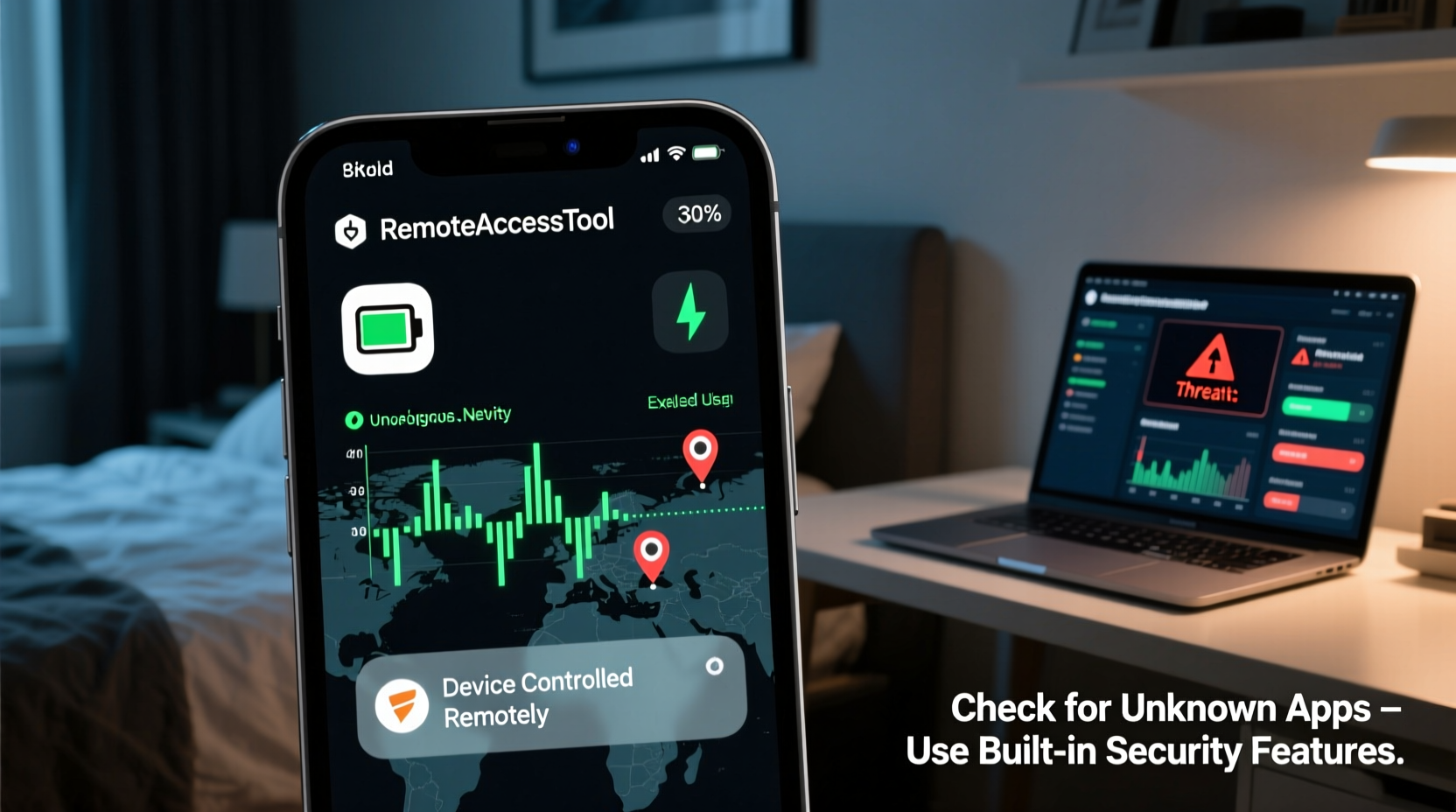
Remote monitoring tools are designed to be stealthy, but they rarely leave zero traces. Pay attention to unusual behaviors that could indicate intrusion:
- Unexplained battery drain: Background processes from spyware can cause rapid battery depletion, even when the phone isn't in active use.
- Overheating during idle periods: If your phone heats up while sitting unused, it may be processing hidden data transmissions.
- Increased data usage: Spy apps often send logs, audio, or screenshots to a remote server, consuming unexpected data.
- Strange background noises during calls: Echoes, clicking, or static might suggest call interception.
- Apps opening or closing on their own: Unusual app behavior could signal remote command execution.
- Camera or flashlight activating unexpectedly: Some malware can trigger hardware components without user input.
- Suspicious text messages: Look for garbled SMS or messages with strange codes—these may be remote control commands sent via SMS gateways.
Step-by-Step Guide to Investigate Remote Access
Determining whether your phone is compromised requires methodical checking. Follow this timeline to assess your device thoroughly:
- Check data and battery usage: Go to Settings > Battery and Settings > Network & Internet (Android) or Settings > Cellular (iOS). Identify apps consuming excessive resources. Unknown or suspicious apps should raise red flags.
- Review installed applications: Scroll through all apps. Look for unfamiliar names, duplicate system apps, or apps with no clear function. On Android, check for apps with accessibility service permissions.
- Inspect active connections: Disable Wi-Fi and Bluetooth, then check if they turn back on automatically—a sign of remote activation.
- Monitor background activity: Use built-in developer options (Android) or third-party network monitors to see which apps are communicating externally.
- Check for unknown device administrators: On Android, go to Security > Advanced > Device Admin Apps. Revoke access from any unrecognized entries.
- Restart in safe mode: On Android, booting in Safe Mode disables third-party apps. If symptoms disappear, a downloaded app is likely the culprit.
- Verify iCloud or Google account activity: For iOS, check “Find My iPhone” and recent login locations. On Android, review Google account sign-ins at https://myaccount.google.com/device-activity.
Tools to Detect and Remove Remote Monitoring Software
While no tool guarantees 100% detection, especially against advanced zero-day exploits, these solutions significantly improve your odds:
| Tool | Platform | Purpose | Limitations |
|---|---|---|---|
| Malwarebytes | Android, iOS | Scans for known spyware and adware | iOS version has limited scanning due to OS restrictions |
| Norton Mobile Security | Android | Real-time protection and app scanning | Resource-heavy; may slow older devices |
| Certo Mobile Security | iOS, Android | Deep forensic scan via computer connection | Paid service; requires PC/Mac setup |
| Bitdefender | Android | Anti-theft and anti-spy features | Less effective on rooted/jailbroken devices |
| Apple’s Lockdown Mode (iOS 16+) | iOS | Blocks complex message attacks and remote exploits | May break some app functionality |
For high-risk individuals—such as journalists, activists, or executives—consider using Certo or similar forensic tools. These can detect traces of Pegasus-like spyware by analyzing low-level system anomalies that standard antivirus tools miss.
“Even the most sophisticated spyware leaves digital footprints. The key is knowing where to look—battery logs, network traffic, and permission settings often tell the real story.” — Dr. Lena Torres, Cybersecurity Researcher at SecureMobile Labs
Mini Case Study: Recovering Control After Unauthorized Access
Sarah, a marketing consultant, noticed her phone was draining battery unusually fast and occasionally rebooted on its own. She dismissed it at first, but when she discovered iMessage drafts she didn’t create, she grew concerned. After reviewing her iCloud login history, she found a device registered in a city she’d never visited. Using Certo, she ran a scan connected to her Mac and discovered traces of a commercial spy app installed via a phishing link sent months earlier.
She immediately changed all passwords, revoked third-party app access, unpaired the unknown device, and performed a factory reset. Since then, she uses two-factor authentication across accounts and avoids clicking links in unsolicited messages. Her experience underscores how easily access can be gained—and how critical proactive checks are.
Prevention Checklist: Secure Your Phone Against Remote Exploits
Detection is important, but prevention is far more effective. Use this checklist to minimize risk:
- ✅ Keep your operating system and apps updated to patch security flaws.
- ✅ Avoid downloading apps from third-party stores or unknown sources.
- ✅ Disable unnecessary permissions (e.g., microphone, camera access for non-media apps).
- ✅ Enable two-factor authentication (2FA) on your Apple ID, Google Account, and email.
- ✅ Regularly review linked devices in your cloud account settings.
- ✅ Use strong, unique passwords and a password manager.
- ✅ Be cautious with public Wi-Fi; use a trusted VPN when connecting.
- ✅ Educate yourself on phishing tactics—don’t click suspicious links or open unexpected attachments.
Frequently Asked Questions
Can someone remotely access my phone without me knowing?
Yes, especially if spyware is installed through phishing, malicious downloads, or physical access. High-end tools like Pegasus can operate invisibly, though they typically target high-profile individuals. Most common spy apps still leave detectable signs such as battery drain or odd behavior.
Does a factory reset remove remote access software?
In most cases, yes. A complete factory reset erases the internal storage and reinstalls the OS, removing third-party spyware. However, in rare cases involving firmware-level rootkits (mostly theoretical for consumer devices), deeper intervention may be needed. Always restore from a clean backup—or better, set up as new.
Are iPhones safer than Android phones from remote access?
iPhones benefit from tighter app sandboxing and stricter App Store controls, making mass exploitation harder. However, they are not immune. Zero-click exploits like those used in Pegasus attacks have affected iOS. Keeping your device updated and avoiding jailbreaking significantly reduces risk on both platforms.
Take Action Before It’s Too Late
Your smartphone holds intimate details of your life. If it’s being accessed remotely, your privacy, relationships, and even financial security could be at stake. Ignoring subtle signs might seem harmless—until evidence surfaces in an unexpected place. The tools and knowledge to protect yourself exist. From monitoring data usage to running forensic scans, each step strengthens your digital defense.
Don’t wait for a crisis. Audit your device today. Review your app permissions, check your linked accounts, and run a security scan. Share this information with loved ones who may not realize the risks. In an age where digital intrusions are increasingly invisible, vigilance is your strongest ally.




 浙公网安备
33010002000092号
浙公网安备
33010002000092号 浙B2-20120091-4
Comments
No comments yet. Why don't you start the discussion?