
Many Facebook users wonder whether they can tell when someone checks their profile. The idea of silently tracking who’s viewed your page has become a persistent curiosity — and a target for misinformation. From third-party apps promising secret insights to viral rumors about “stalking mode,” the landscape is full of confusion. The reality, however, is far more straightforward — and more important than chasing myths is understanding how to actually protect your privacy on one of the world’s largest social networks.
The Myth of Profile View Tracking
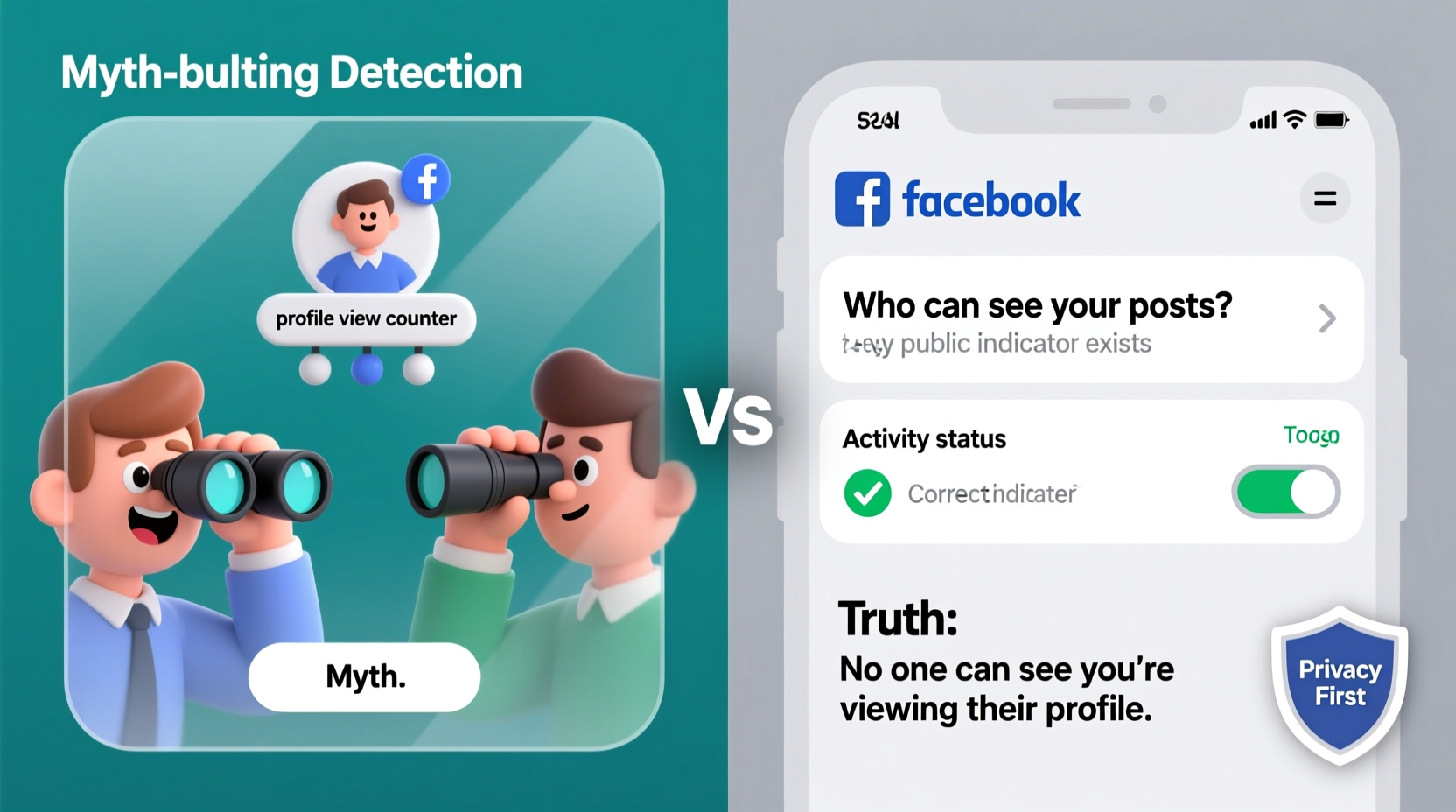
One of the most widespread misconceptions on Facebook is that you can see who visits your profile. Countless websites, browser extensions, and even fake Facebook features claim to reveal this information. These services often ask for login credentials or access to your account, putting your personal data at risk.
Facebook has repeatedly confirmed: there is no built-in feature that allows users to track who views their profile. Whether it’s an old friend, a potential employer, or a curious ex, Facebook does not notify you — nor does it store logs of individual profile visits in a way accessible to users.
These myths persist because they tap into natural human curiosity and anxiety about online visibility. But believing them can lead to risky behavior, including sharing passwords or downloading malware-laden software.
What Facebook Actually Tracks (And What It Doesn’t)
While Facebook doesn’t let you see who views your profile, it does collect extensive data about user interactions — just not in the way most people assume.
The platform tracks engagement such as likes, comments, reactions, shares, and clicks on your posts. If someone interacts with your public content, you’ll see their name in the activity feed. However, simply visiting your profile — especially if they don’t interact — leaves no trace visible to you.
Facebook’s internal systems may log IP addresses and device information for security and ad targeting, but this data is not shared with users. Even mutual friends or frequent interactions don’t create a visible “view history.”
“Users should know that Facebook does not provide tools to monitor profile views. Any third-party service claiming otherwise violates our policies and risks user security.” — Facebook Security Team, 2023 Transparency Report
Common Scams and Fake Tools to Avoid
A quick search online yields dozens of tools promising to reveal your profile stalkers. Most fall into these categories:
- Browser Extensions: Often disguised as Chrome add-ons, these request full access to your Facebook account, potentially harvesting data or hijacking sessions.
- Phishing Websites: Fake login pages mimic Facebook’s interface to steal credentials under the guise of “activating” view tracking.
- Survey Traps: Users are asked to complete surveys or share links to unlock non-existent features, spreading spam in the process.
- Mobile Apps: Some apps on unofficial app stores claim to offer stealth monitoring but instead install spyware or adware.
These tools not only fail to deliver on their promises — they actively endanger your account. Once compromised, your identity, messages, and connected accounts could be exposed.
Red Flags of a Fake Profile Viewer Tool
| Warning Sign | Why It’s Dangerous |
|---|---|
| Requires Facebook login through a third-party site | Can capture your username and password |
| Asks for permission to post on your behalf | May spam your friends with scams |
| Promises “secret” access to hidden Facebook features | Facebook does not offer this functionality |
| Demands payment after sign-up | Monetizes deception; no real service provided |
| Uses screenshots of fake viewer lists | Fabricated evidence to build false credibility |
Real Privacy Protection: What You Can Do
Rather than chasing unattainable tracking features, focus on strengthening your actual privacy. Facebook offers robust tools — if you know where to find them.
Step-by-Step: Secure Your Facebook Privacy Settings
- Review Your Profile Visibility: Go to Settings & Privacy → Privacy Shortcuts → Who can see my stuff? Adjust past and future posts to “Friends” instead of “Public.”
- Limit Old Posts: Use the “Limit Past Posts” tool to convert all previous public content to friends-only in one click.
- Control Tagging: Enable review tags before they appear on your timeline to prevent unwanted associations.
- Manage Search Appearance: Under Settings → Privacy, choose who can look you up using your email or phone number.
- Disable Face Recognition: In Settings → Face Recognition, turn off personalized suggestions based on facial scans.
- Log Out of Unused Devices: Check active sessions under Settings → Security and Login, and log out of unfamiliar devices.
Mini Case Study: Sarah’s Recovery from a Hacked Account
Sarah, a 28-year-old marketing professional, downloaded a “profile viewer” app after seeing it recommended in a Facebook group. Within days, her account began posting spam links. She lost access and found her inbox flooded with password reset emails. After recovering her account through Facebook’s support team, she discovered the app had requested full profile access, including messages and photos.
She now uses two-factor authentication, reviews her active sessions monthly, and educates her network about the dangers of fake tools. “I thought I was just satisfying curiosity,” she said. “Instead, I gave strangers control over my digital life.”
FAQ: Common Questions About Facebook Profile Views
Can someone tell if I’ve viewed their Facebook profile?
No. Facebook does not notify users when their profile is viewed, unless you interact with their content (e.g., liking a post or photo).
Are there any legitimate tools that show profile viewers?
No. Facebook prohibits third-party apps from accessing profile view data. Any tool claiming to do so violates Facebook’s policies and likely compromises your security.
What if I see my name on a “Who Viewed Me” list?
This is typically generated by scraping publicly available interactions — likes, comments, or mutual groups — not actual profile visits. It creates the illusion of tracking without real backend access.
Expert Insight: Understanding Digital Curiosity vs. Real Risk
“The desire to know who’s looking at us online is natural, but it shouldn’t override basic security practices. The real threat isn’t being watched — it’s being exploited by tools that pretend to help.” — Dr. Lena Patel, Cybersecurity Researcher at Stanford University
Dr. Patel emphasizes that emotional appeal drives many privacy breaches. “Scammers leverage curiosity because it bypasses rational caution. Education, not technology, is the best defense.”
Checklist: Protecting Your Facebook Privacy Today
- ✅ Audit and tighten profile visibility settings
- ✅ Remove unused third-party apps
- ✅ Enable two-factor authentication
- ✅ Review active sessions and log out unknown devices
- ✅ Turn off face recognition and ad personalization
- ✅ Avoid clicking on “profile viewer” links or ads
- ✅ Educate friends and family about common scams
Conclusion
The idea of detecting who views your Facebook profile is rooted more in myth than reality. While it’s tempting to seek answers to digital curiosity, the pursuit can expose you to real threats. Instead of relying on fake tools, invest time in configuring genuine privacy controls. Facebook provides powerful options to manage your visibility, secure your account, and reduce exposure to scams.
Your online safety depends not on knowing who looks at your profile, but on ensuring your data remains under your control. Take action today — review your settings, remove risky apps, and spread awareness. A safer social media experience starts with informed choices.




 浙公网安备
33010002000092号
浙公网安备
33010002000092号 浙B2-20120091-4
Comments
No comments yet. Why don't you start the discussion?