
In an era where smartphones store nearly every aspect of our personal lives—from private messages and photos to banking details and location history—digital privacy has never been more critical. Unfortunately, surveillance technology has advanced just as quickly. Whether it’s a jealous partner, a malicious hacker, or even corporate tracking, unauthorized monitoring of your phone is a real threat. The good news: there are clear signs you can watch for, tools to help uncover hidden tracking, and practical steps to protect yourself.
Common Signs Your Phone Is Being Tracked
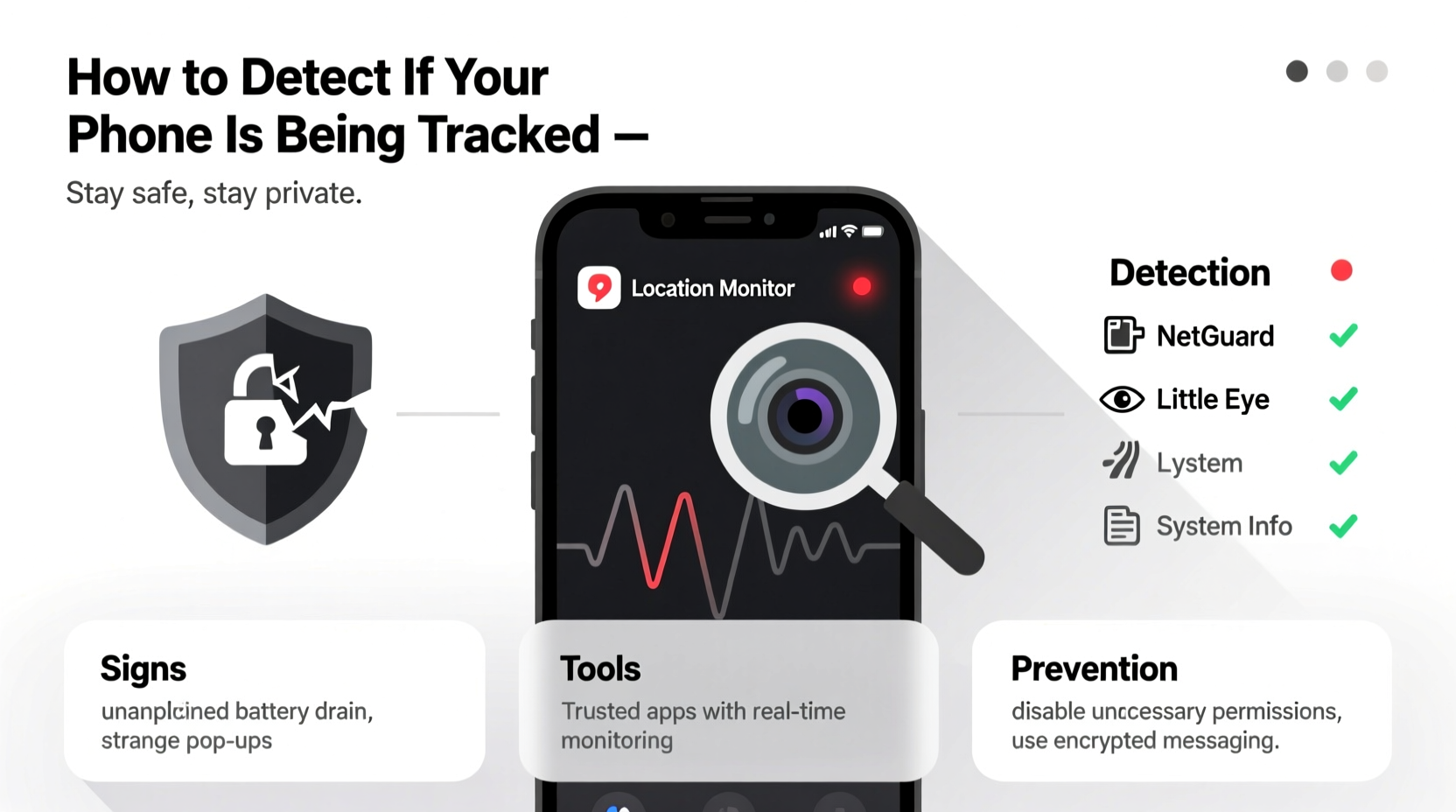
Tracking software often operates silently, but subtle behavioral changes in your device can signal intrusion. These red flags don’t always mean your phone is compromised, but they warrant investigation when multiple occur together.
- Rapid battery drain: Spy apps run in the background, consuming power even when the phone is idle.
- Unusual data usage spikes: Tracking apps constantly send your data (messages, location, calls) to remote servers, leading to high data consumption.
- Overheating without cause: Excessive background activity from monitoring tools can overwork your processor.
- Strange noises during calls: Clicks, beeps, or echoes may indicate call interception.
- Sluggish performance: Unexplained lag, app crashes, or delayed responses could point to spyware running in the background.
- Unfamiliar apps or settings changes: Unknown applications, especially those with vague names, or unexpected changes to permissions or security settings, are major red flags.
- Abnormal restarts or shutdowns: Some malware forces reboots to install updates or hide its presence.
- Location services active when not in use: If GPS turns on randomly, someone might be accessing your whereabouts.
Tools and Methods to Detect Phone Tracking
While some spyware is designed to be invisible, several tools and techniques can help uncover hidden threats.
Use Built-in Security Features
Both Android and iOS offer native tools to check for suspicious activity:
- iOS: Check Settings > Privacy & Security > Analytics & Improvements > Analytics Data for unfamiliar logs. Also review \"Screen Time\" for app usage patterns.
- Android: Go to Settings > Apps > See all apps. Sort by \"Last used\" to spot apps running in the background unexpectedly.
Install Reputable Anti-Spyware Tools
Dedicated mobile security apps can scan for known spyware signatures:
- Malwarebytes for Mobile: Scans for malware, adware, and spyware across both platforms.
- Norton Mobile Security: Offers real-time protection and vulnerability scanning.
- Certo Mobile Security (iOS/Android): Highly effective at detecting stealthy spy apps like mSpy or FlexiSPY, especially on rooted or jailbroken devices.
Check for Unauthorized Device Pairing
On iPhones, ensure no unknown devices are linked to your iCloud account. Go to Settings > [Your Name] > Devices. On Android, review connected devices via Google Account settings online.
“Many commercial spy apps require physical access to install. If someone had your phone unattended for more than a few minutes, assume a risk assessment is necessary.” — Sarah Lin, Cybersecurity Analyst at Digital Shield Labs
Step-by-Step Guide to Investigate and Remove Tracking
If you suspect your phone is being monitored, follow this structured approach:
- Document unusual behavior: Note battery issues, overheating, strange notifications, or odd app activity.
- Review installed apps: Delete any you don’t recognize or didn’t install.
- Check accessibility and admin permissions: Go to Settings > Accessibility (Android) or Settings > Privacy (iOS). Disable permissions for any suspicious apps.
- Run a full anti-malware scan: Use Malwarebytes or Certo to detect hidden threats.
- Disable location sharing: Turn off Location Services temporarily and review which apps have access.
- Update your operating system: Install the latest OS update to patch known vulnerabilities.
- Back up essential data and perform a factory reset: This is the most reliable way to remove persistent spyware. Ensure you restore only from trusted backups—or better yet, set up as new.
- Change all passwords: Especially for email, social media, and cloud accounts, preferably from a secure device.
Prevention Checklist: Protect Your Phone from Future Tracking
Proactive security is far more effective than reactive cleanup. Use this checklist to minimize risks:
- ✅ Lock your phone with a strong PIN, password, or biometric authentication.
- ✅ Never leave your phone unattended in public or with untrusted individuals.
- ✅ Avoid rooting (Android) or jailbreaking (iOS), as these bypass built-in security layers.
- ✅ Only download apps from official stores (Google Play, Apple App Store).
- ✅ Regularly review app permissions—disable microphone, camera, and location access for non-essential apps.
- ✅ Enable two-factor authentication (2FA) on all sensitive accounts.
- ✅ Keep your operating system and apps updated.
- ✅ Use a reputable mobile security suite with real-time scanning.
- ✅ Be cautious with links in texts or emails—phishing remains a top spyware delivery method.
Comparison: Legitimate vs. Suspicious Tracking
| Aspect | Legitimate Tracking (e.g., Parental Control) | Suspicious/Unauthorized Tracking |
|---|---|---|
| Consent | Explicit permission given by user | No knowledge or consent from user |
| Visibility | App visible in settings; clear purpose | Hidden app, disguised as system process |
| Installation | Installed by user or with access and approval | Installed during unsupervised device access |
| Data Collected | Limited to agreed scope (e.g., location only) | Full access: messages, calls, camera, browsing |
| Removal | Easy uninstall through settings | Difficult to remove; may require factory reset |
Real Example: A Case of Covert Monitoring
Emma, a 34-year-old marketing professional, noticed her iPhone was draining battery unusually fast—even after a restart. She also found her phone warm when idle and saw her location icon flickering at odd times. After reviewing her iCloud devices, she discovered an unfamiliar iPad listed under her account. She hadn’t added any device. Using Certo Anti-Spyware, a scan revealed traces of mSpy, likely installed when her ex-partner borrowed her phone weeks earlier. Emma immediately revoked all device access, changed her Apple ID password, and performed a factory reset. Since then, she uses stronger passwords and enables two-factor authentication across all platforms.
Frequently Asked Questions
Can someone track my phone without installing software?
Yes, though less common. Attackers can exploit vulnerabilities via phishing links or malicious websites. In rare cases, IMSI catchers (fake cell towers) can intercept signals, but these require proximity and specialized equipment.
Is it legal for someone to track my phone without my consent?
No. In most countries, including the U.S. and EU nations, unauthorized surveillance violates privacy laws such as the Electronic Communications Privacy Act (ECPA) or GDPR. Exceptions exist for law enforcement with warrants.
Will a factory reset remove all tracking apps?
In most cases, yes. A complete factory reset erases all user-installed apps and data. However, firmware-level implants (rare and typically state-sponsored) may persist. For average users, a reset is sufficient.
Conclusion: Take Control of Your Digital Privacy
Your smartphone is a gateway to your identity, relationships, and finances. Ignoring the possibility of tracking leaves you vulnerable. By learning the signs, using reliable tools, and adopting proactive habits, you can detect and prevent unauthorized surveillance. Awareness is your first line of defense—regular checkups, smart permissions, and cautious behavior go a long way. Don’t wait until it’s too late.




 浙公网安备
33010002000092号
浙公网安备
33010002000092号 浙B2-20120091-4
Comments
No comments yet. Why don't you start the discussion?