
Handwritten notes on holiday ornaments often carry more than ink—they carry memory. A child’s lopsided “Merry Christmas” scrawled in crayon, a grandparent’s looping cursive from decades past, or a friend’s inside joke etched onto a glass ball—these small inscriptions are fragile heirlooms in their own right. Yet time, moisture, handling, and environmental exposure can cause these messages to blur, fade, or disappear entirely. Unlike digital photos or printed cards, ornament writing is uniquely vulnerable due to its curved, reflective, or textured surfaces.
Digitizing these messages isn’t just about preservation—it’s an act of honoring personal history. With the right approach, you can capture these fleeting words in high fidelity, ensuring they remain legible and emotionally resonant for generations. This guide walks through practical methods, essential tools, and subtle techniques that go beyond simple photography to deliver archival-quality results.
Why Handwritten Ornament Messages Are at Risk
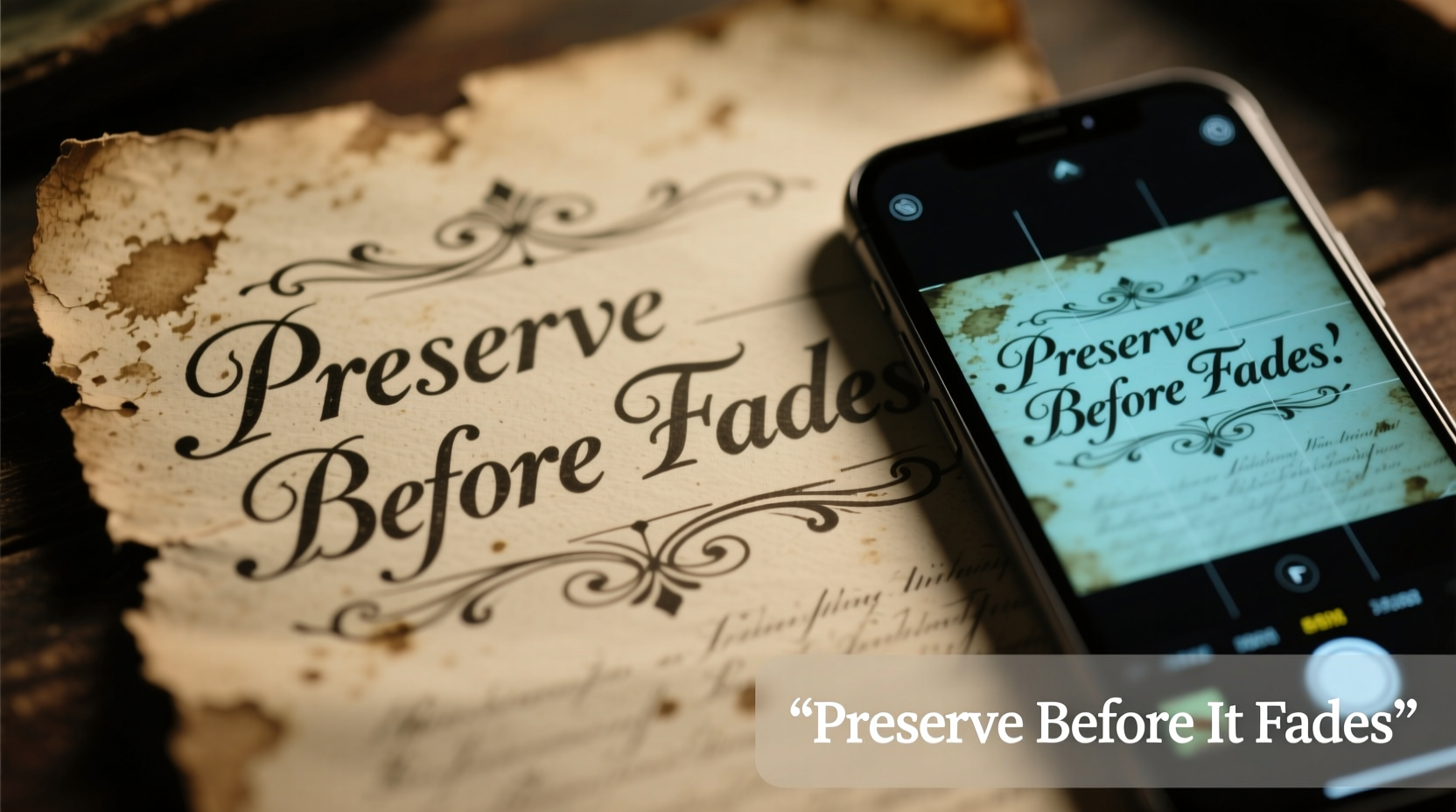
Ornament surfaces are rarely ideal for long-term message retention. Glass, wood, ceramic, and plastic each react differently to environmental stressors. Ink—especially ballpoint, marker, or pencil—is prone to smudging when touched repeatedly during storage or hanging. Temperature fluctuations in attics or basements accelerate fading, while humidity encourages mold and surface degradation.
Additionally, many people write on ornaments with non-permanent materials. Crayons melt under heat, chalk rubs off easily, and even permanent markers can degrade when exposed to UV light over years. The curvature of most ornaments also distorts handwriting when viewed from certain angles, making future readability difficult.
“Once handwriting begins to fade, recovery is nearly impossible. Digitization at the first sign of wear is the only reliable preservation method.” — Dr. Lena Pruitt, Archival Conservation Specialist, National Heritage Preservation Institute
Essential Tools and Setup for High-Quality Digitization
To capture clear, lasting digital copies, avoid relying solely on smartphone snapshots taken under holiday lights. Instead, create a dedicated digitization setup using accessible tools. The goal is consistency, clarity, and minimal distortion.
Required Equipment
- Smartphone or digital camera: Use a device with at least 12MP resolution. Clean the lens before use.
- Stable tripod or stand: Prevents motion blur and ensures consistent framing.
- Soft, diffused lighting: Two desk lamps with daylight-balanced bulbs (5000K–6500K) placed at 45-degree angles reduce glare on reflective surfaces.
- Neutral backdrop: A white or gray cardstock sheet provides contrast and simplifies post-processing.
- Microfiber cloth: Gently clean ornament surfaces before photographing—never wipe written areas aggressively.
- Computer and storage drive: For organizing, backing up, and optionally enhancing images.
Optional Enhancements
- Polarizing filter (for cameras) to reduce reflections.
- Lightbox or photo tent for even illumination.
- Image editing software like Adobe Lightroom, GIMP, or free mobile apps such as Snapseed.
Step-by-Step Guide to Digitizing Ornament Messages
Follow this systematic process to ensure every handwritten note is captured clearly and stored securely.
- Prepare your space: Choose a clean, flat surface away from direct sunlight. Set up your backdrop, lights, and tripod. Allow bulbs to warm up for five minutes to stabilize color temperature.
- Clean the ornament gently: Use a dry microfiber cloth to remove dust. If necessary, lightly dampen the cloth with distilled water—but never apply moisture directly to the written area.
- Position the ornament: Place it on the backdrop so the message faces the camera directly. Use putty or a small stand to hold it steady if needed. Avoid touching the inscription.
- Adjust lighting: Illuminate from both sides to minimize shadows. Rotate the ornament slightly if glare persists—sometimes a few degrees make all the difference.
- Frame the shot: Zoom in so the message fills the frame. Ensure text is parallel to the camera sensor to prevent keystoning (distortion).
- Take multiple shots: Capture at least three images: one standard, one slightly underexposed (to preserve ink detail), and one focused closely on faint sections.
- Review immediately: Check sharpness and readability on a larger screen if possible. Redo if text appears blurry or shadowed.
- Transfer and label files: Move images to a computer. Rename each file descriptively (e.g., “2023_GlassBall_JamesNote.jpg”).
- Back up files: Store copies in at least two locations—one local (external hard drive) and one cloud-based (Google Drive, Dropbox, etc.).
- Optional enhancement: Use editing tools to adjust contrast, straighten images, or crop tightly around the message. Avoid oversharpening, which introduces artifacts.
For Difficult Surfaces
Text on dark or mirrored ornaments may require additional steps:
- Use a polarizing filter to cut reflection.
- Increase ambient light rather than boosting ISO (which adds grain).
- Try raking light—positioning a lamp almost parallel to the surface—to emphasize texture and depth of the writing.
Best Practices: Do’s and Don’ts
| Do | Don’t |
|---|---|
| Digitize annually, even if messages appear intact—early detection of fading is critical. | Wait until the text is visibly smudged or illegible—recovery chances drop significantly. |
| Handle ornaments by their hanger or non-written areas to avoid transferring oils. | Touch the written surface with bare fingers—skin oils accelerate ink breakdown. |
| Store originals in acid-free tissue paper inside rigid containers, away from light. | Keep ornaments in plastic bags that trap moisture and encourage mold. |
| Add metadata to image files: date, author, recipient, year received, and context. | Rely on filenames alone—descriptive tags make future searches meaningful. |
| Create a digital album or PDF compilation for sharing with family. | Leave files scattered across devices—centralized organization prevents loss. |
Real Example: Preserving a Family Tradition
The Miller family has hung the same set of eight wooden ornaments on their tree since 1987. Each year, a different child writes a hope or memory on one. By 2020, some engravings had darkened from smoke exposure, and others were partially obscured by chipped paint. When youngest daughter Clara noticed her 2005 message—\"I want a puppy!\"—was barely readable, she initiated a digitization project.
Using her phone, a small tripod, and two adjustable lamps, she photographed each ornament under controlled light. She enhanced contrast slightly in editing to recover faded pencil marks. She compiled the images into a digital scrapbook with captions explaining each note’s story. The file was shared with siblings and uploaded to a private family cloud folder. One year later, after a basement flood destroyed the original box of ornaments, the digital archive became the sole surviving record of 34 years of family moments.
This case illustrates how proactive digitization transforms fragile physical tokens into enduring digital heritage.
Expanding Preservation: From Images to Stories
Capturing the visual form of handwriting is only the first layer. To fully preserve the meaning behind the message, pair each image with contextual information.
Suggested Metadata to Record
- Name of the person who wrote the message
- Year the note was added
- Relationship to the collector (e.g., \"Aunt Maria\")
- Anecdote or memory associated with the ornament
- Material and dimensions of the ornament
- Any known damage or restoration attempts
This data can be embedded in the image file (using EXIF or XMP standards) or stored in a companion document. Consider creating a spreadsheet linking filenames to narratives—a simple but powerful tool for future genealogists or curious grandchildren.
Frequently Asked Questions
Can I use a scanner instead of a camera?
Scanners work well for flat items like cards or letters, but most cannot accommodate the three-dimensional shape of ornaments. Flatbed scanners risk scratching delicate surfaces, and overhead scanners are expensive and rare. Photography remains the most practical and effective method for curved or bulky objects.
What if the handwriting is already smudged?
Even degraded text can sometimes be recovered. Try photographing under raking light to highlight residual indentations. Increase contrast carefully in post-processing. In extreme cases, consult a digital restoration specialist—some professionals use forensic imaging techniques to enhance barely visible marks.
How often should I re-digitize?
Digitize once with high quality, then repeat only if new damage occurs. However, review your digital files every 3–5 years. Technology changes—file formats become obsolete, storage media degrade. Migrate files to current systems and verify integrity regularly.
Checklist: Digitizing Your Ornament Messages
- Assemble equipment: camera, tripod, lights, backdrop, microfiber cloth
- Select a quiet, well-lit workspace away from distractions
- Gently clean each ornament without touching the message
- Set up consistent lighting and framing
- Photograph each message from a perpendicular angle
- Capture multiple exposures if lighting is challenging
- Transfer images to a computer and rename with descriptive titles
- Add metadata: names, dates, stories, relationships
- Back up files in two separate locations (local + cloud)
- Create a shared album or PDF for family access
- Store original ornaments safely in archival conditions
- Schedule a review of digital files every five years
Conclusion: Preserve More Than Ink—Preserve Meaning
The messages on your ornaments are not mere decorations. They are fragments of identity, echoes of voices, and proof of love exchanged across years. Fading ink doesn’t mean the memory must vanish. With modest effort and everyday technology, you can secure these whispers of the past against time’s erosion.
Start this season. Pull one ornament from the box, photograph its message, and save the file with care. Then do it again. What seems like a small task today becomes a legacy tomorrow. Future generations won’t remember the ornament’s shine—but they will remember the words, and the hands that wrote them.




 浙公网安备
33010002000092号
浙公网安备
33010002000092号 浙B2-20120091-4
Comments
No comments yet. Why don't you start the discussion?