
Unwanted calls—especially spam, scams, and robocalls—have become one of the most persistent digital nuisances. Whether it’s fake tech support, phishing attempts, or relentless telemarketers, these interruptions not only disrupt daily life but can also pose security risks. The good news: modern smartphones come equipped with powerful tools to help you regain control. This guide walks you through proven, practical methods to block unwanted calls across all major phone types, from iPhones and Androids to basic feature phones.
Why Unwanted Calls Are a Growing Problem
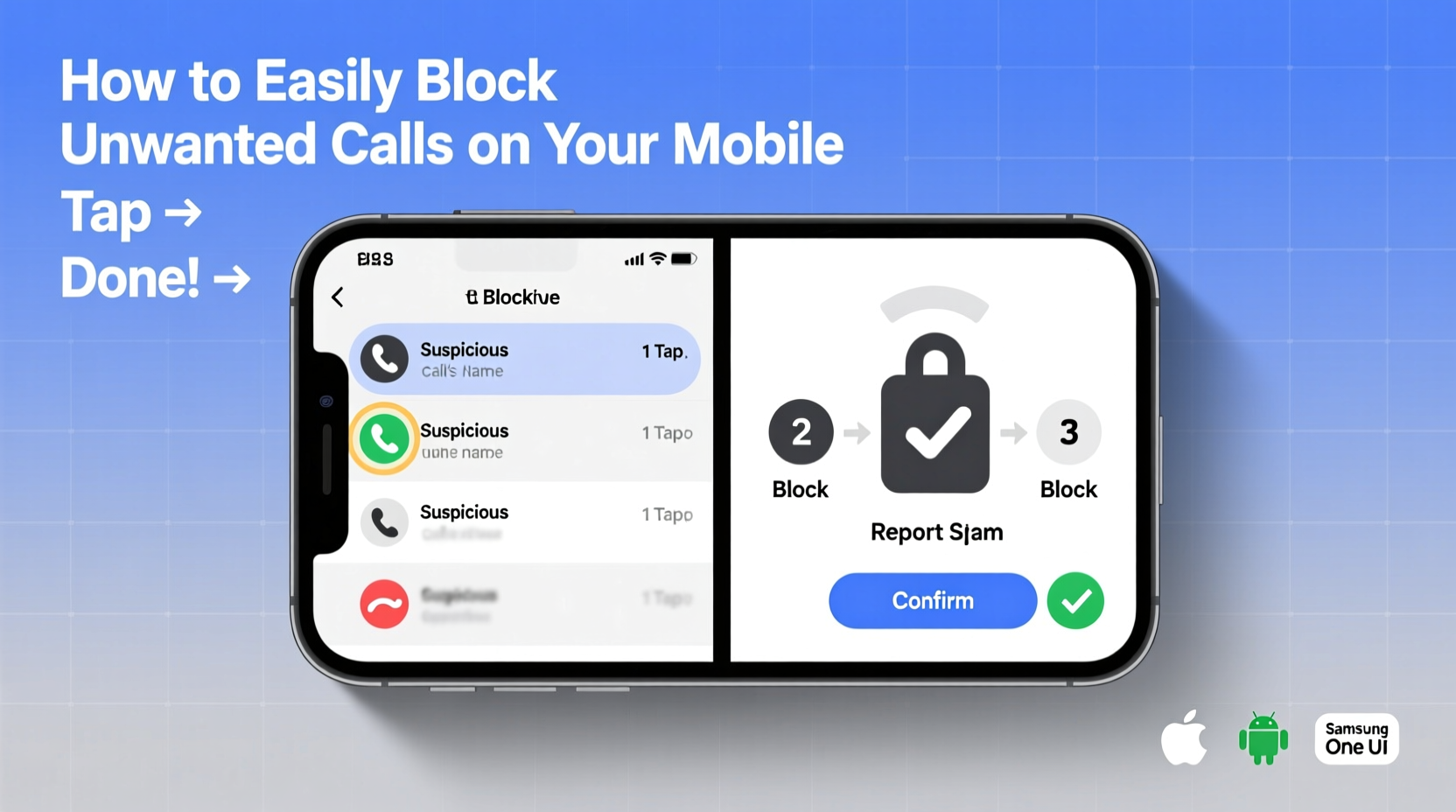
The rise in automated calling systems has made it easier than ever for scammers and marketers to reach millions of people at minimal cost. According to the Federal Trade Commission (FTC), consumers reported over 5.4 million fraud-related calls in 2023 alone. Caller ID spoofing allows malicious actors to disguise their real numbers, making it difficult to identify threats before answering.
Left unchecked, these calls can lead to financial loss, identity theft, or emotional distress. But you don’t have to endure them. With built-in features and third-party tools, blocking unwanted calls is simpler than most people realize.
Step-by-Step Guide to Blocking Calls by Phone Type
The method you use depends on your device’s operating system. Below are detailed instructions tailored to each major platform.
For iPhone Users (iOS)
- Block a Recent Caller: Open the Phone app, tap “Recents,” find the number, and tap the “i” icon next to it. Scroll down and select “Block this Caller,” then confirm.
- Block from Contacts: If the number is saved, go to the contact, scroll down, and choose “Block this Caller.”
- Enable Silence Unknown Callers: Go to Settings > Phone > Silence Unknown Callers. When enabled, calls from numbers not in your contacts go straight to voicemail.
- Use Do Not Disturb: In Settings > Focus > Do Not Disturb, customize who can reach you. You can allow calls only from favorites or repeat callers within three minutes.
For Android Users (Samsung, Google Pixel, etc.)
- Block Individual Numbers: Open the Phone app, go to “Recent calls,” tap the number, and select “Block number” or the three-dot menu > “Add to reject list.”
- Use Spam Protection: On many Android devices, especially Samsung and Pixel phones, spam detection is built in. Enable it via Settings > Caller ID & Spam.
- Google Voice Integration: Install Google Voice and link it to your number. It automatically flags and blocks suspected spam calls.
- Call Screen Feature (Pixel): For suspicious calls, let Google Assistant answer and transcribe the conversation in real time—no need to pick up.
For Basic Phones (Non-Smartphones)
Even older devices offer some protection, though options are limited.
- Contact your carrier to inquire about call-blocking services. Most major providers offer free basic spam filtering.
- Some feature phones support blacklisting up to 10–20 numbers manually via settings.
- If your phone supports SIM applications, check if your carrier provides a call-filtering app accessible through the SIM menu.
“Modern smartphones give users more control than ever—but most underutilize built-in privacy tools that could eliminate 90% of spam calls.” — David Lin, Cybersecurity Analyst at MobileTrust Labs
Third-Party Apps That Enhance Call Blocking
While native tools are effective, third-party apps often provide broader coverage and real-time spam databases.
| App Name | Best For | Key Features | Platform |
|---|---|---|---|
| Truecaller | Global spam detection | Caller ID, spam reporting, automatic blocking | iOS & Android |
| Hiya | Carrier-grade protection | Real-time threat database, scam alerts | iOS & Android |
| RoboKiller | Advanced anti-robocall | Answer bots that waste scammers’ time, auto-block | iOS & Android |
| Should I Answer? | Minimalist interface | Spam scoring, no ads, low data usage | Android |
Mini Case Study: How Sarah Reduced Her Spam Calls by 95%
Sarah, a freelance graphic designer from Austin, was receiving 15–20 unsolicited calls daily—mostly fake IRS warnings and loan offers. She used an iPhone but had never explored its call-blocking features. After enabling “Silence Unknown Callers” and installing Truecaller, her spam dropped dramatically. Within a week, she averaged fewer than one spam call per day. She also registered her number with the National Do Not Call Registry and reported persistent scammers to the FTC. Today, her phone remains quiet, allowing her to focus on client work without interruption.
Essential Checklist: Block Unwanted Calls in 5 Minutes
Follow this quick checklist to secure your phone today:
- ✅ Block the last few spam numbers from your call log
- ✅ Enable built-in spam protection (iOS: Silence Unknown Callers; Android: Caller ID & Spam)
- ✅ Register your number at donotcall.gov
- ✅ Install a trusted third-party app like Truecaller or Hiya (optional)
- ✅ Report illegal calls to the FTC at reportfraud.ftc.gov
Frequently Asked Questions
Can I block all unknown numbers at once?
Yes. On iPhone, enable “Silence Unknown Callers” in Settings > Phone. On Android, use “Block all except contacts” in the Phone app settings or enable “Restricted mode” under Call settings.
Will blocking a number stop texts too?
On most smartphones, blocking a number stops both calls and messages. However, some spam may still arrive via RCS or messaging apps. Use additional filtering in your Messages app to manage spam texts.
Are there free ways to block spam calls?
Absolutely. All major carriers offer free spam filtering, and both iOS and Android include robust built-in tools. Third-party apps like Truecaller and Hiya offer free tiers with strong functionality.
Final Tips for Long-Term Call Protection
Blocking individual numbers is helpful, but long-term peace of mind comes from proactive habits. Avoid sharing your phone number on public websites or social media. Be cautious when entering contests or signing up for services that may sell your data. Regularly update your phone’s software to ensure security patches and improved spam detection are active.
Also, remember that legitimate organizations rarely call out of the blue. If a caller claims to be from your bank, utility company, or government agency, hang up and call back using the official number listed on their website.
Take Control of Your Phone Today
You don’t have to live with constant interruptions from spam callers. Whether you’re using the latest smartphone or a basic mobile device, tools exist to restore your privacy and reduce stress. By combining native features, smart settings, and a few strategic steps, you can dramatically reduce—or even eliminate—unwanted calls.




 浙公网安备
33010002000092号
浙公网安备
33010002000092号 浙B2-20120091-4
Comments
No comments yet. Why don't you start the discussion?