
Flight delays and cancellations are among the most stressful aspects of air travel. A missed connection, unexpected layover, or last-minute gate change can derail even the most carefully planned trip. The good news? With today’s digital tools and smart habits, staying informed about your flight status has never been easier. Whether you're at home, en route to the airport, or already in the terminal, knowing how to access accurate, real-time flight information can save time, reduce anxiety, and help you make better decisions on the go.
Why Real-Time Flight Status Matters
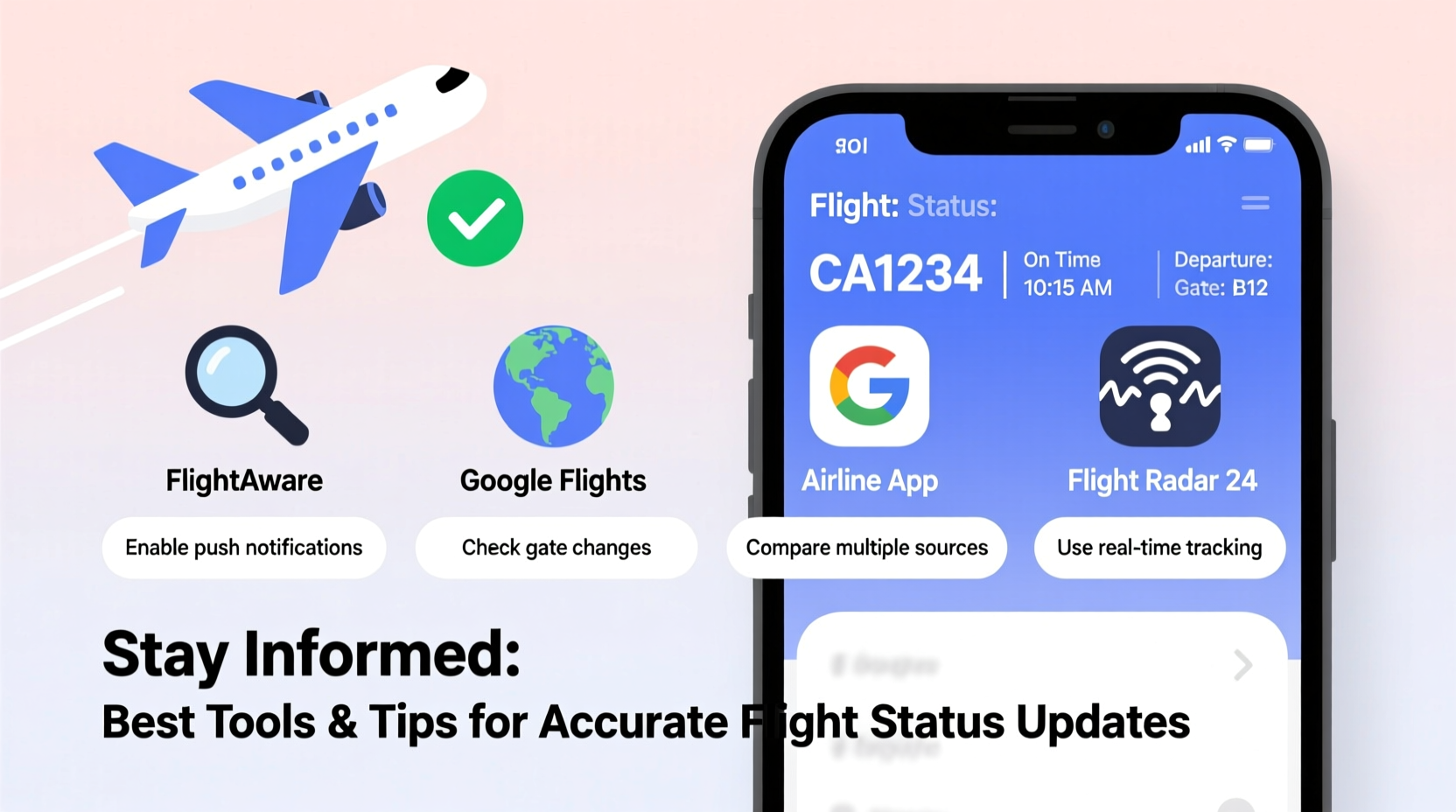
Accurate flight tracking isn’t just about convenience—it’s essential for effective travel planning. Airlines update flight statuses due to weather conditions, air traffic control directives, mechanical issues, crew availability, and security concerns. These changes often occur with little notice. Relying solely on printed itineraries or outdated departure boards can lead to confusion and missed flights.
Staying ahead means checking not only departure times but also gate assignments, baggage claim details, and potential boarding delays. Proactive monitoring allows travelers to adjust their schedules, rebook efficiently if needed, and communicate changes to family or business contacts.
Top Tools for Checking Flight Status Accurately
A variety of reliable platforms provide up-to-the-minute flight data. Most pull from official sources like the Federal Aviation Administration (FAA), Air Traffic Control systems, and airline APIs. Here are the most trusted options:
1. Airline Mobile Apps
The most direct source of flight information is the airline’s own app. Major carriers like Delta, United, American Airlines, and Lufthansa offer robust mobile applications that deliver push notifications for delays, gate changes, and boarding times. These apps sync with your booking and often include interactive airport maps and customer support chat features.
2. Flight Tracking Websites
Third-party flight trackers aggregate global flight data and are accessible via web browsers or mobile apps. Some of the most accurate include:
- FlightAware – Offers live radar tracking, historical data, and predictive delay alerts.
- Flightradar24 – Displays real-time aircraft positions using ADS-B technology; ideal for visualizing flight paths.
- Google Flights – Allows users to search and track flights; sends email or app alerts when schedules change.
- Bing Travel / Microsoft Start – Provides quick status lookup through simple search queries.
3. Airport Websites and Apps
Major airports like JFK, Heathrow, and Changi maintain updated arrival and departure boards online. Their official websites often integrate with airline data and provide terminal-specific updates, including security wait times and parking availability.
4. SMS and Email Alerts
Many airlines and third-party services allow you to subscribe to text or email alerts. For example, signing up for FlightAware’s free account lets you track specific flights and receive automatic updates via your preferred channel.
“Real-time flight data reduces passenger uncertainty by over 70% when integrated into pre-travel routines.” — Dr. Lena Torres, Aviation Logistics Researcher, MIT Transportation Lab
Step-by-Step Guide to Monitoring Your Flight Status
Follow this sequence to ensure you’re always informed before and during your journey:
- Book and Save Confirmation Details: After booking, note your flight number (e.g., AA123), departure and arrival airports, and date.
- Download the Airline App: Install the airline’s official app and log in with your reservation.
- Enable Notifications: Turn on push alerts for schedule changes, gate updates, and boarding reminders.
- Check 24 Hours Before Departure: Verify departure time, terminal, and gate. Look for any preliminary advisories.
- Monitor Morning of Travel: Refresh the app or website one hour before leaving for the airport.
- Track En Route: While driving or taking transit to the airport, keep the app open for last-minute gate changes.
- Arrival Monitoring (for pickups): Use shared tracking links or public flight pages to time your arrival at baggage claim.
What to Do When a Delay Is Confirmed
If your flight is delayed or canceled, act quickly:
- Recheck the airline app for rebooking options.
- Contact customer service through the app’s messaging feature—often faster than calling.
- Review your rights: EU Regulation EC 261/2004 may entitle you to compensation for long delays or cancellations.
- Adjust connecting plans: If you have a tight layover, inform gate agents upon arrival.
Comparison of Top Flight Tracking Tools
| Tool | Best For | Free Features | Premium Options | Offline Access |
|---|---|---|---|---|
| Delta App | Delta passengers | Real-time alerts, mobile boarding pass | SkyMiles upgrades, priority support | Limited (cached data) |
| FlightAware | All travelers, detailed analytics | Basic tracking, delay predictions | Live radar, ad-free, extended history | No |
| Flightradar24 | Visual tracking, aviation enthusiasts | Global plane map, flight numbers | Historical playback, enhanced filters | No |
| Google Flights | Price + status combo checks | Price tracking, delay indicators | None (fully free) | No |
| JFK Airport Website | Terminal-specific updates | Gate info, security wait times | N/A | No |
Real Example: Avoiding a Missed Connection
Sophie was flying from Chicago to Miami with a 55-minute connection in Atlanta. She checked her outbound flight status the night before and saw no issues. But on the morning of travel, she opened the Delta app and noticed a 20-minute delay. As her first flight taxied, the app updated again: new gate assignment in Atlanta due to construction.
Instead of rushing blindly after landing, Sophie used the in-terminal map on the app to navigate directly to Gate C12. Her original connection was at B7. Without the update, she would have wasted precious minutes backtracking. Thanks to real-time tracking, she made her flight with three minutes to spare.
Frequently Asked Questions
How far in advance should I start checking my flight status?
Begin monitoring 24 hours before departure. While major disruptions are usually announced earlier, gate changes and short-term delays typically appear within this window.
Can I track someone else’s flight without their booking details?
Yes—use the flight number and date on platforms like FlightAware or Google Flights. You don’t need personal information, just the public flight identifier (e.g., UA456).
Are airline apps more accurate than third-party trackers?
Airline apps often have access to internal operational data slightly faster than public trackers, especially for gate changes and boarding status. However, third-party tools like Flightradar24 excel in real-time location accuracy using live aircraft signals.
Essential Checklist for Stress-Free Flight Monitoring
Use this checklist the day before and morning of your flight:
- ✅ Confirm flight number and departure time in airline app
- ✅ Enable push notifications for delays and gate changes
- ✅ Check weather at departure and destination airports
- ✅ Save customer service number or chat link
- ✅ Share your flight status link with family or pickup contacts
- ✅ Verify terminal and security checkpoint entrance
- ✅ Recheck status 60 minutes before heading to the airport
Conclusion: Stay Informed, Travel Smarter
Knowing whether your flight is on time shouldn’t be a guessing game. With the right tools and proactive habits, you can stay ahead of disruptions and move through the airport with confidence. From airline apps to global flight trackers, the technology exists to keep you informed every step of the way. Make flight monitoring part of your standard pre-travel routine—just like packing your passport or charging your phone.




 浙公网安备
33010002000092号
浙公网安备
33010002000092号 浙B2-20120091-4
Comments
No comments yet. Why don't you start the discussion?