
Applying for an identification document—whether it’s a driver’s license, state ID, or federal passport—is a routine but essential task. Yet one of the most common frustrations applicants face isn’t the application itself, but uncertainty about what happens afterward. When will it arrive? Was my photo accepted? Is there a problem with my submission?
The good news is that most government agencies now offer transparent, user-friendly systems to track your ID application in real time. Understanding how to use these tools—and knowing what milestones to expect—can reduce stress, prevent unnecessary follow-ups, and ensure you receive your ID on schedule.
Step-by-Step: How to Check Your ID Application Status Online
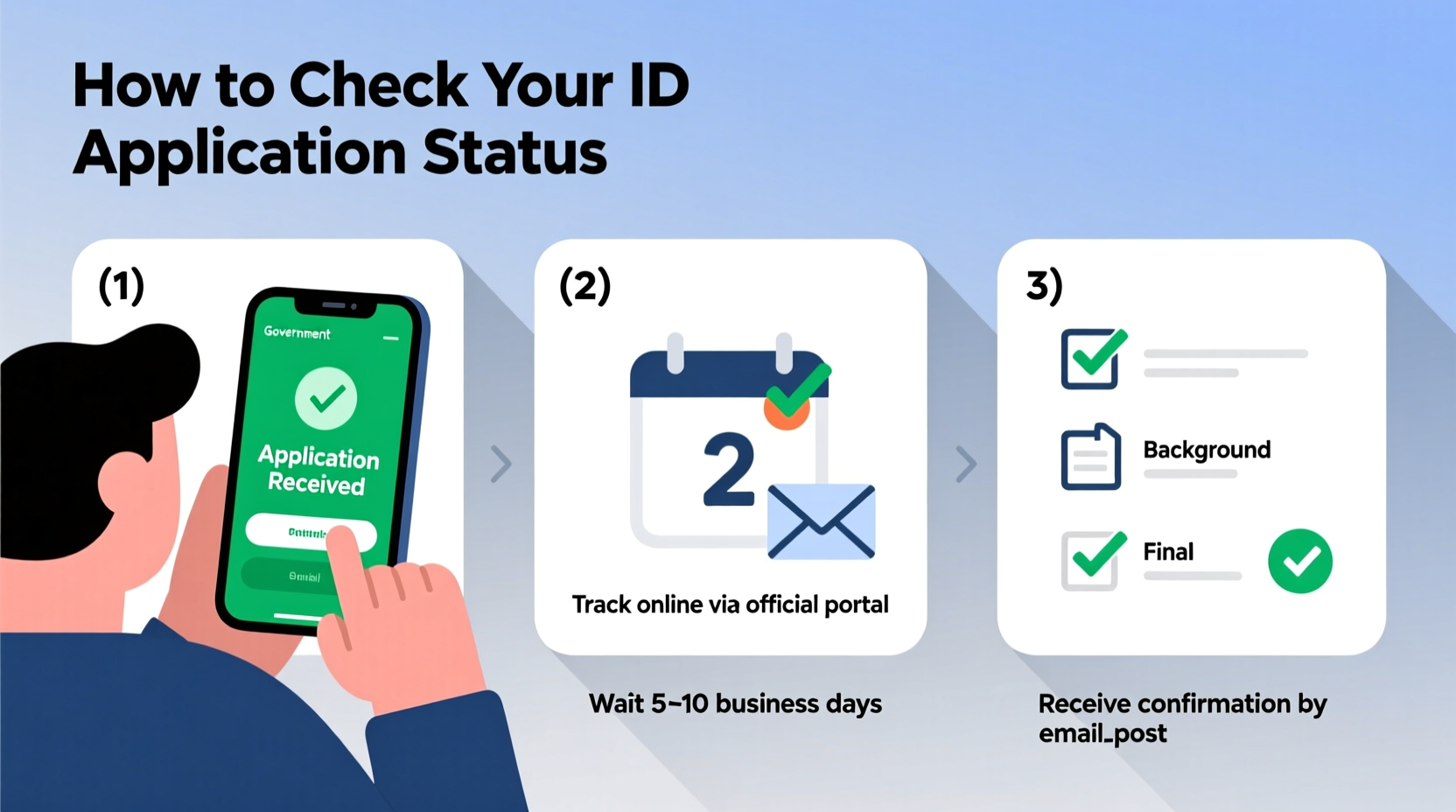
Checking your ID application status has become increasingly streamlined thanks to digital portals operated by state and federal agencies. Here's how to do it efficiently:
- Locate the official agency website – Whether it’s your state’s Department of Motor Vehicles (DMV), the U.S. Department of State (for passports), or another issuing body, always start at the official .gov site to avoid scams.
- Gather required information – You’ll typically need your application number, confirmation code, full name, date of birth, and sometimes the last four digits of your Social Security number.
- Navigate to the “Track Application” section – Most sites have a dedicated portal under headings like “Check Status,” “Application Tracking,” or “My Account.”
- Enter your details accurately – Double-check spelling and numbers. A single typo can return “no results found.”
- Review your current status – The system will display your application phase: received, processing, approved, printed, or mailed.
What the Status Updates Mean—and What Happens Next
Not all status messages are self-explanatory. Knowing what each stage implies helps you anticipate next steps and detect potential issues early.
| Status | Meaning | Expected Timeline | What to Do |
|---|---|---|---|
| Application Received | Your form and documents have been successfully submitted. | 1–3 business days | Wait for next update; no action needed unless notified. |
| In Review / Processing | Agency is verifying identity, photos, and eligibility. | 5–15 business days (varies by state) | Monitor email/text for requests for additional info. |
| Approved | All requirements met. ID is being prepared. | Immediate | Prepare for delivery; ensure mailing address is correct. |
| Printed / In Production | ID card is being manufactured (often includes security features). | 2–7 business days | No action required. Delivery follows shortly after. |
| Mailed / Shipped | ID has been dispatched via postal service. | Within 24–48 hours of printing | Track USPS tracking number if provided; watch mailbox. |
| Delivered | Package successfully delivered to your address. | Varies by location | Activate card if required (e.g., some state IDs). |
Common Delays and How to Avoid Them
Even with accurate applications, delays happen. Some are systemic—like high volume during renewal seasons—while others stem from correctable errors.
- Incorrect or blurry photo submissions – Many online applications reject images that don’t meet lighting, background, or expression standards.
- Mismatched personal information – If your name on the application doesn’t exactly match your birth certificate or Social Security record, verification slows down.
- Outdated contact details – Agencies often send requests for clarification via email or text. If your inbox is full or your number is disconnected, you might miss critical messages.
- High demand periods – Back-to-school season, tax time, or post-pandemic surges can extend processing times beyond published estimates.
“Over 30% of delayed ID applications stem from easily avoidable photo issues. Take the time to review guidelines before uploading.” — James Rutherford, Senior Coordinator, National ID Services Division
Real Example: Maria’s Passport Renewal Experience
Maria, a teacher from Oregon, renewed her passport online ahead of a summer trip to Portugal. She submitted her application on April 3 and immediately used the U.S. Department of State’s Passport Status Checker. For the first five days, the status read “Application Received.” On day six, it changed to “In Review,” then stalled.
Concerned, she checked her spam folder and discovered an automated message requesting a clearer copy of her utility bill for address verification. She uploaded the document within hours. Two days later, her status updated to “Approved,” and by April 18—just 15 days after submission—her new passport arrived by mail.
Maria’s experience underscores two key points: delays aren’t always negative, and checking your email regularly is just as important as monitoring the status portal.
Essential Checklist Before and After Submission
To ensure a smooth process from start to finish, follow this checklist:
- ✅ Confirm you’re using the correct form for your situation (new applicant, renewal, replacement).
- ✅ Double-check all personal information against official records.
- ✅ Submit a compliant photo (front-facing, no filters, white background).
- ✅ Save your application or confirmation number immediately.
- ✅ Sign up for email or SMS alerts if the option is available.
- ✅ Monitor your inbox (including spam) for agency communications.
- ✅ Wait the expected processing time before contacting support.
- ✅ Activate your ID upon arrival if required (e.g., PIN setup for state IDs).
Frequently Asked Questions
How long does it usually take to get an ID after approval?
Most state IDs and driver’s licenses arrive within 7–10 business days after the “Approved” or “Printed” status. U.S. passports typically take 8–11 weeks standard, or 5–7 weeks with expedited service. Processing times are posted on official websites and may vary by season.
What should I do if my status hasn’t changed in over two weeks?
If your application remains in “Processing” beyond the published timeframe, first verify that you haven’t missed a request for additional documentation. Then, contact the agency through official channels—phone, secure messaging portal, or in-person appointment. Have your application number ready.
Can someone else check my ID application status for me?
Generally, only the applicant can access detailed status information due to privacy laws. However, some states allow authorized representatives (such as family caregivers) to act on your behalf if proper consent forms are on file.
Final Steps: Receiving and Activating Your ID
Once your ID is marked as “Mailed,” delivery typically follows quickly. When it arrives:
- Inspect the card for accuracy—name, birth date, photo, and expiration date.
- Sign the back if it’s a driver’s license or state ID.
- Activate the card if required. Some states send a separate activation code or require a quick online verification step.
- Store your old ID securely until you confirm the new one is valid, then destroy it by shredding or cutting through the chip and photo.
If anything is incorrect, contact the issuing agency immediately. Most offer correction services at no extra cost if reported within 30 days.
Stay Informed, Stay Confident
Knowing how to check your ID application status transforms an uncertain wait into a predictable process. With real-time tracking, clear status definitions, and proactive communication habits, you can move from submission to receipt with confidence.




 浙公网安备
33010002000092号
浙公网安备
33010002000092号 浙B2-20120091-4
Comments
No comments yet. Why don't you start the discussion?