
Finding an exact address used to require phone books, maps, or local knowledge. Today, digital tools make it faster and more accurate—but only if you know how to use them effectively. Whether you're tracking down a friend’s new home, verifying a business location, or planning a delivery route, the ability to locate any address accurately is a practical skill. This guide walks through proven methods, reliable tools, and smart verification techniques to ensure precision every time.
Why Accurate Address Lookup Matters
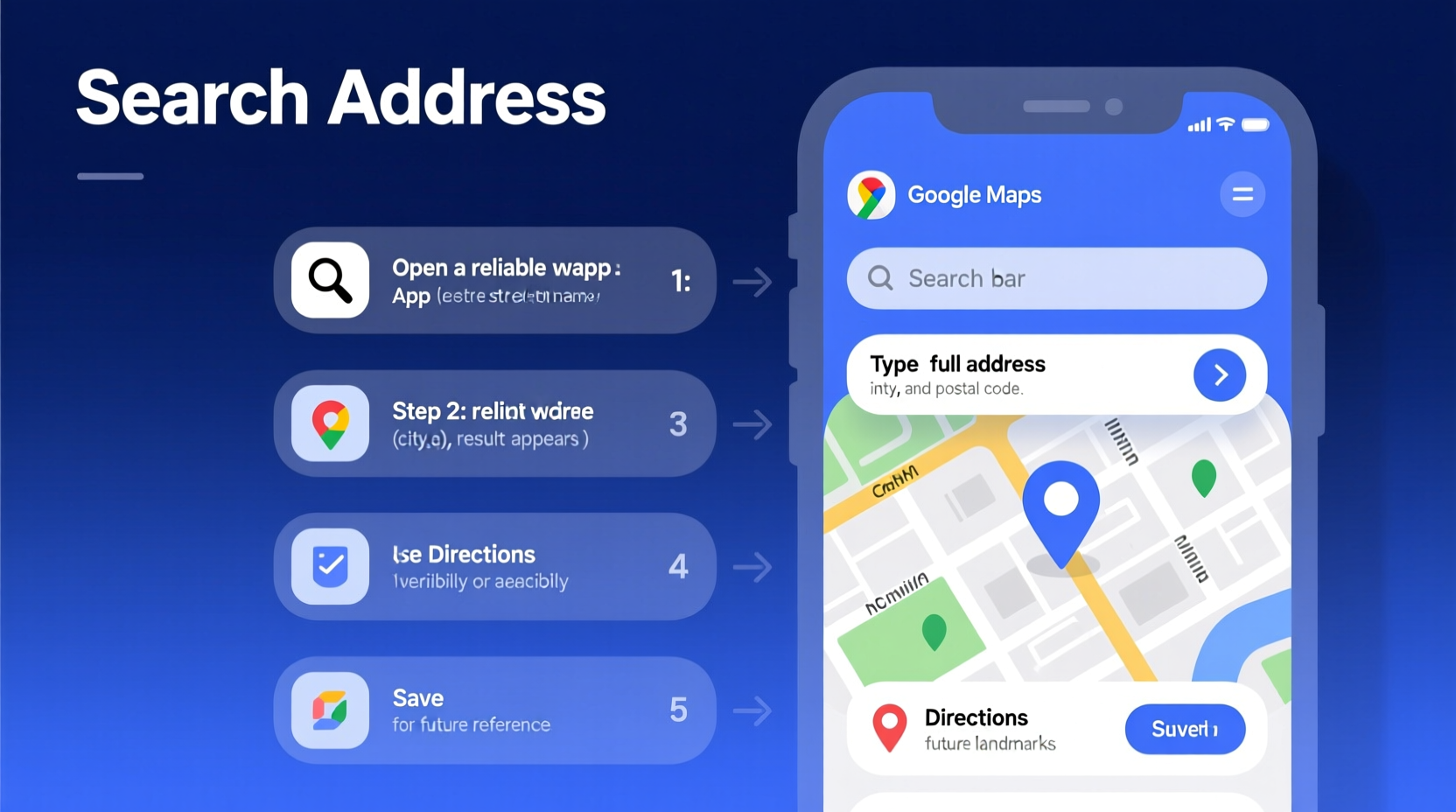
An incorrect or incomplete address can lead to missed deliveries, wasted travel time, or even legal complications in property or rental matters. In emergency situations, a precise address can be life-saving. With urban sprawl and inconsistent naming conventions—especially in rural or newly developed areas—standard searches don’t always yield reliable results. That’s why a systematic approach is essential.
According to the U.S. Postal Service, nearly 3% of all mail is undeliverable due to address errors. Digital mapping services have reduced this significantly, but human input and outdated databases still introduce inaccuracies. The key is not just finding an address, but confirming its validity.
Step-by-Step Guide to Finding Any Address
- Gather Available Information
Start with whatever details you have: a person’s name, business name, landmark, city, ZIP code, or partial street name. Even vague clues like “near the old train station” can help narrow your search. - Use a Reliable Online Map Service
Open Google Maps, Apple Maps, or Bing Maps. Type in known details. For example, enter “Joe’s Auto Repair, Albuquerque” rather than just “Joe’s.” Use autocomplete suggestions to refine your query. - Search Public Records (If Needed)
For residential addresses, public records such as property tax databases or voter registration may help. Many counties offer free online access to parcel data. Search “[County Name] property records” to explore options. - Verify with Multiple Sources
Cross-reference the address across at least two platforms. Check Google Maps, USPS ZIP Code Lookup, and Facebook (for businesses). If all sources agree, confidence in accuracy increases. - Use Satellite or Street View for Visual Confirmation
Zoom into the location using satellite imagery or Street View. Look for house numbers, signage, or nearby landmarks that match your expectations. This helps confirm whether the building exists and aligns with the address. - Contact Local Authorities or Services (When Necessary)
If you’re still uncertain—especially for emergency or legal purposes—contact local non-emergency police, post office, or utility providers. They often have verified address databases.
Best Tools for Address Verification
Different tools serve different needs. Some are ideal for quick lookups; others provide official validation.
| Tool | Best For | Limitations |
|---|---|---|
| Google Maps | General address lookup, visual confirmation | May show unverified user-submitted locations |
| USPS ZIP Code Lookup | Validating U.S. mailing addresses | U.S.-only; limited to postal standards |
| OpenStreetMap | Global coverage, community-updated | Less polished interface; variable accuracy |
| City or County GIS Portals | Property-level accuracy, parcel data | Not available in all regions; technical interface |
| Facebook Places / Yelp | Business addresses with reviews and photos | May list closed or relocated businesses |
Common Mistakes That Lead to Wrong Addresses
- Typing too fast: A missing letter or transposed number (e.g., 124 Main vs. 142 Main) can redirect you miles away.
- Ignoring directional indicators: “West 5th Street” and “East 5th Street” may exist in the same city but on opposite sides.
- Relying solely on voice assistants: While convenient, they sometimes mishear or default to popular but incorrect locations.
- Using outdated references: Old directories, expired websites, or forwarded emails may contain obsolete addresses.
- Assuming GPS coordinates are final: Coordinates from a phone may point to the center of a building or parking lot, not the entrance.
“Address accuracy isn't just about navigation—it's about trust. One wrong digit can break a delivery chain or delay emergency services.” — Dr. Lena Patel, Urban Geospatial Analyst
Real-World Example: Locating a Remote Cabin
A hiker planned to visit a rental cabin in northern Vermont. The booking email listed only “off Route 7, near Jericho,” with no street number. Standard map searches failed. Using the method above, the renter first contacted the property manager via messaging. When no response came, they searched the county’s GIS portal using the parcel ID mentioned in the lease agreement. The system revealed the official address: 872 Mountain Laurel Lane, Jericho, VT 05465. Cross-checking with Google Earth confirmed a driveway leading off Route 7 matching the photo. Without these steps, the hiker might have spent hours driving aimlessly.
Checklist: Ensure Your Address Is Accurate
Before relying on any address, go through this checklist:
- ✅ Confirm the full street name, including directional prefixes (N, S, E, W)
- ✅ Verify the ZIP or postal code matches the city and neighborhood
- ✅ Check Street View or satellite image for physical presence
- ✅ Cross-reference with USPS or national postal service tool
- ✅ Call the business or resident to confirm, if possible
- ✅ Note nearby landmarks for backup orientation
FAQ: Common Questions About Address Lookup
Can I find an address using just a phone number?
Generally, no—unless it’s a publicly listed landline tied to a directory. Mobile numbers are not linked to physical addresses in public systems due to privacy laws. Reverse phone lookup services exist, but their accuracy varies and many are unreliable or potentially unethical.
What should I do if Google Maps shows a place but no address?
This often happens with new constructions or informal locations. Try switching to satellite view to see if a structure exists. You can also report a missing address directly in Google Maps by clicking “Suggest an edit” on the location page. Alternatively, contact local government offices responsible for zoning or permitting.
How do I verify an international address?
Use country-specific postal service tools when available—such as Royal Mail for the UK or Canada Post. Also consider using multilingual search terms. For example, “rue” in France, “strasse” in Germany, or “via” in Italy. Google Maps usually handles international formatting well, but double-check hierarchy: house number, street, city, region, postal code, country.
Conclusion: Confidence in Every Location
Finding an address shouldn’t be a game of guesswork. With the right tools and a methodical approach, anyone can locate and verify addresses quickly and accurately. From simple web searches to deeper public records, the information is available—you just need to know where and how to look. Accuracy saves time, prevents frustration, and in some cases, ensures safety.




 浙公网安备
33010002000092号
浙公网安备
33010002000092号 浙B2-20120091-4
Comments
No comments yet. Why don't you start the discussion?