
Knowing your phone’s exact model and technical specifications is essential whether you're troubleshooting performance issues, buying accessories, upgrading software, or selling your device. While many users assume this information is buried deep in settings or requires technical know-how, the truth is that identifying your phone's specs can be done quickly and accurately—often in under five minutes. This guide walks you through proven, no-fuss methods across both Android and iOS platforms, ensuring you get precise details without confusion or guesswork.
Why Knowing Your Phone Model Matters
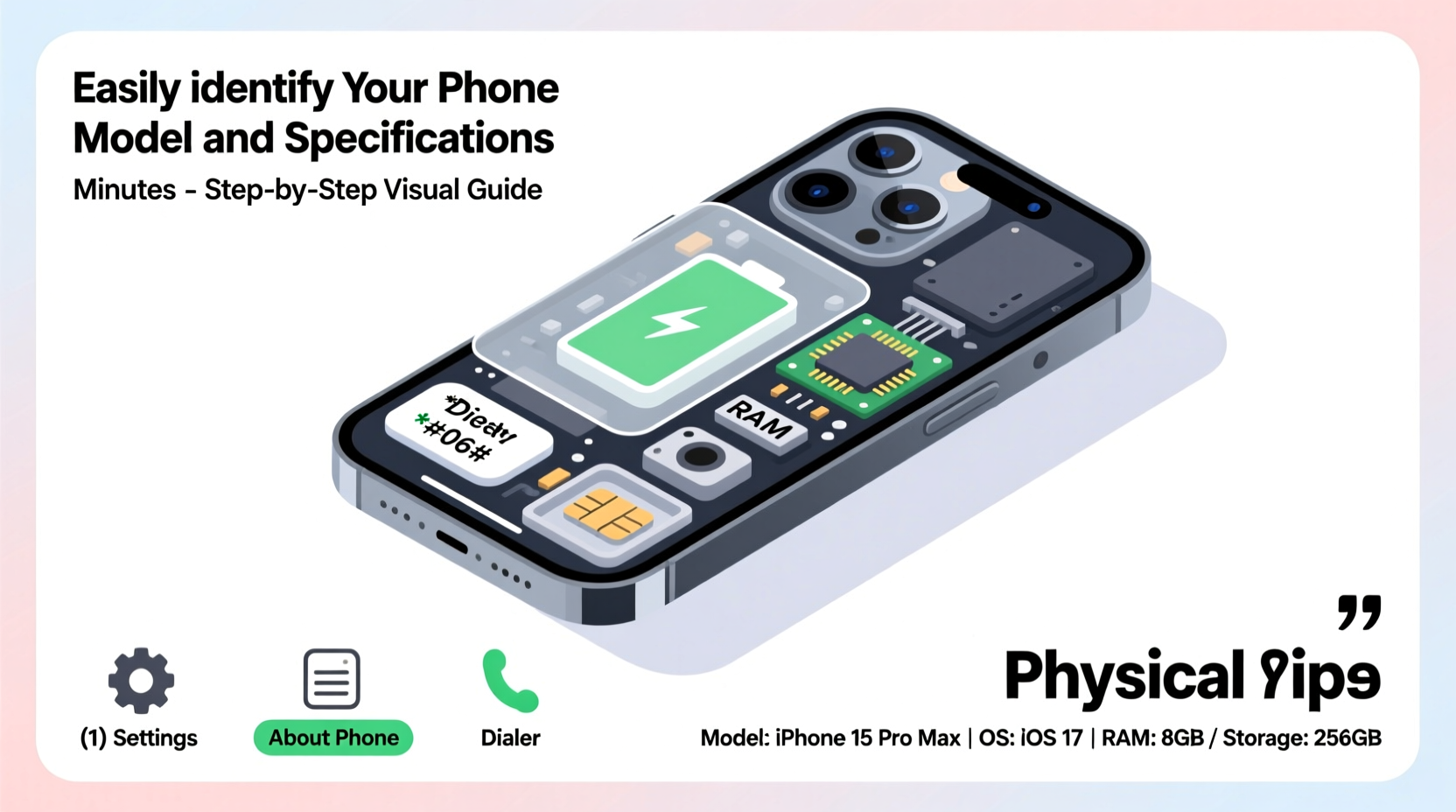
It might seem trivial, but identifying your exact phone model can prevent costly mistakes. For example, a Samsung Galaxy S23 has different camera capabilities, battery life, and accessory compatibility than the S23 Ultra. Similarly, an iPhone 14 Pro Max uses a different charging port alignment and supports higher refresh rates than the base iPhone 14. Using incorrect accessories or downloading incompatible apps due to model confusion can lead to frustration or hardware damage.
Additionally, when seeking customer support or repair services, technicians often require the full model number—not just the marketing name—to provide accurate assistance. Software developers also rely on precise device data to optimize app performance. Being able to pull up your phone’s complete specs empowers you to make informed decisions about usage, upgrades, and maintenance.
Step-by-Step Guide to Find Your Phone Model
Whether you own an Android device or an iPhone, here’s how to locate your phone’s model number and key specifications with minimal effort.
- Check the Device Settings (Android & iPhone)
- Android: Go to Settings > About Phone. You’ll see entries like “Model,” “Device Name,” and “Model Number.” Tap on “Software Information” for additional details such as build number and Android version.
- iOS: Navigate to Settings > General > About. Look for “Model Name” and “Model Number.” The listed model may appear as a code (e.g., A2634), which you can decode online at Apple’s lookup tool.
- Use the IMEI Code
Dial
*#06#on your phone’s keypad to display the IMEI (International Mobile Equipment Identity). This unique number can be entered into online databases like IMEInfo.com or Swappa’s IMEI checker to reveal full device specs, including storage capacity, color, and manufacturing region. - Inspect Physical Markings
Flip your phone over. Most devices have the model number printed on the back casing or beneath the battery (if removable). iPhones list the model number near the regulatory text at the bottom of the device.
- Check Original Packaging or Receipt
If you still have the box or purchase receipt, the exact model and configuration (e.g., 128GB, 5G variant) are typically printed clearly on the label.
- Use Third-Party Apps (Android Only)
Download trusted apps like Device Info HW or AIDA64 from the Google Play Store. These tools provide exhaustive reports on CPU, GPU, RAM, sensors, battery health, and network bands.
Key Specifications You Should Know
Once you’ve identified your model, focus on these critical specs that impact daily use:
| Specification | Why It Matters | Where to Find It |
|---|---|---|
| Processor (CPU) | Determines speed and multitasking ability | Settings > About > Hardware Info (Android); Use Geekbench for iOS |
| RAM Size | Affects app switching and performance under load | Device Info apps (Android); Not directly accessible on iOS without jailbreak |
| Storage Capacity | Limits photo, video, and app storage | Settings > Storage (both platforms) |
| Battery Health | Indicates degradation and expected lifespan | iOS: Settings > Battery > Battery Health; Android: Third-party apps |
| Operating System Version | Impacts security, compatibility, and feature access | Settings > Software Update / About Phone |
Real Example: Maria’s Upgrade Dilemma
Maria wanted to upgrade her phone but wasn’t sure if her current device—a Samsung Galaxy she bought two years ago—was worth selling. She didn’t remember the exact model. Following the steps above, she went to About Phone and found her model number: SM-S901U1. A quick web search revealed it was a Galaxy S22 with 5G support, 128GB storage, and a Snapdragon processor. Armed with this data, she checked resale values on Swappa and eBay, verified compatibility with her carrier, and sold it for $270—$50 more than she’d initially expected by guessing “just an S22.”
This simple process saved her time, ensured accuracy, and maximized return—all because she took seven minutes to confirm her specs.
“Consumers who accurately report their device model receive faster support and better trade-in offers.” — David Lin, Senior Technician at TechCare Solutions
Common Mistakes to Avoid
- Confusing marketing names with model numbers. For instance, “Galaxy S23” refers to multiple variants (S23, S23+, S23 Ultra), each with different internals.
- Relying solely on external appearance. Design changes between models can be subtle. Always verify via software or IMEI.
- Ignoring regional variants. A phone sold in Europe may have different LTE bands than the U.S. version, affecting roaming performance.
- Using untrusted spec-checking apps. Some free apps collect personal data. Stick to well-reviewed tools with transparent privacy policies.
Frequently Asked Questions
Can I find my phone model if the screen is broken?
Yes. If the device powers on, connect it to a computer and use manufacturer software like Samsung Smart Switch or iTunes (for iPhone) to detect the model. Alternatively, check the original box, receipt, or account dashboard (Google Dashboard or iCloud).
What’s the difference between model number and serial number?
The model number identifies the type of device (e.g., Pixel 7 Pro), while the serial number is a unique identifier for your specific unit. Both are useful: model for compatibility, serial for warranty and theft reporting.
Do all phones show detailed specs in settings?
iPhones hide some hardware details from the default interface due to system restrictions. Android devices vary by brand—Samsung and Google Pixel offer more transparency than budget OEMs. For comprehensive insights, third-party tools are often necessary.
Action Checklist: Identify Your Phone in 5 Minutes
- Open Settings and navigate to “About Phone” or “General > About.”
- Note down the model name and number.
- Dial *#06# to retrieve your IMEI and cross-check it online.
- Inspect the back of the phone or SIM tray for engraved labels.
- Use a trusted app (Android) or benchmark tool (iOS) to extract advanced specs.
- Record the information in a secure note for future reference.
Conclusion: Take Control of Your Device Knowledge
You don’t need technical expertise to understand what’s inside your smartphone. With straightforward tools built into every modern phone, identifying your model and specifications is fast, free, and empowering. Whether you’re preparing to sell, troubleshoot, or simply satisfy your curiosity, taking a few minutes to gather accurate data pays dividends in confidence and convenience. Don’t guess—verify. Your next smart decision starts with knowing exactly what you own.




 浙公网安备
33010002000092号
浙公网安备
33010002000092号 浙B2-20120091-4
Comments
No comments yet. Why don't you start the discussion?