
Instagram remains one of the most powerful platforms for personal branding, creative expression, and business growth. But if your profile is set to private, you're limiting your reach—possibly without realizing it. A private account restricts who can see your content, follow you, or engage with your posts. Switching to public opens doors to new audiences, collaborations, and opportunities. More importantly, a public profile is essential if you want to grow organically, gain brand partnerships, or build a recognizable online presence.
Making your Instagram account public is simple, but true visibility requires more than just a setting change. It demands strategy, consistency, and optimization. This guide walks you through not only how to switch your account from private to public but also how to maximize your visibility once it’s live to a broader audience.
Step-by-Step: How to Make Your Instagram Account Public
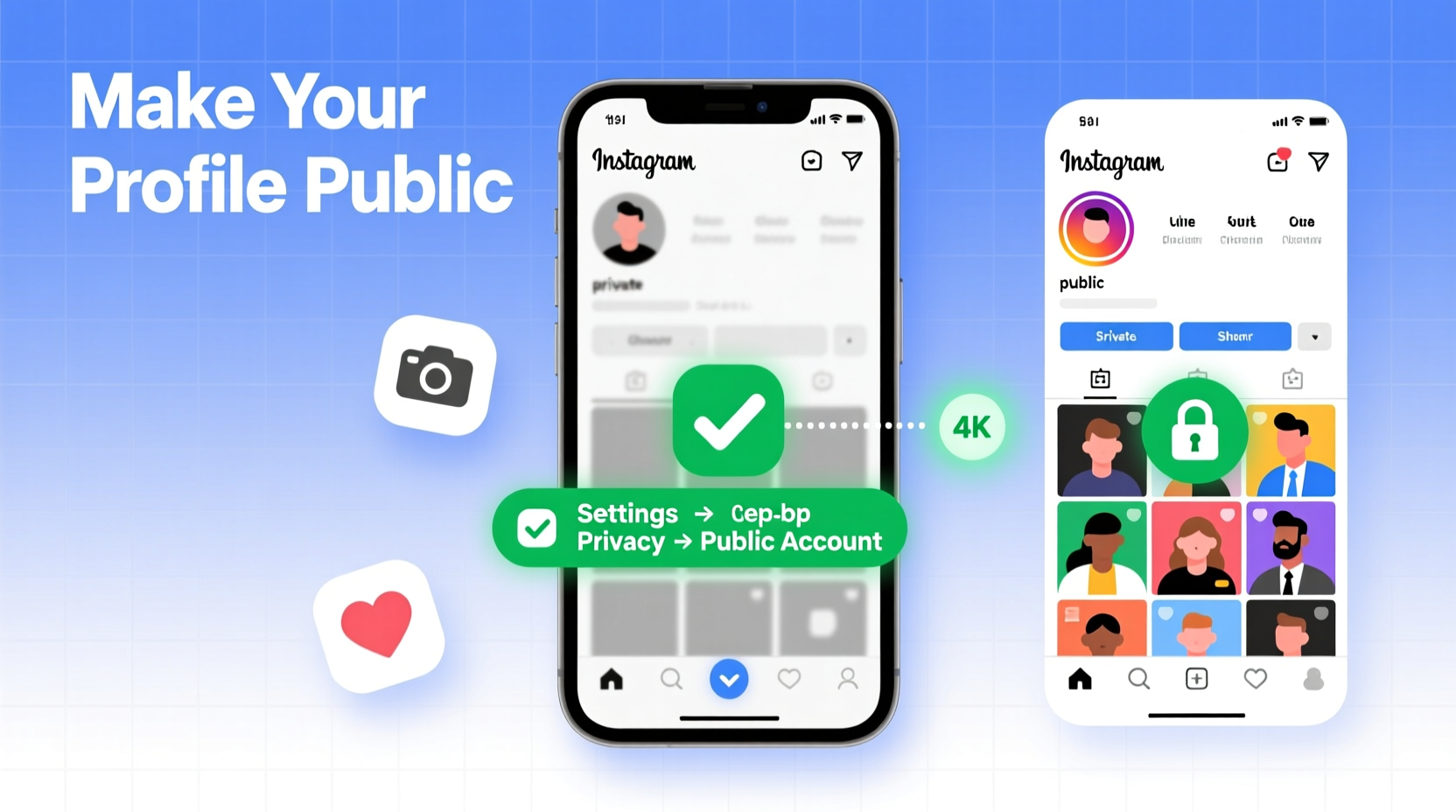
Changing your Instagram privacy settings takes less than a minute. Follow this straightforward process on either iOS or Android:
- Open the Instagram app and go to your profile by tapping the person icon in the bottom right.
- Tap the menu icon (three horizontal lines) in the top right corner, then select “Settings.”
- Navigate to “Privacy” and tap “Account Privacy.”
- Ensure the toggle next to “Private Account” is turned off. When disabled, your account becomes public.
- Exit the settings. Your profile is now visible to everyone on Instagram.
Once public, anyone can view your posts, stories, reels, and follower list without needing approval. This increases discoverability through hashtags, geotags, and Explore page placements—key drivers of organic growth.
Optimize Your Profile for Maximum Visibility
A public account is only effective if your profile is compelling and well-optimized. Think of your Instagram profile as your digital storefront—it should instantly communicate who you are and what value you offer.
Perfect Your Bio
Your bio appears directly under your username and is one of the first things visitors read. Use it strategically:
- Include a clear description of your identity or niche (e.g., “Lifestyle photographer in Barcelona” or “Plant-based recipe creator”).
- Add a call-to-action (CTA), such as “Click the link below” or “DM for collaborations.”
- Use relevant emojis to break up text and improve readability.
- Leverage the website field—link to your blog, portfolio, Linktree, or latest promotion.
Choose a Recognizable Profile Picture
Your profile picture should be high-resolution and instantly identifiable. For personal brands, use a clear headshot. For businesses, use a clean logo. Avoid cluttered or low-quality images that diminish professionalism.
Prioritize Username Clarity
If possible, align your Instagram handle with your real name or brand name. Avoid excessive underscores or numbers unless necessary. A clean, memorable username improves searchability and credibility.
“Your Instagram profile has about three seconds to make an impression. Optimize every element—from photo to bio—to convert casual visitors into followers.” — Jordan Lee, Social Media Strategist
Content Strategy: What to Post for Greater Reach
Visibility isn’t just about being public—it’s about being seen by the right people. Instagram’s algorithm favors consistent, engaging content. Here’s how to structure your feed for maximum impact:
Post High-Quality Visuals Regularly
Whether photos, reels, or carousels, prioritize clarity, composition, and relevance. Blurry or poorly lit images reduce credibility. Use natural light when possible and edit with tools like Lightroom or VSCO for professional polish.
Leverage Reels and Stories
Reels are prioritized by Instagram’s algorithm and appear on both the Home feed and the Explore page. Create short, engaging videos—tutorials, behind-the-scenes clips, or trending audio challenges. Post Stories daily to stay top-of-mind; use polls, questions, and countdowns to boost interaction.
Use Hashtags Strategically
Hashtags categorize your content and increase discovery. Mix popular hashtags (e.g., #travel) with niche-specific ones (e.g., #solofemaletraveler). Limit to 8–15 relevant tags per post. Save hashtag sets in your notes for quick reuse.
Boost Engagement to Increase Visibility
Instagram rewards accounts that generate meaningful interactions. The more likes, comments, shares, and saves your content receives, the more the platform promotes it.
| Action | Impact on Visibility | Best Practice |
|---|---|---|
| Reply to comments | Signals active engagement | Respond within 1–2 hours of posting |
| Engage with similar creators | Increases chances of being featured or shared | Like and comment authentically on 5–10 posts daily |
| Encourage saves and shares | High save rate boosts algorithmic ranking | Add value: tips, templates, or inspiration |
| Use interactive Story stickers | Drives direct responses | Ask questions like “What should I post next?” |
Collaborate and Cross-Promote
Tag relevant accounts in your posts when appropriate. Partner with micro-influencers or peers in your niche for shoutouts or joint reels. Cross-promotion exposes your public profile to new, engaged audiences.
Mini Case Study: From Private to 10K Followers in 4 Months
Sophia, a 27-year-old baker from Portland, had her Instagram set to private for over two years. She shared occasional cake photos with close friends but gained no traction. After switching to public and optimizing her profile with a clear bio (“Artisan Cakes | Vegan & Gluten-Free | Portland, OR”), she began posting weekly reels showing her decorating process.
She used hashtags like #vegancake, #cakeart, and #glutenfreedesserts, responded to every comment, and collaborated with a local coffee shop for a feature. Within four months, her follower count grew from 200 to over 10,000. She now books custom orders weekly and partners with baking supply brands.
Sophia’s shift wasn’t just technical—it was strategic. Going public was the first step; consistent, optimized content turned visibility into opportunity.
Checklist: Boost Your Instagram Visibility After Going Public
- ✅ Switch account to public via Settings > Privacy > Account Privacy
- ✅ Update your profile picture and bio with clarity and intent
- ✅ Add a working link in your bio (Linktree, website, etc.)
- ✅ Post 3–5 times per week using high-quality visuals
- ✅ Publish at least 2 reels per week using trending audio
- ✅ Use 8–15 targeted hashtags per post
- ✅ Engage with followers and similar accounts daily
- ✅ Monitor Insights to track top-performing content
- ✅ Collaborate with others in your niche
- ✅ Encourage saves and shares with valuable content
FAQ
Will people see my old posts when I go public?
Yes. Once your account is public, all your previous posts become visible to anyone on Instagram, including non-followers. If you have content you’d prefer to keep private, delete or archive it before switching.
Can I switch back to private later?
Yes. You can toggle your account between public and private at any time. However, each time you go public, new users will be able to see your entire post history unless you adjust privacy per post (via Advanced Settings).
Does going public increase the risk of spam or unwanted messages?
Potentially. With greater visibility comes increased exposure. To minimize spam, enable message filtering in Settings > Privacy > Messages, and avoid sharing personal information publicly. Use Close Friends lists for more intimate story sharing.
Conclusion: Turn Visibility Into Opportunity
Making your Instagram account public is a small action with significant potential. It removes invisible barriers between your content and the global audience waiting to discover it. But visibility alone isn’t enough—optimization, consistency, and engagement transform passive views into real growth.
Start today: flip the switch, refine your profile, and commit to a content rhythm that reflects your goals. Whether you're building a personal brand, promoting a business, or simply sharing your passion, a public Instagram profile is your gateway to connection, recognition, and opportunity.




 浙公网安备
33010002000092号
浙公网安备
33010002000092号 浙B2-20120091-4
Comments
No comments yet. Why don't you start the discussion?