
Staying informed with reliable, real-time news has never been more important. Newsmax Plus offers ad-free, 24/7 streaming of conservative news, original programming, and exclusive interviews. If you own a Roku device—whether it’s a streaming stick, box, or built-in smart TV—you can access Newsmax Plus directly from your living room. This guide walks you through the entire process, from account creation to launching your first stream, ensuring a smooth and frustration-free experience.
What Is Newsmax Plus?
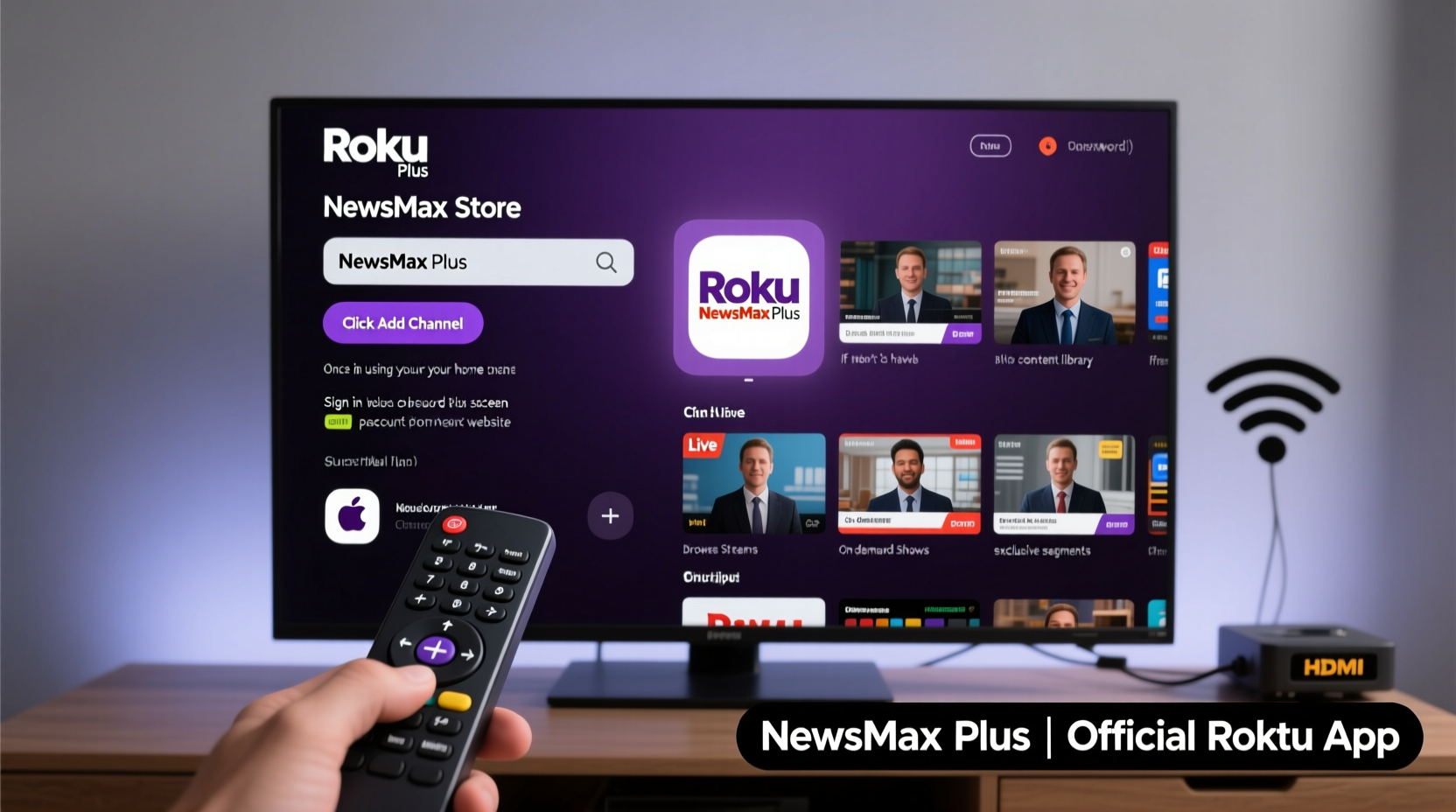
Newsmax Plus is the premium subscription service offered by Newsmax, a digital media company known for its political commentary, investigative reporting, and live coverage of major events. Unlike the free Newsmax content available on YouTube or its website, Newsmax Plus provides uninterrupted viewing, exclusive shows, and early access to special reports—all without ads. The service is accessible across multiple platforms, including mobile apps, web browsers, and streaming devices like Roku.
Subscribers enjoy features such as:
- 24/7 live stream of Newsmax TV
- On-demand access to full episodes and documentaries
- Exclusive member-only content
- Offline downloads (via mobile app)
To watch on your TV, Roku is one of the most user-friendly options. With millions of active users, Roku's intuitive interface makes it simple to install apps, manage subscriptions, and stream high-quality video in up to 4K resolution.
Step-by-Step: How to Install and Activate Newsmax Plus on Roku
Follow this detailed sequence to get Newsmax Plus up and running on your Roku device in under ten minutes.
- Turn on your Roku device and ensure it’s connected to the internet via Wi-Fi or Ethernet.
- Using your remote, navigate to the Home Screen and select “Streaming Channels” at the top of the menu.
- In the channel store, use the search function to type “Newsmax.” You can do this using the on-screen keyboard or voice search if supported.
- Select the official Newsmax channel from the results. It should display the Newsmax logo and be published by “Newsmax Media, Inc.”
- Click “Add Channel” or “Install.” The app will download automatically and appear on your home screen within seconds.
- Once installed, open the Newsmax app. You’ll be prompted to either sign in with an existing account or create a new one.
- If you don’t have a Newsmax Plus subscription, choose “Subscribe” and follow the prompts to enter payment details. A monthly fee applies (currently $9.99/month as of 2024).
- After completing registration, return to the Roku Home Screen and reopen the Newsmax app.
- You’re now ready to stream—browse live TV, explore on-demand shows, or set reminders for upcoming programs.
Troubleshooting Common Setup Issues
Even straightforward processes can hit snags. Here are common problems users encounter when setting up Newsmax Plus on Roku—and how to fix them quickly.
| Issue | Possible Cause | Solution |
|---|---|---|
| “Newsmax not found” in channel store | Typo or regional restriction | Double-check spelling; ensure your Roku account region is set to United States. |
| Activation error after login | Outdated app or expired session | Uninstall and reinstall the app; clear cache via Settings > System > Advanced System Settings > Clear Cache. |
| Buffering or low video quality | Slow internet speed | Run a speed test; aim for at least 10 Mbps for HD streaming. Move closer to your router or switch to wired connection. |
| Subscription not recognized | Account mismatch | Verify that you're logging into the same email used during purchase. Reset password if needed. |
“We designed Newsmax Plus for seamless multi-device access, but proper authentication is key—always use the same credentials across platforms.” — David Gualtieri, CTO, Newsmax Media
Real Example: Getting Back on Track After a Failed Login
Consider Sarah, a retiree in Arizona who wanted to stream Newsmax Plus on her Roku TV. She subscribed online but couldn't log in through the app. After checking her email and finding a confirmation from Newsmax, she realized she had signed up using her old Gmail address, not the newer one linked to her Roku profile. By switching her login email and reinstalling the app, she gained immediate access. Her experience underscores the importance of matching account details precisely.
Maximizing Your Viewing Experience
Once you’ve successfully installed and activated Newsmax Plus, enhance your daily viewing with these best practices.
- Add Newsmax to your favorites: Press the *Star* button on your remote while on the channel tile to pin it near the top of your home screen.
- Use private listening (if available): Pair Bluetooth headphones with your Roku for late-night viewing without disturbing others.
- Enable closed captions: Press the *CC* button on your remote during playback for improved accessibility.
- Check for updates regularly: Go to Settings > System > Check for Updates to keep your Roku firmware current, which helps prevent compatibility issues.
Frequently Asked Questions
Can I watch Newsmax Plus on Roku without a subscription?
No. While the free Newsmax channel may offer limited live streams or clips, full access to Newsmax Plus—including ad-free content and on-demand programming—requires a paid subscription. There is no permanent free tier.
Is Newsmax Plus available outside the United States?
Currently, Newsmax Plus is only available to viewers within the U.S. due to licensing restrictions. Users abroad may see the app in the Roku store but will be blocked during activation unless using a U.S.-based payment method and IP address.
Can I share my Newsmax Plus account on multiple Roku devices?
Yes. Your Newsmax Plus login can be used on up to five different devices simultaneously, including Roku, Apple TV, Android, and iOS. However, only two streams can play at once per account.
Essential Checklist Before You Begin
Before installing the Newsmax Plus app, ensure you meet all requirements:
- ✅ Active Roku device (any model released since 2015 supports the app)
- ✅ Stable internet connection (minimum 10 Mbps recommended)
- ✅ U.S.-based Roku account and billing address
- ✅ Valid email address for Newsmax account creation
- ✅ Payment method (credit card or PayPal) for subscription
- ✅ Subscription plan selected ($9.99/month or annual option if available)
Final Thoughts and Next Steps
Streaming Newsmax Plus on Roku brings trusted journalism directly to your television with minimal effort. The combination of Roku’s ease of use and Newsmax’s commitment to uncensored reporting creates a powerful tool for staying informed. Whether you're tuning in for breaking news, financial analysis, or political commentary, the process outlined here ensures you’ll spend less time setting up and more time watching.
Now that your channel is installed and ready, consider exploring the full range of Newsmax Originals—from “Greg Kelly Reports” to “Eric Bolling The Balance.” Set program reminders, engage with their community polls, and take advantage of weekly member exclusives.




 浙公网安备
33010002000092号
浙公网安备
33010002000092号 浙B2-20120091-4
Comments
No comments yet. Why don't you start the discussion?