
Amazon Prime has become a cornerstone of modern digital convenience, offering members a wide array of benefits including free two-day shipping, access to Prime Video, unlimited photo storage, and exclusive deals. However, many users—especially new subscribers or those managing multiple accounts—are unsure how to confirm their membership status or fully leverage what they’re entitled to. Knowing how to verify your Prime membership isn’t just about confirming a subscription; it’s about ensuring you're getting the most out of your investment.
Whether you're troubleshooting an issue with delivery speed, trying to stream a movie that requires Prime eligibility, or simply want peace of mind that your account is active, this guide walks through every step needed to verify your membership and unlock its full potential.
Why Verifying Your Prime Membership Matters
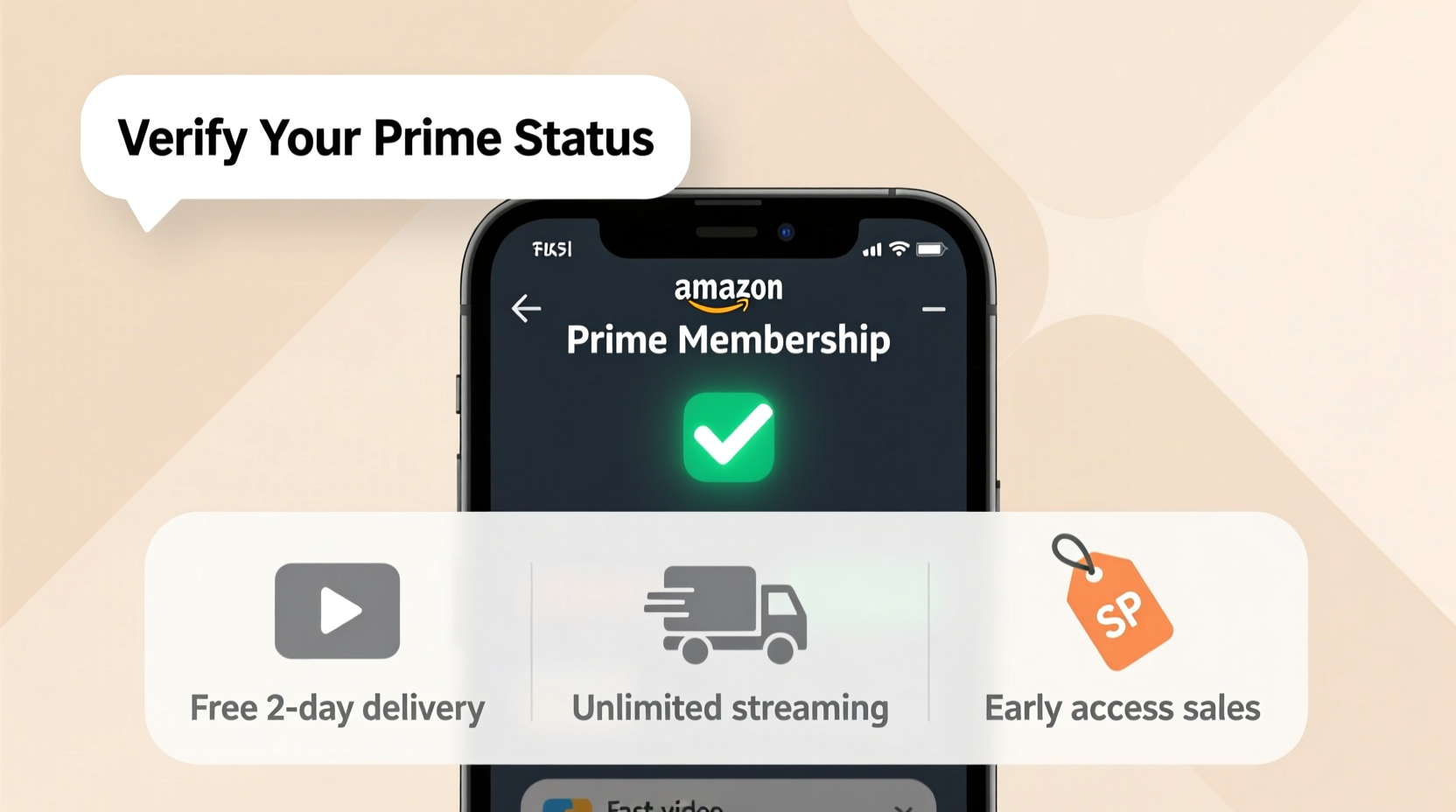
It's not uncommon for subscriptions to lapse unintentionally, especially if payment methods expire or billing issues arise. A lapsed membership means losing access to key benefits like same-day delivery, early access to Lightning Deals, or ad-free music streaming. Worse, some features may appear available but fail at checkout or playback due to inactive status.
Regular verification ensures uninterrupted service and helps catch problems before they affect your shopping or entertainment experience. It also allows you to audit your subscription plan—whether you’re on a monthly or annual cycle—and detect any unauthorized charges or duplicate memberships tied to shared email addresses.
Step-by-Step Guide to Verify Your Amazon Prime Membership
Verifying your Amazon Prime membership is straightforward when you know where to look. Follow these steps across desktop or mobile platforms:
- Sign in to Your Amazon Account: Go to amazon.com and log in using your credentials.
- Navigate to “Account & Lists”: Hover over or tap this section in the top-right corner of the homepage.
- Select “Your Prime Membership”: This option appears prominently if you're already enrolled.
- Review Membership Status: You’ll see one of several statuses: “Active,” “Pending Cancellation,” “Expired,” or “Not a Member.”
- Check Renewal Date and Payment Method: If active, confirm the next billing date and ensure your payment method is up to date.
- Explore Benefits Dashboard: Click “See All Benefits” to view what you can currently access.
If you don’t see the Prime section, you may need to search “Prime” directly in Amazon’s search bar and navigate to the membership page manually. Alternatively, visit https://www.amazon.com/prime directly while logged in.
On Mobile Devices (iOS/Android)
The process is nearly identical in the Amazon app:
- Tap the menu icon (three lines) in the upper-left corner.
- Scroll down and select “Your Account.”
- Look for “Prime Membership” under the “Settings” section.
- Tap to view current status, manage settings, or upgrade.
Some users report that the interface varies slightly depending on region or device model, so persistence in navigating account settings is key.
What Benefits Are Included With Amazon Prime?
Understanding what’s included in your membership helps validate whether you’re receiving everything promised. Below is a breakdown of core Prime benefits available in the U.S., though availability may vary by country.
| Benefit | Description | How to Access |
|---|---|---|
| Free Two-Day Shipping | Eligible items delivered in two days or less at no extra cost. | Look for “Prime” badge on product pages; choose “FREE Two-Day Shipping” at checkout. |
| Prime Video | Stream thousands of movies, shows, and originals like *The Boys* or *Reacher*. | Visit primevideo.com or use the Prime Video app. |
| Prime Music | Ad-free music streaming with curated playlists and stations. | Use the Amazon Music app; filter by “Prime Music Only.” |
| Prime Reading | Monthly selection of eBooks, magazines, comics, and more. | Go to “Reading” under “Discover” in the Kindle app or website. |
| Photo Storage | Unlimited full-resolution photo backup for Prime members. | Install Amazon Photos app and enable auto-upload. |
“Many customers don’t realize they’re paying for Prime but only using shipping. The real value lies in stacking benefits—streaming, reading, storage—all included at no extra cost.” — Sarah Lin, Consumer Tech Analyst
Common Issues and How to Resolve Them
Even verified members sometimes face access issues. Here are frequent problems and solutions:
- Shipping Not Showing as Free: Double-check item eligibility. Some third-party sellers exclude Prime shipping. Also, ensure your default address qualifies for two-day delivery.
- Can’t Access Prime Video: Log out and back into the app. Clear cache if on mobile. Confirm your account is still active via desktop.
- Payment Method Declined: Update your credit card or add a backup. Amazon will suspend benefits after failed payments unless corrected within seven days.
- Family Members Can’t Access Benefits: Use Amazon Household to share benefits securely with one other adult and up to four teens.
Mini Case Study: Recovering Lost Prime Access
Jamie, a long-time Prime member, noticed her orders were suddenly taking five days to arrive. She assumed delays were due to holidays, but after checking tracking details, she realized free two-day shipping wasn’t applied. Confused, she tried logging into Prime Video and received an error message: “Not eligible for Prime content.”
She visited her account dashboard and discovered her membership had expired two weeks earlier due to an expired credit card. After updating her payment information and reactivating her subscription, all benefits returned immediately. Her case highlights how silent lapses can go unnoticed until a key feature fails.
Since then, Jamie set up automatic alerts for upcoming renewals and now checks her Prime status quarterly. She also enabled multi-factor authentication to prevent unauthorized changes.
FAQ
Can I verify my Prime membership without making a purchase?
Yes. Simply visit your account settings or the Prime landing page while logged in. No purchase is required to check your status.
Is there a way to get proof of Prime membership for discounts or student programs?
Absolutely. Amazon provides official letters upon request. Contact customer support and ask for a “membership verification letter” for external use.
Does Amazon offer temporary access verification for trials?
Yes. During a free trial, your account will display “Trial Member” status with full access to benefits. You’ll receive email reminders before the trial ends.
Checklist: Ensure Your Prime Membership Is Active and Optimized
- ✅ Log in and confirm “Prime Member” status in account settings
- ✅ Check next billing date and payment method validity
- ✅ Review active devices linked to your account
- ✅ Test access to Prime Video and Music apps
- ✅ Share benefits via Amazon Household if applicable
- ✅ Enable notifications for renewal dates and service updates
Conclusion
Verifying your Amazon Prime membership should be a quick, routine part of managing your digital life. With just a few clicks, you can confirm your access to fast shipping, premium entertainment, and cloud storage—all bundled into one affordable subscription. More importantly, regular checks protect against unexpected lapses that could disrupt your shopping habits or weekend binge-watching plans.




 浙公网安备
33010002000092号
浙公网安备
33010002000092号 浙B2-20120091-4
Comments
No comments yet. Why don't you start the discussion?