
TikTok has become one of the most influential platforms for short-form video content, from dance challenges and comedy skits to educational snippets and viral trends. However, not everyone wants to install the full app on their device. Whether you're concerned about storage space, data usage, screen time, or privacy, it's entirely possible—and surprisingly simple—to enjoy TikTok content without downloading the application.
This guide walks you through multiple reliable methods to view TikTok videos directly from your browser or mobile device. You’ll learn how to browse content safely, save videos for later, and even download them legally—all without touching the app store.
Why Watch TikTok Without the App?
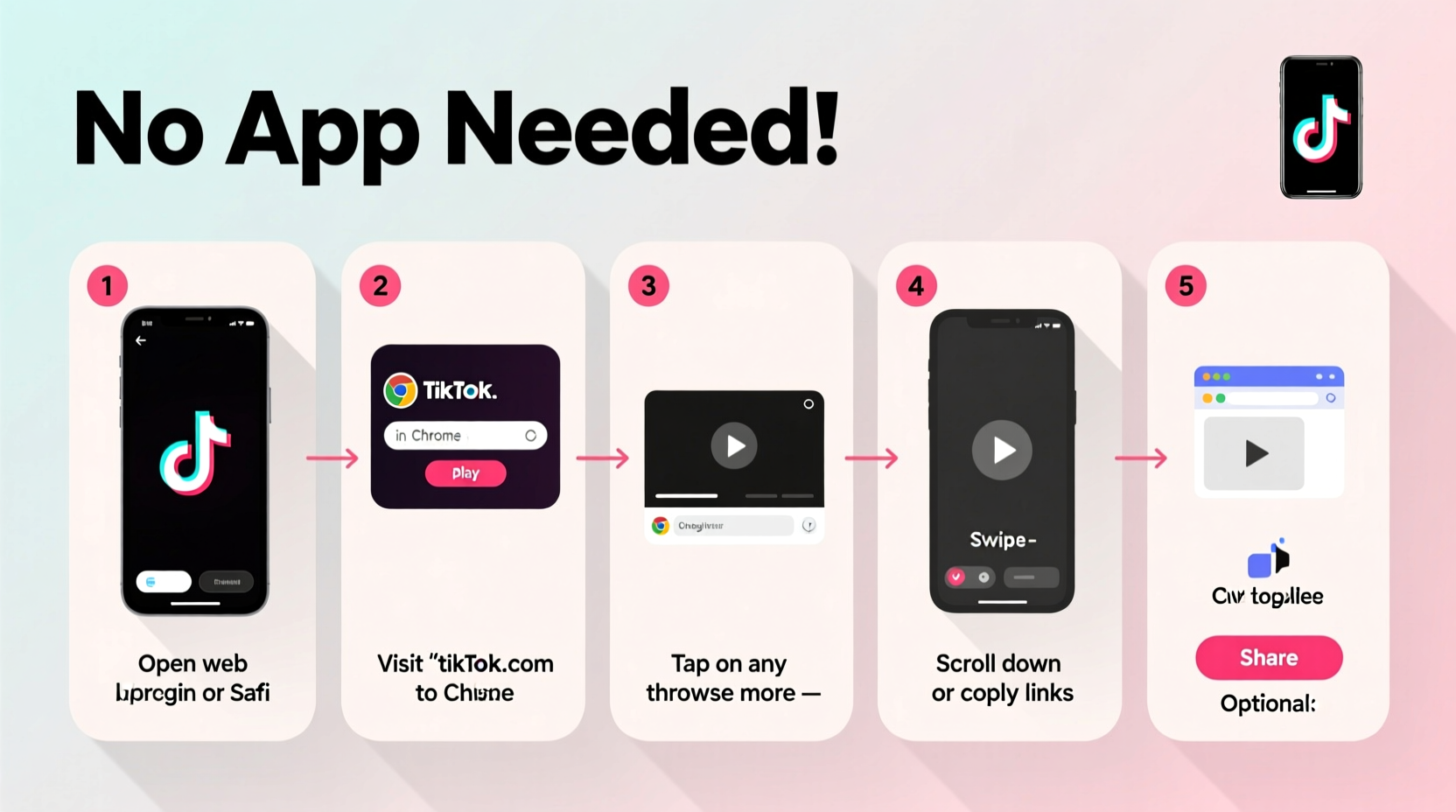
The TikTok app is designed to maximize engagement. It uses algorithms that encourage endless scrolling, collects user data for personalization, and consumes significant battery and storage. For many users, especially those who only want occasional access to trending videos, installing the app feels excessive.
Watching TikTok without the app offers several advantages:
- Privacy protection: Avoid giving the app permission to access your microphone, camera, contacts, or location.
- No storage bloat: Save valuable space on smartphones or tablets.
- Reduced distractions: Skip push notifications and addictive interface design.
- Cross-device compatibility: View videos seamlessly on laptops, desktops, or shared devices.
Step-by-Step Guide to Watching TikTok Videos Online
You don’t need an account or the app to view public TikTok videos. The platform allows direct web access to individual posts and creator profiles. Follow these steps to start watching immediately.
- Find the TikTok video link: If someone shared a video with you via text, email, or social media, copy the full URL. It will look like:
https://www.tiktok.com/@username/video/1234567890123456789 - Paste into your browser: Open Chrome, Safari, Firefox, or any modern browser and paste the link into the address bar.
- View the video: The page loads instantly with the video, caption, likes, and comments visible below.
- Navigate further: Click on the username to visit the creator’s profile and browse their other public videos.
- Search for new content: Go to tiktok.com, use the search bar at the top, and type in keywords (e.g., “cooking hacks,” “fitness tips”) to discover trending videos.
Note: While you can't interact with videos (like, comment, or share) without logging in, viewing remains fully accessible.
Alternative Methods for Broader Access
Beyond direct links and the official website, several third-party tools enhance your ability to explore TikTok content without installation. These are particularly useful if you’re curating content for research, education, or casual viewing.
1. Use TikTok’s Web Profile Browsing
Visit any public TikTok profile by typing tiktok.com/@[username] into your browser. For example: tiktok.com/@charlidamelio. This opens a clean grid of all public videos posted by that user.
2. Explore Trending Content via TikTok’s Discover Page
On the desktop site, click the magnifying glass icon or go to tiktok.com/explore. Here, you’ll find:
- Trending hashtags
- Popular sounds and music
- Top videos by category (comedy, pets, tech, etc.)
3. Third-Party Aggregators and Viewer Tools
Sites like TikTok Viewer, Ttdownloader, and Snaptik allow you to enter a TikTok URL and stream the video directly—or even download it. While convenient, always verify that these services comply with TikTok’s terms of use and avoid entering personal information.
“More than 40% of TikTok views now come from embedded or external sources, including web browsers.” — Digital Trends Report, 2023
Do’s and Don’ts When Watching TikTok Online
| Do’s | Don’ts |
|---|---|
| Use incognito mode to reduce tracking | Share login credentials on third-party sites |
| Bookmark frequently visited creator pages | Click on suspicious 'TikTok downloader' ads |
| Verify URLs before pasting (ensure they start with https://www.tiktok.com) | Assume all viewer sites are safe or ad-free |
| Download videos only for personal, non-commercial use | Re-upload content without permission |
Mini Case Study: How a Teacher Uses TikTok Without the App
Jamie Rivera, a high school science teacher in Portland, uses TikTok to find engaging experiment demonstrations and student-friendly explainers. Concerned about screen time and data usage on her personal phone, she avoids installing the app.
Instead, Jamie saves TikTok video links shared in educator Facebook groups and opens them during lesson planning on her laptop. She uses a bookmark folder labeled “Science Shorts” to organize URLs by topic—chemistry demos, physics illusions, biology facts. When she finds a useful clip, she downloads it using a trusted online tool (with permission from the creator) and plays it offline in class.
“I get all the benefits of TikTok’s creativity without the distraction,” she says. “And I’m not giving an algorithm access to my phone.”
How to Download TikTok Videos Legally (Without the App)
If you want to save a video for offline viewing—say, for presentation use or language learning—you can do so ethically and technically without the app.
- Open the TikTok video in your browser.
- Click the “Share” button (arrow icon) under the video.
- Select “Copy link” if not already copied.
- Go to a reputable online TikTok downloader (e.g., ssstik.io or musicaldown.com).
- Paste the link and click “Download.”
- Choose the version without watermark (if available) and save to your device.
Remember: Always credit the original creator and avoid commercial redistribution unless explicitly permitted.
Frequently Asked Questions
Can I watch TikTok videos without an account?
Yes. Public TikTok videos are viewable on the web without signing in. You only need an account to like, comment, follow, or post content.
Is it safe to use third-party TikTok viewers?
Some are safe, but many contain aggressive ads or collect user data. Stick to well-known platforms, avoid entering passwords, and use an ad blocker for added protection.
Will watching TikTok on a browser use less data?
It can. Browsers often load lower-resolution previews initially and let you choose when to play. Plus, you avoid background processes typical of mobile apps, which helps conserve bandwidth.
Checklist: How to Safely Watch TikTok Without Installing the App
- ✅ Copy the TikTok video URL from a message or post
- ✅ Open it in a private/incognito browser window
- ✅ Verify the website is www.tiktok.com (not a fake clone)
- ✅ Browse creator profiles or use the Explore page to find new content
- ✅ Use a trusted online downloader only if you need an offline copy
- ✅ Never enter your TikTok password on third-party sites
- ✅ Clear cookies after browsing if privacy is a concern
Conclusion
Accessing TikTok without the app is not only possible—it’s often smarter. Whether you're protecting your privacy, conserving device resources, or simply prefer a minimalist digital lifestyle, browser-based viewing gives you full access to the platform’s vibrant content with none of the overhead.
From educators to parents to professionals monitoring digital trends, more people are choosing lightweight, intentional ways to engage with social media. By mastering these techniques, you stay informed, entertained, and in control of your online experience.




 浙公网安备
33010002000092号
浙公网安备
33010002000092号 浙B2-20120091-4
Comments
No comments yet. Why don't you start the discussion?