
Finding someone on Facebook using only their phone number may seem challenging, but it's often more straightforward than expected—provided you follow the right approach. With over 3 billion monthly active users, Facebook remains one of the most powerful social networks for reconnecting with old friends, verifying contacts, or confirming identities. However, doing so ethically and within platform guidelines is essential. This guide walks through the legitimate methods, tools, and precautions involved in locating someone using their phone number, ensuring your efforts remain respectful and effective.
Understanding Facebook’s Contact Sync Feature
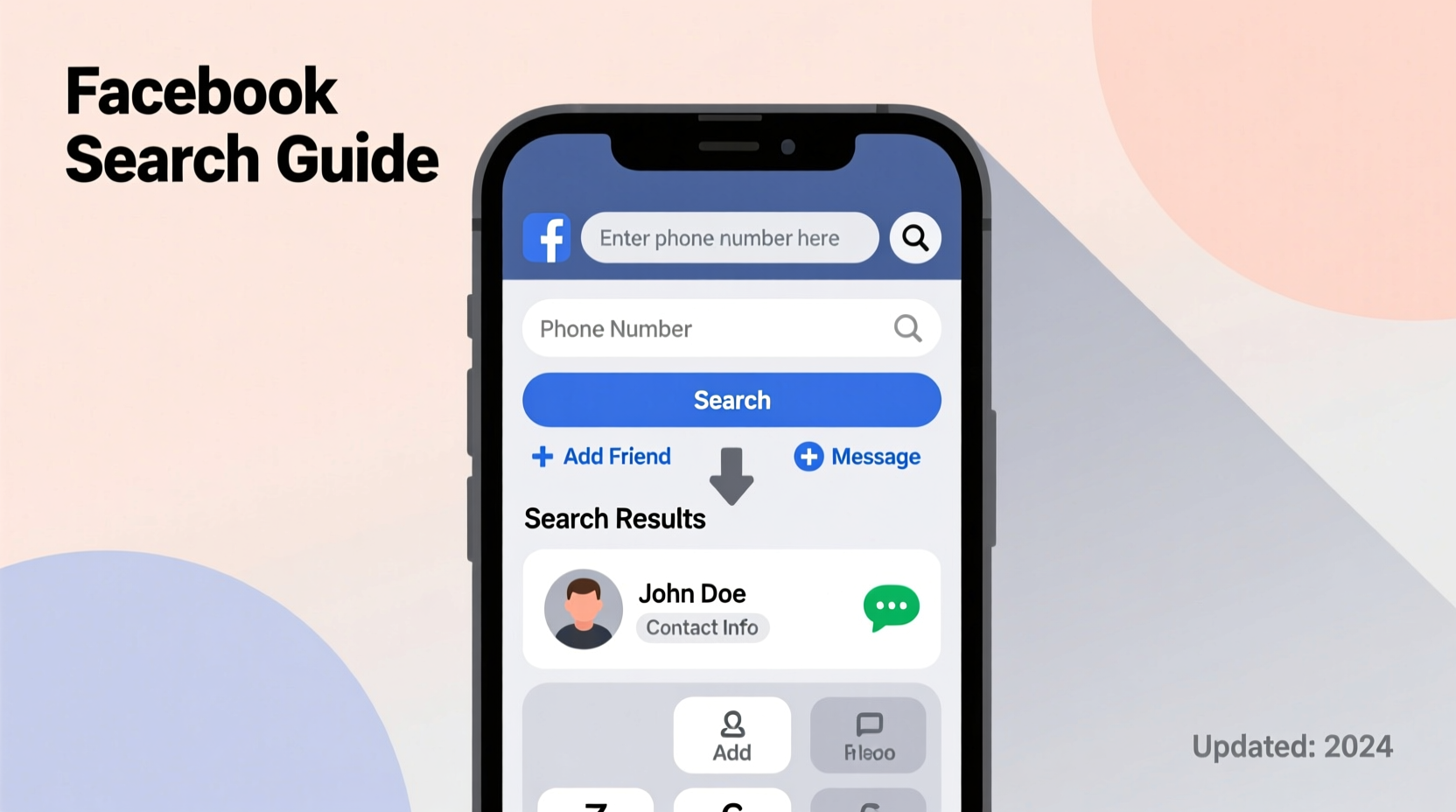
Facebook’s core functionality includes syncing contacts from your mobile device. When users allow Facebook access to their phone’s address book, the platform matches stored numbers with existing user profiles. This feature powers friend suggestions and helps grow networks organically. It also forms the foundation of how phone numbers can be used to find people on Facebook.
If the person you're searching for has uploaded their contacts or linked their number to their account, there’s a strong chance they’ll appear when your device recognizes a matching number. This process works both ways: if your number is in their phone, they might see you as a suggested friend too.
Step-by-Step Guide to Locate Someone Using Their Phone Number
- Add the number to your phone’s contact list. Save the person’s phone number under a recognizable name (e.g., “John Doe”) in your mobile device.
- Open the Facebook app on your smartphone and ensure you’re logged into your account.
- Grant Facebook permission to access your contacts. If prompted, allow the app to scan your address book. On iOS, go to Settings > Facebook > Contacts. On Android, go to Settings > Apps > Facebook > Permissions > Contacts.
- Wait for synchronization. Facebook will scan your contacts and compare them against its database. This may take a few minutes.
- Check the “People You May Know” section. Navigate to the homepage and scroll down to find suggested connections. The person may appear here if their number matches.
- Use the search bar. Type the person’s name or even the phone number directly into Facebook’s search bar. While not always successful, this can yield results if the number is publicly associated with the profile.
- Review your “Synced Contacts” list. In the Facebook app, go to Menu > Contacts > Synced Contacts to see which of your contacts are already on Facebook.
This method respects user privacy settings—only those who have chosen to make their information discoverable via contact uploads will appear.
Privacy Settings and What Influences Visibility
Not every Facebook user will show up in contact searches, even if their number matches yours. Visibility depends heavily on individual privacy configurations. Facebook allows users to control whether others can find them using their phone number.
| Privacy Setting | Effect on Discoverability |
|---|---|
| “Let others find me using my phone number” – Enabled | User appears in contact-based searches |
| “Let others find me using my phone number” – Disabled | User remains hidden even if number is uploaded |
| Profile set to “Private” | Limits visibility of posts and personal info |
| Friend requests restricted | May prevent connection even if found |
These settings are managed under Settings & Privacy > Privacy Settings > “How People Can Find and Contact You.” If the person has disabled number-based discovery, you won’t be able to locate them through this method—no matter how accurate your data is.
“We encourage users to take control of their digital footprint. Features like contact matching are opt-in for a reason—to balance connectivity with privacy.” — Facebook Trust & Safety Team
Real-World Example: Reconnecting After Years
Sarah hadn’t spoken to her college roommate, Lisa, in nearly a decade. She remembered Lisa had changed her last name after marriage and wasn’t sure of her current email. But Sarah still had an old mobile number saved in her phone.
She added the number to her iPhone contacts as “Lisa Chen.” After opening the Facebook app and granting contact access, she noticed a new suggestion appear under “People You May Know” within 15 minutes. The profile photo matched, and mutual friends confirmed it was the right person. Sarah sent a message, and within hours, they reconnected.
This case illustrates how even outdated numbers can work—if the person still uses that number or has previously synced it to their account.
Important Do’s and Don’ts
- Do use only numbers you’ve obtained legally and personally (e.g., from past communication).
- Do respect privacy if the person doesn’t respond or has limited their profile.
- Do double-check the number format before saving it to avoid mismatches.
- Don’t attempt to bypass privacy settings using third-party apps or services—these often violate Facebook’s policies.
- Don’t use purchased phone number databases; these are unethical and may lead to account suspension.
- Don’t harass or repeatedly message someone who hasn’t accepted your request.
Frequently Asked Questions
Can I search Facebook directly using a phone number?
Yes, but success depends on the user’s privacy settings. Enter the full number (including country code) into the Facebook search bar. If the person has made their number searchable and linked it to their profile, their name may appear. However, Facebook does not guarantee results, and many users remain hidden by default.
What if the person doesn’t show up in my contacts list?
If the number doesn’t return any matches, it could mean the person hasn’t synced their number with Facebook, has disabled discoverability, or no longer uses that number. Try confirming the number’s validity through another channel if possible.
Are third-party apps that claim to find Facebook profiles by phone number safe?
No. Most of these services violate Facebook’s terms of service and may steal your login credentials or spread malware. Facebook does not authorize external tools to access its user database. Stick to official methods to protect your account and personal data.
Alternative Methods When Phone Numbers Fall Short
If the phone number method fails, consider these alternatives:
- Search by name and location: Use Facebook’s advanced search filters to narrow results by city, workplace, or school.
- Check mutual friends: If you share connections, browse their friends list for potential matches.
- Use LinkedIn cross-reference: Find the person on LinkedIn first, then look for a Facebook profile using the same photo or bio details.
- Reverse image search: If you have a photo, upload it to Google Images or TinEye to find associated profiles.
These approaches complement phone-based searches and increase your chances without compromising ethics.
Conclusion: Finding Connections Responsibly
Locating someone on Facebook using their phone number is a simple process when done correctly—but it hinges on consent, privacy, and technical alignment. By syncing your contacts and understanding how Facebook’s discovery features work, you can reconnect with people naturally and respectfully. Always prioritize transparency and avoid intrusive tactics. Technology should bring people together, not exploit personal data.




 浙公网安备
33010002000092号
浙公网安备
33010002000092号 浙B2-20120091-4
Comments
No comments yet. Why don't you start the discussion?