
In an age where visual content dominates the internet, knowing how to find information about an image is as essential as typing a keyword into a search bar. Reverse image search allows you to upload or link a photo and discover where it originated, whether it’s been used elsewhere, or what objects, people, or places appear in it. Whether you’re verifying the authenticity of a social media post, identifying a plant in your garden, or tracking down high-resolution versions of artwork, reverse image search is a powerful tool—when used correctly.
Understanding Reverse Image Search
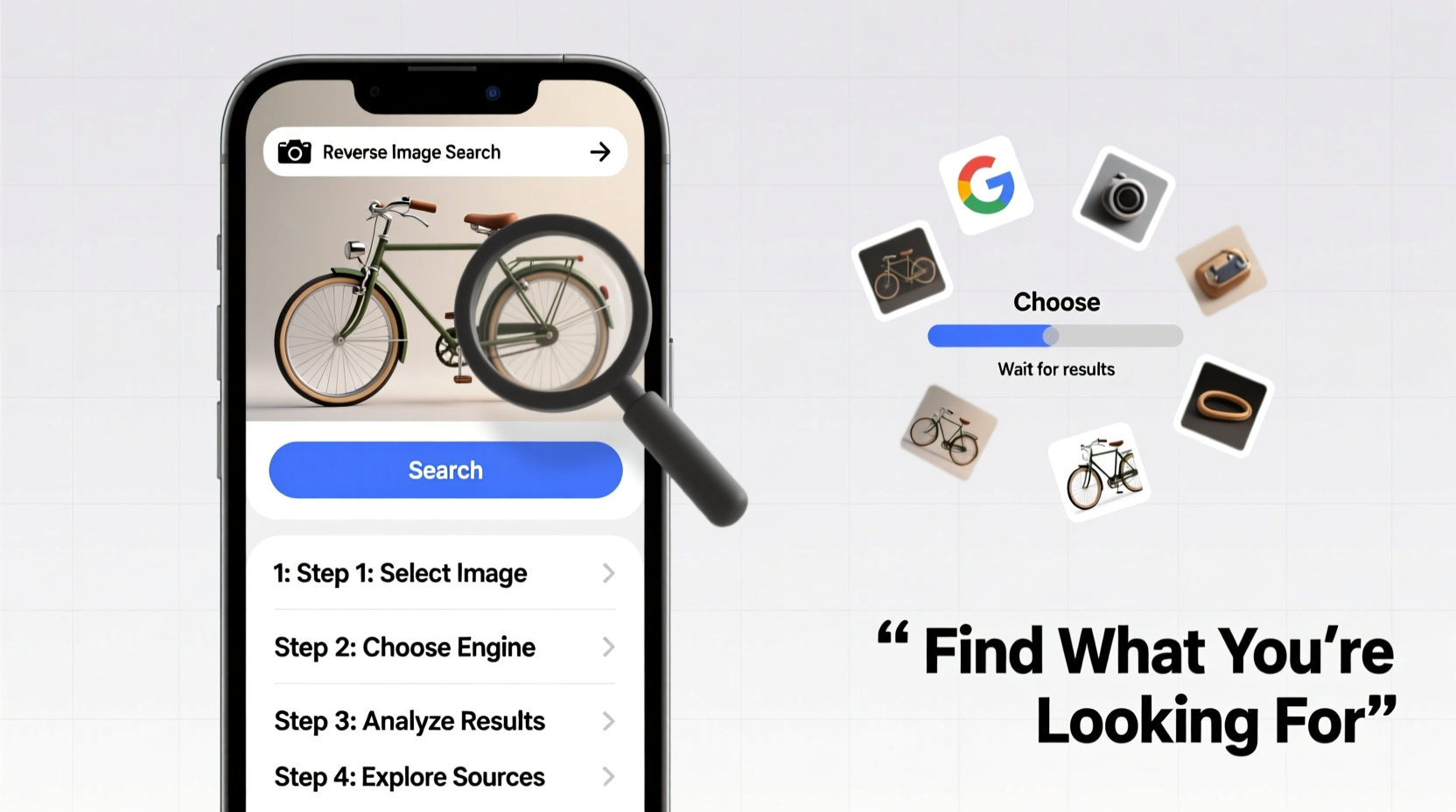
Reverse image search works by analyzing the visual data of an image—its colors, shapes, textures, and patterns—to find matches or similar results across the web. Unlike traditional text-based searches, this method bypasses metadata and focuses on pixel-level recognition. The technology behind it uses machine learning models trained on billions of images, enabling platforms like Google, Bing, and Yandex to return relevant results even when an image has been cropped, resized, or slightly edited.
The most widely used platform is Google Lens and Google Images’ reverse search feature, but alternatives such as TinEye, Bing Visual Search, and Yandex.Images offer unique advantages, especially for specific use cases like tracking image usage over time or searching within regional domains.
“Reverse image search isn’t just about finding bigger versions of pictures—it’s a digital detective tool that can uncover context, ownership, and truth.” — Sarah Lin, Digital Forensics Analyst
Step-by-Step Guide to Performing a Reverse Image Search
Conducting a reverse image search is straightforward once you understand the process. Follow these steps to get accurate and useful results:
- Choose Your Platform: Start with Google Images for general searches. Use TinEye for copyright tracking or Yandex for non-Western content.
- Prepare the Image: Save the image file to your device or copy its URL if it’s hosted online.
- Navigate to Google Images: Go to images.google.com.
- Upload or Paste: Click the camera icon in the search bar. You can either paste the image URL or upload the file from your computer.
- Analyze Results: Review the “Visually similar images” section, along with websites where the image appears.
- Refine if Needed: If results are irrelevant, try cropping the image to focus on a key subject or test another engine.
When and Why to Use Reverse Image Search
Reverse image search isn’t just for curiosity—it serves practical purposes across personal, professional, and security contexts.
- Verify Authenticity: Spot fake profiles on dating apps or social media by checking if profile photos appear elsewhere under different names.
- Identify Unknown Objects: Snap a picture of a plant, insect, or product label to learn its name and details.
- Track Image Usage: Photographers and artists can monitor unauthorized use of their work online.
- Find Higher Resolution Versions: Locate original sources for logos, illustrations, or wallpapers.
- Research Art and Design: Discover the creator of a painting or the designer of a piece of furniture.
Real Example: Uncovering a Fake Job Applicant
A small business owner received a job application with a professional headshot. Suspicious of inconsistencies in the resume, she performed a reverse image search. Within seconds, the same photo appeared on a stock photo website labeled “Businessman smiling at camera.” The applicant had used a generic image instead of their own. This discovery prevented a potential hiring mistake and highlighted the importance of verification in recruitment.
Best Tools Compared: Features and Limitations
Different platforms excel in different areas. Choosing the right one depends on your goal.
| Tool | Best For | Strengths | Limits |
|---|---|---|---|
| Google Images | General searches, object identification | Huge index, fast results, integrates with Lens | Less effective with heavily edited images |
| TinEye | Copyright protection, tracking image history | Finds older versions, tracks edits over time | Smaller database than Google |
| Yandex.Images | Non-English or Eastern European content | Superior facial recognition, strong in regional searches | Interface less intuitive for English speakers |
| Bing Visual Search | E-commerce, shopping comparisons | Strong integration with Microsoft ecosystem | Fewer results than Google |
Pro Tips for More Accurate Results
Not all reverse image searches are equally successful. The quality of input affects output. Apply these strategies to improve accuracy:
- Crop to Focus: Remove background clutter. A tight crop around a face or object increases match precision.
- Avoid Low-Quality Images: Blurry or compressed photos reduce recognition accuracy. Use the highest resolution available.
- Use Direct URLs When Possible: Pasting a direct image link (ending in .jpg, .png, etc.) is faster and avoids upload errors.
- Check Metadata (If Available): Some tools can read EXIF data, which may reveal location, device, or timestamp clues.
- Combine with Text Search: After getting initial results, use keywords from those pages to refine your inquiry.
Checklist: Reverse Image Search Best Practices
- ✅ Save or copy the image before searching
- ✅ Use Google for broad queries, TinEye for ownership checks
- ✅ Crop the image to highlight the main subject
- ✅ Try multiple search engines for comprehensive results
- ✅ Verify findings across sources before drawing conclusions
- ✅ Respect privacy and copyright—don’t misuse discovered information
Frequently Asked Questions
Can reverse image search identify people by name?
It can sometimes identify public figures if the image matches news articles, social media profiles, or databases. However, it cannot reliably identify private individuals unless their photos are already indexed online. Always respect privacy laws and ethical boundaries.
Is reverse image search free to use?
Yes, Google Images, Bing, and Yandex offer free reverse image search. TinEye provides limited free searches; full access requires a subscription. No technical skills are needed—just a browser and an image.
Does uploading an image to a search engine store it permanently?
Google states that uploaded images are temporarily cached for processing and not stored long-term for search indexing. However, avoid uploading sensitive or personal photos if you're concerned about privacy.
Conclusion: Take Control of Visual Information
Being able to search using a photo transforms how you interact with digital content. It empowers you to verify claims, protect intellectual property, and satisfy curiosity with precision. Mastering reverse image search is no longer a niche skill—it’s a fundamental part of digital literacy. From spotting misinformation to rediscovering lost artwork, the ability to trace an image’s journey across the web opens doors to deeper understanding and smarter decisions.




 浙公网安备
33010002000092号
浙公网安备
33010002000092号 浙B2-20120091-4
Comments
No comments yet. Why don't you start the discussion?