
In today’s fast-paced world, knowing how to quickly and accurately share your real-time location can be a game-changer. Whether you’re meeting friends, coordinating with family during travel, or ensuring safety in emergencies, precise location sharing saves time and reduces stress. Modern smartphones and web services make this easier than ever—but only if you know the right tools and techniques. This guide walks you through reliable, secure, and cross-platform ways to find and share your exact coordinates from any device.
Why Accurate Location Sharing Matters
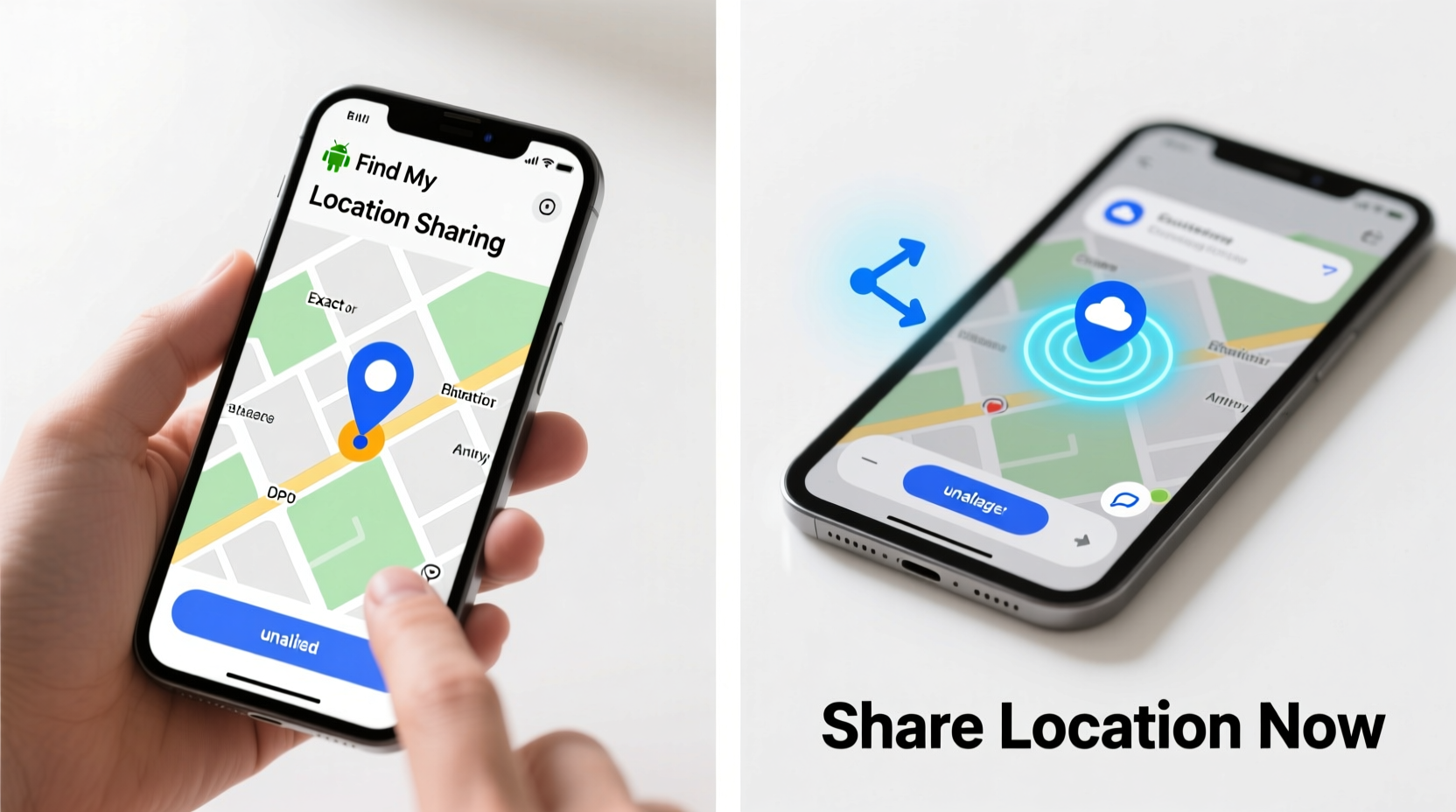
Approximate addresses or vague descriptions often lead to confusion. “Near the park” could mean anything. But when you share GPS-level precision, others see exactly where you are—down to a few meters. This accuracy is crucial for ride pickups, emergency responders, delivery coordination, and avoiding missed connections. Plus, most modern location-sharing features update in real time, so your position reflects movement as it happens.
Location data is powered by GPS satellites, Wi-Fi triangulation, and cellular networks. Together, they provide robust positioning even indoors or in urban areas with tall buildings. The key is using tools that access this data effectively and allow seamless sharing without compromising privacy.
How to Find Your Exact Location on iPhone
iOS offers multiple built-in options to locate and share your position. Apple prioritizes user privacy, so location sharing is opt-in and temporary by default.
- Open the Find My app (pre-installed on all iPhones).
- Tap on your device under \"People\" or \"Devices.\"
- Select Share My Location.
- Choose a contact from your list or enter a phone number/email.
- Set duration: 1 hour, until end of day, or indefinitely.
The recipient receives a link via Messages showing your live location on a map. They can follow your movements in real time. You can stop sharing at any moment from the same menu.
Alternatively, open Maps, long-press your current blue dot, then tap Share Location. This sends a static pin via Messages, email, or other apps. It doesn’t update unless re-shared.
How to Find and Share Your Location on Android
Android users have powerful tools through Google services. Google Maps is the most widely used method for instant location sharing.
- Launch Google Maps.
- Tap your profile picture or initial in the top-right corner.
- Select Location sharing.
- Tap New share and choose a contact (via Google account, phone number, or email).
- Set expiration time: 15 minutes, 1 hour, or custom duration.
- Tap Share.
The recipient gets a notification or message with a clickable map link. If they have Google Maps, they can view your live movement. No app? The link still opens in a browser with real-time updates.
You can also enable continuous location access through Google Location History (Settings > Google > Manage your Timeline), but this is for personal tracking—not direct sharing.
Cross-Platform Options for Universal Access
Not everyone uses the same ecosystem. What if your friend has an iPhone and you’re on Android—or vice versa? Third-party apps bridge these gaps with consistent experiences across devices.
| App | Works On | Live Tracking? | Data Encryption |
|---|---|---|---|
| iOS, Android, Web | Yes (up to 8 hours) | End-to-end encrypted | |
| Telegram | iOS, Android, Desktop | Yes (custom duration) | Encrypted (cloud chats) |
| Life360 | All platforms | Continuous (family circles) | Limited (requires subscription) |
| Google Maps Link | Any device with browser | Yes (time-limited) | Secure HTTPS link |
For example, in WhatsApp, go to any chat > attach icon > Location > Share Live Location. Choose duration and confirm. Recipients see a moving dot on a map within the app. Telegram offers similar functionality with more control over timing.
“Real-time location sharing has become essential for personal safety and logistics coordination. The best tools balance ease-of-use with strong privacy defaults.” — Dr. Lena Torres, Digital Safety Researcher at MIT
Step-by-Step: How to Share Location Without Apps
Sometimes you need to send your position quickly—even without specialized apps. Here's how to generate a precise location link using just a web browser:
- Open a browser and go to maps.google.com.
- Allow location access when prompted.
- Once centered on your position, click the blue dot or search bar to reveal coordinates.
- Click the three dots next to your address > Copy link.
- Paste the URL into SMS, email, or social media.
This link opens a full Google Map with your exact pin. Anyone can view it—no login required. Ideal for quick deliveries, roadside assistance, or public meetups.
Mini Case Study: Coordinating a Festival Meet-Up
Jamie was attending a music festival with three friends spread across different entrances. Cell service was spotty, and texting “I’m near stage B” led to confusion. Instead, Jamie opened Google Maps, shared live location with the group chat for two hours, and walked toward the main stage. Each friend followed Jamie’s moving dot and converged within five minutes. Without real-time GPS sharing, they might have spent over an hour searching.
The shared link worked across iPhones and Androids, proving that platform differences don’t have to block effective communication. Afterward, Jamie stopped sharing automatically—ensuring privacy resumed post-event.
Best Practices Checklist
- ✅ Enable location services in device settings before sharing.
- ✅ Use time-limited sharing whenever possible.
- ✅ Verify recipients are trusted individuals.
- ✅ Avoid indefinite sharing unless part of a private family group.
- ✅ Disable background location access for non-essential apps.
- ✅ Test sharing with a friend beforehand to ensure reliability.
Common Pitfalls to Avoid
While location sharing is convenient, misuse can lead to security risks or drained batteries. Be mindful of the following:
- Over-sharing: Never share your location publicly on social media. A single post with geotagged content can expose your home address.
- Forgetting to stop: Some settings continue sharing beyond intended periods. Always double-check active sessions in Find My or Google Location Sharing.
- Battery drain: Continuous GPS use consumes power. Consider lowering update frequency or switching to periodic pin drops for low-battery situations.
Frequently Asked Questions
Can someone track me without my permission?
No—modern operating systems require explicit consent to share location. However, always review app permissions regularly. Malware or compromised accounts are rare but possible vectors. Use strong passwords and two-factor authentication to stay protected.
Does sharing location work offline?
Not reliably. GPS may still function without internet, but sharing requires data transmission. If you're in airplane mode or without signal, location cannot be sent. Some apps cache recent positions, but live updates won’t transmit until connectivity resumes.
Is there a way to fake my location?
On some Android devices and jailbroken iPhones, spoofing tools exist. However, this breaks terms of service for many apps and can compromise security. It’s not recommended for everyday use and may interfere with navigation or emergency services.
Final Thoughts: Stay Connected, Stay Safe
Knowing how to find and share your exact location isn’t just about convenience—it’s a practical skill for safety, coordination, and peace of mind. With native tools like Find My and Google Maps, plus secure cross-platform apps, you can connect seamlessly regardless of device type. The key is using these features thoughtfully: share only what’s necessary, limit duration, and always prioritize privacy.




 浙公网安备
33010002000092号
浙公网安备
33010002000092号 浙B2-20120091-4
Comments
No comments yet. Why don't you start the discussion?