
Losing an Android phone is more than just an inconvenience—it can mean losing personal data, photos, banking access, and a vital communication tool. While most people rely on Google’s Find My Device, that service only works reliably when the phone is online. But what happens when your device is powered off, in airplane mode, or simply out of network range? The good news: there are still ways to track or recover your Android phone even when location services appear inactive.
The key lies in preparation, understanding how Android’s background systems operate, and leveraging both built-in tools and third-party solutions. This guide walks through actionable techniques—some underused, others surprisingly effective—that increase your chances of locating a lost Android phone, even when it seems unreachable.
Understanding Offline Location: What’s Possible?
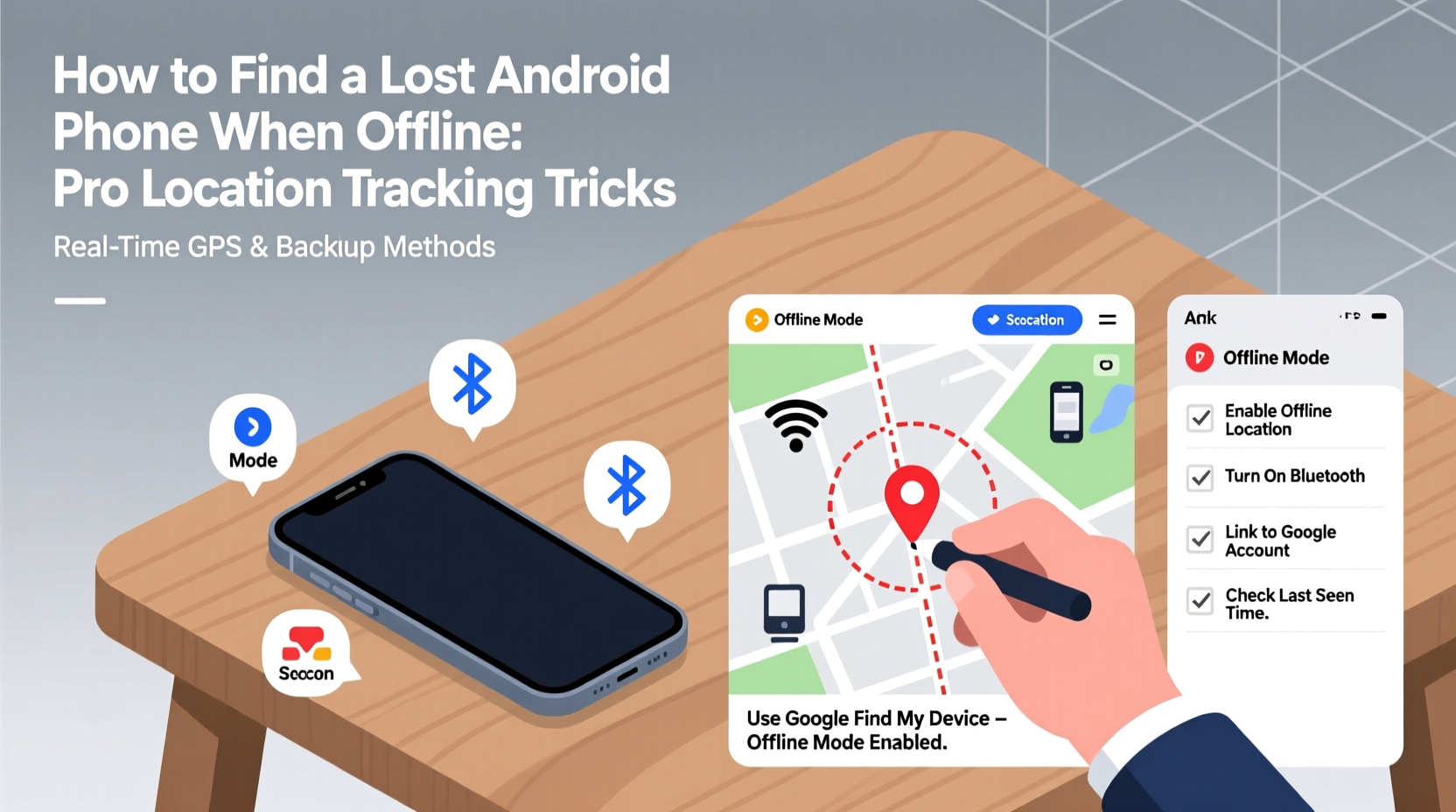
Many assume that if a phone isn’t connected to Wi-Fi or cellular data, it cannot be tracked. That’s mostly true in real time—but not entirely. Modern Android devices use a combination of GPS, Wi-Fi scanning, Bluetooth beacons, and cached location data that can provide clues even after disconnection.
Google’s ecosystem includes features like Last Seen Location, which records where your phone was last active online. Even if it goes offline immediately after being lost, that timestamped location could be within walking distance of where it was misplaced. Additionally, some newer Android models support low-power Bluetooth-based location networks (similar to Apple’s Find My network), allowing nearby devices to anonymously detect and report a lost phone’s proximity.
It’s also important to distinguish between “offline” and “powered off.” A phone in airplane mode but still powered on may still emit Bluetooth signals or cache location data that becomes available once reconnected. A completely powered-off device stops all transmission, but its last known location remains accessible through Google’s servers—if enabled.
“Even when offline, a lost Android phone leaves digital breadcrumbs. The trick is knowing where—and how—to look for them.” — Rajiv Mehta, Mobile Security Analyst at CyberShield Labs
Step-by-Step Guide to Locating a Lost Android Phone When Offline
Finding a lost phone requires immediate action and methodical follow-up. Here’s a timeline of steps to take from the moment you realize your device is missing.
- Stay Calm and Recreate Your Steps
Before jumping into digital tools, mentally retrace your movements. Was the phone left in a café, taxi, or friend’s house? Sometimes physical recall is faster than technology. - Use Find My Device While It’s Still Online
Open google.com/android/find on another device. If your phone has been offline for less than a few hours, the service will display its Last Known Location. Note the time stamp and accuracy radius. - Enable “Notify When Found”
In the Find My Device interface, toggle on notifications. Google will alert you via email or SMS the moment your phone reconnects to any network—even briefly. - Ring the Device (Even If You Think It’s Off)
Sometimes phones enter deep sleep rather than shutting down. Use the “Play Sound” feature with maximum volume. If someone nearby has your phone and it’s powered on, this might prompt them to return it. - Check Connected Devices and Accounts
Log into your Google account and review recent activity. Check if your phone accessed Gmail, YouTube, or Drive recently. Any login from a new IP could suggest unauthorized use—or accidental pickup by a well-meaning stranger. - Activate Lock & Message Features
Use Find My Device to lock your phone remotely and display a custom message with a backup contact number. This increases the chance of recovery without risking data exposure. - Wait and Monitor
If the phone remains offline, keep checking Find My Device daily. Many lost phones reconnect within 48–72 hours—especially if charged by someone who finds it.
Creative Tracking Tricks Beyond Google’s Tools
While Google’s native tools are powerful, they’re not the only options. Several alternative and complementary methods can improve your odds of recovery—even when standard location tracking fails.
Use Third-Party Apps with Offline Detection
Some apps store location data locally and sync when connectivity returns. Examples include:
- Prey Anti-Theft: Tracks movement, takes photos via front camera, and logs Wi-Fi networks—even when offline. Syncs data upon reconnection.
- Cerberus: Offers geofencing, stealth photo capture, and SIM change alerts. Works silently in the background.
- Where’s My Droid: Allows calling your phone via a secret code (e.g., sending “ringmydroid” via SMS triggers loud ringing).
These tools often require prior installation, so their effectiveness depends on proactive setup. However, if you’ve installed one before losing your phone, it may already be gathering critical evidence.
Leverage Bluetooth Beacon Networks
Newer Samsung and Google Pixel devices support crowd-sourced finding networks. For example:
- Samsung Find My Mobile uses other Galaxy devices to detect Bluetooth signals from lost phones.
- Google’s Nearby Action allows certain apps to broadcast anonymous tokens detectable by nearby Android phones, aiding recovery without GPS.
These functions run in low-power mode and don’t require internet on the lost device—only proximity to another compatible phone.
Monitor SIM Card Activity
If your phone is stolen and rebooted, the thief may insert a new SIM card. Some carriers allow you to set up SMS alerts for SIM changes. Alternatively, third-party anti-theft apps can send an alert (to a pre-set number) with details of the new SIM provider and number.
This won’t give you a location directly, but it confirms the phone is active and potentially traceable through carrier cooperation or law enforcement.
Do’s and Don’ts When Your Android Is Offline
| Do | Don’t |
|---|---|
| ✅ Enable “Last Known Location” in Google Settings | ❌ Assume the phone is untraceable just because it’s offline |
| ✅ Install and test anti-theft apps beforehand | ❌ Publicly post about your lost phone on social media (could aid thieves) |
| ✅ Leave Find My Device notifications active | ❌ Factory reset your phone remotely unless absolutely necessary (loses tracking ability) |
| ✅ Contact local businesses or transport authorities near last seen location | ❌ Ignore small signs of reconnection (brief login, app sync) |
| ✅ File a police report with IMEI number | ❌ Share sensitive data in the lock screen message (use only a contact email or number) |
Real Example: Recovering a Phone Left in a Taxi
Consider the case of Lena, a business traveler who left her Samsung Galaxy S23 in the back of a New York cab. Her phone had been turned off by the driver, possibly to avoid tracking.
She immediately opened Find My Device and saw the last known location—a stretch of highway near JFK Airport. She called the taxi company using the receipt and provided the exact coordinates and time stamp. Meanwhile, she activated “Notify When Found” and waited.
Two days later, the phone powered on briefly while charging at a repair shop where the driver took it for resale. Google detected the connection and sent Lena an alert with updated location: Queens, Jamaica Avenue. She contacted local authorities with the data, and the phone was recovered through a sting operation coordinated with the carrier.
Though rare, this case illustrates the power of patience and proper setup. Without the last known location and reconnection alert, recovery would have been nearly impossible.
Essential Checklist: Before You Lose Your Phone
Recovery success often hinges on actions taken long before loss occurs. Use this checklist to prepare:
- ☑ Enable “Find My Device” in Google Settings > Security
- ☑ Turn on “Location” and “Wi-Fi Scanning” for better offline precision
- ☑ Install a trusted anti-theft app (e.g., Prey or Cerberus)
- ☑ Set up a lock screen message with a recovery contact
- ☑ Record your IMEI number and store it securely (cloud note, email draft)
- ☑ Test remote ring and lock features monthly
- ☑ Enable two-factor authentication on your Google account
This preparation takes less than 20 minutes but can make the difference between permanent loss and full recovery.
Frequently Asked Questions
Can I track my Android phone if it’s turned off?
No real-time tracking is possible when a phone is powered off. However, Google saves the last known location before shutdown. Once the device powers on and connects to any network, Find My Device will update its position and notify you if alerts are enabled.
Does airplane mode disable location tracking completely?
Airplane mode disables cellular and Wi-Fi, but GPS and Bluetooth may still function depending on settings. Some anti-theft apps can record location in the background and sync later. Also, enabling “Wi-Fi scanning” allows Android to estimate location using nearby networks—even without connecting.
What should I do if Find My Device says “No Network Connection”?
This means your phone hasn’t communicated with Google’s servers recently. First, verify that “Find My Device” was enabled. Then, wait and keep checking. Ensure notifications are on. If the phone reconnects—even for a few seconds—you’ll receive an update. In the meantime, use alternate methods like reviewing account activity or contacting local venues.
Conclusion: Turn Panic Into Strategy
Losing an Android phone doesn’t have to mean giving up hope. With the right setup and informed response, many offline devices are recovered weeks or even months later. The most effective strategy combines preparation, persistence, and smart use of technology. Whether it’s a forgotten device at a restaurant or a stolen phone in a crowded city, the digital trail often remains—even when the map appears blank.
Start today by auditing your phone’s security settings. Enable tracking, install protective apps, and memorize your recovery plan. Because when the moment comes, you won’t have time to research—you’ll need to act.




 浙公网安备
33010002000092号
浙公网安备
33010002000092号 浙B2-20120091-4
Comments
No comments yet. Why don't you start the discussion?