
Finding someone on Facebook using only a photo may sound like something out of a detective movie, but it’s more common—and feasible—than most people realize. Whether you’re trying to reconnect with an old friend, verify someone’s identity, or locate a person you’ve seen online, using a photo as your starting point can be surprisingly effective when done correctly.
While Facebook doesn’t offer a built-in “search by photo” feature, external tools and strategic methods make it possible to trace profiles using visual clues. This guide walks through the practical, ethical, and privacy-conscious ways to use a photo to find someone on Facebook—without crossing legal or social boundaries.
Why Use a Photo to Find Someone?
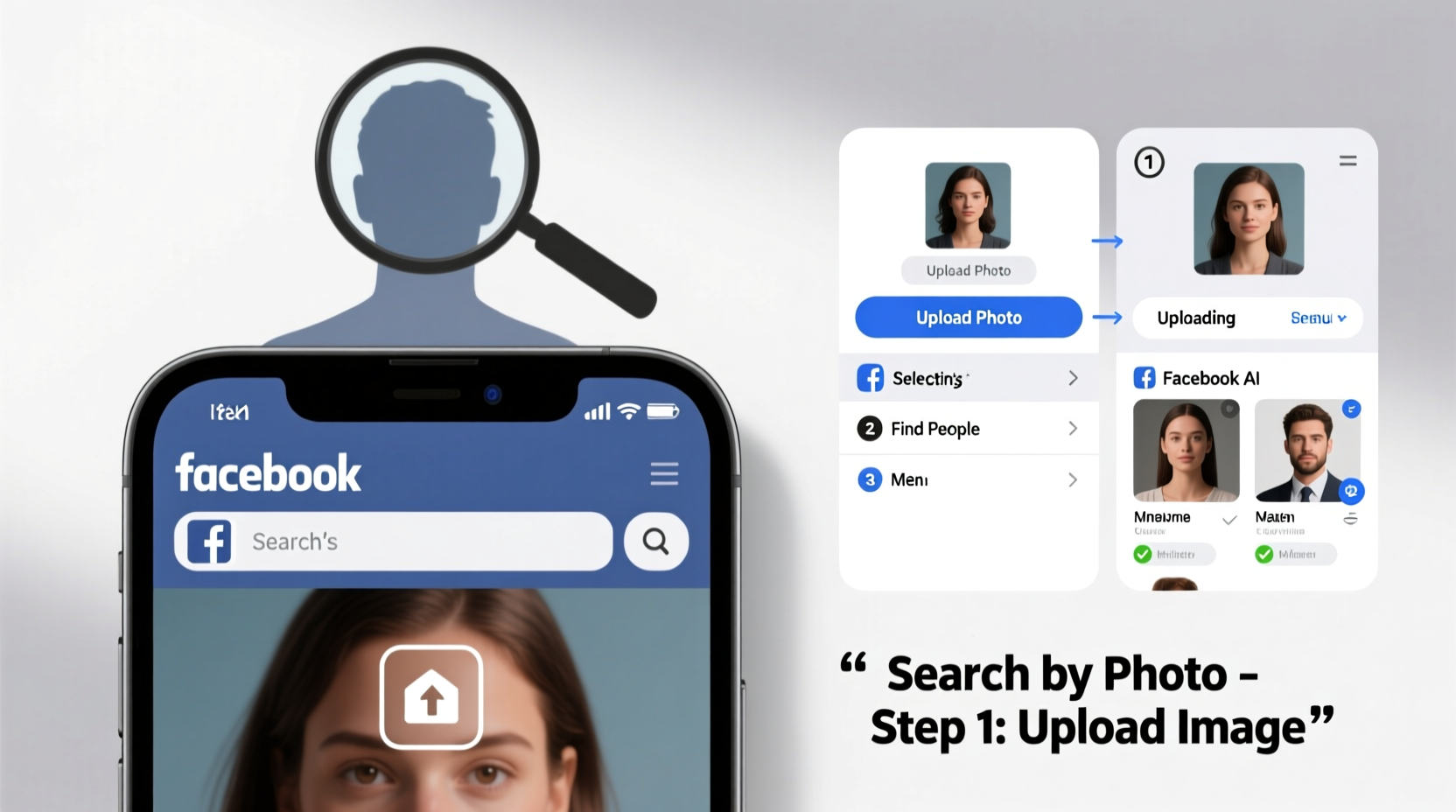
In today’s digital world, photos are often more accessible than names or contact details. You might have a picture from a group event, a shared connection, or even a screenshot from a public post—but no identifying information. A photo becomes your best lead.
Common scenarios include:
- Reconnecting with someone after losing touch
- Verifying if a profile belongs to a real person
- Identifying someone in a public post or comment
- Locating a relative or acquaintance for family research
The key is using technology responsibly while respecting privacy.
Step-by-Step Guide to Finding Someone Using a Photo
This method relies on reverse image search tools, Facebook’s own search features, and logical deduction. Follow these steps carefully for the best results.
- Ensure You Have a Clear, High-Quality Photo
The success of any reverse search depends on image quality. Blurry, cropped, or low-resolution images reduce accuracy. Ideally, use a front-facing photo with visible facial features. - Save the Image to Your Device
If the photo isn’t already saved, download it. Right-click (on desktop) or long-press (on mobile) to save the image to your gallery or computer. - Use a Reverse Image Search Engine
Upload the image to one of the following platforms:- Google Images (images.google.com): Click the camera icon and upload the image or paste its URL.
- Bing Visual Search: Offers similar functionality within Microsoft’s ecosystem.
- TinEye: Specializes in finding exact or modified copies of images across the web.
- Analyze the Results
Look for links to Facebook profiles, blogs, forums, or news articles. Sometimes the same photo appears on multiple platforms under the same name or alias. Pay attention to usernames, captions, and surrounding text. - Search Facebook Directly
Once you have a name or username from the reverse search, go to Facebook and type it into the search bar. Filter results by “People” to narrow it down. Try variations of the name if the first attempt fails. - Cross-Reference Profile Details
Compare the profile photo, mutual friends, location history, workplace, or education info with what you know. Be cautious: impersonation and reused photos are common. - Send a Respectful Message (If Appropriate)
If you believe you’ve found the right person, send a polite message explaining how you found them and why you’re reaching out. Avoid assumptions or intrusive questions.
Do’s and Don’ts When Searching by Photo
| Do’s | Don’ts |
|---|---|
| Use high-resolution images for better matching | Assume identity based solely on a photo match |
| Verify findings with additional context (name, location, mutual friends) | Stalk or repeatedly message someone without consent |
| Respect privacy settings and avoid accessing restricted content | Use the method for harassment, deception, or illegal purposes |
| Cite sources if sharing findings (e.g., in genealogy or research) | Share private images publicly without permission |
Real Example: Reconnecting After Years
Sarah had a photo from a college study group but lost contact with one member, James, after graduation. She didn’t remember his last name or email. Using Google Lens on her phone, she uploaded the photo and found a blog post from a tech conference where James had been quoted—his full name and company listed. A quick Facebook search with that name and workplace confirmed his profile. Sarah sent a friendly message referencing their shared class, and they reconnected within hours.
This case shows how combining reverse image search with contextual clues leads to accurate, respectful outcomes.
“Reverse image search is a powerful tool, but it must be used with empathy and awareness of digital ethics.” — Dr. Lena Patel, Digital Privacy Researcher at Stanford University
Alternative Methods and Tools
If standard reverse search fails, consider these supplementary approaches:
- Google Lens (Mobile): Available on Android and iOS via the Google app. Point your camera or upload a photo to get instant search results, including potential social media links.
- Yandex.Images: A Russian-based search engine known for superior facial recognition, especially effective with profile pictures.
- Facebook Graph Search (Limited Access): While no longer publicly available, some legacy tools and third-party services still leverage indexed data for advanced queries—use cautiously and legally.
- People Search Engines: Sites like Pipl, Spokeo, or TruePeopleSearch sometimes link images to profiles, though results vary by region and data availability.
Checklist: How to Find Someone on Facebook Using a Photo
Follow this concise checklist to ensure you cover all bases:
- ✅ Obtain a clear, identifiable photo
- ✅ Save the image to your device
- ✅ Run a reverse image search using Google, Bing, or Yandex
- ✅ Review results for names, usernames, or associated websites
- ✅ Search Facebook using identified names or keywords
- ✅ Cross-reference profile details (location, work, education)
- ✅ Reach out respectfully if you believe you’ve found the right person
- ✅ Stop if privacy concerns arise or the person does not respond
Frequently Asked Questions
Can I search Facebook directly with a photo?
No, Facebook does not currently allow users to upload a photo and search for profiles. You must use external reverse image search tools to find leads and then manually check Facebook.
Is it legal to use reverse image search to find someone?
Yes, as long as you use publicly available tools and do not engage in hacking, impersonation, or harassment. Always respect privacy laws and platform terms of service.
What if the photo is not of a face?
Non-facial images (like pets, cars, or landmarks) can still yield results. Reverse search may identify where the image appeared online, potentially leading to a profile that posted it. Context becomes even more critical in these cases.
Conclusion: Use Technology Thoughtfully
Finding someone on Facebook using just a photo is entirely possible with the right tools and approach. Reverse image search engines bridge the gap between visual clues and digital identities, making reconnections, verifications, and discoveries more accessible than ever.
But with great capability comes responsibility. Always prioritize consent, transparency, and respect. Avoid assumptions, protect personal data, and use these techniques for positive purposes—rebuilding connections, confirming authenticity, or supporting research.




 浙公网安备
33010002000092号
浙公网安备
33010002000092号 浙B2-20120091-4
Comments
No comments yet. Why don't you start the discussion?