
Ghost touch—the frustrating phenomenon where your iPhone responds to touches that weren’t made—can turn a reliable device into an unpredictable mess. It’s especially common in older iPhone models like the iPhone 6s, 7, and 8, where aging hardware and wear-and-tear begin to affect performance. While many assume a cracked or failing screen means costly replacement, that’s not always necessary. In fact, several non-invasive fixes can resolve ghost touch without swapping out the display. Understanding the root causes and applying targeted solutions can restore usability and extend your device’s lifespan.
Understanding Ghost Touch: What It Is and Why It Happens
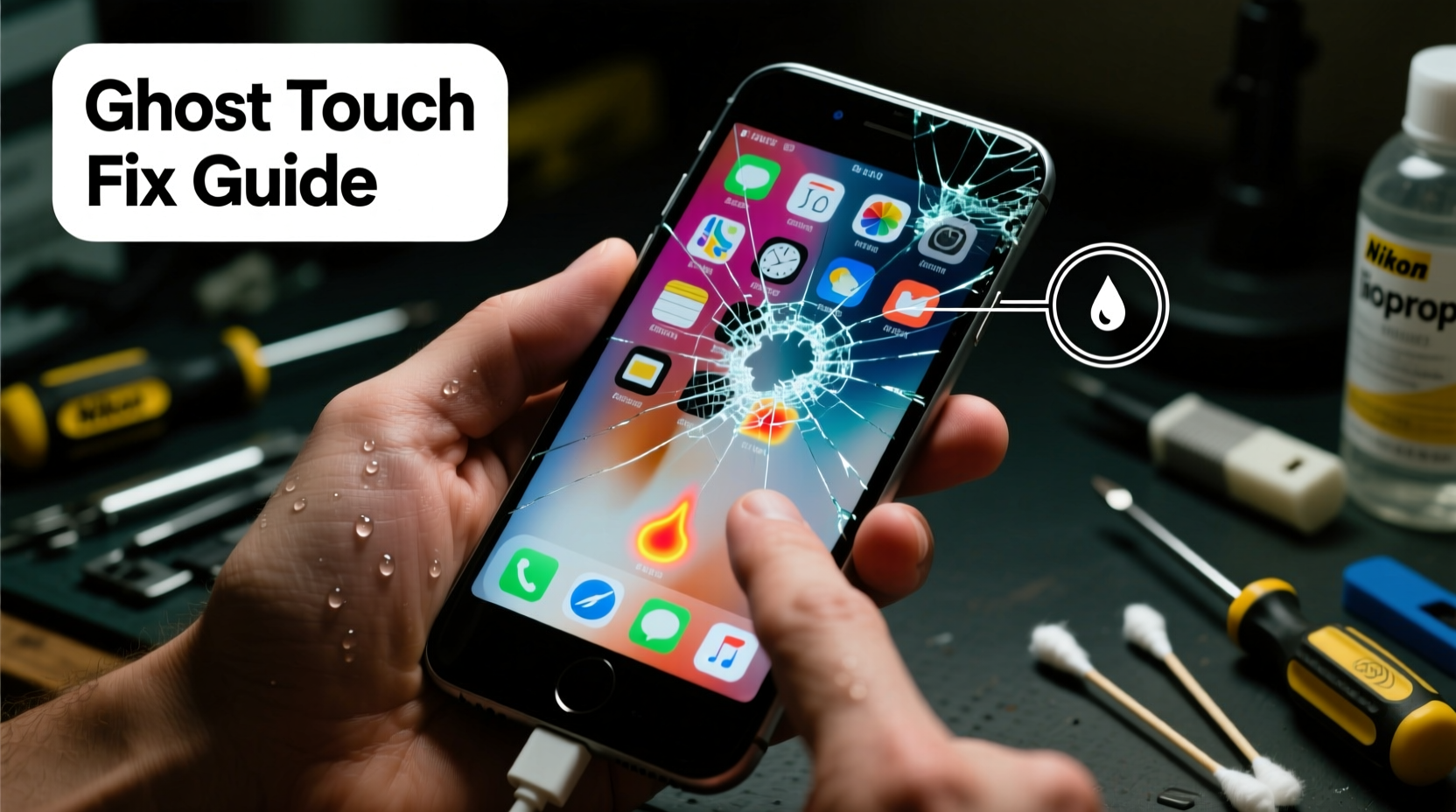
Ghost touch occurs when your iPhone registers unintended inputs—swipes, taps, or drags—as if someone else is manipulating the screen. This erratic behavior often worsens over time, making typing difficult, apps launch unexpectedly, or settings change without user action.
The issue typically stems from disruptions in the digitizer, the layer beneath the glass that translates physical touches into digital commands. On older iPhones, multiple factors can interfere with this system:
- Software glitches: iOS bugs or corrupted processes may misinterpret input signals.
- Moisture exposure: Residual water or humidity inside the screen layers disrupts electrical signals.
- Battery swelling: As lithium-ion batteries age, they can expand slightly, pressing against the screen assembly and distorting the digitizer.
- Electromagnetic interference (EMI): Poorly shielded accessories or nearby devices emit signals that confuse the touchscreen controller.
- Firmware corruption: The embedded software managing touch response becomes unstable due to failed updates or prolonged use.
Before jumping to screen replacement—a repair that can cost $100–$300 depending on model—it’s worth exploring whether the problem lies elsewhere. Many cases of ghost touch are temporary or stem from easily correctable sources.
Step-by-Step Guide to Diagnose and Fix Ghost Touch
Follow this systematic approach to identify and eliminate the cause of ghost touch without opening the device or replacing components.
- Restart the iPhone: A simple reboot clears temporary memory glitches. Press and hold the side button and either volume button until the slider appears, then slide to power off. Wait 30 seconds, then turn it back on.
- Remove all accessories: Take off cases, screen protectors, magnetic mounts, and chargers. Test the phone bare to rule out EMI or pressure points.
- Check for moisture: If the device was recently exposed to liquid, dry it thoroughly. Place it in a sealed container with silica gel packets for 24–48 hours. Avoid rice—it’s ineffective and can leave residue.
- Update iOS: Go to Settings > General > Software Update. Install any available updates, as Apple frequently patches touch responsiveness bugs.
- Reset all settings: Navigate to Settings > General > Transfer or Reset iPhone > Reset > Reset All Settings. This clears network, display, and accessibility configurations without erasing data.
- Test in Safe Mode equivalent (via DFU Restore): While iPhones don’t have a traditional safe mode, putting the device into recovery mode and restoring via iTunes/Finder can isolate software issues. Back up first, then connect to a computer, enter recovery mode (varies by model), and restore iOS.
- Monitor battery health: Go to Settings > Battery > Battery Health & Charging. If maximum capacity is below 80% or “Service Recommendation” appears, battery swelling could be pressing against the screen.
If ghost touch stops after any step, you’ve likely resolved the issue through software correction or accessory removal. If it persists, continue to deeper diagnostics.
Do’s and Don’ts When Dealing With Ghost Touch
| Do’s | Don’ts |
|---|---|
| Keep the screen clean and dry | Use cheap, unbranded chargers or cables |
| Update iOS regularly | Ignore battery health warnings |
| Remove magnetic accessories during testing | Apply excessive pressure trying to stop phantom touches |
| Back up data before resets | Disassemble the phone unless experienced |
| Try a factory reset as a last software option | Assume screen damage requires immediate replacement |
Real-World Example: Reviving an iPhone 7 with Persistent Ghost Touch
Mark, a freelance photographer, relied on his iPhone 7 for client communication and editing previews. After six years of use, he began experiencing severe ghost touch—his camera app opened randomly, messages sent mid-typing, and scrolling became impossible. Believing the screen was dead, he prepared to upgrade. Instead, he followed a methodical process:
First, he removed his rugged metal case and wireless charging puck. The issue persisted. He then updated iOS to the latest supported version (iOS 15.8). No improvement. Next, he reset all settings. Still problematic. Concerned about data loss, he backed up to iCloud, then connected to his Mac and restored the phone via Finder.
After setup, the ghost touch vanished. Mark realized a background app conflict—likely a poorly coded utility tool—had been sending false input signals. By restoring the OS, he cleared the corrupted process. His screen remained intact, saving him over $200 in repair costs.
This case illustrates how software conflicts, not hardware failure, can mimic serious digitizer issues. A structured diagnostic path prevents premature conclusions.
“Many so-called ‘broken screens’ are actually suffering from firmware hiccups or accessory interference. Before any hardware intervention, exhaust software remedies.” — David Lin, Senior Mobile Repair Technician, iFix Solutions NYC
When Hardware Might Be Involved (And What to Do)
Sometimes, ghost touch does point to internal hardware stress—even without visible damage. The most common hidden culprit? A swollen battery.
As lithium-ion cells age, especially beyond 500 charge cycles, they can expand. In tightly packed iPhone designs, this expansion pushes upward against the display module, warping the digitizer and creating constant touch input. You might notice:
- The screen lifting slightly at the edges
- Difficulty pressing the home button (on models that have one)
- Increased ghost touch when the phone is warm
If battery swelling is suspected, do not ignore it. An expanding battery poses fire and rupture risks. However, replacing the battery—not the screen—often resolves the ghost touch. Professional repair shops can perform this service for $60–$90, far less than a full screen replacement.
Another hardware-related cause is damaged flex cables connecting the display to the logic board. These thin ribbons degrade over time, especially if the phone has been dropped. While fixing them requires disassembly, skilled technicians can reseat or replace them without changing the entire front panel.
Preventive Checklist to Avoid Future Ghost Touch
Maintaining your older iPhone properly reduces the likelihood of recurring issues. Use this checklist monthly:
- ✅ Check for iOS updates and install them promptly
- ✅ Inspect battery health; replace if below 80% capacity
- ✅ Clean the screen with a microfiber cloth—avoid alcohol-based cleaners
- ✅ Remove and inspect accessories for magnetic interference
- ✅ Restart the device weekly to clear memory leaks
- ✅ Store in a cool, dry place—avoid extreme temperatures
- ✅ Avoid using the phone while charging with low-quality adapters
Regular maintenance not only prevents ghost touch but also improves overall responsiveness and longevity.
Frequently Asked Questions
Can a screen protector cause ghost touch?
Yes, especially low-quality or improperly applied ones. Air bubbles, adhesive residue, or conductive materials in some protectors can interfere with touch sensitivity. Try removing it temporarily to test if the issue resolves.
Is ghost touch covered under Apple warranty?
No. Ghost touch due to aging hardware or accidental damage isn’t covered, especially on older models no longer under warranty. Out-of-warranty repairs for screen issues start at $149, making DIY troubleshooting financially wise.
Will resetting my iPhone erase my photos and messages?
A full factory reset will erase all data. Always back up to iCloud or a computer before proceeding. However, “Reset All Settings” only clears preferences and does not delete personal content.
Final Thoughts: Extend Your iPhone’s Life Wisely
Ghost touch doesn’t automatically mean your iPhone needs a new screen. On older models, the issue often originates in software, accessories, or ancillary components like the battery. By following a logical troubleshooting sequence—starting with restarts, updates, and resets—you can often restore normal function without spending a dime.
When hardware is involved, targeted repairs like battery replacement are significantly cheaper and more effective than wholesale screen swaps. Staying proactive with updates, battery care, and accessory choices further minimizes future risks.
Older iPhones remain capable devices with the right care. Instead of rushing to replace or discard, take a moment to diagnose deeply. You might just give your trusted device a second life.




 浙公网安备
33010002000092号
浙公网安备
33010002000092号 浙B2-20120091-4
Comments
No comments yet. Why don't you start the discussion?