
Finding and downloading the games you love should be an enjoyable experience—not a frustrating or risky one. With countless platforms, file types, and distribution models available, it’s easy to feel overwhelmed. Whether you’re revisiting a classic title from your childhood or chasing the latest indie release, knowing where to look and how to do it safely makes all the difference. This guide walks through proven methods, trusted sources, and smart practices that ensure you get the games you want without compromising security or ethics.
Choose the Right Platform for Your Needs
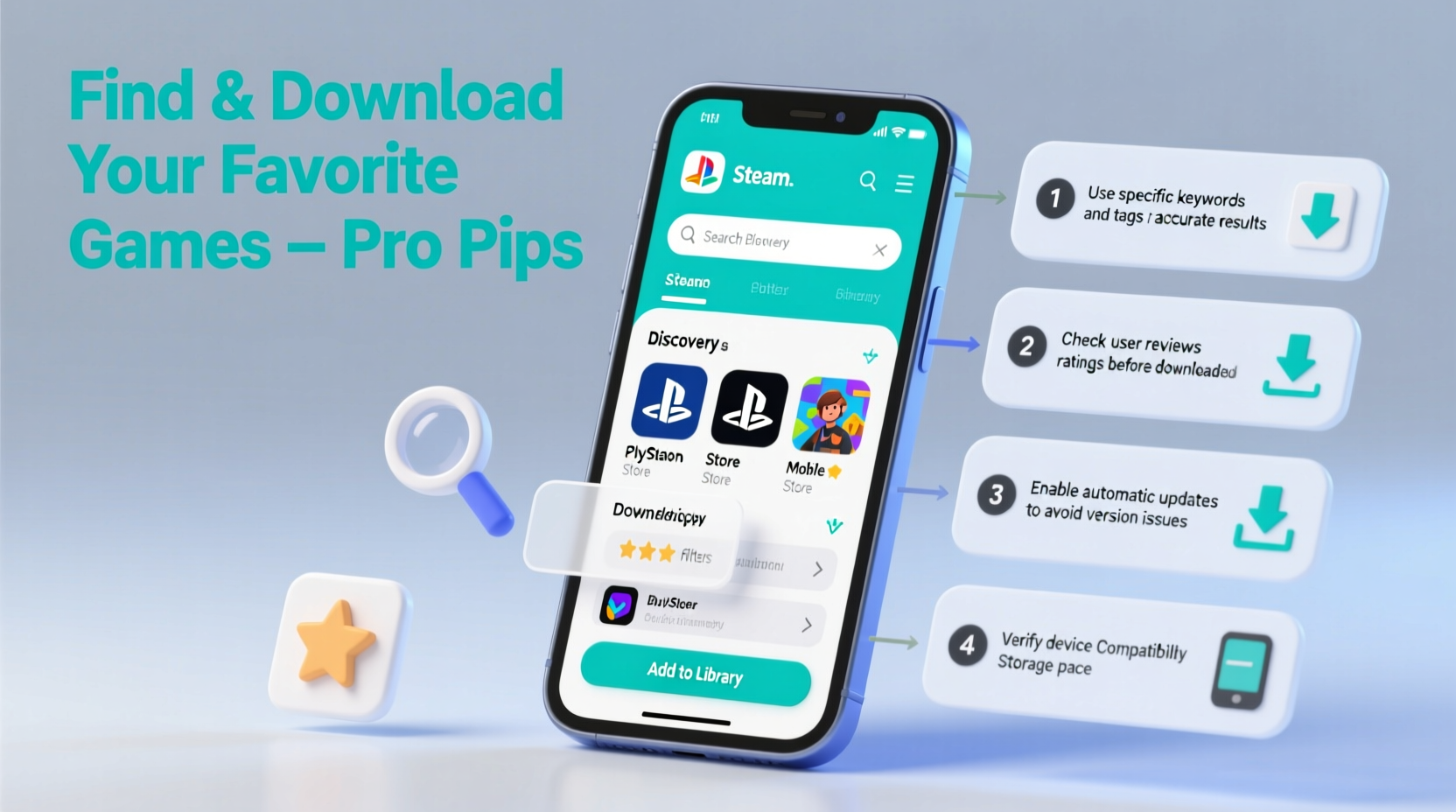
The first step in getting any game is deciding where to get it. Different platforms cater to different audiences, price points, and device compatibility. Some focus on AAA releases, others specialize in retro or open-source titles. Understanding what each offers helps narrow your search efficiently.
| Platform | Best For | Price Range | Device Support |
|---|---|---|---|
| Steam | PC gaming, indie & AAA titles | Free–$70+ | Windows, macOS, Linux |
| Epic Games Store | New releases, free weekly games | Free–$70 | Windows, macOS |
| GOG (Good Old Games) | Retro, DRM-free classics | $5–$60 | All desktop OS |
| Itch.io | Indie, experimental, free games | Pay-what-you-want to $30 | Cross-platform |
| Console Stores (PSN, Xbox, Nintendo eShop) | Exclusive console titles | $20–$70 | Respective consoles |
Each platform has its strengths. Steam leads in community features and mod support. GOG stands out for offering DRM-free downloads—meaning no activation servers or online checks. Itch.io supports independent creators directly and often hosts free-to-play demos. Pick based on availability, pricing model, and whether offline access matters to you.
Verify Legitimacy and Avoid Piracy Risks
Downloading games from unofficial sources can expose your device to malware, spyware, or ransomware. While the temptation of “free” copies is strong, unauthorized sites frequently bundle malicious software into installers. The safest rule: if a site doesn’t clearly identify developers or publishers, avoid it.
- Stick to official storefronts like Steam, GOG, or developer websites.
- Avoid torrent sites unless sharing legally released freeware or abandonware (games no longer sold).
- Check URLs carefully—fake versions of real stores use slight misspellings (e.g., “Steeam.com”).
- Look for HTTPS encryption and verified publisher badges.
“Downloading pirated games might save money short-term, but it harms developers and increases long-term cybersecurity risks.” — Lena Torres, Cybersecurity Analyst at GameSecure Labs
Step-by-Step Guide to Downloading a Game Safely
Follow this sequence to ensure a smooth, secure download process every time:
- Identify the game: Know the exact title, developer, and preferred platform (PC, Mac, mobile, etc.).
- Search reputable stores: Use official platforms like Steam, GOG, or the App Store to locate the title.
- Compare prices: Tools like IsThereAnyDeal (for PC) track historical pricing and regional differences.
- Purchase securely: Use credit cards with fraud protection or PayPal—avoid prepaid gift cards on unknown sites.
- Download via client or direct link: Most platforms require their launcher (e.g., Steam app), but GOG provides standalone installers.
- Install and verify: Run the installer, then check file integrity through the platform (e.g., “Verify Integrity of Game Files” on Steam).
- Create backups (optional): For DRM-free games, copy installation folders to external storage for future reinstallation.
Real Example: Recovering a Childhood Favorite
Jamal, 29, wanted to replay *Psychonauts*, a cult classic from 2005. He remembered buying it years ago but lost the disc. Instead of searching sketchy download forums, he searched “Psychonauts official store” and found it on Steam and GOG. He compared versions—GOG offered DRM-free files and included developer commentary tracks. After purchasing for $12 during a sale, he downloaded the full installer, ran it offline, and played seamlessly on his modern laptop. No viruses, no broken links—just nostalgia done right.
This scenario shows how patience and using trusted sources lead to better outcomes than rushing into unverified downloads.
What to Do If a Game Isn’t Available Digitally
Some older or region-locked games aren’t sold online anymore. In these cases, consider legal alternatives:
- Check abandonware archives: Sites like MyAbandonware host games no longer commercially available, though legality varies by country.
- Buy used physical copies: Resell platforms like eBay or GameStop often have discs you can install and sometimes redeem digitally.
- Contact the publisher: Some studios offer digital replacements for legacy titles upon proof of purchase.
- Support remasters: Developers occasionally re-release classics (e.g., *System Shock* remake). Purchasing these supports future preservation efforts.
“We’d rather fans pay $5 for a re-released classic than steal it out of necessity.” — Adrian Cho, Indie Developer at PixelHaven Studios
Essential Checklist Before Any Download
Before clicking “Download” or “Install,” go through this quick verification list:
- ✅ Confirmed the game’s official developer and publisher
- ✅ Checked reviews and user feedback on the platform
- ✅ Verified system compatibility (OS, RAM, GPU)
- ✅ Ensured sufficient disk space (double-check install size)
- ✅ Reviewed refund policy (e.g., Steam allows refunds within 2 hours of playtime)
- ✅ Scanned downloaded files with antivirus software (especially .exe or .zip files)
Frequently Asked Questions
Can I download games without installing a launcher?
Yes, but only if they are DRM-free. GOG and some Itch.io titles offer standalone installers that don’t require background clients. Most major platforms (Steam, Epic) require their respective launchers to manage licenses and updates.
Are free game sites safe?
Some are legitimate—like Itch.io’s free section or Epic’s weekly giveaways—but many “free download” sites embed malware. Stick to known developers or curated collections. When in doubt, research the site on communities like Reddit’s r/Piracy or r/Games.
What if a downloaded game won’t launch?
First, check missing dependencies like DirectX, Visual C++ Redistributables, or .NET Framework. Update graphics drivers. If purchased legitimately, contact customer support—they often provide troubleshooting guides or replacement files.
Final Thoughts: Play Smart, Stay Safe
Getting your favorite games doesn’t have to mean cutting corners. With the rise of digital preservation, frequent sales, and global storefronts, most titles are more accessible than ever. Prioritize safety over speed, authenticity over cost, and support developers whenever possible. Not only does this protect your devices, but it also sustains the ecosystem that brings new games to life year after year.




 浙公网安备
33010002000092号
浙公网安备
33010002000092号 浙B2-20120091-4
Comments
No comments yet. Why don't you start the discussion?