
Radio remains one of the most accessible and engaging forms of audio entertainment. Whether you're tuned into local news, live sports commentary, international broadcasts, or curated music playlists, staying connected to your favorite stations should be effortless. The digital age has transformed traditional AM/FM radio into a globally available experience—but only if you know how to navigate the options. This guide walks through reliable methods to access radio stations across all major devices, ensuring you never miss a beat, whether at home, in the car, or abroad.
Why Radio Still Matters in the Digital Age
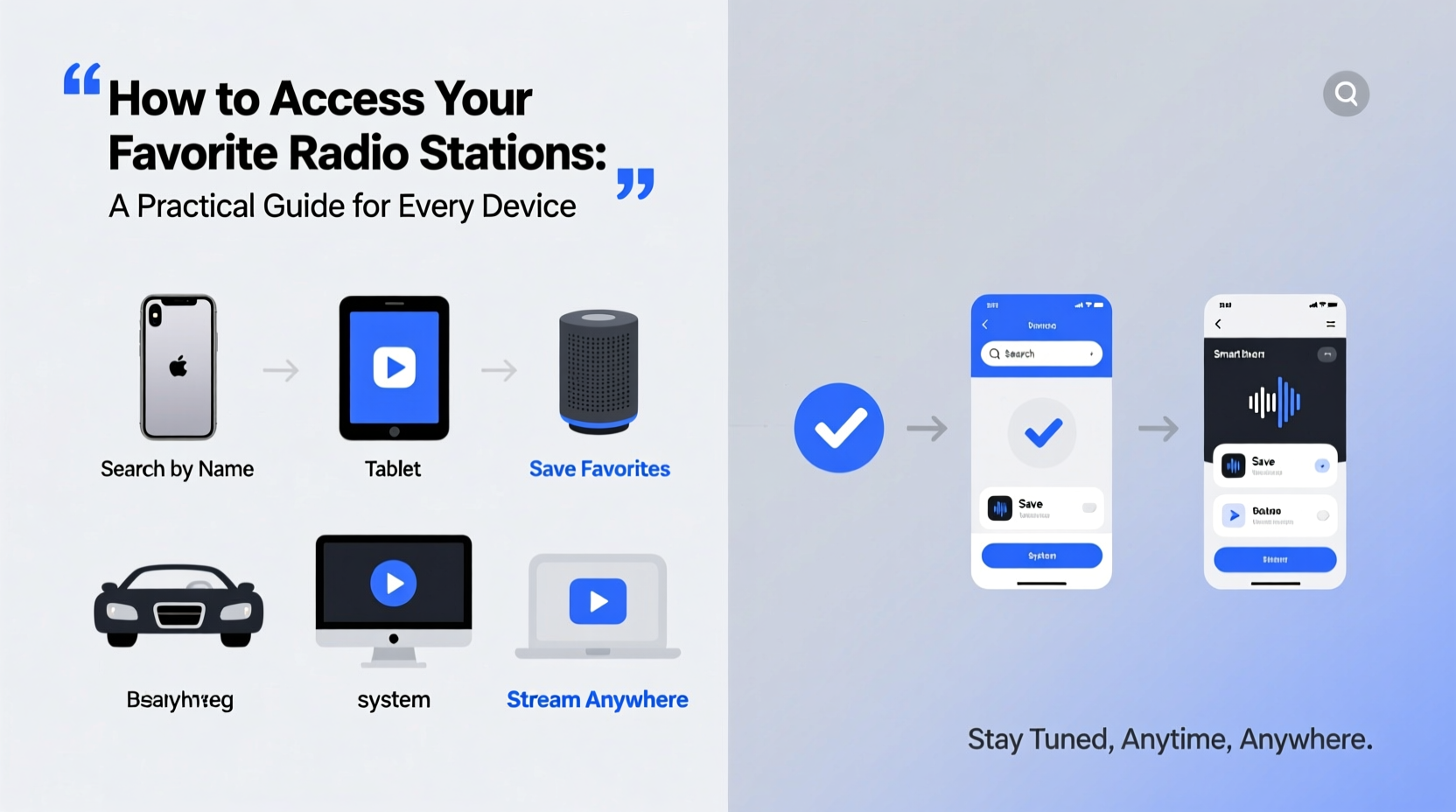
Despite the rise of podcasts and streaming platforms, radio offers real-time connection, community-focused content, and immediacy that few other media can match. Local stations provide traffic updates, emergency alerts, and cultural programming tailored to regional audiences. International broadcasters like BBC World Service, NPR, or Radio France Internationale deliver global perspectives with trusted journalism.
The key to unlocking this content lies not in hardware alone, but in understanding how modern technology bridges the gap between analog signals and digital accessibility. From internet streaming to mobile apps and smart speakers, today’s listeners have more ways than ever to tune in—regardless of location.
Accessing Radio Stations by Device Type
Different devices offer distinct advantages depending on your environment and usage habits. Below is a breakdown of how to access radio content across five common platforms.
Smartphones and Tablets
Mobile devices are the most versatile tools for accessing radio. Most major stations now stream online, and numerous apps aggregate thousands of stations worldwide.
- TuneIn Radio: Offers over 100,000 live stations and is available on iOS and Android.
- Radio.net: Focuses on high-quality streams with an intuitive interface.
- Station-specific apps: Many broadcasters (e.g., CBC, KEXP) offer their own dedicated apps with on-demand content and live streaming.
Desktop and Laptop Computers
For work-from-home setups or background listening while browsing, desktop access is ideal. Simply visit a station’s official website—most embed a live player directly on their homepage. Alternatively, use web-based aggregators:
- radio.net
- TuneIn.com
- SomaFM – Great for niche music genres.
Bookmark frequently visited stations and consider using browser extensions like “Radio Player for Chrome” to create quick-access toolbars.
In-Car Listening
Traditional FM/AM radios remain standard, but newer vehicles support advanced integration:
- Bluetooth pairing: Stream from your phone via TuneIn or another app.
- Apple CarPlay / Android Auto: Enables voice-controlled access to internet radio apps.
- HD Radio: Provides clearer sound and additional digital subchannels for many U.S.-based stations.
“Modern cars act as mobile hubs—leveraging smartphone connectivity allows drivers to bring their personal radio preferences anywhere.” — Mark Delgado, Automotive Tech Analyst
Smart Speakers (Amazon Echo, Google Nest, etc.)
Voice assistants make tuning in effortless. Simply say:
\"Alexa, play BBC Radio 4.\"
\"Hey Google, turn on JazzFM.\"
Most popular stations are supported, especially those available on TuneIn or iHeartRadio. For lesser-known stations, check compatibility first. You can also set routines—for example, having your morning show start automatically at 7:00 AM.
Portable and Internet-Connected Radios
Dedicated internet radios like Roberts Stream 94i or Sangean PR-D15 combine classic design with Wi-Fi functionality. These devices connect directly to networks without needing smartphones, making them perfect for kitchens, bedrooms, or areas where mobile signal is weak.
Step-by-Step Guide to Finding and Saving Your Favorite Station
Follow this sequence to reliably access any station, regardless of device:
- Identify the station’s official website. Search “[Station Name] + official site” to avoid unofficial or pirated streams.
- Check for streaming availability. Look for a “Listen Live” button or embedded player.
- Determine supported platforms. Does the station offer an app? Is it listed on TuneIn or Radio.net?
- Test audio quality and reliability. Buffering issues may indicate poor server performance; try alternative sources if needed.
- Save or bookmark the stream. Add it to your favorites in the app, save the URL, or create a smart speaker routine.
Comparison Table: Radio Access Methods
| Method | Best For | Internet Required? | Global Access? | User-Friendliness |
|---|---|---|---|---|
| FM/AM Radio | Local news, traffic, emergencies | No | Limited to broadcast range | ★★★★★ |
| Mobile Apps (TuneIn, iHeartRadio) | On-the-go listening, travel | Yes | Yes (with exceptions) | ★★★★☆ |
| Smart Speaker | Hands-free home use | Yes | Depends on station | ★★★★★ |
| Desktop Web Streaming | Workplace or multi-tasking | Yes | Yes | ★★★★☆ |
| Internet Radio Device | Dedicated home listening | Yes | Yes | ★★★☆☆ |
Real Example: Staying Connected While Traveling Abroad
Sophia, a journalist based in Berlin, grew up listening to WNYC’s morning program in New York. After relocating, she initially struggled to find consistent access. She discovered that WNYC was available on both TuneIn and the free Radio Public app. By setting up a voice command on her Google Home Mini (“Play WNYC”), she regained her daily ritual without relying on her phone. When visiting rural areas with spotty data, she downloaded select episodes in advance using the station’s podcast feed—a workaround that kept her connected even offline.
Common Challenges and How to Overcome Them
- Geo-restrictions: Some stations block access outside their country. Use a trusted VPN with servers in the target region.
- Poor streaming quality: Ensure stable internet; switch from mobile data to Wi-Fi when possible.
- Outdated station websites: Smaller broadcasters may lack robust streaming infrastructure. Try searching the station name on TuneIn or contacting them directly for updated links.
- Battery drain on mobile: Close unused apps and lower stream quality settings if battery life is a concern.
Frequently Asked Questions
Can I listen to AM/FM radio without an internet connection?
Yes, if your device has a built-in antenna or tuner. Most smartphones no longer include FM chips unless enabled by the manufacturer. Check your phone model’s specs or use a portable radio for true offline access.
Are there free alternatives to paid music streaming services?
Absolutely. Many public radio stations offer ad-supported free streams with excellent music curation—often without requiring a subscription. Stations like KCRW, Triple R, or Deutschlandfunk provide genre-specific content comparable to premium playlists.
How do I find small or independent radio stations?
Use directories like Radio-Locator.com or ListenLive.eu. These sites catalog local and niche broadcasters worldwide, often including direct streaming links.
Essential Checklist for Seamless Radio Access
- ☐ Confirm your preferred stations offer live streaming
- ☐ Install one universal app (e.g., TuneIn or Radio.net)
- ☐ Bookmark station pages on your browser
- ☐ Test playback on each device you plan to use
- ☐ Set up voice commands on smart speakers
- ☐ Consider a backup method (downloaded episodes, offline app mode)
Final Thoughts: Make Radio Work for Your Lifestyle
Accessing your favorite radio stations shouldn’t require technical expertise or expensive gear. With the right tools and a bit of setup, you can maintain a continuous connection to the voices and sounds that matter most—whether it’s your hometown DJ, a nightly jazz hour, or breaking world news. Technology has made radio more flexible than ever, dissolving geographic barriers and integrating seamlessly into daily routines.




 浙公网安备
33010002000092号
浙公网安备
33010002000092号 浙B2-20120091-4
Comments
No comments yet. Why don't you start the discussion?