
Water exposure is one of the most common accidents involving smartphones. Whether it's a splash from the sink, a dropped phone in the toilet, or rain during an outdoor event, moisture in the charging port can prevent your device from charging, trigger warning messages, or even cause long-term corrosion. While the old advice of burying your phone in rice has been widely circulated, it's not only outdated but often ineffective and potentially harmful due to dust and starch residue. Fortunately, modern methods are faster, safer, and more reliable.
This guide outlines proven techniques to remove water from your phone’s charging port without relying on rice. You’ll learn how to act quickly, avoid common mistakes, and use tools you likely already have at home—all while protecting your device from further damage.
Why Rice Isn’t the Answer
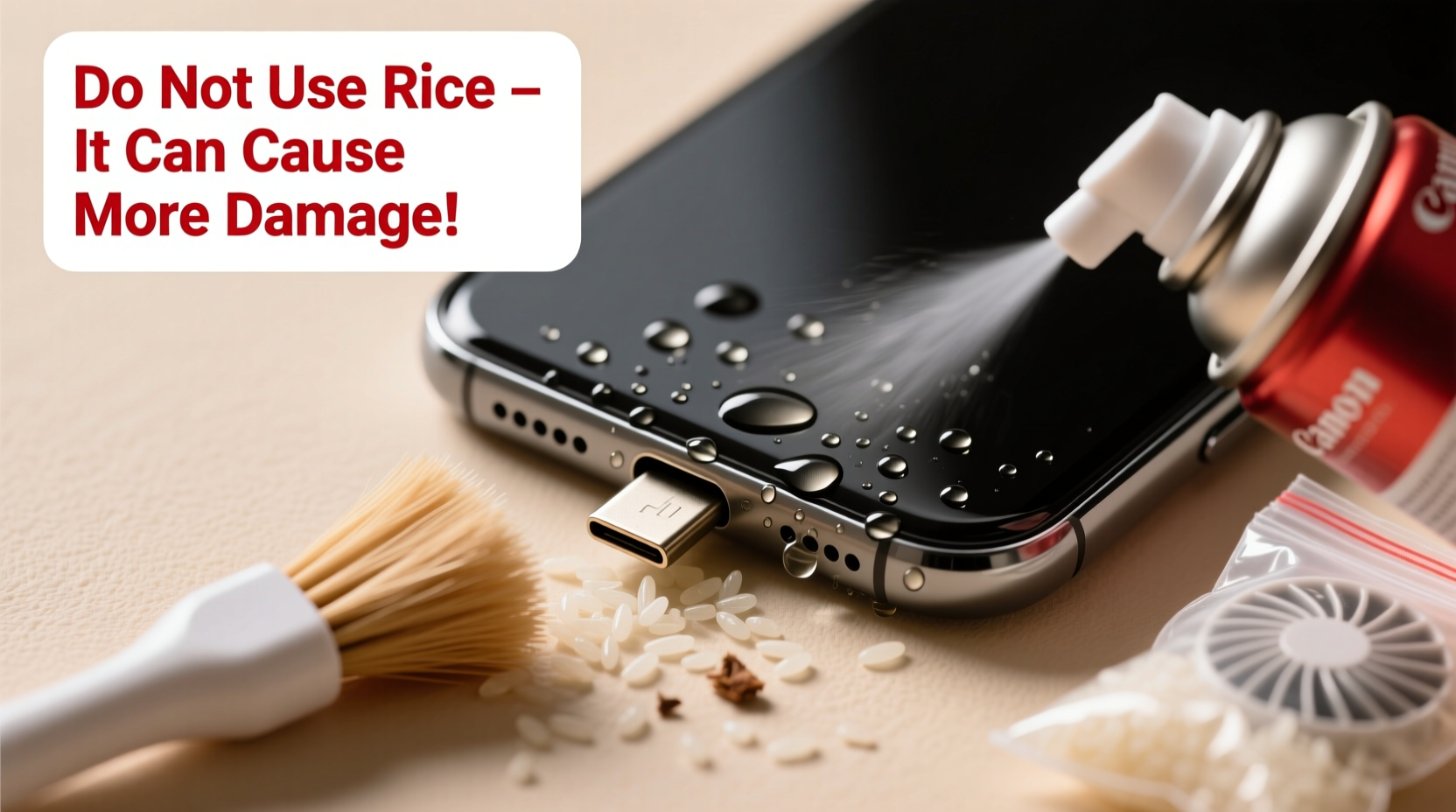
The idea of using uncooked rice to dry out wet electronics became popular because rice absorbs moisture. However, studies and experts agree: rice is slow, inefficient, and messy. It may absorb some surface moisture over days, but it does little to extract trapped water from tight spaces like a charging port. Worse, tiny grains and starch particles can enter the port, leading to clogs or interference with future charging.
“Rice might make people feel like they’re doing something, but it’s largely a placebo. Desiccants like silica gel are far more effective at pulling moisture from enclosed spaces.” — Dr. Lisa Chen, Electronics Durability Researcher, MIT Media Lab
In fact, Consumer Reports tested this myth and found that rice removed only about 13% of moisture after 48 hours. Meanwhile, airflow and vacuum methods performed significantly better. The key isn’t just absorption—it’s circulation and evaporation.
Immediate Steps After Water Exposure
The first few minutes after your phone gets wet are critical. Acting fast improves your chances of avoiding permanent damage. Follow these steps immediately:
- Power off the device: If your phone is still on, turn it off right away. This prevents short circuits caused by water bridging electrical contacts.
- Do not charge it: Attempting to charge a wet phone risks damaging the battery or internal circuitry.
- Remove accessories: Take off the case, SIM tray, and any connected cables. This allows better airflow and helps identify where moisture is trapped.
- Wipe down the exterior: Use a soft, lint-free cloth to gently dry the outside of the phone, especially around the charging port.
- Tilt and shake gently: Hold the phone with the charging port facing downward and give it a light shake to encourage water to drain out via gravity.
Effective Methods to Remove Water from the Charging Port
After initial drying, focus on extracting moisture from inside the charging port. These science-backed techniques work faster and more thoroughly than rice.
1. Use Compressed Air (Canned Air)
Compressed air is one of the safest and most effective ways to dislodge trapped water. Hold the can upright and spray short bursts into the charging port at a 45-degree angle. This helps push moisture out without forcing liquid deeper into the device.
- Use short 1–2 second bursts to avoid condensation from the propellant.
- Keep the phone tilted downward throughout the process.
- Avoid shaking the can, which can release cold liquid that might freeze delicate components.
2. Try a Vacuum or Hairdryer on Cool Setting
If you don’t have canned air, a vacuum cleaner with a narrow nozzle attachment can create suction to pull moisture out. Hold the nozzle near (not touching) the port and let it run for 10–15 seconds.
Alternatively, a hairdryer on the **cool** (no heat) setting can provide gentle airflow. Keep it at least 12 inches away and move it in circular motions around the port for 5–10 minutes.
3. Silica Gel Packets – The Real Desiccant
Silica gel is the same material found in small packets labeled “Do Not Eat” in shoeboxes and electronics packaging. It’s a powerful desiccant that actively pulls moisture from the air and surrounding surfaces.
Place your phone in a sealed container or ziplock bag with 5–10 silica gel packets. Leave it for at least 12–24 hours. For best results, combine this method with airflow—after using compressed air, seal it with silica gel to capture residual humidity.
4. Ultrasonic Dry Boxes (For Frequent Accidents)
If you often expose your phone to moisture (e.g., gym use, outdoor activities), consider investing in a small ultrasonic dry box. These devices use low-frequency vibrations and controlled airflow to evaporate moisture safely. They’re commonly used for hearing aids and cameras but work well for phones too.
Do’s and Don’ts: A Quick Reference Table
| Action | Recommended? | Reason |
|---|---|---|
| Turn phone off immediately | ✅ Yes | Prevents electrical shorts |
| Use canned air | ✅ Yes | Safe, effective, non-invasive |
| Seal with silica gel | ✅ Yes | Draws out hidden moisture |
| Shake vigorously | ❌ No | Can push water deeper into ports |
| Use a hairdryer on high heat | ❌ No | Risks melting adhesives or components |
| Plug in to charge while damp | ❌ No | High risk of short circuit |
| Submerge in rice | ❌ No | Ineffective and introduces debris |
Real-World Example: Recovering a Rain-Damaged Phone
Mark, a delivery rider in Seattle, had his phone slip from his jacket pocket during a heavy downpour. He noticed water in the charging port when he tried to charge it later that evening. Instead of reaching for rice, he followed a structured approach:
- He powered off the phone immediately.
- Used a microfiber cloth to wipe the exterior.
- Held the phone upside down and gently tapped the base to dislodge droplets.
- Used a can of compressed air (bought from a local office supply store) to blow out remaining moisture.
- Placed the phone in a sealed container with silica gel packets from old supplement bottles overnight.
The next morning, the moisture alert was gone, and the phone charged normally. Mark avoided costly repairs and downtime—all by skipping rice and using accessible, effective tools.
When to Seek Professional Help
While many water incidents can be resolved at home, some situations require expert intervention. Corrosion, mineral deposits from tap water, or prolonged exposure can damage internal connectors beyond what DIY methods can fix.
Visit a certified repair technician if:
- The phone still shows a “Liquid Detected” warning after 48 hours of drying.
- You notice discoloration, residue, or a sticky feeling in the port.
- The phone charges intermittently or not at all after thorough drying.
- Your phone was submerged in saltwater or sugary liquids (like soda), which are highly corrosive.
Professionals use specialized tools like inspection scopes, ultrasonic cleaners, and precision drying chambers to assess and treat moisture damage safely.
Frequently Asked Questions
How long does it take for water to evaporate from a charging port?
Surface moisture may dry within a few hours with proper airflow. However, trapped water can take 24–48 hours to fully dissipate. Using silica gel or compressed air reduces this time significantly. Never rush the process—charging too soon increases the risk of permanent damage.
Can I use a toothbrush to clean the charging port?
A dry, soft-bristled toothbrush can help remove lint or debris after the port is completely dry. However, never use it on a wet port—it can push moisture deeper or scratch metal contacts. Only use gentle brushing as a last step in maintenance, not during drying.
Does waterproof mean water-resistant forever?
No. Even phones with IP67 or IP68 ratings lose water resistance over time. Seals degrade due to everyday wear, temperature changes, and exposure to chemicals like sunscreen or soap. Waterproofing is not a lifetime guarantee—treat every water encounter seriously, regardless of your phone’s rating.
Step-by-Step Recovery Timeline
Follow this realistic timeline to maximize recovery chances:
- Minute 0–5: Power off, remove case and SIM, gently shake with port facing down.
- Minute 5–15: Wipe exterior and use canned air in short bursts (3–5 times).
- Minute 15–30: Place phone in a dry, ventilated area. Optionally use cool-air hairdryer for 10 minutes.
- Hour 1: Seal phone in a container with silica gel packets.
- Hours 12–24: Leave undisturbed. Do not attempt to charge.
- Hour 24: Inspect port visually. If dry and no warning appears, try charging with a known-good cable.
- If issues persist at 48 hours: Consult a professional repair service.
Conclusion: Smart Care Beats Old Myths
Removing water from your phone’s charging port doesn’t require gimmicks or kitchen staples. With the right knowledge and simple tools, you can protect your device from moisture damage effectively. Skip the rice, avoid heat, and prioritize airflow and desiccants instead. These methods aren’t just faster—they’re backed by engineering principles and real-world success.
Your smartphone is a significant investment. Treat water exposure with urgency and intelligence. By adopting these modern, evidence-based practices, you extend your device’s lifespan, avoid unnecessary repairs, and stay connected when it matters most.




 浙公网安备
33010002000092号
浙公网安备
33010002000092号 浙B2-20120091-4
Comments
No comments yet. Why don't you start the discussion?