
Water exposure is one of the most common causes of muffled audio or complete speaker failure in smartphones. Whether it's a splash from the sink, a rainstorm, or an accidental dip in the pool, moisture trapped in the speaker grill can distort sound, reduce volume, or lead to long-term corrosion. While traditional drying methods like rice or silica gel exist, a newer, tech-driven solution has gained popularity: using sound frequency apps to vibrate water out of the speaker. This method leverages physics—specifically resonance and vibration—to dislodge trapped moisture without physical intervention.
Unlike passive drying techniques that rely solely on evaporation, sound-based solutions actively encourage water expulsion through targeted low-frequency tones. These frequencies create rapid vibrations in the speaker diaphragm, effectively shaking droplets loose and pushing them out through the mesh grille. When used correctly, this approach can restore audio clarity in minutes rather than days.
The Science Behind Sound Frequency Water Removal
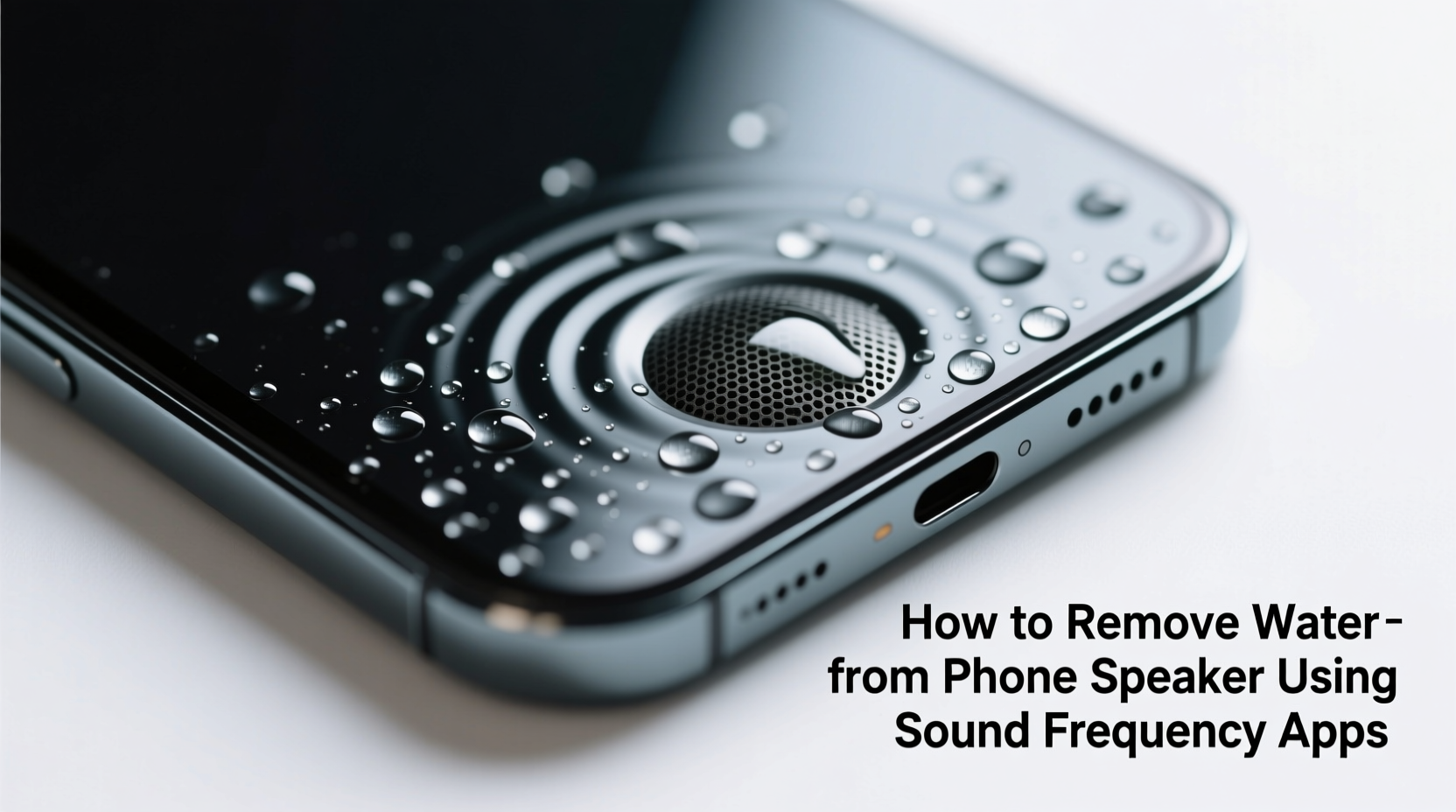
Speakers function by converting electrical signals into mechanical motion. A coil and magnet system moves a thin diaphragm back and forth, producing sound waves. When water enters the speaker chamber—often through tiny openings around the earpiece or bottom grille—it dampens this movement, causing distortion or muting.
Low-frequency sounds, particularly those between 100 Hz and 500 Hz, generate strong mechanical oscillations. At these ranges, the speaker cone vibrates more intensely, creating enough force to displace small water droplets clinging to internal components. The process is similar to how a subwoofer shakes dust off its surface during playback.
This principle is rooted in acoustics and microfluidics research. According to Dr. Lin Zhao, a researcher in acoustic engineering at MIT, “Controlled audio vibrations can manipulate liquid behavior on surfaces. In enclosed spaces like phone speakers, specific frequencies enhance capillary breakup and directional ejection of fluid.”
“Controlled audio vibrations can manipulate liquid behavior on surfaces. In enclosed spaces like phone speakers, specific frequencies enhance capillary breakup and directional ejection of fluid.” — Dr. Lin Zhao, Acoustic Engineer, MIT
The key lies in selecting the right frequency range and duration. Too high a frequency lacks sufficient displacement; too long a session risks overheating the driver. Optimal results typically come from sustained playback of 165–200 Hz for 30–90 seconds.
How to Use Sound Frequency Apps Safely and Effectively
Several free and paid apps are available on both Android and iOS platforms designed specifically to remove water from device speakers. They work by emitting calibrated sine waves or sweeping tones optimized for moisture displacement. Here’s a step-by-step guide to using them safely:
- Power off the device immediately after water exposure – If your phone was submerged or heavily splashed, turn it off before attempting any drying method to prevent short circuits.
- Dry the exterior gently – Use a soft, lint-free cloth to wipe down the phone. Tilt it with the speaker facing downward to allow gravity-assisted drainage.
- Wait 5–10 minutes – Let surface water settle or drain naturally. Do not shake aggressively, as this may push water deeper into ports.
- Turn the phone back on (if safe) – Only if no warning signs of liquid damage appear (e.g., moisture detection alerts), power it on to test audio output.
- Open a trusted sound frequency app – Recommended options include Speaker Cleaner, Audio Device Tester, or Sonic. Avoid apps with excessive permissions or poor reviews.
- Select the 'Water Ejection' mode – Most apps offer preset functions labeled “Remove Water,” “Clean Speaker,” or “Sine Wave 165Hz.” Choose one.
- Play the tone at moderate volume (60–70%) – Maximum volume increases heat risk. Start low and increase only if needed.
- Hold the phone speaker-down over a tissue or towel – This allows expelled water to be absorbed visibly.
- Run the tone for 60 seconds – Observe for tiny droplets emerging from the speaker mesh.
- Pause and inspect – Test audio playback. Repeat once if necessary, but never exceed two cycles.
Top Sound Frequency Apps Compared
Not all audio tools are created equal. Some lack proper frequency calibration, while others bombard the speaker with harmful harmonics. Below is a comparison of reliable apps known for effective and safe operation:
| App Name | Platform | Key Feature | Frequency Range | User Rating |
|---|---|---|---|---|
| Speaker Cleaner | Android | Dedicated water removal mode | 100–200 Hz sweep | 4.6/5 |
| Audio Device Tester | iOS, Android | Precise sine wave generator | Customizable (1–20k Hz) | 4.4/5 |
| Sonic: Sound Generator | iOS | Scientific-grade waveform control | 1 Hz – 22 kHz | 4.7/5 |
| Noise Generator | Android | White/pink noise + sine waves | Adjustable 20–20k Hz | 4.3/5 |
| TF2 Voice Player (Unofficial use) | Android | Famous for \"Spy Scream\" meme tone (~165 Hz) | Fixed ~165 Hz | 4.1/5 |
Note: The TF2 Voice Player gained viral attention due to the \"Spy Scream\" sound from Team Fortress 2, which incidentally resonates near the ideal frequency for water displacement. While not designed for cleaning, users have reported success with it—though dedicated apps remain safer and more consistent.
Real-World Example: Recovering a Wet iPhone After Rain Exposure
Jason, a delivery rider in Seattle, got caught in a sudden downpour. His iPhone 13, mounted on his scooter, took direct hits for nearly ten minutes. Upon arriving at his next stop, he noticed severely muffled sound during a navigation call. Alarmed, he powered down the phone, wiped it dry, and waited 15 minutes.
Back home, he turned the phone on and confirmed the speaker issue persisted. He downloaded Audio Device Tester from the App Store, selected a 180 Hz sine wave, set volume to 65%, and played it with the phone held speaker-down over a folded napkin. Within 30 seconds, three tiny droplets appeared on the tissue. After a full 60-second cycle, he tested the speaker again—volume had returned to normal.
He repeated the process once more the next day as a preventive measure and reported no further issues over the following six weeks. No signs of corrosion or lasting damage were observed.
This case illustrates that timely action combined with correct technique can yield excellent results—even without professional repair.
Do’s and Don’ts of Using Sound Frequency Methods
To maximize effectiveness and minimize risk, follow these best practices:
| Do’s | Don’ts |
|---|---|
| Use apps with precise frequency control | Don’t use maximum volume for extended periods |
| Keep the speaker oriented downward | Don’t run the tone for more than 90 seconds at a time |
| Limit sessions to 1–2 repetitions | Don’t attempt this on a visibly damaged or corroded speaker |
| Combine with airflow (e.g., fan) afterward | Don’t submerge the phone intentionally for testing |
| Test audio before and after | Don’t rely solely on sound if liquid damage indicator is active |
Frequently Asked Questions
Can sound frequency apps damage my phone speaker?
When used responsibly, these apps pose minimal risk. However, prolonged use at high volumes can overheat the voice coil or fatigue the diaphragm. Stick to recommended durations (under 90 seconds) and moderate volume levels (60–70%). Modern phones have thermal protection, but caution is still advised.
Does this method work on all phone models?
It works best on devices with exposed speaker grilles, such as iPhones (bottom row), Samsung Galaxy S/Note series, and Google Pixels. Phones with sealed or upward-firing speakers (like some budget models) may see limited results. Water-resistant models (IP67/IP68 rated) often handle minor exposure better, but trapped moisture can still occur.
Is this better than putting my phone in rice?
Yes, in many cases. Rice absorbs ambient humidity but does little to expel water already inside tight spaces like speaker chambers. Additionally, rice grains can produce dust that clogs ports. Sound frequency treatment is faster, more targeted, and leaves no residue. For best results, combine both: use sound to eject water, then let the phone air-dry in a dry environment.
Final Checklist Before You Begin
- ✅ Phone is powered off immediately after water contact
- ✅ Exterior is dried gently with a microfiber cloth
- ✅ No visible condensation inside screen or camera lens
- ✅ Liquid Contact Indicator (if accessible) shows no red activation
- ✅ You have a reputable sound frequency app installed
- ✅ Volume will be set to 60–70%, not max
- ✅ Phone will be positioned speaker-down during playback
- ✅ Session will not exceed 60–90 seconds total
Conclusion: A Smart, Immediate Response to Wet Speakers
Getting water out of your phone speaker doesn’t require expensive tools or a trip to the repair shop. With a basic understanding of sound physics and access to a reliable frequency app, you can address the issue quickly and effectively. The method is non-invasive, scientifically grounded, and increasingly supported by user experiences worldwide.
While not a substitute for professional service in cases of deep submersion or corrosion, sound-based drying offers a powerful first line of defense. By acting swiftly, using the right tools, and avoiding common mistakes, you can preserve your phone’s audio quality and extend its lifespan.




 浙公网安备
33010002000092号
浙公网安备
33010002000092号 浙B2-20120091-4
Comments
No comments yet. Why don't you start the discussion?