
For independent artists, the digital era has dismantled traditional gatekeepers in the music industry. You no longer need a record label to reach millions of listeners. Streaming platforms like Spotify, Apple Music, Amazon Music, and YouTube Music have become the primary way people discover and consume music. But getting your tracks onto these services requires more than just uploading a file—it demands strategy, preparation, and the right distribution tools.
This guide walks you through every essential step, from finalizing your master to promoting your release, so you can confidently launch your music into the global marketplace.
Step 1: Finalize Your Mastered Track and Artwork
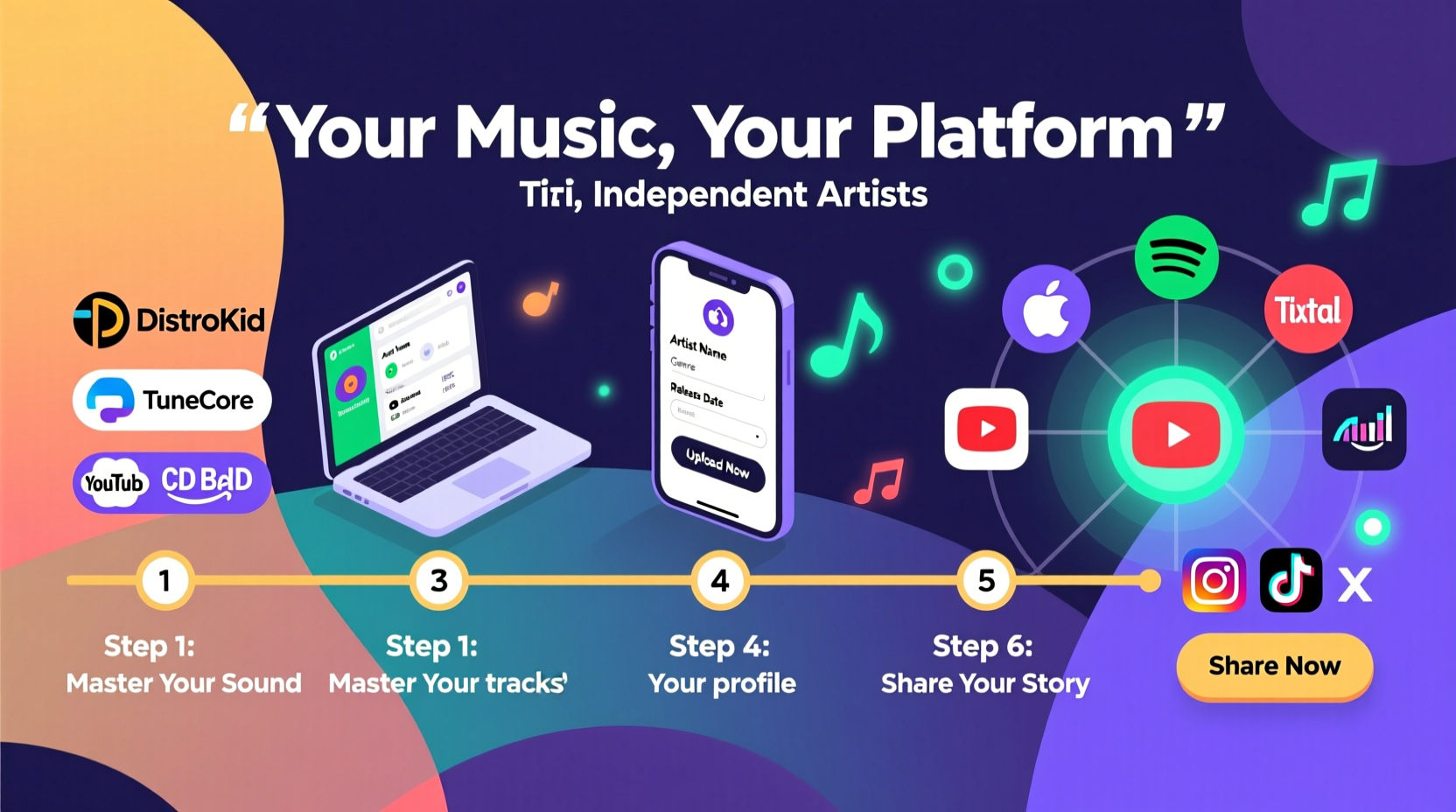
Before anything goes live, ensure your music is professionally mastered. A well-mastered track translates consistently across different playback systems—earbuds, car speakers, club sound systems—and meets platform loudness standards. Poor audio quality can result in lower listener retention or even rejection by some distributors.
Your cover artwork must also meet technical specifications:
- Minimum size: 1600 x 1600 pixels
- Recommended size: 3000 x 3000 pixels (for high-resolution display)
- Format: JPG or PNG
- No text within 1/8 inch of the edges (to prevent cropping on mobile)
Metadata is equally important. This includes the track title, artist name, featured artists, genre, copyright info, and ISRC code (International Standard Recording Code). Each track should have a unique ISRC. Many digital distributors generate these automatically, but if you're re-releasing old material, verify that codes aren’t duplicated.
Step 2: Choose a Digital Music Distributor
You cannot upload directly to Spotify or Apple Music as an individual artist unless you're part of a partnered label. Instead, you need a digital distributor—a service that delivers your music to streaming platforms and collects royalties on your behalf.
Here’s a comparison of popular options:
| Distributor | Pricing Model | Spotify & Apple Music Access | Revenue Split | Additional Features |
|---|---|---|---|---|
| DistroKid | Annual fee ($20–$80/year) | Yes | Keep 100% of royalties | YouTube Content ID, instant publishing |
| TuneCore | Per release fee ($10 single, $30 album) | Yes | Keep 100% of royalties | Royalty advances, sales analytics |
| CDBaby | $9.95 per single/album or Pro plan ($59/year) | Yes | Keep 90% (Pro plan: 89%) | Sync licensing opportunities, physical distribution |
| Routenote | Free (revenue share) or paid plans | Yes | 70–85% depending on plan | Free mastering, video distribution |
“Choosing the right distributor isn’t about cost alone—it’s about long-term support, speed of delivery, and whether they offer tools that align with your goals.” — Lena Patel, Independent Artist Manager
Step 3: Set Up and Deliver Your Release
Once you’ve selected a distributor, create an account and follow their upload process. Most platforms use a similar workflow:
- Log in and select “Add New Release”
- Choose release type: single, EP, or album
- Upload audio files and cover art
- Enter metadata (title, artist, songwriter, composer, etc.)
- Select stores (Spotify, Apple Music, TikTok, etc.)
- Set a release date (typically 3–4 weeks in advance)
- Submit for review
Most distributors allow you to schedule pre-saves via Spotify and Apple Music. This feature lets fans save your track before it drops, boosting visibility on release day. Activate this early—ideally two weeks ahead—to build momentum.
Step 4: Claim Your Artist Profiles
After submission, your music will appear on major platforms within 3–7 business days. Once live, claim your artist profiles to gain control over your image, bio, and content.
- Spotify for Artists: Verify identity, pitch songs to editorial playlists, view listener demographics.
- Apple Music for Artists: Submit music for playlist consideration, access real-time analytics.
- YouTube Artist Center: Upload official audio videos, manage visuals, track fan engagement.
Claiming these accounts gives you promotional leverage. For example, you can submit unreleased tracks to Spotify’s editorial team up to four weeks before launch—a critical opportunity many indie artists overlook.
Mini Case Study: From Bedroom Producer to 100K Streams
Jamal Reyes, a 23-year-old producer from Austin, released his first ambient house single using DistroKid. He uploaded the track six weeks before release, activated pre-saves, and submitted to Spotify for Artists’ playlisting team. He also created a simple lyric video on Canva and uploaded it to YouTube.
Within three weeks of release, his song was added to two mid-tier editorial playlists (“Fresh Ambient” and “Chill Wave”), resulting in over 87,000 streams in the first month. By claiming his artist profile early, he identified that most of his audience came from Germany and Sweden—insight he used to target ads and engage local fan communities on Reddit and Discord.
Step 5: Promote Your Release Strategically
Getting on streaming platforms is only half the battle. Without promotion, even great music can go unnoticed. Focus on owned, earned, and paid channels:
- Owned: Email list, social media, website
- Earned: Playlists, reviews, word-of-mouth
- Paid: Targeted ads on Instagram, Facebook, or TikTok
Submit to independent playlist curators via platforms like SubmitHub or PlaylistPush. While not guaranteed, placement on niche but engaged playlists often drives higher conversion than broad, automated ones.
Action Checklist: Launch-Ready in 5 Steps
- ✅ Finalize mastered audio and 3000x3000px cover art
- ✅ Select and sign up with a digital distributor
- ✅ Upload metadata, set release date, enable pre-saves
- ✅ Claim artist profiles on Spotify, Apple Music, and YouTube
- ✅ Share link widely and pitch to playlists at least 2 weeks pre-release
Frequently Asked Questions
How long does it take for my music to appear on streaming platforms?
Most distributors deliver music within 3–7 business days. However, major platforms like Spotify and Apple Music recommend submitting at least 3 weeks in advance to allow time for review, playlist pitching, and pre-save campaigns.
Do I retain ownership of my music when using a distributor?
Yes. Reputable distributors do not claim ownership or copyrights. You maintain full rights to your recordings and compositions. Always read the terms carefully—avoid any service that asks for publishing rights or long-term exclusivity.
Can I change my song after it’s been uploaded?
Minor metadata edits (like fixing a typo) are usually allowed. However, replacing the audio file may require canceling the release and resubmitting, which resets your release date and could disrupt pre-saves. Double-check everything before submission.
Conclusion: Your Music Deserves to Be Heard
The path from creation to streaming platforms is clearer than ever. With the right preparation and tools, independent artists can achieve global reach without intermediaries. The key lies in attention to detail—from audio quality and metadata accuracy to strategic promotion and artist profile management.
Every major artist started where you are now: with a song, a dream, and the courage to press upload. Take the steps outlined here, stay consistent, and treat your music like the valuable art and asset it is. The world is listening—make sure they can find you.




 浙公网安备
33010002000092号
浙公网安备
33010002000092号 浙B2-20120091-4
Comments
No comments yet. Why don't you start the discussion?