
Gifting a video game can be one of the most appreciated presents for a gamer—personal, engaging, and instantly enjoyable. But there’s a common pitfall: buying a game that’s incompatible with the recipient’s console. With multiple versions of PlayStation, Xbox, and Nintendo systems on the market, even well-intentioned gifts can end up in the return bin. The good news? You don’t need to know their exact console model to give a safe, usable, and exciting gift.
This guide walks you through practical strategies to avoid compatibility errors, leverage flexible digital options, and choose universally accepted formats. Whether you're shopping for a casual player or a hardcore enthusiast, these methods ensure your gift lands perfectly—without requiring technical details you might not have.
Why Console Compatibility Matters
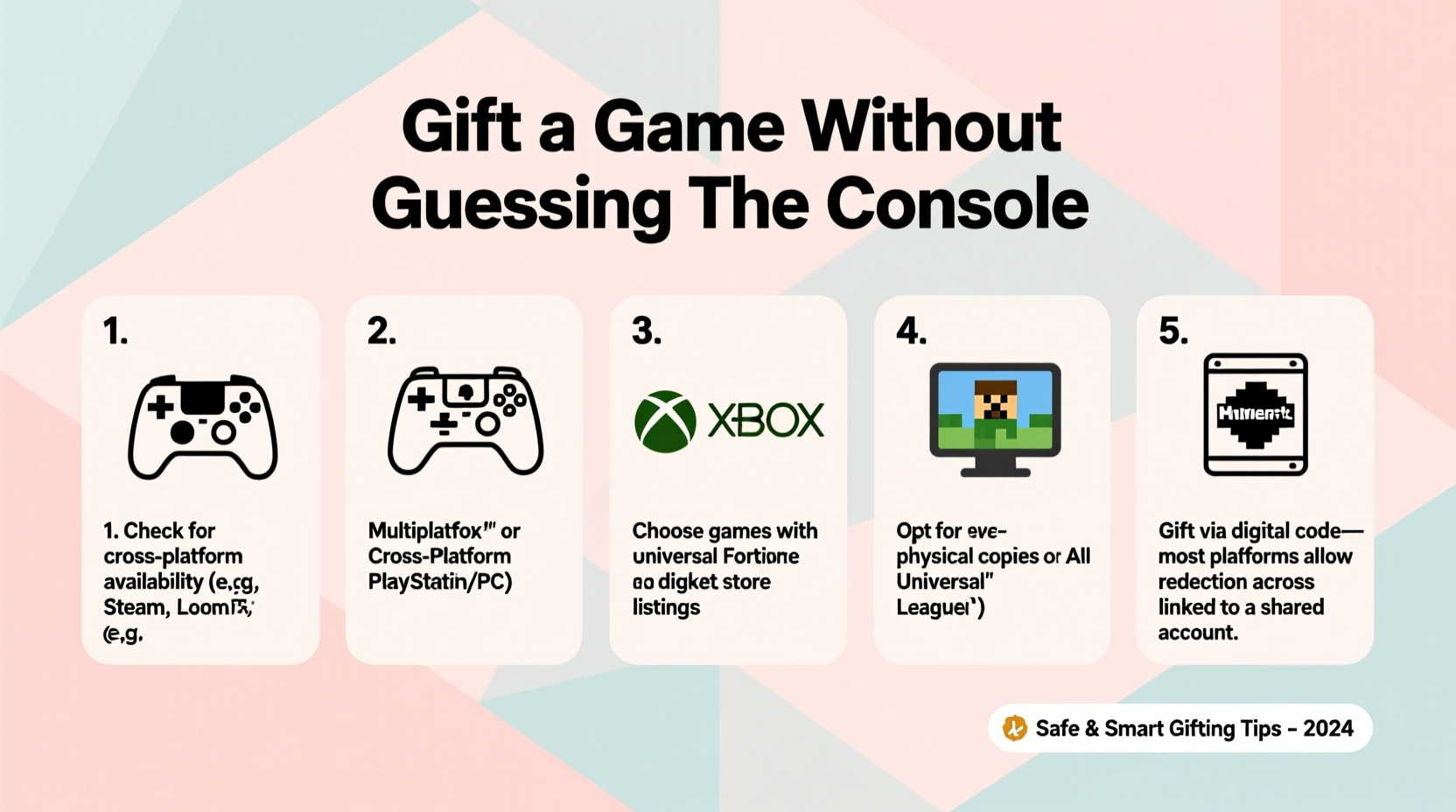
Modern consoles may look similar across generations, but they are not always backward compatible or cross-compatible. For example:
- A PlayStation 5 plays most PS4 games, but older titles like those from PS3 or PS2 usually aren’t supported without streaming or remasters.
- Xbox Series X supports thousands of backward-compatible titles from Xbox One, 360, and original Xbox—but only specific ones Microsoft has re-certified.
- Nintendo Switch games are cartridge-based, and while newer models support all released cartridges, earlier games may not run on future hardware if no update exists.
Buying a physical copy for the wrong platform renders it useless. Even digital purchases tied to an account can be problematic if bought on the wrong storefront. That’s why gifting blindly requires strategy—not guesswork.
Step-by-Step: How to Gift Safely Without Asking
You want to surprise someone, not interrogate them about their tech setup. Here’s a five-step method to deliver a great gaming gift confidently—even without direct access to their console information.
- Identify the likely ecosystem: Most gamers stick to one brand. If they’ve ever mentioned “my Xbox” or “my Switch,” that’s a strong clue. Social media posts, stream profiles (Twitch, YouTube), or even visible console lights in photos can help narrow it down.
- Avoid generation-specific assumptions: Don’t assume they own the latest model. Many players still use older consoles due to cost or preference. A PS4 owner won’t benefit from a PS5-only title.
- Choose platform-agnostic games: Some franchises release across all major platforms simultaneously. Games like Minecraft, Fortnite, Roblox, Stardew Valley, and The Legend of Zelda: Breath of the Wild are widely available and beloved across age groups.
- Opt for digital gift cards: Instead of selecting a single game, buy a gift card from the official store of the suspected platform—PlayStation Store, Microsoft/Xbox, or Nintendo eShop. This gives the recipient full control over what they play.
- Use third-party universal codes cautiously: Services like Roblox, Steam Wallet, or Amazon Balance can work, but verify whether the person uses that platform before purchasing.
Best Gift Options That Avoid Hardware Conflicts
Certain types of gaming gifts sidestep console limitations altogether. Prioritize these when uncertainty remains.
Digital Store Credit
Giving store credit via official gift cards is the safest choice. These are available in various denominations and often delivered instantly by email.
| Platform | Gift Card Type | Redemption Location | Compatibility Note |
|---|---|---|---|
| PlayStation | PSN Gift Card | playstation.com/redeem | Works on PS4 & PS5; funds used for games, subscriptions, DLC |
| Xbox/Nintendo | Microsoft Gift Card / Nintendo eShop Card | microsoft.com/redeem / nintendo.com/redeem | Microsoft cards work across Xbox and Windows; Nintendo cards only for Switch |
| Cross-Platform | Steam Wallet Code | store.steampowered.com/redeem | Only for PC; not usable on consoles unless specified |
| In-Game Currency | Robux, V-Bucks, etc. | In-game stores | Must match the correct platform (e.g., V-Bucks on Epic Store for Fortnite) |
Physical Collectibles or Merchandise
If you’re unsure about software compatibility, consider branded merchandise. Limited edition art books, apparel, or officially licensed peripherals (like themed controllers or headsets) are often welcome additions to any gamer’s collection—and never at risk of being incompatible.
Subscription Services
Instead of a single title, gift access to a subscription that offers hundreds of games. Many services allow users to play across generations within the same family:
- PlayStation Plus Extra/Premium: Includes a catalog of PS4 and PS5 games, plus cloud streaming for select PS3 titles.
- Xbox Game Pass Ultimate: Offers access to hundreds of games on Xbox and PC, plus cloud gaming on mobile devices.
- Nintendo Switch Online + Expansion Pack: Gives access to classic NES, SNES, N64, and Sega Genesis titles, along with online multiplayer.
These subscriptions are often redeemable via code and provide long-term value beyond a single game.
Real Example: Gifting for a Nephew You Rarely See
Sarah wanted to send a birthday gift to her 14-year-old nephew, Leo, who she knew loved gaming but hadn’t spoken to in months. She didn’t know whether he had a PS4, PS5, or something else. Rather than risk buying the wrong game, she took this approach:
First, she checked his public Instagram profile. He’d posted a photo with a blue controller and the caption “grinding in GTA.” A quick search confirmed that *GTA Online* is available on both PS4 and PS5. That told her he was likely in the PlayStation ecosystem.
Instead of buying *GTA*, which he might already own, she purchased a $25 PlayStation Store gift card online. She emailed it directly to his mom with a note: “For your next big adventure.”
Later, Leo messaged her saying he used the credit to buy *Spider-Man 2*—a PS5 exclusive he’d been saving up for. The gift felt personal, timely, and perfectly matched his setup—all without Sarah needing exact details.
This scenario shows how light research combined with flexible gifting creates better outcomes than guessing a specific title.
Expert Insight: What Industry Insiders Recommend
According to Marcus Tran, a senior product manager at a leading game distribution platform, flexibility is key when gifting digitally.
“Over 60% of failed digital gifts happen because the buyer assumes platform compatibility. We see people buy PS5 games for PS4-only users, or Steam keys for console players. The safest gift isn’t a game—it’s choice.” — Marcus Tran, Digital Distribution Strategist
He emphasizes that digital wallets and subscription trials reduce friction and increase satisfaction. “People appreciate the trust implied in giving them autonomy,” he adds.
Checklist: Safe Video Game Gifting Without Knowing the Console
Follow this checklist to ensure your gift is both safe and meaningful:
- ✅ Identify the most likely platform based on indirect clues (social media, past conversations, visible hardware)
- ✅ Rule out PC-exclusive titles unless you’re certain they use Steam, Epic, or other platforms
- ✅ Choose digital gift cards from official stores (PSN, Xbox, Nintendo eShop) over third-party retailers
- ✅ Consider game-agnostic currency (e.g., V-Bucks for Fortnite, Robux for Roblox) if you know they play those titles
- ✅ Avoid physical copies unless you’ve seen the console or confirmed the model
- ✅ Include a heartfelt note explaining the gift’s purpose, especially if it’s a code
- ✅ Test delivery: Send digital codes to your own email first to confirm format and clarity
Frequently Asked Questions
Can I return a video game if it’s for the wrong console?
Most retailers do not accept returns on opened games or downloaded content. Physical copies may be returnable if unopened and within the return window, but policies vary. Digital purchases are almost never refundable. This is why prevention—through research or flexible gifting—is essential.
Are Steam gift cards a good option for console players?
No. Steam is a PC-only platform. While some games are cross-platform, the Steam version cannot be played on PlayStation, Xbox, or Switch. Only gift Steam cards if you’re certain the recipient plays on PC and uses the Steam client.
What if I’m completely unsure about their platform?
In cases of total uncertainty, go broader. Options include:
- A general retailer gift card (like Amazon or Target), which can be used to buy digital codes
- A membership to a cross-device service like Xbox Game Pass Ultimate (works on console, PC, and mobile via cloud)
- Non-digital gaming accessories: themed apparel, collectible figures, or high-quality headphones
Final Thoughts: Thoughtfulness Over Technology
Gifting a video game doesn’t require technical expertise—just empathy and a bit of strategy. The goal isn’t to prove you know their RAM specs, but to show you understand their passions. By choosing flexible, redeemable, or universally compatible options, you protect against incompatibility while still delivering excitement.
The best gaming gifts respect the player’s autonomy. They say, “I believe you know what you want to play,” rather than “Here’s what I think you should play.” In doing so, they build connection, not confusion.




 浙公网安备
33010002000092号
浙公网安备
33010002000092号 浙B2-20120091-4
Comments
No comments yet. Why don't you start the discussion?