
Facebook Messenger has become one of the most widely used communication platforms globally, connecting users across devices and networks. While it's easy to start conversations, understanding the nature of a contact—whether they’re using a phone number or simply logged in via a mobile device—can be crucial for privacy, verification, and security purposes. Unlike traditional SMS, Messenger doesn’t always make this distinction obvious. However, by analyzing specific interface cues, account behaviors, and metadata patterns, you can determine whether someone is reachable primarily through their phone number or just using a mobile app.
Understanding Messenger Account Types
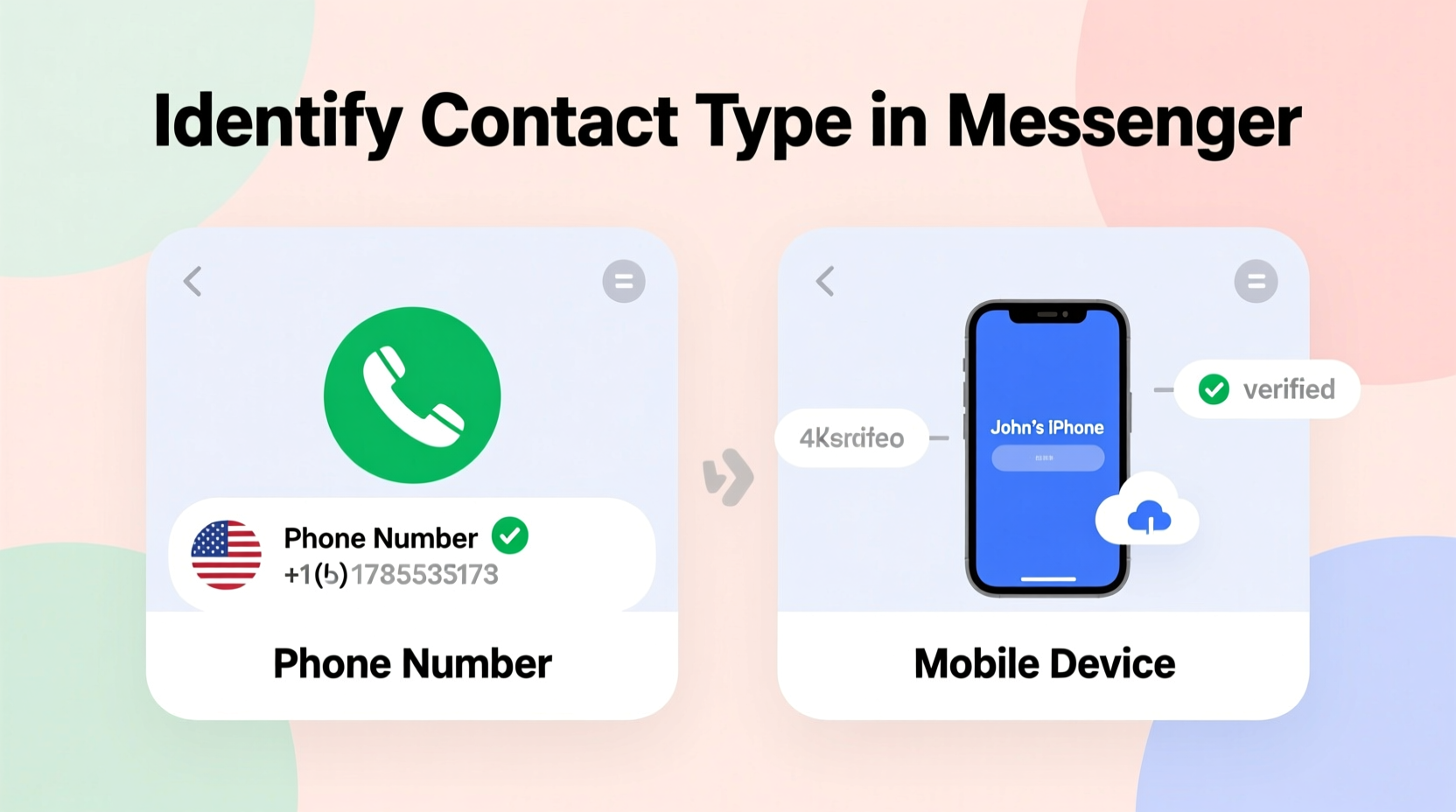
Messenger supports multiple types of accounts: those tied directly to a Facebook profile (which may or may not include a verified phone number), standalone Messenger-only accounts (such as those created with a phone number without a full Facebook profile), and temporary chat links that don’t require any login at all. The key difference lies in how the user initially registered.
When a person signs up for Messenger independently—without a Facebook account—they often use a phone number. In contrast, many users access Messenger solely through their Facebook credentials, where their mobile device is merely the platform they're using to log in, but no phone number is publicly exposed or required for messaging.
This distinction matters because:
- A contact linked to a phone number likely receives push notifications even when not actively using Facebook.
- Phone-number-based contacts may appear in your synced address book automatically.
- Users without a phone number linked might only be reachable when connected to the internet and logged into Facebook.
Visual and Behavioral Clues in the Messenger Interface
The Messenger app provides subtle visual indicators that can help discern whether a contact is associated with a phone number. These signs aren't explicitly labeled, so interpretation is necessary.
Contact Name Format: If a contact appears under a name like “User12345” or lacks a clear first/last name structure, especially in group chats or spam messages, it could indicate an account created solely with a phone number and minimal personal details.
Profile Picture Availability: Accounts tied strictly to phone numbers often lack profile pictures unless manually added. Conversely, Facebook-linked profiles typically have profile images pulled from their main account.
Last Seen vs. Active Status: A consistently accurate \"Active Now\" or precise \"Last Seen\" timestamp usually suggests the user is on a mobile device with background syncing enabled—a common trait among phone-number-verified accounts. Desktop-only users or those on infrequently used devices may show outdated statuses.
Step-by-Step Guide to Identifying Contact Origin
- Open the Chat Window: Navigate to the conversation with the contact in question.
- Tap Their Profile Name: On mobile, tapping the name at the top opens their profile card. Look for a small phone icon next to the name—if present, it often indicates the contact was added via phone number sync.
- Check for Mutual Friends: Scroll down on their profile. If no mutual friends are listed and little biographical information exists, it may suggest a lightweight account created with just a number.
- Review Message Delivery Indicators: Watch for delivery and read receipts. Phone-number-linked accounts tend to deliver messages instantly due to persistent mobile connectivity.
- Send a Test Message During Off-Hours: Send a non-urgent message late at night or early morning. Immediate responses or quick read receipts imply active mobile usage, potentially indicating a phone-based account.
Using Your Phone Contacts Sync Feature
Messenger automatically scans your smartphone’s address book (if permission is granted) and matches entries with existing Messenger users. This feature is central to identifying phone-linked contacts.
If a contact appears in your Messenger list despite never having exchanged messages, and their name matches exactly with your saved phone contact—including the correct number—they are almost certainly registered via phone number.
To verify:
- Go to Messenger Settings > People You Can Message > Connections.
- Select “Sync Contacts.”
- If the contact appears here with a green checkmark or “On Messenger,” they have a phone-linked account.
| Indicator | Suggests Phone Number Link | Suggests Device-Only Login |
|---|---|---|
| Appears in synced contacts | Yes | No |
| Has a phone icon in profile | Yes | No |
| Shows exact mobile number | Yes (if visible) | Rarely |
| No Facebook profile link | Possible | Common |
| Frequent real-time activity | Likely | Depends on usage |
Expert Insight on Digital Identity Verification
“Many users don’t realize that linking a phone number increases discoverability and reduces anonymity. From a technical standpoint, a phone-number-based Messenger account behaves more like an SMS endpoint than a social media profile.” — Dr. Lena Torres, Cybersecurity Researcher at Digital Trust Lab
This insight underscores why distinguishing between account types matters—not just for curiosity, but for assessing reliability and intent. Scammers often use burner numbers to create disposable Messenger accounts, while genuine individuals usually maintain consistent digital footprints across platforms.
Mini Case Study: Identifying a Suspicious Business Inquiry
Sophie, a freelance graphic designer, received a message through Messenger from someone claiming to represent a startup needing urgent branding work. The contact had no profile picture, used a generic email-style name (@messenger.com), and responded within seconds at 3 AM her time.
Suspicious, Sophie checked her synced contacts—no match. She also noticed there was no phone icon beside the name. When she asked for a company website, the replies became evasive. Based on these red flags—especially the absence of phone integration and unnatural responsiveness—she concluded it was likely a scammer using a temporary device-based account. She reported the profile and avoided sharing portfolio files.
This case illustrates how combining behavioral analysis with interface clues can protect users from fraud.
Checklist: Is This Contact Linked to a Phone Number?
- ✅ Appears in my synced phone contacts
- ✅ Has a phone icon next to their name in Messenger
- ✅ Displays a recognizable mobile number (if shared)
- ✅ Shows consistent real-time online status
- ✅ Has mutual friends or verifiable Facebook presence
- ✅ Responds during typical personal hours (not erratic)
If four or more apply, the contact is likely using a phone-number-verified account. Fewer than three may indicate a device-only or potentially anonymous login.
Frequently Asked Questions
Can someone use Messenger without a phone number?
Yes. Users can sign in using only their Facebook account credentials. In such cases, the Messenger identity is tied to the Facebook profile, not a mobile number. They can still use the app on smartphones, tablets, or desktops without ever providing a number.
Does seeing 'Active Now' mean they’re on a phone?
Not definitively. While “Active Now” is more common on mobile due to background processes, users on desktop apps or browsers can also trigger live status indicators. However, immediate updates across time zones strongly suggest mobile device usage.
Can I tell if a contact blocked my number but still messages me?
No. If someone blocks your phone number but you interact through a shared group or Facebook friend connection, Messenger may still allow limited visibility. There’s no built-in indicator for partial blocking, making context and behavior analysis essential.
Conclusion: Stay Informed, Stay Secure
Knowing whether a Messenger contact is tied to a phone number or simply accessing the service from a mobile device empowers you to make smarter decisions about trust, engagement, and data sharing. While Facebook doesn’t offer a direct label for “phone-linked,” careful observation of profile traits, syncing behavior, and response patterns reveals valuable insights.
As digital communication evolves, so must our ability to interpret its nuances. Take control of your online interactions by applying these techniques regularly—not just for safety, but for authenticity in every conversation.




 浙公网安备
33010002000092号
浙公网安备
33010002000092号 浙B2-20120091-4
Comments
No comments yet. Why don't you start the discussion?