
Every smartphone looks sleek and modern, but beneath the surface, each model carries unique identifiers, hardware capabilities, and software traits. Whether you're troubleshooting an issue, preparing to sell your device, or simply curious about what’s in your pocket, knowing how to accurately identify your phone is essential. This guide walks you through practical methods to determine your phone's make, model, internal specs, and distinguishing features—no guesswork required.
Step 1: Locate Physical Markings on Your Device
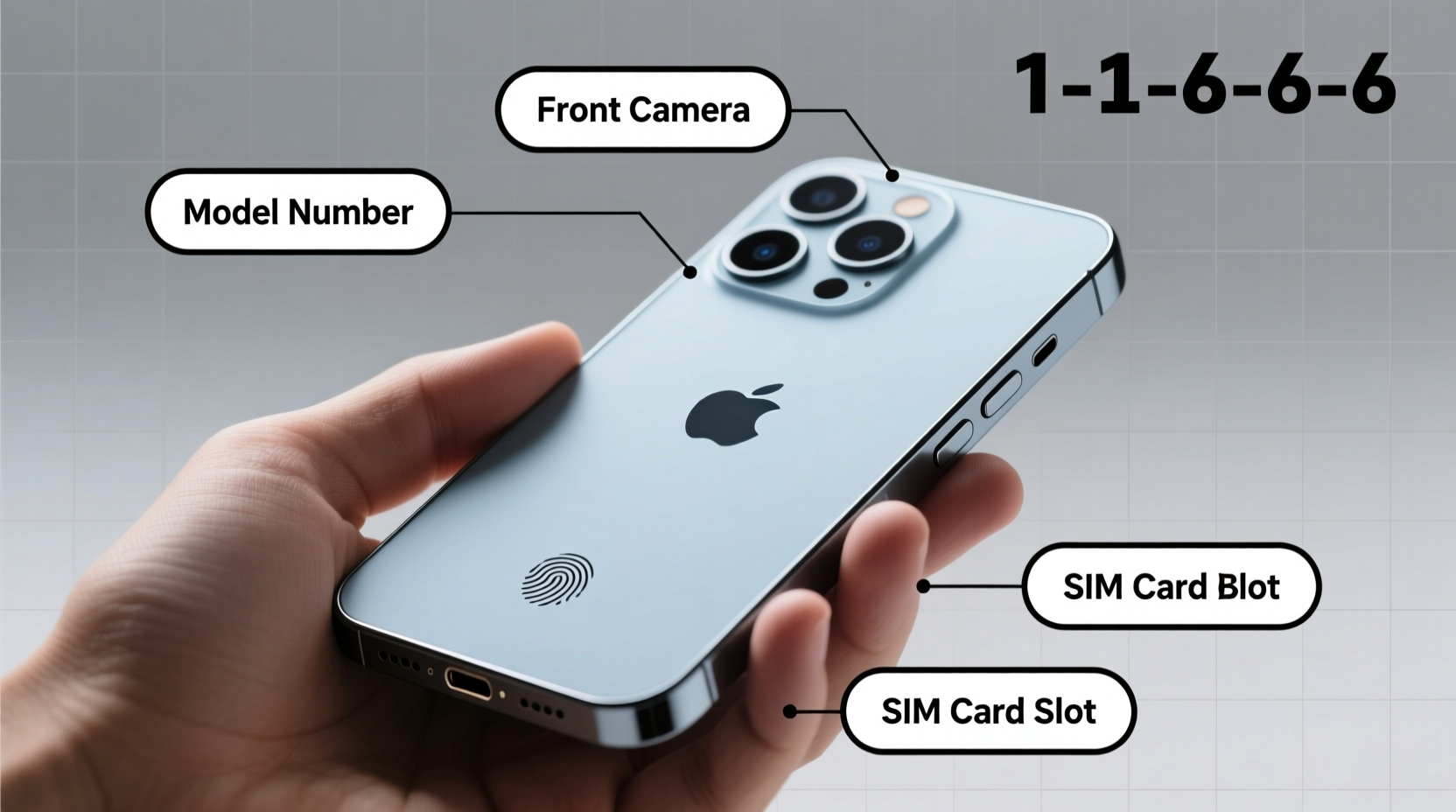
The most direct way to begin identification is by inspecting your phone physically. Manufacturers often engrave or print key information on the back cover, under the battery (if removable), or along the frame of the device.
Look for:
- Brand name (e.g., Samsung, Apple, Google)
- Model number (e.g., SM-S908U, iPhone14,3, Pixel 7 Pro)
- Serial number
- IMEI/MEID (used for carrier and warranty verification)
- FCC ID (helpful for technical lookups)
For iPhones, flip the device over—model and regulatory details are typically laser-etched on the bottom edge. On Android phones, check the back panel or settings menu if markings are too small to read.
Step 2: Access Internal System Information
If physical labels are worn or unclear, your phone’s operating system stores detailed identification data. Here’s how to access it:
For Android Devices:
- Open Settings.
- Scroll down and tap About Phone.
- Review entries such as:
- Model Number
- Device Name
- Android Version
- Build Number
- Hardware Information (sometimes under \"Status\")
For iPhones (iOS):
- Go to Settings > General > About.
- Scroll to view:
- Name (your custom label)
- Model Name (e.g., iPhone 13 Pro)
- Model Number (starts with ‘A’, e.g., A2484)
- Serial Number
- IMEI and ICCID
The model number prefixed with “A” is Apple’s retail identifier. You can cross-reference this at Apple’s official support page to confirm exact specifications.
Step 3: Use Online Databases and Tools
Once you have a model or serial number, use online databases to decode its meaning. These resources reveal storage capacity, supported networks, release date, and regional variants.
| Tool/Website | Purpose | Best For |
|---|---|---|
| Swappa Specs | Enter model number to get full specs | Android devices, carrier compatibility |
| EveryMac.com | Detailed breakdown of all Apple devices | iPhones, iPads, Macs by model number |
| DeviceSpecifications.com | Global model variants and benchmarks | Lesser-known brands and regional SKUs |
| FCC ID Search (fccid.io) | Find technical filings using FCC ID | Internal components and certifications |
For example, entering “SM-S908U” into Swappa reveals it’s a Samsung Galaxy S23 Ultra designed for U.S. carriers with 5G support and Snapdragon chipset—details not visible from appearance alone.
“Knowing your exact model variant can prevent costly mistakes—like buying a phone that doesn’t work on your network.” — Carlos Mendez, Mobile Repair Technician with 12 years of experience
Step 4: Identify Features Through Functionality Testing
Sometimes, visual and digital clues aren’t enough—especially with refurbished or rebranded units. Test core functionalities to verify hardware claims.
Checklist: Feature Verification
- ✅ Water Resistance: Look for IP rating in settings or documentation. Note: Do NOT test by submerging.
- ✅ Wireless Charging: Place on a Qi pad. If it charges without plugging in, wireless charging is supported.
- ✅ Fingerprint Sensor: Check placement—under display, side-mounted, or rear? Test responsiveness.
- ✅ Face Unlock: Try facial recognition setup. iPhones use TrueDepth; many Androids use less secure IR or camera-based systems.
- ✅ Camera Setup: Count lenses and check software labels (e.g., “Ultra Wide,” “Telephoto”). Compare with known specs.
Step 5: Decode Model Numbers and Variants
Manufacturers use complex naming schemes. Understanding them helps distinguish between nearly identical devices.
Example: Samsung Galaxy S23 Series
- SM-S911B: International version, Exynos chip
- SM-S911U: U.S. carrier model, Snapdragon 8 Gen 2
- SM-S911V: Verizon-exclusive with mmWave 5G
Similarly, Apple uses different model numbers for cellular vs. Wi-Fi-only iPads, or region-specific iPhone variants. A single digit change can mean differences in LTE bands, charging speed, or even repairability.
Mini Case Study: The Refurbished Phone Mix-Up
Mark bought a “refurbished Galaxy S22” online at a great price. Upon inspection, he noticed slow performance and missing 5G bands. Using Settings > About Phone, he found the model number was SM-S9010—a Chinese-market version incompatible with his U.S. carrier’s network. By checking Swappa’s database, he confirmed the device lacked VoLTE support for his provider. He returned it and used the correct model number (SM-S901U) for his replacement. Lesson: Always verify the exact model before purchase.
Common Mistakes to Avoid
- Mistaking design for identity: Many phones look alike. A OnePlus Nord may resemble a Pixel, but internals differ drastically.
- Ignoring regional variants: Phones sold in India, Europe, or Latin America may lack certain 5G frequencies used in North America.
- Trusting seller descriptions blindly: Especially in secondhand markets, titles like “iPhone 13” may hide outdated or locked models.
- Overlooking software clues: An Android 10 update on a phone claiming to be “new” suggests older hardware.
FAQ
How do I tell if my phone is original or counterfeit?
Compare the IMEI via *#06# with what’s printed on the box and in Settings. Counterfeit phones often show mismatches. Also, check build quality—misaligned seams, fake logos, or unusual weight are red flags.
Can I identify my phone without turning it on?
Limitedly. You can read the model number engraved on the body or packaging. However, full identification requires accessing system settings or using diagnostic tools only available when powered on.
Why does my phone have two different model numbers?
This is normal. One is the marketing name (e.g., iPhone 14 Pro), and the other is the internal or regulatory model (e.g., A2650). Some phones also carry multiple model numbers for different regions or carriers.
Final Thoughts
Identifying your cell phone goes beyond noticing the brand or screen size. Accurate identification empowers you to troubleshoot issues, verify compatibility, protect against fraud, and maximize resale value. From reading tiny engravings to decoding alphanumeric codes, each step brings clarity. In a market filled with subtle variations and misleading listings, knowledge is your best tool.




 浙公网安备
33010002000092号
浙公网安备
33010002000092号 浙B2-20120091-4
Comments
No comments yet. Why don't you start the discussion?