
Knowing which mobile carrier your SIM card belongs to is essential whether you're troubleshooting connectivity issues, switching phones, unlocking your device, or traveling internationally. While it may seem like only your carrier can provide this information, the truth is that your SIM card holds all the clues you need — if you know where to look. This guide walks you through practical, reliable methods to identify your mobile phone carrier using just your SIM card details.
Understanding SIM Card Basics
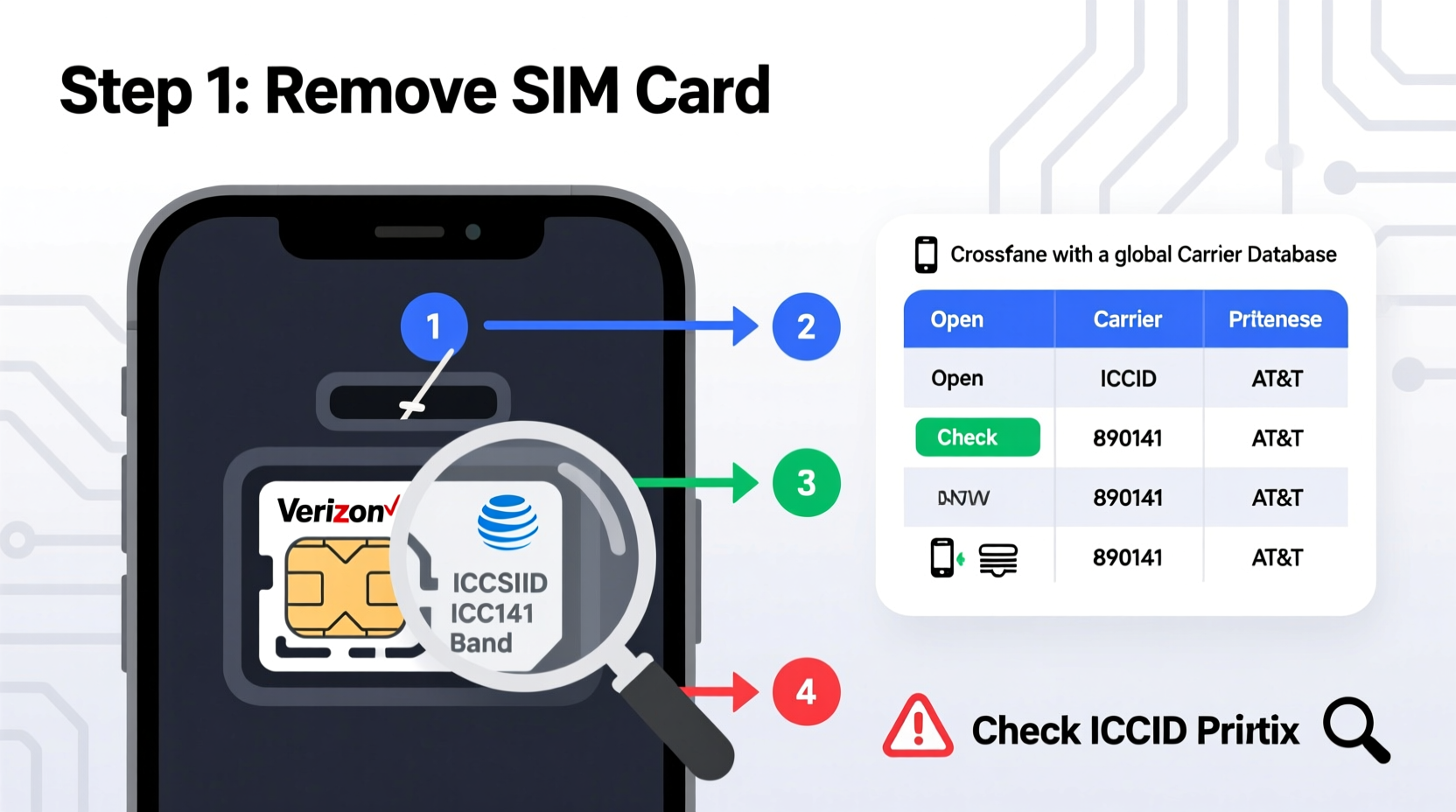
A Subscriber Identity Module (SIM) card is more than just a tiny chip that lets your phone connect to a network. It contains critical identifying information such as your International Mobile Subscriber Identity (IMSI), Integrated Circuit Card Identifier (ICCID), and Mobile Network Code (MNC). These data points are standardized globally and can reveal your carrier without needing customer support or account access.
The ICCID is the unique serial number of the SIM itself, typically printed on the card and accessible in your phone’s settings. The IMSI combines the Mobile Country Code (MCC) and MNC, both of which pinpoint the country and specific carrier. By decoding these numbers, you can determine your provider with precision.
Step-by-Step Guide to Identify Your Carrier Using SIM Details
- Access Your SIM Information
On an iPhone: Go to Settings > General > About > Carrier. Scroll down to find the ICCID and IMEI.
On Android: Navigate to Settings > About Phone > Status > SIM Status. Look for ICCID, IMSI, and Service Provider. - Locate the ICCID Number
This is a 19–20 digit number starting with 89, followed by the country code. For example, \"891\" often indicates the United States. - Extract the First Few Digits of the ICCID
The first two digits after “89” represent the country code. For instance:- 891 = USA/Canada
- 8944 = UK
- 8991 = India
- Identify the Mobile Network Code (MNC)
If you have the IMSI, the first three digits are the MCC (country), and the next two or three are the MNC (carrier). For example, in the IMSI 310260XXXXXX:- 310 = MCC (USA)
- 260 = MNC (T-Mobile US)
- Cross-Reference with Public Databases
Use free online tools like the ITU's ICCID lookup, or websites such as numberingplans.com or mcc-mnc.com to match the MCC-MNC combination to a known carrier.
Using Online Tools and Apps to Decode SIM Data
While manual decoding works, several digital tools simplify the process. Many web-based databases maintain updated lists of MCC and MNC codes mapped to carriers worldwide.
| Tool | Function | Accuracy |
|---|---|---|
| mcc-mnc.com | Searchable database of carrier codes | High (updated regularly) |
| Numbering Plans (ITU) | Official international numbering resource | Very High |
| SIM Card Info apps (Android) | Display IMSI, ICCID, signal strength, and inferred carrier | Moderate (depends on app) |
For Android users, apps like “SIM Card Info – ICCID/IEMI” or “Network Cell Info Lite” display real-time network details, including operator names pulled directly from the SIM and connected tower signals. These can be especially helpful when traveling abroad and connecting to local networks.
“Carrier identification via SIM codes is a foundational skill in telecom diagnostics. Technicians use MCC-MNC pairs daily to verify roaming status and network compatibility.” — Rajiv Mehta, Senior Network Engineer at GlobalCom Solutions
Real-World Example: Traveler Identifies Local Carrier in Spain
Lena, a digital nomad working remotely from Barcelona, purchased a local prepaid SIM to avoid high roaming fees. After inserting the SIM, her phone displayed only a generic network name. Unsure which provider she was using, she accessed the SIM status menu and found the IMSI: 214071234567890.
Breaking it down:
- 214 = MCC (Spain)
- 07 = MNC
Common Mistakes and What to Avoid
Many people assume the carrier name shown on their phone is always accurate. However, devices sometimes display outdated or incorrect operator names due to cached data or roaming agreements. Here’s what not to do:
- Don’t rely solely on the network name displayed — it can be misleading, especially when roaming.
- Avoid sharing full IMSI or ICCID publicly — these are sensitive identifiers that could be misused in rare cases of SIM swapping fraud.
- Don’t trust unverified third-party apps — some request excessive permissions or show ads instead of accurate data.
Quick Checklist: Verify Your Carrier in Under 5 Minutes
- Open phone settings and locate SIM status or about section.
- Find the ICCID and IMSI numbers.
- Note the first 5–6 digits of the IMSI (MCC + MNC).
- Visit a trusted MCC/MNC lookup website.
- Enter the code and confirm the carrier name.
- Cross-check with another source if results seem unclear.
Frequently Asked Questions
Can I identify my carrier without a phone?
Yes. If you have the physical SIM card, the ICCID is usually printed on it. You can use the ICCID to extract the country code and then search by issuer prefix. Some carriers also print their logo or name directly on the SIM.
Why does my phone show a different carrier name than the SIM suggests?
This often happens during roaming. Your device may display the host network (e.g., “Vodafone UK”) while your actual SIM remains registered under your home carrier (e.g., AT&T). The IMSI will still reflect your original provider.
Is it safe to use online SIM decoders?
Yes, as long as you use reputable sites and avoid entering extra personal information. Never upload photos of your SIM or share your IMSI on forums or social media.
Conclusion: Take Control of Your Mobile Identity
Your SIM card is more than a gateway to cellular service — it’s a source of verifiable data about your network identity. By learning how to interpret ICCID and IMSI codes, you gain independence from carrier-dependent verification processes. Whether you're unlocking a phone, confirming a switch, or simply satisfying curiosity, this knowledge empowers smarter decisions. Don’t wait for a service issue to understand your SIM — decode it today and stay in control of your mobile experience.




 浙公网安备
33010002000092号
浙公网安备
33010002000092号 浙B2-20120091-4
Comments
No comments yet. Why don't you start the discussion?