
Knowing your phone's exact model is more important than most people realize. Whether you're troubleshooting an issue, buying accessories, selling your device, or checking compatibility with apps and software updates, having the correct model number can save time and prevent mistakes. Yet many users struggle to locate this information, often confusing marketing names like “iPhone 14 Pro” with internal identifiers such as “A2650.” This guide breaks down reliable methods to identify your phone model across both major platforms—Android and iOS—using built-in settings, physical indicators, and online tools.
Why Knowing Your Phone Model Matters
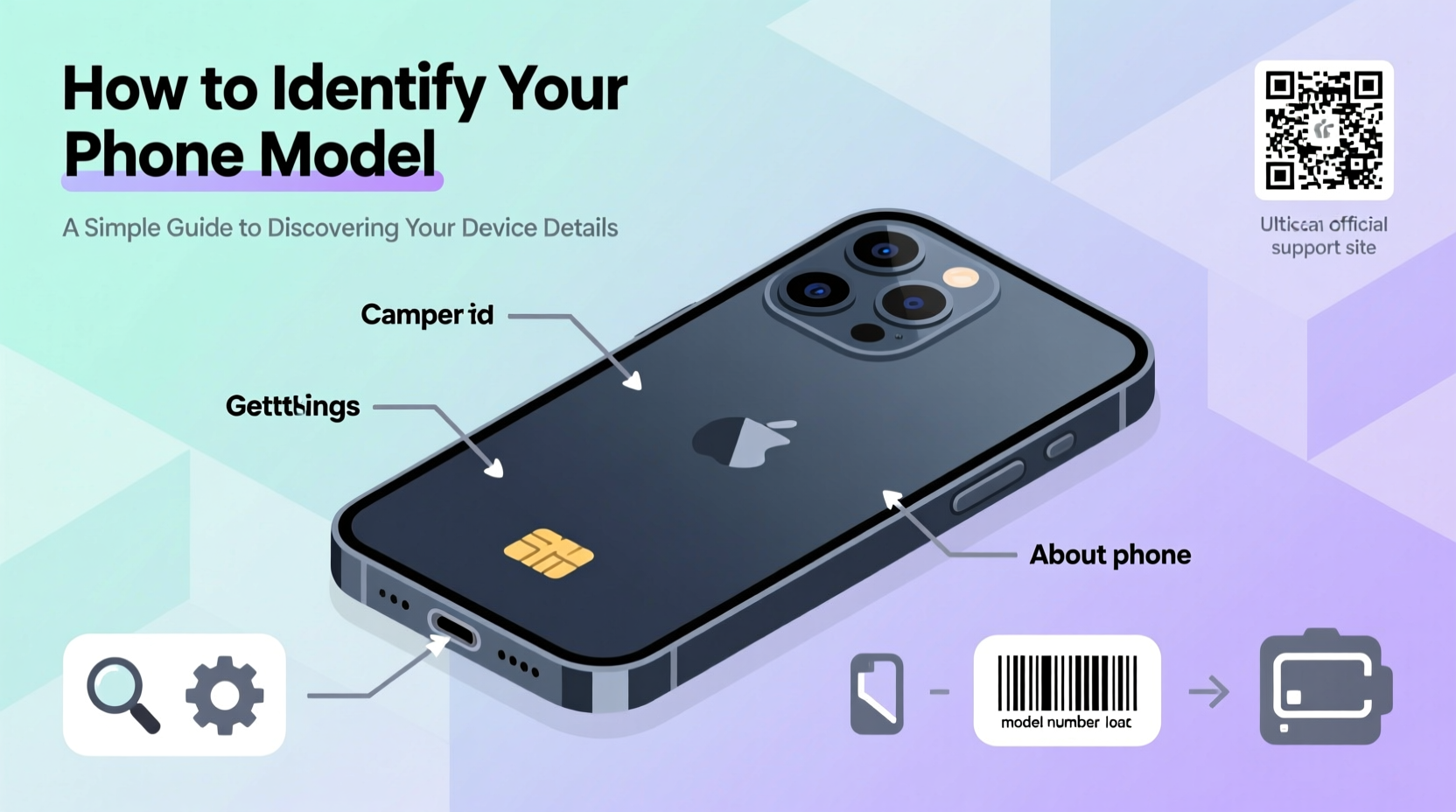
At first glance, identifying your phone may seem trivial. However, different variants of the same device can have distinct hardware specs, regional firmware, and support lifecycles. For example, a Samsung Galaxy S23 sold in the U.S. may use a different processor than its European counterpart. Similarly, Apple assigns unique model numbers (like A2650 or A2782) to each variant of the iPhone, which affects repair options and carrier compatibility.
Accurate model identification helps when:
- Searching for compatible replacement parts or cases
- Downloading official firmware or drivers
- Verifying warranty status or eligibility for repairs
- Determining if your device supports new features (e.g., Wi-Fi 6E, satellite SOS)
- Ensuring app compatibility, especially for AR/VR or high-performance games
“Consumers often assume all versions of a phone are identical. In reality, subtle differences in model numbers can affect performance, network bands, and even battery life.” — David Lin, Mobile Hardware Analyst at TechInsight Labs
How to Find Your Phone Model on Android Devices
Android devices come from numerous manufacturers—Samsung, Google, OnePlus, Xiaomi, and others—each with slightly different interfaces. Despite these variations, the path to finding your model number follows a consistent logic through the Settings app.
Step-by-Step: Locate Model Information via Settings
- Open the Settings app on your Android phone.
- Scroll down and tap on About Phone (sometimes under \"System\" or \"Software\").
- Look for entries labeled:
- Model or Model Number
- Device Name
- Hardware Version
- Note the full model number (e.g., SM-S918U for a U.S. Galaxy S23 Ultra).
The model number typically begins with a manufacturer prefix:
- SM- = Samsung
- Pixel followed by a number = Google
- ONEPLUS or GM- = OnePlus
- M2101Kxx format = Xiaomi (Redmi/Poco)
Alternative Methods for Android
If settings don’t provide enough detail, try these alternatives:
- Dial *#06#: Displays the IMEI number, which can be used to look up your model online via IMEI checkers.
- Check the original box: The model number is printed on the barcode label.
- Inspect the back panel or SIM tray: Some phones (especially older models) etch the model number directly onto the chassis.
- Use third-party apps: Tools like Device Info HW or AIDA64 extract detailed hardware data including chipset, sensors, and exact model IDs.
How to Identify Your iPhone Model
iPhones follow a standardized structure but require understanding two key identifiers: the model name (e.g., iPhone 15 Pro Max) and the model number (e.g., A2784), which Apple uses internally.
Find Model Info Through Settings
- Go to Settings > General > About.
- Scroll to find:
- Name: Your custom device name (not the model)
- Model Name: e.g., iPhone 15 Pro
- Model Number: Starts with 'A' followed by digits (e.g., A2782)
- To see the actual model number (with letters), tap the “A” next to Model and hold until it changes from A2782 to something like MHAD3VC/A.
This alphanumeric code (e.g., MHAD3VC/A) indicates region, storage, and cellular band support. For instance, /A usually means North America, while /B might indicate Japan.
Physical and Packaging Clues
Flip your iPhone over. On the back glass near the bottom, you’ll find engraved text that includes:
- “iPhone” followed by the series
- Regulatory markings
- A small line that says “Model AXXXX” — this is your internal identifier.
Additionally, the original packaging lists both the marketing name and precise model number on the side label.
Decoding Model Numbers: What They Really Mean
Understanding what those cryptic codes stand for adds value beyond just identification. Here’s a breakdown of common formats:
| Brand | Format Example | What It Means |
|---|---|---|
| Apple | A2782, MHAD3VC/A | A-number: Internal ID; Alphanumeric: Region/storage variant |
| Samsung | SM-S918U, SM-G990F | SM=Samsung; S/G=Series; 918=Model; U/F=Region (U=USA, F=Global) |
| GWG0D, GWW1Y | Internal codename; varies by Pixel generation and carrier | |
| Xiaomi | M2101K7BN | M=Year (21=2021); 01=Month; K=Product line; B=Revision |
These distinctions matter when sourcing parts or flashing firmware. Installing software meant for a global model on a carrier-locked version could brick the device.
Mini Case Study: Buying a Used Phone Safely
Sophie purchased a “refurbished iPhone 14” online for $450. When she received it, the device couldn’t connect to her Verizon LTE network. She checked the model number (A2884) and discovered it was a Chinese variant designed for local carriers only—lacking necessary frequency bands. After returning the phone, she learned to always verify the model number before purchasing used devices. Now, she uses EveryMac’s Ultimate iLookup tool to cross-check every listing.
Quick Checklist: How to Identify Your Phone Model
- ✅ Open Settings > About Phone (Android) or General > About (iPhone)
- ✅ Locate the official model number (e.g., SM-S918U or A2782)
- ✅ Check the back of the device or SIM tray for engraved identifiers
- ✅ Review the original box or receipt for precise model info
- ✅ Use online databases (GSMArena, EveryMac, IMEI.info) to decode the number
- ✅ Confirm regional compatibility if importing or switching carriers
Frequently Asked Questions
Can two phones with the same name have different model numbers?
Yes. For example, the “Samsung Galaxy S23” comes in multiple variants: SM-S911U (U.S. Snapdragon), SM-S911B (Global Exynos), and SM-S9110 (China). These differ in processor, RAM, and supported networks.
Is the IMEI the same as the model number?
No. The IMEI is a unique serial number for tracking and activation, while the model number identifies the device type. However, entering your IMEI on sites like IMEI.info can reveal your model number.
Why does my Android say “Unknown” under Model?
This may happen on heavily customized ROMs or rooted devices where system files are altered. Try using a hardware detection app like DevInfo or reboot into stock firmware temporarily.
Take Control of Your Device Knowledge
Being able to quickly and accurately identify your phone model empowers smarter decisions—from choosing the right screen protector to ensuring software compatibility. With just a few taps or a glance at the back of your device, you gain access to critical information that protects your investment and enhances your user experience. Don’t wait until you’re troubleshooting a problem or shopping for accessories to learn your model. Take a moment now to locate and record your device’s full identifier. Share this knowledge with friends who’ve ever asked, “Which iPhone do you have?”—because now, you’ll know exactly what to tell them.




 浙公网安备
33010002000092号
浙公网安备
33010002000092号 浙B2-20120091-4
Comments
No comments yet. Why don't you start the discussion?