
Knowing your phone model is more than just a technical detail—it’s essential for troubleshooting, buying accessories, updating software, selling your device, or getting repairs. Whether you’ve borrowed a phone, inherited an old device, or simply forgotten the exact model you own, identifying it doesn’t have to be complicated. This guide walks you through reliable, device-agnostic methods to pinpoint your phone’s model number quickly and accurately—no guesswork required.
Why Knowing Your Phone Model Matters
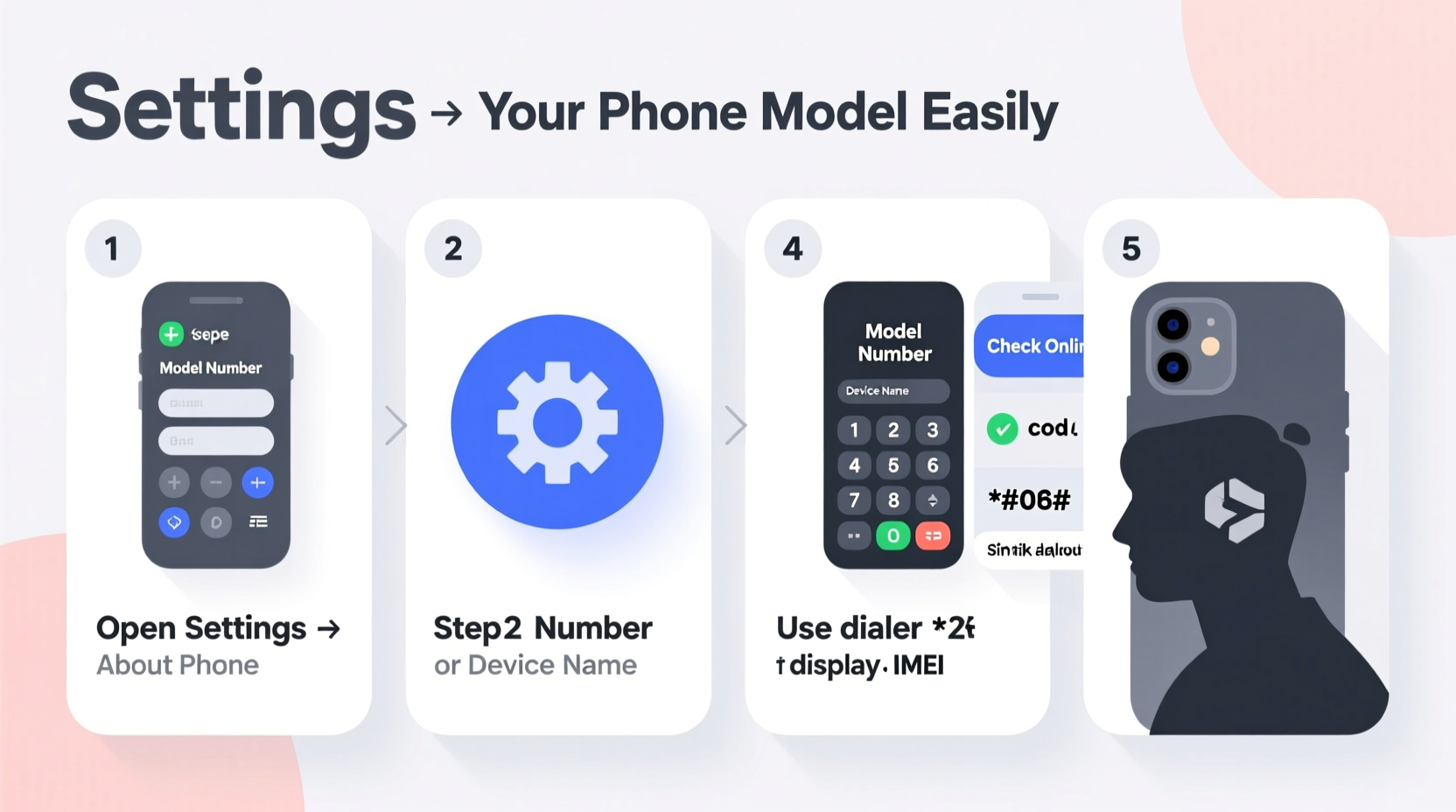
Every smartphone, regardless of brand, has a unique model identifier. This isn’t just the marketing name like “iPhone 14” or “Samsung Galaxy S23 Ultra.” It refers to the specific hardware variant used globally or regionally. For example, the same iPhone may have different model numbers (like A2634 vs. A2635) depending on carrier compatibility or cellular bands.
Accurate identification helps when:
- Searching for compatible screen protectors or cases
- Downloading the correct firmware or drivers
- Contacting customer support with precise details
- Checking if your device is eligible for updates or recalls
- Selling your phone with full transparency
“Consumers who know their exact model number resolve technical issues 40% faster.” — Tech Support Survey, Consumer Electronics Association (2023)
Step-by-Step Guide to Identify Your Phone Model
The method varies slightly depending on your operating system. Below are clear, verified steps for Android, iOS, and other devices—including physical inspection techniques that work even if the phone won’t turn on.
For Android Devices
- Open the Settings app.
- Scroll down and tap on About Phone (sometimes under \"System\" or \"Software\").
- Look for entries labeled:
- Model Number
- Device Name
- Model Name
- Note the full model code (e.g., SM-S918U for Galaxy S23).
- For additional clarity, check Status > IMEI Information, where the MEID or IMEI often correlates to the model.
For iPhones (iOS)
- Go to Settings > General > About.
- Find the Model Name (e.g., iPhone 15 Pro Max).
- Tap the Model Number field—it will toggle between the user-friendly name and the actual model identifier (starts with 'A', e.g., A2848).
- Cross-reference the 'A-number' online to confirm regional variants and specs.
You can also find the model engraved on the back of most iPhones. Look closely near the regulatory text for a small “A” followed by four digits.
When the Screen Is Broken or Device Won’t Power On
- Inspect the back casing or SIM tray area for printed identifiers.
- Remove the battery (if removable) and check underneath for labels.
- Look up the FCC ID:
- Find the FCC ID printed on the device (usually near compliance markings).
- Visit FCC ID Search and enter the code.
- The results page shows photos, model numbers, and internal specs submitted during certification.
Using Packaging and Documentation
If you still have the original box or receipt, identifying your phone becomes effortless. Manufacturers print the full model number, SKU, and sometimes even sub-variants (like storage size or network type) on the packaging.
| Source | What to Look For | Example |
|---|---|---|
| Original Box | Model number near barcode or bottom edge | SM-G998B/DS |
| Receipt or Invoice | Description line item | Apple iPhone 14 Pro 128GB - A2650 |
| User Manual | FCC ID or model listed on first few pages | LG LM-Q720UM |
This method is especially useful when selling secondhand devices—buyers trust documentation as proof of authenticity.
Mini Case Study: Recovering a Lost Model from a Secondhand Purchase
Jamal bought a used Pixel phone from a local market. The seller didn’t know the exact model, and the device had no case or visible branding. After failing to boot initially due to a drained battery, he charged it overnight. Once powered on, he navigated to Settings > About Phone and found “Google Pixel 6a” with model number G5J2M. He then searched the FCC ID (2AJHA-G5J2M) online and confirmed it was an unlocked U.S. version compatible with his carrier. This saved him from potential return hassles and ensured correct accessory purchases.
Common Mistakes to Avoid
- Mistaking name for model: “Galaxy S23” is not enough—know whether it’s S23, S23+, or S23 Ultra, and which regional variant.
- Ignoring regional differences: Some models lack 5G or specific LTE bands outside North America.
- Trusting third-party apps blindly: While tools like CPU-Z can help, they’re not always updated for new releases.
- Overlooking dual-SIM variants: Phones like the iPhone 15 have different configurations (nano-SIM + eSIM vs. dual nano).
Quick Checklist: How to Confirm Your Phone Model
- Check Settings > About Phone for model number.
- Look at the back of the device or SIM tray for engraved text.
- Review original box, receipt, or warranty card.
- Use the FCC ID lookup tool if the device is unresponsive.
- Cross-reference the model number online using official brand sites or databases like GSMArena.
- Verify compatibility with your carrier or repair shop before purchasing parts.
Frequently Asked Questions
Can two phones look identical but have different model numbers?
Yes. Manufacturers often release region-specific versions with minor hardware changes (e.g., camera tuning, supported frequencies). These share the same design but differ internally and in model designation.
Is the IMEI the same as the model number?
No. The IMEI is a unique serial number assigned to each individual device, while the model number identifies the make and variant shared across many units.
What if my phone doesn’t show “About Phone” in settings?
On very old or heavily customized Android versions, try dialing *#*#4636#*#*. This opens a testing menu that includes phone information. Alternatively, connect the device to a computer and use manufacturer software (like Samsung Smart Switch or iTunes for older iPhones) to detect the model.
Expert Insight: Why Precision Counts
“In repair shops, we see dozens of people weekly who ordered the wrong part because they assumed their model based on appearance. One digit off in the model number can mean incompatibility.” — Lena Torres, Mobile Repair Technician, iFixHub NYC
Torres emphasizes that even within the same series—such as the Samsung Galaxy A5x line—screen assemblies and batteries are not interchangeable across years or regions. Always verify before spending money.
Final Thoughts: Take Control of Your Device Identity
Identifying your phone model is a simple skill with outsized benefits. With the right approach, you can determine your device’s identity in under two minutes—whether it's fully functional or sitting silent in a drawer. By combining digital navigation, physical inspection, and external resources like FCC databases, you eliminate uncertainty and make smarter decisions about usage, upgrades, and maintenance.




 浙公网安备
33010002000092号
浙公网安备
33010002000092号 浙B2-20120091-4
Comments
No comments yet. Why don't you start the discussion?