
As the holiday season approaches, many homeowners are turning to smart technology to simplify traditions while adding a touch of modern magic. Among the most popular upgrades is integrating Alexa-controlled Christmas lights into their seasonal routines. With voice commands, scheduled lighting, and seamless home automation, these systems offer convenience, energy efficiency, and an enhanced festive atmosphere. The transition from manual plug-in strings to intelligent illumination isn’t just about novelty—it’s about creating a smoother, safer, and more personalized experience.
Integrating Alexa with Christmas lights goes beyond turning them on and off with your voice. When properly configured, your lights can respond to routines, adjust based on time or weather, sync with music, and even greet guests automatically. Whether you're new to smart home devices or looking to refine your current setup, this guide provides a comprehensive roadmap to fully embed Alexa-controlled lighting into your holiday rhythm.
Understanding the Components
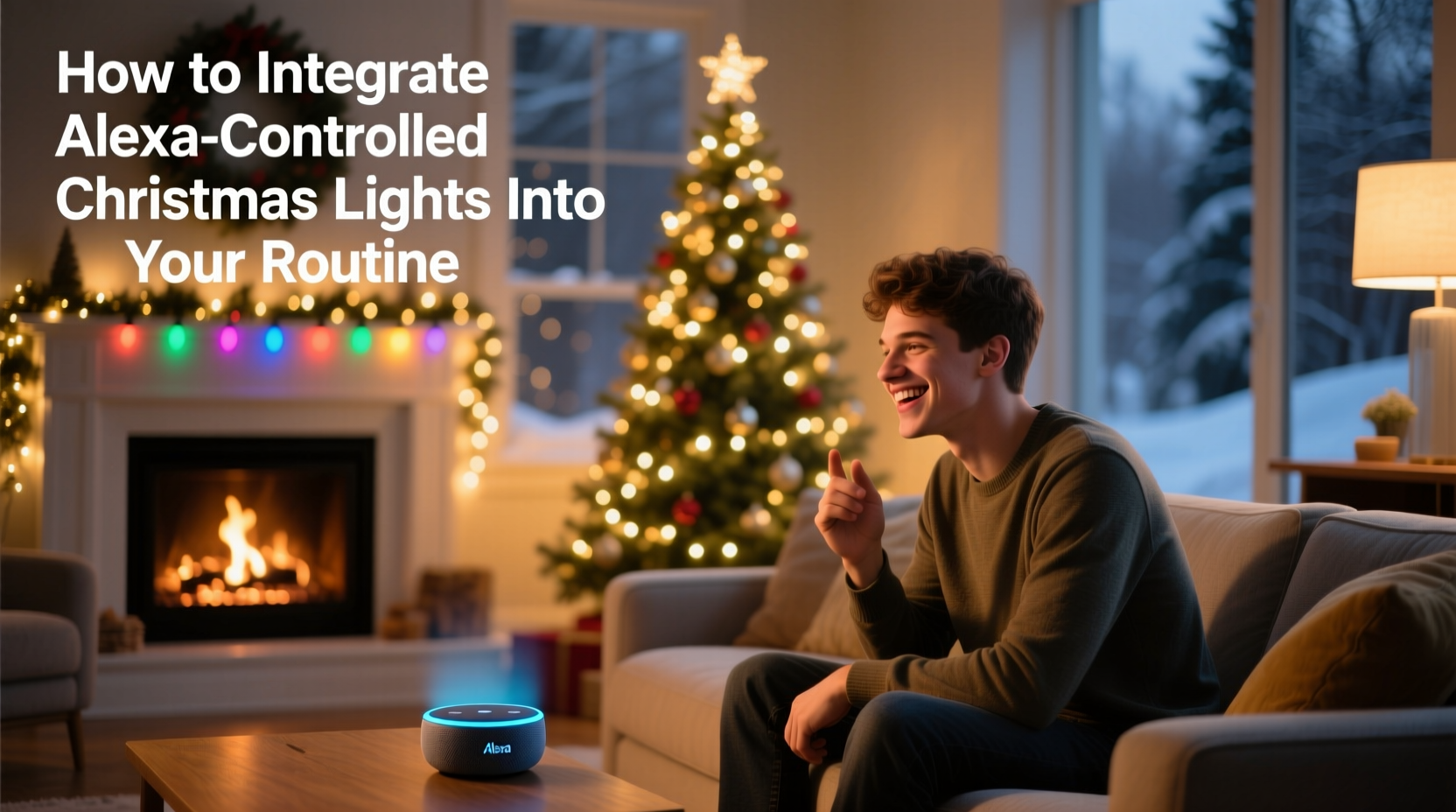
To successfully integrate Alexa-controlled Christmas lights, it's essential to understand the core components involved. This system relies on three primary elements: compatible smart lights, a smart plug or controller, and an Amazon Echo device running Alexa.
- Smart Christmas Lights: These come in various forms—individual strands with built-in Wi-Fi, RGB color-changing sets, or addressable LEDs that allow granular control over sections of light. Brands like Twinkly, GE Color Effects, and Philips Hue offer models directly compatible with Alexa.
- Smart Plugs or Controllers: If you prefer to keep your existing traditional lights, a smart plug acts as a bridge between your lights and Alexa. Simply plug the lights into the smart outlet, connect the outlet to your Wi-Fi network, and pair it with Alexa through the app.
- Amazon Echo Devices: Any Alexa-enabled speaker or display (Echo Dot, Echo Show, etc.) serves as the command center. It interprets voice instructions and communicates with your lights via the cloud.
The beauty of this ecosystem lies in its flexibility. You don’t need to replace all your decorations—just make them “smart” at the point of power delivery. Once connected, the possibilities expand far beyond simple toggling.
Step-by-Step Setup Process
Getting your Alexa-controlled lights up and running takes less than 30 minutes if you follow a structured approach. Here’s a detailed timeline to ensure success:
- Unbox and Connect Hardware: Plug your smart plug into a wall outlet or connect your smart light strand to power. Ensure your Wi-Fi router is active and within range.
- Download Required Apps: Install the Amazon Alexa app on your smartphone. If using brand-specific lights (e.g., Twinkly), download their companion app as well.
- Power On and Pair: Open the Alexa app, tap “Devices,” then “+,” and select “Add Device.” Choose the appropriate category—“Light” or “Plug”—and follow prompts to connect to your home network.
- Name Your Device: Assign a descriptive name such as “Front Porch Lights” or “Tree Lights.” Avoid generic names like “Device 1” to prevent confusion during voice control.
- Test Voice Commands: Say, “Alexa, turn on the tree lights.” If successful, proceed. If not, check Wi-Fi signal strength and re-pair if necessary.
- Group Devices (Optional): In the Alexa app, create a group called “Holiday Lights” and add all related devices. Now you can say, “Alexa, turn on Holiday Lights,” to activate multiple strands at once.
This foundational setup enables full voice control, but true integration comes when these lights become part of your daily habits and automated schedules.
Automating Your Lighting Routine
The real value of Alexa-controlled lights emerges through automation. Instead of remembering to switch them on each evening, you can program them to respond to time, location, or environmental triggers.
Using the Routines feature in the Alexa app, you can design custom behaviors. For example:
- Turn on outdoor lights every day at sunset.
- Dim indoor lights at 10 PM for a calming effect.
- Activate full brightness when you arrive home after dark.
- Shut down all holiday lights at midnight to save energy.
To create a sunset-based routine:
- Open the Alexa app and go to Routines.
- Tap the “+” icon and choose When this happens.
- Select Sunset under “Daily Routine.”
- Choose Add Action, then Smart Home, and select your Holiday Lights group.
- Set the action to “Turn on.”
- Save the routine with a name like “Evening Festive Mode.”
You can also incorporate other smart devices. For instance, have your living room lights dim and Christmas lights brighten when you say, “Alexa, start movie night.” Or trigger a twinkling effect when holiday music starts playing.
| Trigger | Action | Benefit |
|---|---|---|
| Sunset | Lights turn on | No manual effort; consistent ambiance |
| Arrival home | Pathway and porch lights activate | Enhanced safety and welcome |
| Midnight | All holiday lights off | Energy savings and reduced light pollution |
| Voice command: “Merry Christmas” | Lights flash in red and green | Interactive fun for guests and kids |
“Automation transforms decorative lighting from a chore into a seamless part of holiday living. The best smart setups feel invisible—yet deeply impactful.” — Jordan Lee, Smart Home Integration Consultant
Real-Life Integration: A Family’s Holiday Upgrade
The Thompson family in Portland, Oregon, used to spend nearly 20 minutes each evening setting up their holiday display. With two young children and busy work schedules, remembering to plug in lights often fell by the wayside. Some nights, the house remained dark; others, lights stayed on until dawn, raising energy concerns.
In 2023, they invested in two outdoor smart plugs and upgraded their indoor tree lights to a Twinkly set. After pairing everything with their Echo Dot, they created a routine where:
- Lights turn on at sunset (adjusted daily via geolocation).
- A gentle fade-out begins at 10:30 PM.
- Full shutdown occurs at 11 PM unless overridden.
- On weekends, the kids can say, “Alexa, party mode!” to trigger a dynamic rainbow sequence.
The change was immediate. Not only did their electric bill increase by only $3.50 for the entire season (compared to an estimated $15 with unmanaged usage), but the consistency improved neighborhood curb appeal. Their youngest child now looks forward to the nightly light show, and guests frequently comment on the welcoming glow.
Most importantly, the mental load disappeared. No more reminders, no forgotten switches—just reliable, joyful illumination.
Tips for Optimal Performance and Safety
While Alexa-controlled lights offer convenience, performance depends on proper configuration and maintenance. Consider these expert-backed strategies:
Additionally, ensure your Wi-Fi network can handle multiple connected devices. Older routers may struggle during peak usage times, leading to delayed responses. Upgrading to a dual-band router or using a Wi-Fi extender near outdoor outlets can significantly improve reliability.
Checklist: Integrating Alexa-Controlled Lights Into Your Routine
Follow this concise checklist to ensure a smooth and lasting integration:
- ✅ Confirm your lights or smart plugs are Alexa-compatible.
- ✅ Install the Alexa app and sign in to your Amazon account.
- ✅ Connect all hardware to power and your home Wi-Fi network.
- ✅ Name and group devices logically in the app.
- ✅ Create at least one automated routine (e.g., sunset activation).
- ✅ Test voice commands and routine triggers.
- ✅ Share control with household members via the Alexa app.
- ✅ Schedule a weekly check-in during the season to verify functionality.
Frequently Asked Questions
Can I use Alexa to control Christmas lights without a smart plug?
Yes, but only if the lights themselves are smart-enabled. Many modern LED strands come with built-in Wi-Fi or Bluetooth connectivity and can be paired directly with Alexa. Traditional non-smart lights require a smart plug to gain voice control.
What if my Alexa doesn’t respond to my command?
First, check your internet connection and ensure the smart plug or light is powered on. Then, open the Alexa app to confirm the device appears online. Rebooting the Echo device or re-pairing the light can resolve persistent issues. Also, speak clearly and use the exact device name you assigned.
Are Alexa-controlled lights safe for outdoor use?
Only if both the lights and the smart plug (if used) are rated for outdoor conditions. Look for IP44 or higher water resistance ratings. Never expose indoor-rated smart plugs to rain or snow. Use weatherproof covers for added protection.
Making the Holidays Smarter, One Light at a Time
Integrating Alexa-controlled Christmas lights into your routine is more than a tech upgrade—it’s a lifestyle enhancement. It reduces friction, increases safety, and amplifies joy through effortless automation. From the first twinkling at dusk to the final goodnight fade, your home becomes a responsive, festive environment that works with you, not against you.
The initial setup requires minimal investment and time, but the benefits last throughout the season—and potentially for years to come. As smart home ecosystems evolve, today’s lighting system can become tomorrow’s foundation for broader automation, including security, climate, and entertainment.




 浙公网安备
33010002000092号
浙公网安备
33010002000092号 浙B2-20120091-4
Comments
No comments yet. Why don't you start the discussion?