
Trees have long been symbols of growth, resilience, and natural beauty. In photography, they evoke emotion, mark seasons, and anchor landscapes. With the rise of augmented reality (AR), creators now have the ability to enhance these images with digital overlays—seasonal effects, animated wildlife, poetic text, or even subtle lighting enhancements. But poorly executed AR integration can make a once-serene forest scene feel like a forgotten 2017 social media trend. The key isn’t just using AR—it’s using it thoughtfully, so it enhances rather than distracts.
The challenge lies in balancing innovation with authenticity. When done right, AR filters elevate storytelling, deepen engagement, and create memorable visual experiences. When done wrong, they scream “trying too hard” or worse, “this was trendy five years ago.” This guide explores how to apply AR filters to tree photography in a way that feels intentional, timeless, and artistically coherent.
Understand the Purpose Behind the Filter
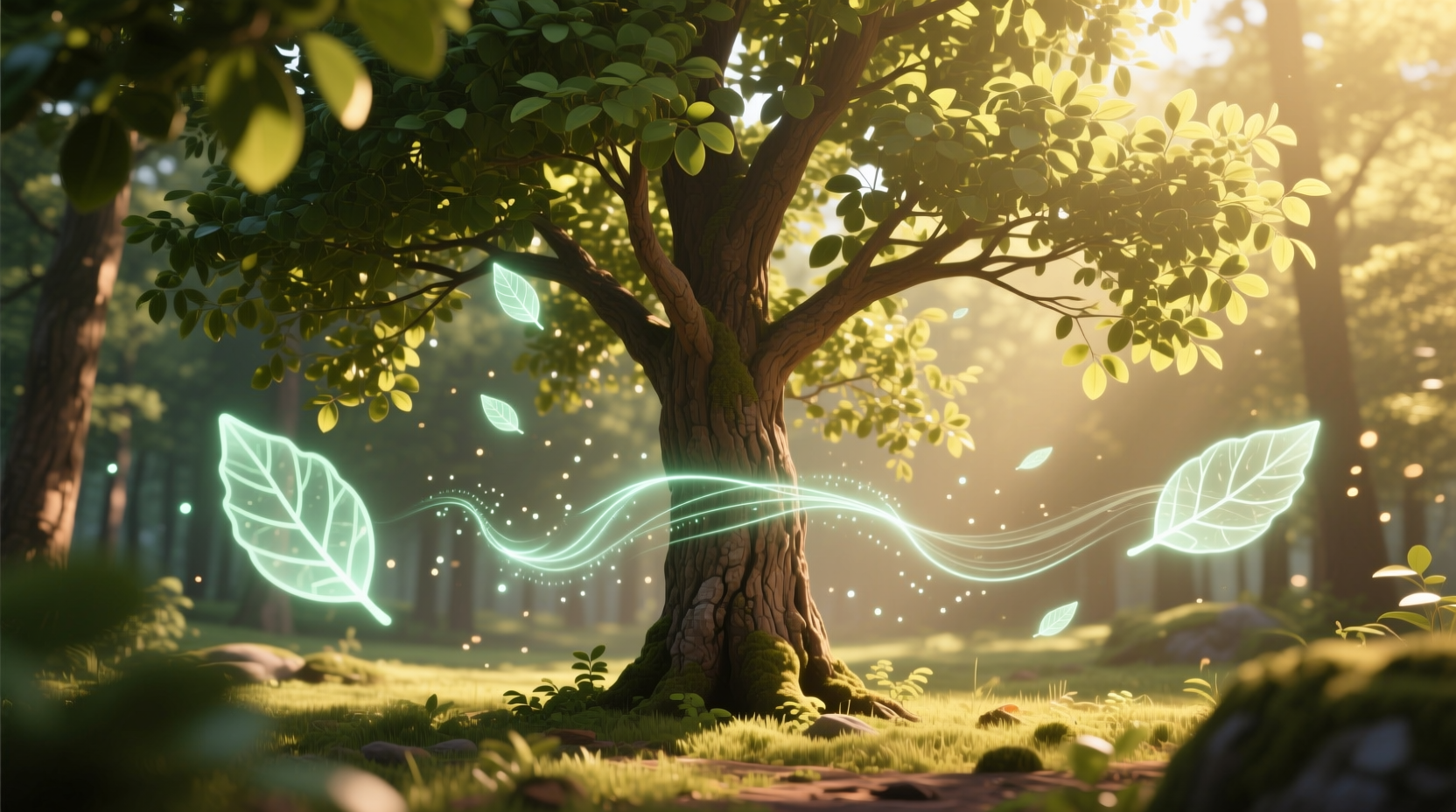
Before applying any digital effect, ask: *Why am I adding this?* Is it to highlight seasonal change? To tell a story about the tree’s history? To invite viewer interaction? A filter without purpose becomes decoration—and decoration without context is noise.
Consider the difference between overlaying falling cherry blossoms on a springtime photo simply because “it looks nice,” versus animating petals to fall in sync with a user’s movement, symbolizing transience and mindfulness. One is decorative; the other is experiential.
“AR should serve the narrative, not substitute for it. The most powerful integrations are those where technology disappears into meaning.” — Lena Park, Digital Experience Designer at NatureScope Studios
Start by defining your goal:
- To educate: Add AR labels identifying tree species, age, or ecological role.
- To evoke emotion: Use gentle light pulses during twilight hours to simulate bioluminescence.
- To engage: Let viewers “plant” a virtual sapling around the tree through an app.
- To preserve memory: Overlay archival footage or audio of the tree across decades.
When the filter has a clear function, it stops being a gimmick and starts being a tool.
Design Principles for Natural-Looking AR Integration
Even with noble intent, execution determines perception. The following design principles help ensure AR elements blend seamlessly with the organic nature of trees.
1. Match Scale and Perspective
Digital elements must respect physical realism. An animated bird perched on a branch should scale appropriately with distance. A glowing ring around the trunk shouldn’t float mid-air unless justified by context (e.g., sci-fi narrative).
Use depth mapping and spatial awareness tools available in platforms like ARKit (iOS) or ARCore (Android) to anchor effects accurately. Misaligned shadows or floating particles break immersion instantly.
2. Respect Light and Color Temperature
A golden-hour photo calls for warm-toned effects. Cool blue glows may clash unless intentionally contrasting. Similarly, avoid neon colors unless they’re part of a curated artistic theme (e.g., cyber-nature fusion).
Adjust AR element hues to match ambient lighting. A firefly animation should emit soft yellow-green light, not electric purple, unless stylization is the goal.
3. Prioritize Subtlety Over Spectacle
The most enduring AR experiences whisper rather than shout. Instead of full-screen animations, consider micro-interactions: leaves rustling when the user tilts their phone, or dew drops forming slowly on bark after rain.
Overstimulation fatigues the viewer. Understated details reward attention.
4. Maintain Visual Hierarchy
The tree should remain the focal point. AR elements should support, not compete. If viewers notice the filter before the subject, rebalance the composition.
This means limiting motion, avoiding flashing effects, and ensuring text overlays don’t obstruct key features like the canopy or root structure.
Step-by-Step Guide: Integrating AR Filters Thoughtfully
Follow this process to ensure your AR-enhanced tree photos feel authentic and polished.
- Capture high-quality base imagery: Shoot in good lighting with minimal noise. Use a tripod if possible. Ensure sharp focus on the tree’s main features.
- Analyze the environment: Note dominant colors, textures, shadows, and movement (e.g., wind in branches). These will inform your AR palette and behavior.
- Select or build a custom filter: Use platforms like Spark AR, Lens Studio, or Unity MARS. Avoid pre-made filters with generic sparkles or cartoonish effects unless heavily modified.
- Anchor effects realistically: Place 3D models or animations using plane detection. Test on multiple devices to confirm alignment.
- Limit animation duration and frequency: Loop short sequences (2–5 seconds) rather than continuous motion. Allow user-triggered activation where possible.
- Test in context: View the result in the actual environment or under similar lighting conditions. Does it still feel natural?
- Gather feedback: Show it to someone unfamiliar with the project. Ask: “What do you think this is trying to say?” If they mention the filter first, refine.
Do’s and Don’ts: AR Filter Application for Tree Photography
| Do | Don’t |
|---|---|
| Use AR to reveal hidden stories (e.g., historical events tied to the tree) | Add random floating hearts or emojis without narrative justification |
| Match animation speed to natural rhythms (e.g., slow drift for falling leaves) | Use rapid blinking or strobing effects |
| Enable user control (tap to activate, swipe to explore) | Auto-play loud sounds or full-screen pop-ups |
| Optimize for performance (avoid laggy rendering) | Use high-poly models that crash older devices |
| Keep file sizes small for fast loading | Embed unnecessary assets or unused scripts |
Real Example: The Whispering Oak Project
In 2023, a community art initiative in Portland launched “The Whispering Oak,” an AR experience centered on a 200-year-old oak tree in Washington Park. Visitors could point their phones at the tree to hear layered audio recordings—voices of elders sharing memories, children reciting poems, and scientists explaining its ecological significance.
The visual component was minimal: only faint ripples in the air near the trunk when audio played, mimicking sound waves. No flashy graphics. No dancing sprites. Yet engagement soared—over 12,000 interactions in three months, with 89% of users completing at least two stories.
The success came from restraint. The team resisted adding animated characters or seasonal themes, focusing instead on emotional resonance. As lead designer Amir Shah explained: “We didn’t want people to see the tech. We wanted them to feel the tree.”
Checklist: Pre-Publish Review for AR Tree Filters
Before releasing your AR-enhanced tree photo or experience, run through this checklist:
- ✅ Does the filter support a clear message or purpose?
- ✅ Are all digital elements correctly scaled and anchored?
- ✅ Do colors and lighting match the real-world environment?
- ✅ Is motion subtle and non-repetitive?
- ✅ Can users interact meaningfully (e.g., tap, tilt, swipe)?
- ✅ Have I tested on multiple devices and lighting conditions?
- ✅ Would this still look relevant in two years?
- ✅ Does the tree remain the hero of the scene?
Skipping even one of these steps risks undermining credibility and aesthetic cohesion.
Future-Proofing Your AR Content
Trends fade quickly. Remember the Snapchat flower crown craze? Or Facebook’s early face-swap lenses? While fun at the time, many now look cartoonish and out of place. To avoid creating something that feels dated within months, focus on timelessness.
Timeless AR design shares traits with classic photography: balance, simplicity, and emotional truth. It avoids overused tropes (floating text, glitter explosions, exaggerated distortions) and instead leans into universal themes—growth, decay, connection, memory.
Ask yourself: Will this filter still feel meaningful during a quiet walk in the woods next winter? Will it enhance a child’s understanding of nature? If yes, you’re on the right track.
FAQ
Can I use AR filters for professional nature photography?
Yes, but selectively. Editorial or conservation-focused projects benefit most when AR adds educational value—such as showing deforestation timelines or carbon capture data. Avoid decorative filters in serious contexts.
Are there free tools to create subtle AR filters for trees?
Yes. Spark AR (Meta) and Lens Studio (Snapchat) offer free access to robust AR creation tools. Both support environmental tracking and light estimation, essential for realistic integration. Tutorials are available for beginners.
How do I know if my AR filter looks “gimmicky”?
If the first reaction is laughter or confusion, it might be too much. Conduct blind tests: show the image to someone without telling them about the AR. If they don’t notice it immediately—or if they’re drawn deeper into the scene—it’s working well.
Conclusion: Let Technology Serve the Tree
Integrating AR filters into tree photos isn’t about proving you can use the latest tech. It’s about deepening our relationship with nature through thoughtful augmentation. The most powerful digital layers are those that go unnoticed at first glance—because they feel like they’ve always belonged.
By grounding your designs in purpose, respecting natural aesthetics, and prioritizing subtlety, you create experiences that endure beyond fleeting trends. Whether you're a photographer, educator, or digital artist, remember: the tree came first. Let your technology honor that.




 浙公网安备
33010002000092号
浙公网安备
33010002000092号 浙B2-20120091-4
Comments
No comments yet. Why don't you start the discussion?