
Christmas displays have long been a cornerstone of seasonal engagement—whether in storefront windows, town squares, or residential neighborhoods. But static decorations no longer command the same attention in an era where digital interaction is expected, not optional. Augmented reality (AR) bridges that gap: it layers dynamic, personalized, and shareable digital experiences onto real-world objects, transforming ornaments, trees, and light installations into interactive storytelling platforms. The goal isn’t to replace physical charm—it’s to deepen it. This article outlines a grounded, scalable approach to integrating AR into physical Christmas displays, drawing from field-tested deployments across retail districts, municipal holiday programs, and independent small businesses. No technical degree required—but clarity, planning, and audience empathy are non-negotiable.
Why AR Adds Meaningful Value—Not Just Gimmicks
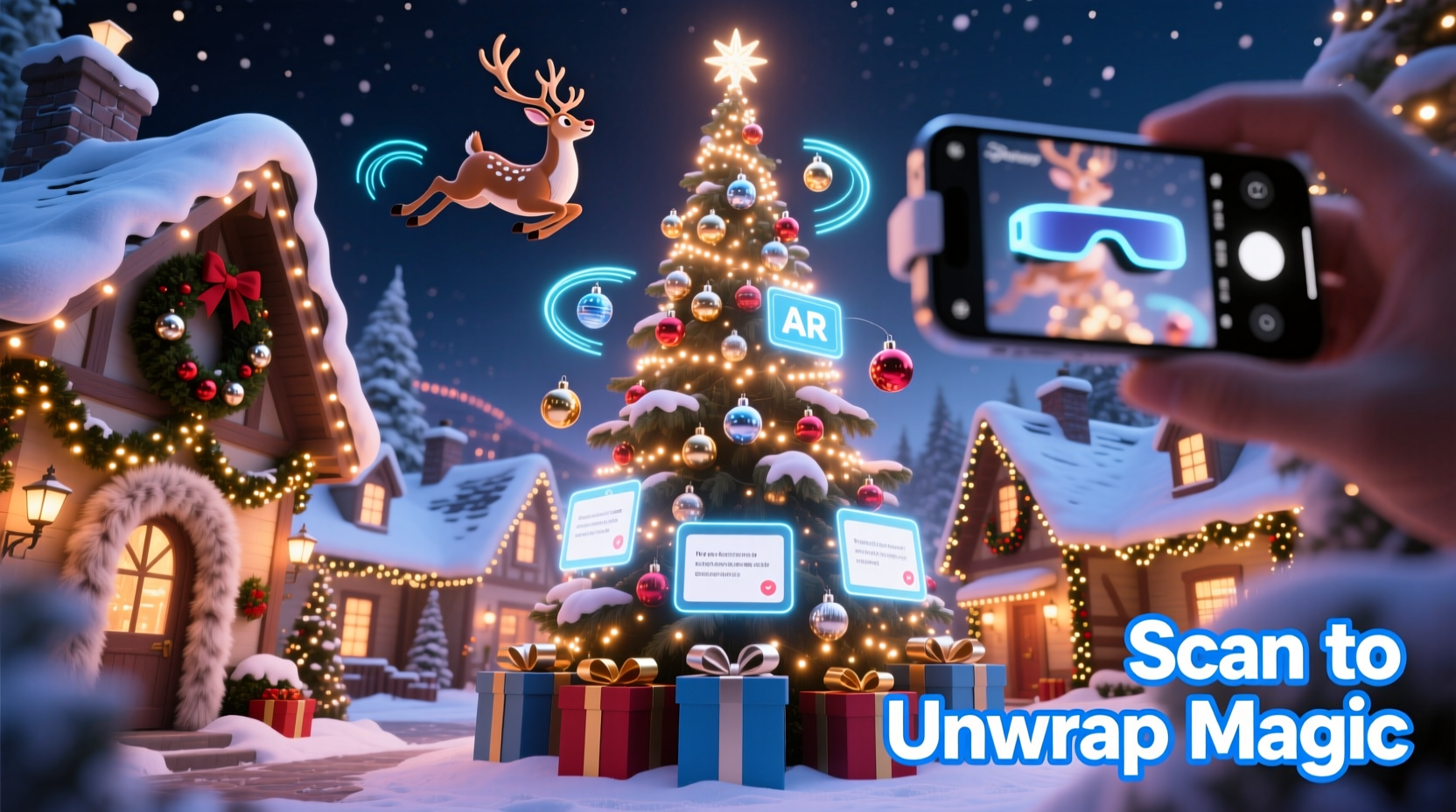
AR succeeds during the holidays when it serves human intent: wonder, connection, nostalgia, and participation. A 2023 Retail TouchPoints study found that 68% of shoppers who engaged with AR-enhanced holiday displays spent 42% longer on-site—and 57% visited a physical store within 48 hours after scanning a window display. Crucially, the strongest results came not from flashy animations, but from experiences tied to place, memory, and shared ritual: a child pointing their phone at a snowman to hear a recorded message from a grandparent; a QR-triggered animation revealing how a local tree farm planted its first sapling in 1972; or an AR ornament that unlocks a family recipe when held in front of a fireplace.
The value lies in augmentation—not replacement. Physical presence remains essential: the scent of pine, the warmth of lights, the tactile joy of a handmade wreath. AR simply adds narrative depth, accessibility, and emotional resonance. As Dr. Lena Torres, Director of the Center for Immersive Experience Design at MIT, observes:
“AR doesn’t make Christmas more ‘digital’—it makes it more *human*. When a grandmother sees her granddaughter’s face appear as a digital angel hovering over their real tree, that’s not technology. That’s intergenerational continuity, rendered visible.” — Dr. Lena Torres, MIT Center for Immersive Experience Design
Core Integration Framework: Four Pillars
Successful AR integration rests on four interdependent pillars. Skip one, and the experience fractures—either technically, emotionally, or operationally.
- Physical Anchor Integrity: Every AR experience must attach to a stable, visually distinct, and consistently lit physical object—a 3D ornament, a specific light pattern on a façade, or a custom-printed marker on a wreath. Avoid surfaces prone to glare, reflection, or seasonal wear (e.g., untreated wood exposed to rain).
- Low-Barrier Access: Users must engage without downloading proprietary apps. Web-based AR (via standard browsers like Chrome or Safari) is now mature and reliable on iOS 16+ and Android 12+. QR codes remain the most universally understood trigger—place them discreetly on signage, not on fragile decor.
- Contextual Relevance: Content must respond to location, time of day, or user action. An AR nativity scene that changes narration based on whether it’s scanned at noon (family-friendly) or 8 p.m. (carol-singing mode) demonstrates respect for context—not just capability.
- Operational Sustainability: Who updates the AR content next November? Who troubleshoots a broken QR code after a snowstorm? Build maintenance into your plan—not as an afterthought, but as a line item in your display budget.
Step-by-Step Implementation Timeline (8–12 Weeks Before Launch)
Deploying AR-enhanced displays is less about coding and more about coordinated staging. Follow this phased timeline to avoid last-minute surprises.
- Weeks 1–2: Define Purpose & Audience
Ask: Is this for families seeking interactive storytelling? Tourists wanting historical context? Local businesses driving foot traffic? Draft one clear objective (e.g., “Increase dwell time at Main Street tree lot by 30% through AR scavenger hunt”). - Weeks 3–4: Select Anchors & Map Locations
Walk the display site. Photograph each candidate anchor from multiple angles. Use free tools like Spark AR Studio or Unity Reflect to simulate tracking stability. Prioritize anchors with high contrast, sharp edges, and minimal movement (avoid wind-blown garlands). - Weeks 5–6: Develop & Test Web AR Experiences
Use no-code platforms like ZapWorks Studio, Adobe Aero, or Blippar Creator. Upload 3D models (free libraries like Sketchfab offer festive assets), record voiceovers, and embed simple interactions (tap to reveal, tilt to rotate). Test on 3–4 device models across iOS and Android. - Weeks 7–8: Print & Install Triggers & Signage
Print QR codes on weather-resistant vinyl (not paper). Place them at eye level, 1.2–1.5m above ground, with 10cm of clear space around them. Add subtle directional cues (“Point your phone here to meet Santa’s reindeer!”). - Weeks 9–10: Train Staff & Document Maintenance
Equip staff with a one-page troubleshooting guide: how to reboot the Wi-Fi hotspot (if used), replace a damaged QR sticker, and reset the AR content dashboard. Archive all source files, passwords, and vendor contacts in a shared, password-protected folder. - Weeks 11–12: Soft Launch & Iterate
Invite 10–15 local residents (including children and seniors) for a private preview. Observe where they pause, hesitate, or ask questions. Adjust timing, audio volume, or trigger placement before public launch.
Do’s and Don’ts: A Practical Comparison Table
| Category | Do | Don’t |
|---|---|---|
| Content Design | Use short, warm narration (max 22 seconds per scene); include closed captions and adjustable audio speed | Auto-play loud sound without user consent; rely solely on visual cues for hearing-impaired visitors |
| Technical Setup | Host AR content on a reliable CDN (e.g., Cloudflare); compress 3D models below 2MB | Run AR from a local server or unsecured personal domain; embed high-res video directly into the experience |
| Physical Integration | Embed QR codes into durable acrylic plaques mounted beside displays; use reflective ink for low-light visibility | Tape QR codes to fragile ornaments or hang them from thin ribbon that sways in wind |
| Accessibility | Offer a text-only alternative via SMS shortcode (e.g., text “NORTHPOLE” to 555123 for full narration) | Assume all users own smartphones with AR-capable cameras and data plans |
| Privacy & Ethics | State clearly if location or camera data is used—and only collect what’s necessary (e.g., “We use your location to show nearby gift shops”) | Require email sign-up to access basic AR features; track user behavior beyond session analytics |
Real-World Case Study: The “StoryTree” Initiative in Burlington, VT
In 2022, the Burlington Downtown Alliance partnered with local artists and students from Champlain College to transform 12 civic Christmas trees into AR-powered neighborhood storytellers. Each tree represented a different historic district—from the waterfront shipyards to the immigrant neighborhoods of the early 1900s. Volunteers collected oral histories from elders, then recorded them as 60-second vignettes. Artists created stylized 3D avatars representing key figures (a lighthouse keeper, a textile mill worker, a jazz musician), which appeared when users pointed their phones at unique brass markers embedded in each tree’s base.
The result? A 40% increase in weekend foot traffic along the designated “StoryTree Trail,” with 72% of participants reporting they learned something new about Burlington’s history. More significantly, the project was sustained: teachers now use the AR content in winter curriculum units, and the city archives the recordings as part of its official oral history collection. The total cost—including design, development, and durable hardware—was $18,500, funded through a mix of municipal arts grants and local business sponsorships. Key lessons: community co-creation built trust; durable brass markers survived ice storms; and linking AR to tangible educational outcomes secured long-term support.
Essential Tools & Budget-Friendly Options
You don’t need enterprise software or developer contracts. Here’s what works today:
- No-Code AR Builders: ZapWorks Studio (freemium, web export included), Adobe Aero (free for individuals), and Unity MARS (free tier for small projects). All generate shareable URLs—no app store submission needed.
- 3D Asset Sources: Sketchfab (filter for CC0 or “free for commercial use”), TurboSquid’s free section, and BlenderKit (integrated into Blender). Search terms like “low-poly Christmas ornament,” “stylized reindeer model,” or “vintage sleigh rig.”
- QR Code Generators: QRCode Monkey (customizable, vector download) or Unitag (adds logo and tracks scans). Always test printed output—phone cameras struggle with low-contrast or pixelated codes.
- Hosting & Analytics: Netlify or Vercel (free static hosting with HTTPS); Plausible Analytics ($8/month) for lightweight, privacy-compliant usage data (no cookies, no GDPR pop-ups).
A realistic starter budget for a single-location display (e.g., a storefront window or community tree): $1,200–$3,500. Breakdown: $400–$900 for design/voiceover, $300–$600 for durable signage/hardware, $200–$500 for platform subscriptions and hosting, $300 for contingency (replacement parts, extra testing time).
FAQ
Do I need a powerful smartphone to use these AR displays?
No. Modern Web AR runs smoothly on iPhone SE (2nd gen) and Samsung Galaxy A12 or newer—devices representing over 85% of active U.S. smartphones in 2023. Performance depends more on browser version and lighting than raw processing power. Encourage users to scan in daylight or well-lit indoor spaces.
What happens if my Wi-Fi goes down during peak season?
Well-designed Web AR experiences load core assets (models, audio, scripts) from global CDNs—not your local router. As long as the user’s device has internet access (cellular data works fine), the experience functions. Only real-time features—like live crowd counters or weather-synced animations—require local connectivity.
Can AR work with traditional holiday lighting—like incandescent bulbs or flickering LEDs?
Yes—but avoid placing triggers directly beneath intense, rapidly pulsing lights. Flicker can confuse camera tracking. Instead, mount QR codes on adjacent signage or use matte-finish markers that diffuse ambient light. In Burlington’s StoryTree project, teams tested under vintage C7 bulb strings and found success by increasing QR code size by 25% and adding a subtle black border.
Conclusion: Start Small, Think Seasonally, Design for Joy
Integrating AR into Christmas displays isn’t about chasing tech trends. It’s about honoring the enduring human desire to gather, remember, and imagine—together. The most resonant moments aren’t the flashiest animations, but the quiet ones: a child whispering “Look, Mommy!” as a digital snowflake lands on their palm; a senior smiling as a decades-old choir recording plays beside a tree they helped decorate in 1968; a visitor sharing a 15-second clip of dancing reindeer on Instagram, captioned “My town just got magical.”
You don’t need to digitize every bauble. Begin with one meaningful anchor—a community tree, a historic storefront, a school’s gingerbread village. Design the experience around generosity of spirit, not technical complexity. Document what works, archive your assets, and build maintenance into next year’s plan. Because the true magic of Christmas isn’t in the lights or the code—it’s in the shared attention, the paused breath, the collective “ahh” when the ordinary becomes extraordinary.




 浙公网安备
33010002000092号
浙公网安备
33010002000092号 浙B2-20120091-4
Comments
No comments yet. Why don't you start the discussion?