
Integrating festive lighting into a mature smart home ecosystem is more than just plugging in a string of LEDs and tapping “on” in an app. It’s about harmonizing seasonal joy with the precision of daily automation—without breaking your carefully tuned morning coffee routine, security schedules, or bedtime wind-down sequence. Too many homeowners discover too late that their dazzling porch display has silently overridden motion-triggered garage lights, disabled hallway nightlights during midnight feedings, or caused a cascade failure where holiday scenes trigger unintended thermostat adjustments. This isn’t a limitation of smart technology—it’s a symptom of incomplete integration planning. The solution lies not in simplifying your setup, but in designing it intentionally: with layered logic, explicit priority rules, and system-aware scheduling.
Why Conflicts Happen (and Why They’re Avoidable)
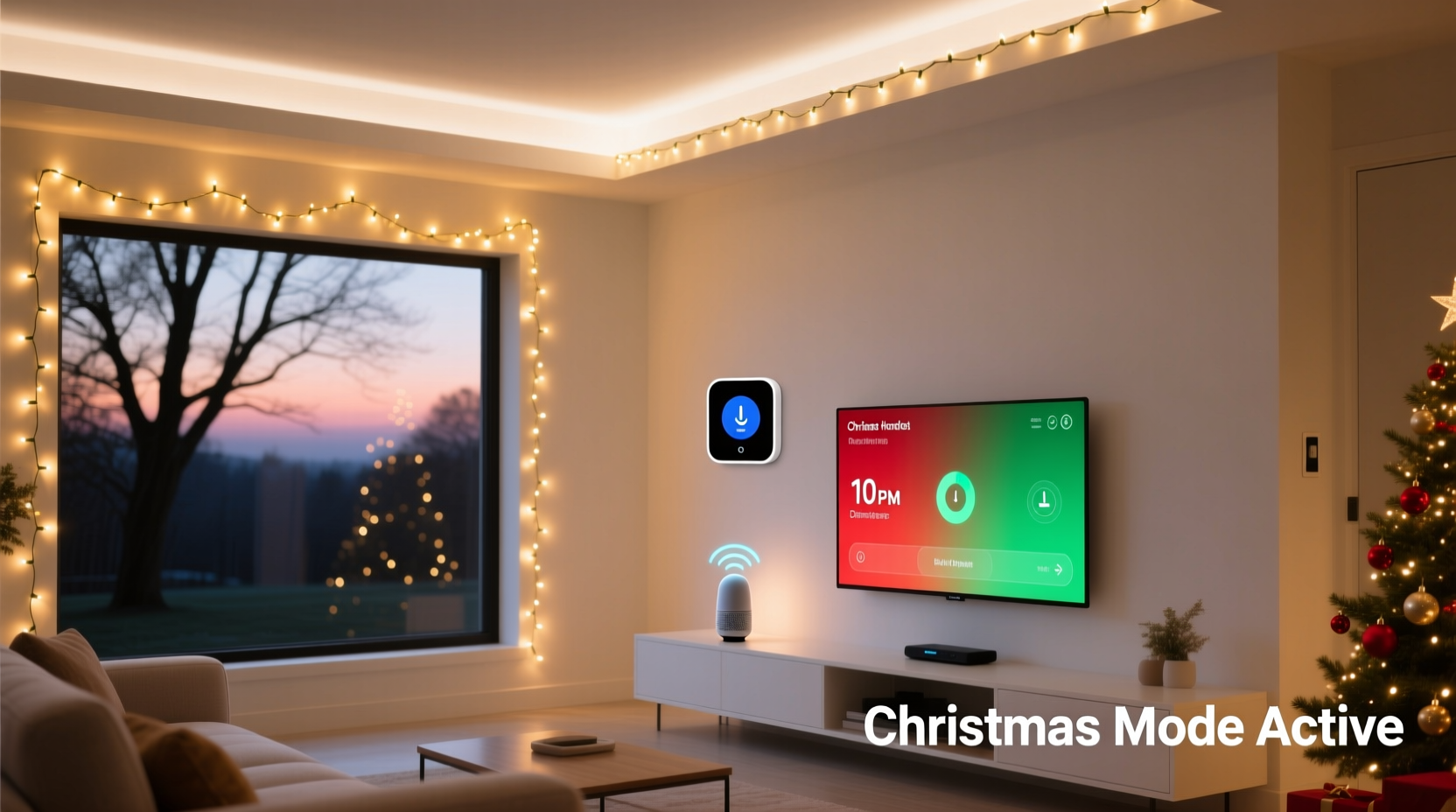
Smart home conflicts rarely stem from hardware failure. They arise from overlapping triggers, ambiguous priorities, and unexamined assumptions baked into automation logic. Consider this common scenario: A homeowner sets a “Good Morning” routine that turns on kitchen lights at 6:30 a.m., adjusts the thermostat to 70°F, and disarms the alarm. Separately, they create a “Holiday Mode” routine that activates all exterior lights—including Christmas strings—at dusk. But when dusk falls at 4:45 p.m. in December, the same exterior light switch may also be part of a “Security Perimeter” automation that dims those same fixtures at 10 p.m. to conserve energy. Without explicit coordination, these automations compete for control—and the last one to execute wins, often unpredictably.
Worse, many platforms treat automations as independent scripts rather than interdependent components. SmartThings, Home Assistant, Apple Home, and Google Home each handle execution order, state persistence, and conflict resolution differently. Some respect manual overrides temporarily; others revert within seconds. Some retain device state across reboots; others reset to default on power loss. Understanding these nuances is the first step toward conflict-free integration.
“Most ‘ghost conflicts’ in smart homes aren’t bugs—they’re undocumented dependencies. If your Christmas lights turn off when you say ‘goodnight,’ it’s likely because your ‘sleep mode’ automation targets *all* lights, not just bedroom ones. Precision in scope is non-negotiable.” — Lena Torres, Smart Home Integration Architect & former lead developer at Hubitat
Pre-Integration Audit: 5 Critical Checks Before You Add a Single Light
Before configuring a single automation, conduct a system-wide audit. Skipping this step guarantees future troubleshooting headaches. Treat it as mandatory infrastructure work—not optional prep.
- Map every active automation that controls lighting, power switches, or scenes—even dormant ones. Note their triggers (time, geofence, button press, sensor), actions (on/off/dim/scene), and target devices (by exact name and ID if possible).
- Identify shared devices. Does your porch light double as a security light? Is the same smart plug powering both a lamp and your tree lights? Shared hardware is the #1 source of conflict.
- Review platform-specific execution order. In Home Assistant, automations run top-to-bottom in YAML order unless explicitly prioritized. In Apple Home, automations triggered by time run before those triggered by sensors—unless delayed. Document your platform’s hierarchy.
- Check for implicit dependencies. Does your “Away Mode” automation assume all lights are off? Does “Movie Night” dim *every* light, including your outdoor string? Flag any automation that uses broad targeting (“all lights”) instead of explicit device lists.
- Validate device firmware and API stability. Older Wi-Fi Christmas lights (e.g., certain GE Enbrighten or older TP-Link Kasa models) may drop connection during heavy network traffic—especially when multiple automations fire simultaneously at dusk. Update firmware and test reliability under load.
The Conflict-Proof Integration Framework
Avoiding automation collisions requires structure—not just settings. Implement this four-layer framework to isolate, prioritize, and stabilize your holiday lighting logic:
Layer 1: Device-Level Isolation
Never share smart plugs or switches between permanent and seasonal loads. Dedicate hardware exclusively to Christmas lighting: separate outlets, distinct Zigbee/Z-Wave endpoints, and unique naming conventions (e.g., “Tree–LED–White–Warm”, “Porch–String–RGB–Front”). This prevents accidental toggling via broad commands like “turn off all living room lights.”
Layer 2: Scene-Based Abstraction
Instead of triggering individual lights, build reusable scenes: “Holiday–Dusk–Warm”, “Holiday–Party–Vibrant”, “Holiday–Sleep–Off”. Scenes encapsulate state—brightness, color, duration—and decouple lighting behavior from time-based triggers. You can then activate scenes via routines *without* exposing individual device controls to competing automations.
Layer 3: Context-Aware Triggers
Replace simple time-based triggers (e.g., “at 4:45 p.m.”) with contextual ones: “at civil dusk *only if* Holiday Mode is active *and* security system is disarmed.” Use boolean variables or virtual switches (e.g., “Holiday Mode Enabled”) as master gates. This adds a deliberate activation step—preventing lights from turning on during a snowstorm when you’ve manually disabled decor.
Layer 4: Priority & Timeout Rules
Define clear precedence: Manual > Scene > Routine > Default. Then enforce it. In Home Assistant, use mode: single to prevent overlapping runs. In Apple Home, add 2-second delays to lower-priority automations so higher-priority ones (e.g., “security alert”) always win. Set automatic timeouts: “If Holiday–Dusk–Warm is active, deactivate after 6 hours unless extended manually.”
Real-World Conflict Resolution: A Mini Case Study
Mark, a homeowner in Portland with a 3-year-old Home Assistant setup, installed RGB icicle lights along his eaves. He created three automations: (1) “Christmas On at Dusk” (triggered by sunset), (2) “Bedtime Lights Off” (fires at 11 p.m.), and (3) “Motion Garage Light” (activates porch light when driveway motion detected). Within two days, guests reported the eaves lights flickering erratically at night. Logs revealed the issue: the “Bedtime Lights Off” automation targeted *all* lights in the “Exterior” area—including the eaves string—while the “Motion Garage Light” automation turned on the same porch fixture *and* inadvertently triggered a group-level brightness sync that reset the eaves lights to 100% brightness mid-cycle.
His fix took 22 minutes: First, he renamed the eaves lights to “Eaves–Christmas–RGB” and removed them from the “Exterior” area group. Second, he replaced the broad “Bedtime Lights Off” with two targeted automations: one for security-critical lights (porch, garage) and another named “Holiday–Auto–Off” with a 10 p.m. timeout and manual override toggle. Third, he added a condition to the motion automation: “only if Holiday Mode is inactive.” No hardware changed—only logic, naming, and scope. The lights now behave predictably year after year.
Do’s and Don’ts: Smart Holiday Lighting Integration
| Action | Do | Don’t |
|---|---|---|
| Naming Conventions | Use descriptive, platform-consistent names: “Front–Porch–String–Warm–White”, “Tree–Base–Plug–RGB” | Name generically: “Light 1”, “Christmas Plug”, “Outdoor Light” |
| Automation Triggers | Use “Sunset + offset” (e.g., “15 min after civil dusk”) instead of fixed clock times | Rely solely on “At 5:00 p.m.”—ignoring seasonal shift in daylight |
| Scene Design | Create scenes with fallback states: “Holiday–Dusk–Warm” includes brightness=70%, color_temp=2700K, transition=3s | Build scenes without transition times or brightness limits—causing harsh, jarring changes |
| Manual Overrides | Implement a “Hold Holiday Mode” virtual switch that pauses all automated light changes for 24h | Assume users will remember to disable automations before holidays—then forget |
| Firmware & Network | Test lights under peak load: trigger 3+ automations within 10 seconds and monitor response latency | Deploy 12+ smart lights on a single 2.4 GHz Wi-Fi channel without verifying bandwidth headroom |
Step-by-Step: Building Your First Conflict-Safe Routine (Home Assistant Example)
This sequence assumes a standard Home Assistant installation with ESPHome or Tuya-integrated lights. Adapt syntax for Apple Home or Google Home using equivalent logic blocks.
- Create a dedicated input_boolean:
input_boolean.holiday_mode_enabled. Toggle this to activate/deactivate all holiday logic. - Define your scene: In
scenes.yaml, add:
- id: 'scene_holiday_dusk_warm'
 name: Holiday Dusk Warm
 entities:
 light.eaves_christmas_rgb:
 state: 'on'
 brightness: 128
 color_temp: 2700
transition: 5 - Build the core automation: In
automations.yaml, create:
alias: \"Activate Holiday Dusk Warm\"
 description: \"Turns on warm holiday lights at dusk if Holiday Mode is enabled\"
 trigger:
 - platform: sun
 event: sunset
 offset: \"+00:15:00\"
 condition:
 - condition: state
 entity_id: input_boolean.holiday_mode_enabled
 state: 'on'
 action:
 - service: scene.turn_on
 target:
entity_id: scene.scene_holiday_dusk_warm - Add conflict guardrails: Create a second automation that fires 5 minutes after sunset to verify state:
alias: \"Verify Holiday Lights State\"
 trigger:
 - platform: sun
 event: sunset
 offset: \"+00:20:00\"
 condition:
 - condition: state
 entity_id: input_boolean.holiday_mode_enabled
 state: 'on'
 - condition: state
 entity_id: light.eaves_christmas_rgb
 state: 'off'
 action:
 - service: scene.turn_on
 target:
entity_id: scene.scene_holiday_dusk_warm - Test rigorously: Disable
input_boolean.holiday_mode_enabled, trigger sunset manually in Developer Tools → Services, and confirm lights remain off. Then enable it and repeat. Monitor logs for “skipped” or “aborted” entries.
FAQ
Can I use voice assistants safely with holiday lighting automations?
Yes—but only with precise phrasing and guardrails. Avoid open commands like “Hey Google, turn on Christmas lights.” Instead, use explicit, scoped phrases: “Hey Google, activate Holiday Dusk Warm scene.” Then configure your assistant to require confirmation for any command that modifies lighting outside normal routines. In Home Assistant, use the conversation integration with custom intents that validate input_boolean.holiday_mode_enabled before executing.
What if my smart lights lose power or go offline mid-routine?
Design for resilience. Use automations with mode: restart (Home Assistant) or “Run Again” enabled (Apple Home) so they re-execute on device reconnect. More importantly, avoid state-dependent logic (“if light is off, turn on”). Instead, use intent-based logic (“ensure Holiday Dusk Warm scene is active”). Scenes restore full state—including color and brightness—regardless of prior device state.
Do smart plugs introduce more conflict risk than built-in smart lights?
Yes—if misconfigured. Plugs lack native color/brightness control, forcing you to manage those parameters externally (e.g., via a hub or bridge). This adds latency and potential desync. However, modern Wi-Fi plugs with local control (e.g., Kasa KP125, Wemo Mini) introduce *less* risk than cloud-dependent RGB strips. Prioritize local-execution devices and avoid plugs that require constant cloud polling for basic on/off.
Conclusion
Christmas lights don’t have to mean compromised control. They shouldn’t force you to choose between festive ambiance and reliable automation—or demand that you dismantle your smart home every November. Conflict-free integration is achievable through disciplined naming, intentional scoping, layered logic, and proactive testing. It asks for 90 minutes of thoughtful setup—not perpetual troubleshooting. Your smart home should adapt to your seasons, not the other way around. Start with one light string. Apply the pre-audit checklist. Build your first scene. Test at dusk. Then scale deliberately. When your porch glows warmly at twilight while your security system stays vigilant and your bedroom lights dim exactly as scheduled—you’ll know the harmony wasn’t accidental. It was designed.




 浙公网安备
33010002000092号
浙公网安备
33010002000092号 浙B2-20120091-4
Comments
No comments yet. Why don't you start the discussion?