
As the holiday season approaches, homes come alive with twinkling lights, warm colors, and festive cheer. But manually managing outdoor and indoor Christmas lighting can be tedious—especially when trying to balance ambiance, energy use, and convenience. Fortunately, modern smart home technology offers a seamless solution. By integrating your holiday lights into automated routines, you can schedule illumination precisely when needed, respond to real-world conditions like sunset or weather, and even control displays remotely. This guide walks through practical strategies, compatible systems, and expert-backed methods to synchronize your Christmas lighting with intelligent home automation.
Why Automate Your Holiday Lights?
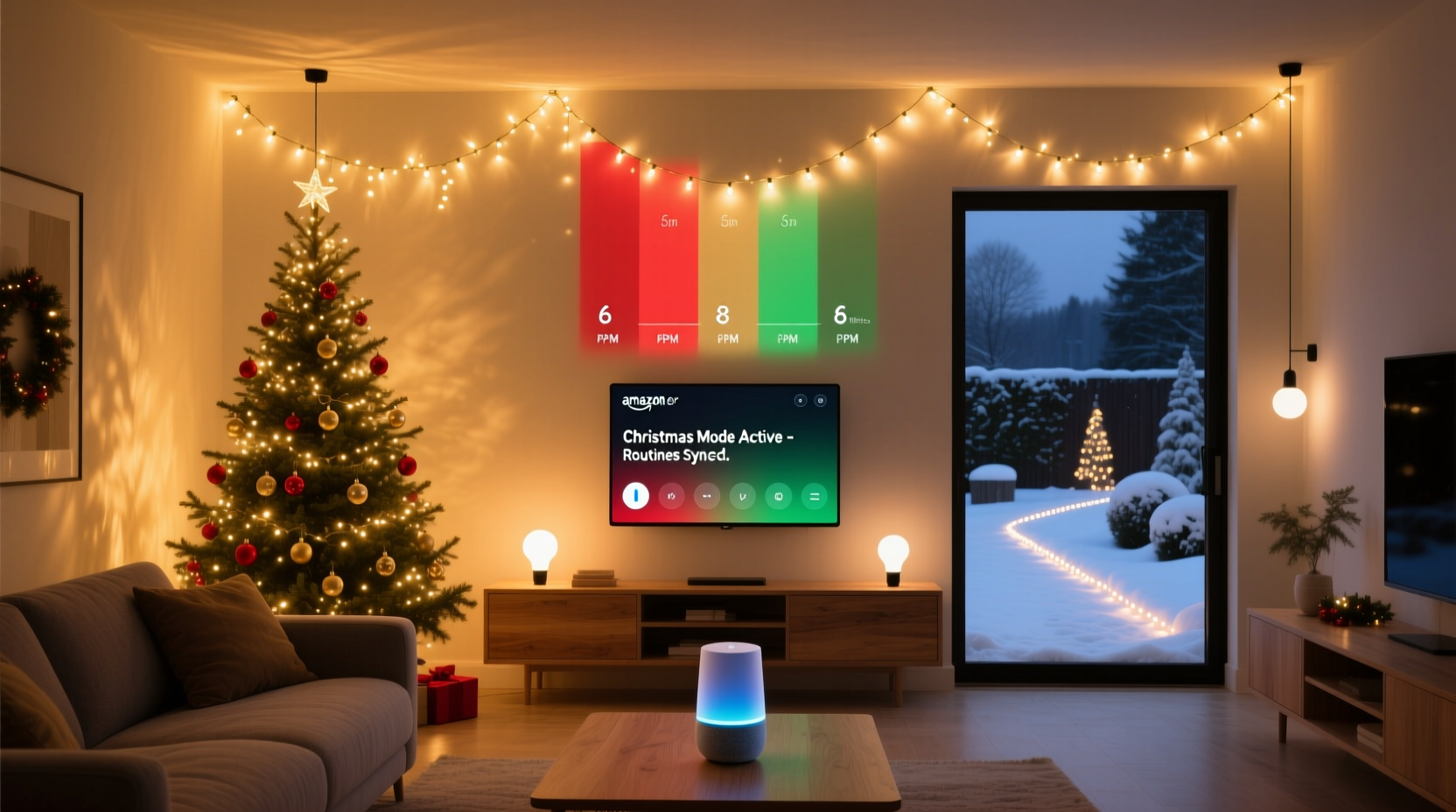
Manual switches and timers have long been the standard for seasonal lighting, but they lack flexibility and responsiveness. A basic timer might turn on your lights at 5 PM sharp—even if it’s still daylight—or forget to shut them off during a late-night snowstorm. Smart home integration solves these issues by introducing context-aware automation.
With smart plugs, Wi-Fi-enabled light strings, and voice-controlled hubs, you can create routines that activate based on time, location, ambient light levels, or even music. The result is not only greater convenience but also improved energy efficiency and enhanced safety. Automated systems reduce the risk of leaving lights on overnight or forgetting to power down after vacation travel.
Step-by-Step Guide: Setting Up Smart Lighting Routines
Integrating Christmas lights into your smart home ecosystem doesn’t require technical expertise. Follow this structured process to ensure reliable, customizable control over your display.
- Inventory Your Lighting Setup: Identify which lights are smart-capable. If using traditional incandescent strands, plug them into smart outlets (e.g., TP-Link Kasa, Wemo Mini) to gain remote access and scheduling.
- Select a Central Hub or Platform: Choose a primary ecosystem—Google Home, Amazon Alexa, Apple HomeKit, or Samsung SmartThings—that supports your devices. Consistency across brands prevents compatibility headaches.
- Connect Devices to Wi-Fi: Install manufacturer apps (like Philips Hue, LIFX, or Nanoleaf) and pair each light or outlet. Assign descriptive names such as “Front Porch Lights” or “Tree Topper” for easy identification.
- Create Time-Based Schedules: In your chosen app, set daily on/off times. For example: “Turn on at sunset +30 minutes, turn off at 10:30 PM.” Most platforms calculate local sunset dynamically, so timing adjusts throughout December.
- Add Conditional Triggers: Enhance routines with environmental triggers. You could program lights to dim during heavy rain or flash gently when someone rings the doorbell.
- Test and Refine: Run test cycles for several evenings. Adjust brightness, duration, and trigger sensitivity to match neighborhood aesthetics and personal preference.
Advanced Automation: Beyond Basic Timers
Once foundational routines are in place, consider layering advanced features for a more dynamic and interactive experience.
Use Geofencing for Presence-Based Control
Geofencing uses GPS from smartphones to detect when household members approach or leave home. Configure your system so that holiday lights illuminate upon arrival—creating a welcoming glow without manual input. Conversely, all lights can power down when the last phone exits the geofence radius, eliminating wasted energy.
Synchronize with Music or Voice Commands
Some smart LED systems support music-reactive modes. During holiday gatherings, enable a “Christmas Party Routine” where tree lights pulse softly to classic carols played through a smart speaker. With a simple voice command like “Alexa, start Merry Mode,” multicolor strands shift in rhythm with background music.
Link to Weather Alerts
Extreme weather can affect both safety and visibility. Integrate your lighting with weather services via IFTTT (If This Then That) or Apple Shortcuts. For instance: “If wind speed exceeds 30 mph, turn off all outdoor string lights.” This protects delicate wiring and reduces fire hazards during storms.
“Smart lighting automation isn’t just about convenience—it’s about creating emotionally resonant experiences. When lights respond to presence, sound, or natural cycles, they become part of the holiday narrative.” — Dr. Lena Torres, Human-Technology Interaction Researcher, MIT Media Lab
Device Compatibility and System Recommendations
Not all smart lighting systems work together seamlessly. To avoid frustration, align your hardware choices with a unified platform. The table below compares leading ecosystems based on key criteria relevant to holiday lighting.
| Platform | Best For | Sunset/Sunrise Scheduling | Geofencing Support | Music Sync | Recommended Brands |
|---|---|---|---|---|---|
| Amazon Alexa | Voice control & third-party integrations | Yes (via routines) | Yes (Household Profiles) | Limited (requires Echo Studio + compatible bulbs) | Philips Hue, Govee, LIFX, Wyze |
| Google Home | Android users & Google Calendar sync | Yes (adaptive lighting) | Yes (Location Services) | No native support; requires IFTTT | Nanoleaf, TP-Link Kasa, Meross |
| Apple HomeKit | iOS households & privacy focus | Yes (sunrise/sunset triggers) | Yes (Find My network) | Yes (with HomePod & Home app scenes) | Leviton, Eve, Philips Hue (bridge required) |
| Samsung SmartThings | Zigbee/Z-Wave device support | Yes (custom automations) | Yes (presence sensors) | Third-party via SmartApps | Aeon Labs, GE Link, Sengled |
Real Example: The Johnson Family’s Holiday Display
The Johnsons live in suburban Denver, where winter nights arrive early and snowfall is frequent. Each year, they decorate their roofline, trees, and walkway with over 1,200 LED lights. Previously, they relied on multiple mechanical timers, often returning from weekend trips to find lights stuck in the “on” position due to power surges.
In 2023, they upgraded to a full smart lighting system. They installed eight TP-Link Kasa smart plugs for outdoor circuits and replaced their main tree lights with a Philips Hue strand. All devices were linked to Google Home.
Their new routine begins at “sunset +20 minutes” and ends at 10 PM nightly. On weekends, the “Weekend Glow” scene activates at dusk and runs until midnight. If the National Weather Service issues a winter storm warning, an IFTTT applet disables all exterior lights automatically. Finally, when any family member’s phone enters the 500-foot home perimeter, pathway lights brighten gradually—a subtle welcome gesture.
Result: Energy usage dropped by 37% compared to the previous year, no manual intervention was required, and neighbors praised the consistent, tasteful display.
Checklist: Preparing Your Smart Holiday Lighting System
- ☐ Audit existing Christmas lights—identify which can be connected via smart plugs or require replacement
- ☐ Purchase compatible smart outlets or Wi-Fi light strings (ensure outdoor-rated for exterior use)
- ☐ Confirm stable Wi-Fi coverage near outdoor outlets or light controllers
- ☐ Download and configure hub apps (e.g., Google Home, Alexa, HomeKit)
- ☐ Name and group devices logically (e.g., “Outdoor – Roof,” “Indoor – Tree”)
- ☐ Create baseline on/off schedules using sunset/sunrise triggers
- ☐ Test geofencing accuracy with departure and return simulations
- ☐ Set up one emergency override routine (e.g., “All Off” button)
- ☐ Share access with trusted household members via app permissions
- ☐ Schedule a mid-season review to adjust brightness or timing as needed
Frequently Asked Questions
Can I automate non-smart Christmas lights?
Yes. Plug traditional light strands into smart outlets or power strips. These act as intelligent switches, enabling remote control, scheduling, and integration with voice assistants—without replacing the lights themselves.
Do smart lights increase my electricity bill?
Generally, no. While smart devices consume minimal standby power (~0.5–2 watts), most users save energy through precise scheduling and reduced runtime. Pair automation with LED lights for maximum efficiency—LEDs use up to 90% less power than incandescent bulbs.
What happens during a Wi-Fi outage?
Most smart plugs revert to default states (usually off) when disconnected. To maintain reliability, consider models with local control (like those supporting Matter protocol) or keep a backup mechanical timer for critical displays.
Conclusion: Make Your Holidays Smarter, Not Harder
Integrating smart home routines with Christmas lighting transforms a seasonal chore into a joyful, hands-free experience. From sunrise-synchronized twinkles to voice-activated holiday themes, automation adds elegance and efficiency to your festivities. More than just convenience, it fosters peace of mind—knowing your home glows safely and sustainably, whether you're inside sipping cocoa or miles away visiting family.
The technology is accessible, affordable, and increasingly intuitive. With a few smart outlets, a mobile app, and a clear plan, you can design a lighting strategy that adapts to your life, respects energy use, and enhances the magic of the season.




 浙公网安备
33010002000092号
浙公网安备
33010002000092号 浙B2-20120091-4
Comments
No comments yet. Why don't you start the discussion?