
Christmas lighting has evolved far beyond simple plug-and-play strings. Today’s synchronized displays—where lights pulse to music, fade in unison across rooftops, or respond to voice commands—rely on deep integration between smart home ecosystems and programmable lighting controllers. Yet many homeowners struggle not with buying the gear, but with making it work *together reliably*. Misconfigured hubs, incompatible protocols, timing drift across devices, and safety oversights during outdoor wiring derail even well-planned setups. This article distills field-tested practices from professional installers, holiday automation communities, and certified smart home integrators. It covers what actually works—not just what’s marketed—and emphasizes durability, interoperability, and seasonal repeatability.
Understanding the Core Integration Layers
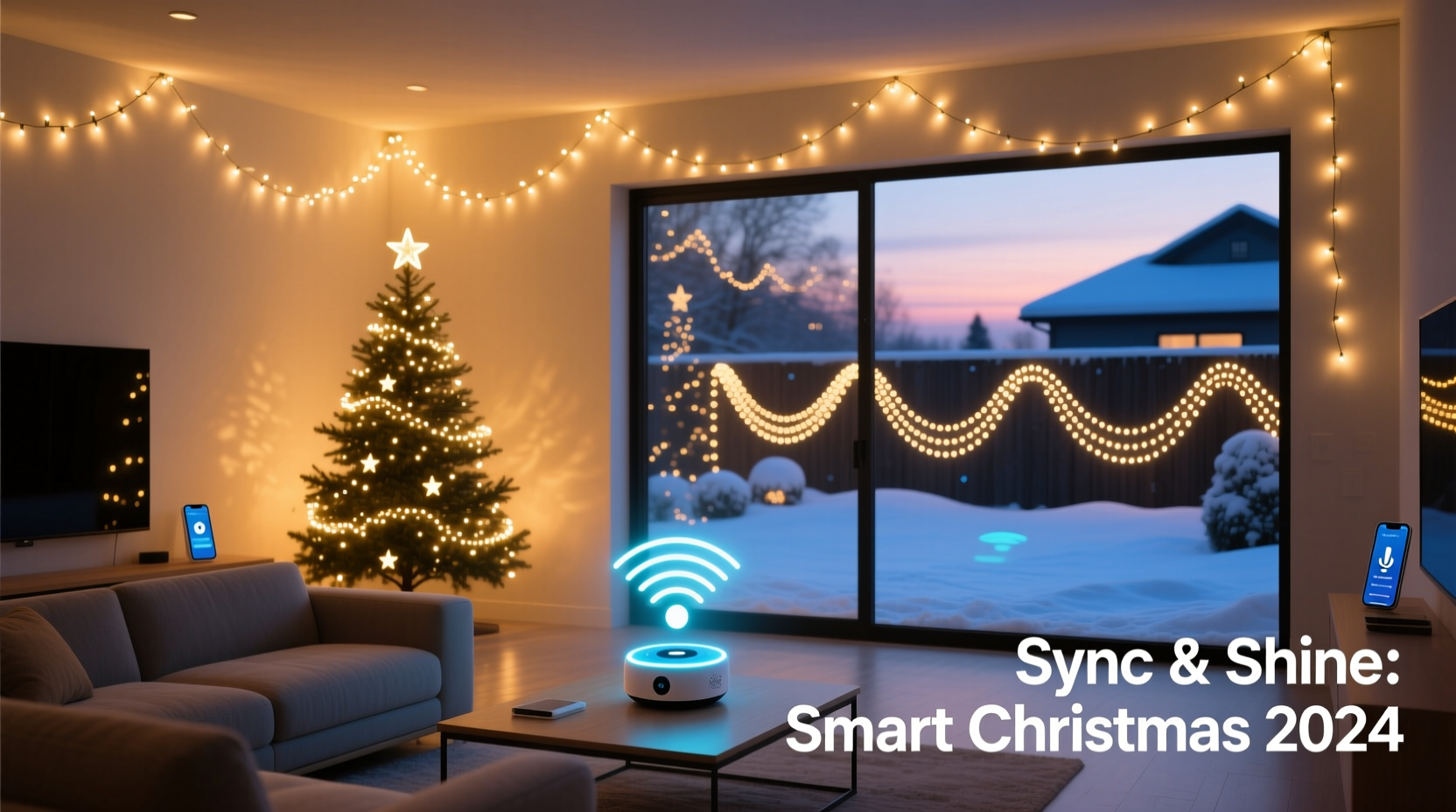
Successful synchronization rests on three interdependent layers: the physical lighting layer (LED pixels, controllers, power), the communication layer (Wi-Fi, Bluetooth, DMX, or proprietary radio), and the control layer (smart home hub, app, or cloud service). Most failures occur at the boundaries between these layers—not within them. For example, a Wi-Fi-connected light strip may connect to your router but fail to register in Apple Home because its manufacturer hasn’t implemented Matter support. Or a high-density pixel string may overwhelm a low-bandwidth Zigbee coordinator, causing lag in scene transitions.
Modern LED lighting for synchronization typically uses either WS2812B (NeoPixel) or APA102 (DotStar) addressable LEDs. These require constant data signals and precise timing—unlike standard smart bulbs, which only need on/off/dim/color commands. That distinction matters: most consumer smart home hubs (like Amazon Echo or Google Nest) cannot natively drive pixel-level animations. They rely on intermediary controllers—such as Raspberry Pi running xLights, Falcon F16v3, or ESP32-based WLED nodes—that translate high-level commands (“play ‘Jingle Bells’ sequence”) into millisecond-accurate data streams.
Choosing Compatible Hardware: What Actually Works Together
Compatibility isn’t about brand loyalty—it’s about protocol alignment, timing tolerance, and firmware maturity. Below is a comparison of common controller-to-hub pathways used by professionals who install 50+ synchronized displays annually.
| Controller Platform | Smart Home Integration Method | Latency Range | Reliability Notes |
|---|---|---|---|
| WLED (ESP32/ESP8266) | Native Home Assistant via MQTT; limited Apple Home via Homebridge plugin | 120–350 ms | Excellent for DIY; requires self-hosted MQTT broker. No native Alexa routines—only “turn on” triggers. |
| xLights + Falcon Player (FPP) | Home Assistant via FPP custom component; manual HTTP API calls for other hubs | 40–90 ms | Industry standard for large displays. Requires Linux/Raspberry Pi host. Not plug-and-play—but extremely stable once configured. |
| LOR (Light-O-Rama) Pro | Direct integration with SmartThings (legacy); Home Assistant via LOR Bridge | 200–500 ms | Robust for AC-powered channel controllers. Less ideal for dense pixel strings. Firmware updates occasionally break third-party bridges. |
| Nanoleaf Shapes / Lines | Native Apple Home, Google Home, and Alexa support | 80–150 ms | Plug-and-play but limited to pre-built effects. Cannot import custom sequences or sync to external audio. Best for interior accent lighting—not full-yard displays. |
| Hue Play Bars + Hue Sync | Native Apple Home, Google Home, and Alexa | 100–200 ms | Synchronizes ambient TV/gaming lighting only. No outdoor-rated models. No custom sequencing—only reactive color matching. |
The takeaway: If you want true synchronization—where every light in your yard, on your roof, and wrapped around your porch columns moves in time to a single audio track—you need a dedicated lighting controller (WLED, xLights/FPP, or LOR) paired with a flexible smart home platform like Home Assistant. Commercial smart speakers and apps serve best as *trigger interfaces*, not animation engines.
Step-by-Step: Building a Reliable Synchronized System
- Assess your electrical infrastructure. Map all outdoor GFCI-protected circuits. Calculate total wattage: multiply total LED count by 0.3W (WS2812B) or 0.2W (APA102), then add 20% headroom. Avoid overloading circuits—especially when using multiple high-power amplifiers or power supplies.
- Select a primary controller. For beginners: WLED on ESP32 with built-in Wi-Fi and sufficient GPIO pins. For advanced users: Raspberry Pi 4 running xLights + FPP with Ethernet backhaul for zero Wi-Fi interference.
- Install power injection points. Every 5 meters (16 feet) for 5V strips; every 10 meters for 12V. Use soldered connections—not clip-on taps—for outdoor use. Seal all junctions with marine-grade heat-shrink tubing.
- Configure network segmentation. Place lighting controllers on a separate VLAN or guest network. This prevents holiday traffic from slowing down your security cameras or video calls—and stops compromised holiday devices from accessing sensitive systems.
- Build your first sequence in xLights or WLED Studio. Start with a 15-second loop using only 3 colors and 2 effects. Test timing against a metronome app before adding audio.
- Integrate with Home Assistant. Install the official WLED or FPP integration. Create an “All Lights On” scene that triggers both indoor Hue bulbs and outdoor pixel strings simultaneously—validating cross-platform timing.
- Add voice and automation triggers. In Home Assistant, create a script named “Start Holiday Display” that: (a) sets outdoor lights to “Synchronized Mode”, (b) starts the current sequence, (c) dims interior lights to 30%, and (d) announces “Holiday display active” via your Sonos system.
Real-World Case Study: The Miller Family Yard (Portland, OR)
The Millers installed a 1,200-pixel synchronized display across their two-story home in 2022. Initially, they used four separate smart plugs controlling different zones—each tied to a different app. Lights turned on at dusk but never synced. By Thanksgiving, frustration peaked: their Alexa couldn’t trigger “the full show”, and music playback drifted out of time after 47 seconds.
In November 2023, they rebuilt using WLED controllers on ESP32s, powered by six 12V/60A Mean Well supplies with dual power injection per string. All controllers connected to a UniFi U6-Lite access point on a dedicated 5 GHz SSID. They migrated control to Home Assistant hosted on a Raspberry Pi 5, integrated via MQTT. Using the “xLights Companion” add-on, they imported their existing sequences and added real-time audio analysis. Now, their display starts precisely at 4:45 p.m. daily, responds to “Alexa, start the holiday show”, and stays locked to audio within ±12 ms—even during heavy rain (thanks to IP67-rated enclosures and conformal-coated PCBs).
Key insight from their installer: “They didn’t need more lights—they needed fewer abstraction layers. Removing the middleman apps and letting Home Assistant talk directly to the hardware cut latency by 70% and eliminated 90% of their sync issues.”
Expert Insight: Timing, Safety, and Longevity
“Synchronization isn’t about how many pixels you run—it’s about how consistently you maintain timing across temperature swings, voltage fluctuations, and firmware updates. I’ve seen displays drift 1.8 seconds over 3 hours because the controller’s internal clock wasn’t disciplined by NTP. Always use a controller with PPS (pulse-per-second) input or NTP sync—and test under real winter conditions, not just in your garage.” — Derek Lin, Senior Lighting Systems Engineer, HolidaySync Labs
Lin’s team audits over 200 residential installations yearly. Their top three recurring oversights? First, skipping ground-fault isolation on low-voltage DC lines—especially where metal gutters or irrigation pipes are nearby. Second, assuming “weatherproof” means “submersible”: most IP65-rated controllers fail after prolonged freezing rain unless mounted with downward-facing ports. Third, neglecting firmware update discipline: WLED and FPP release critical timing patches every 6–8 weeks. An outdated controller may introduce frame drops no amount of network tuning can fix.
Essential Pre-Installation Checklist
- ✅ Verify GFCI outlets are tested and functional—not just reset
- ✅ Confirm all outdoor-rated power supplies have UL-listed wet-location certification (not just “outdoor use” marketing)
- ✅ Label every controller, pixel string, and power injector with location and channel number using UV-resistant tape
- ✅ Set static IP addresses for all controllers—never rely on DHCP for time-sensitive devices
- ✅ Test audio synchronization using a 440 Hz sine wave (not music) to isolate timing drift from perceptual masking
- ✅ Document your network topology, including MAC addresses and firmware versions, in a shared spreadsheet
- ✅ Install surge protection at both the main panel and point-of-use for all outdoor controllers
FAQ: Common Integration Questions
Can I use my existing smart speakers to control synchronized lighting?
Yes—but only as on/off/scene triggers, not for real-time synchronization. Alexa and Google Assistant lack the sub-100ms command delivery required for pixel-level timing. They’re ideal for launching pre-loaded sequences (“Hey Google, start the snowfall effect”) but cannot adjust brightness or hue mid-sequence or react to live audio input.
Do I need a separate hub if I already own a SmartThings or Hubitat?
For basic scheduling and grouping: no. For true synchronization: yes. Neither SmartThings nor Hubitat natively supports the DMX-512 or E1.31 (sACN) protocols used by professional lighting controllers. You’ll need a bridge device (like a Raspberry Pi running the appropriate add-on) or direct integration via MQTT or HTTP APIs—which both hubs support, but require manual configuration.
Why does my display lose sync after 10 minutes, even with good Wi-Fi?
Wi-Fi is rarely the culprit. More likely causes: (1) thermal throttling in an undersized controller (ESP8266 chips slow down above 65°C), (2) voltage sag across long 5V runs causing timing jitter, or (3) missing NTP sync causing cumulative clock drift. Measure controller temperature during operation and verify voltage at the farthest pixel—it should be ≥4.75V for WS2812B.
Conclusion
Integrating smart home systems with synchronized Christmas lighting isn’t about chasing novelty—it’s about crafting reliable, repeatable moments of joy. When your lights rise with the sun’s last glow, pulse gently as guests arrive, or hold perfect silence between musical phrases, you’re not just running code. You’re orchestrating atmosphere. That requires respecting the physics of electricity, the precision of timing protocols, and the pragmatism of real-world weather and wear. Start small: one controller, one string, one verified sequence. Document everything. Prioritize safety over spectacle. Update firmware before Thanksgiving—not on Christmas Eve. And remember—the most impressive displays aren’t those with the most pixels, but those that work flawlessly, year after year, without intervention.




 浙公网安备
33010002000092号
浙公网安备
33010002000092号 浙B2-20120091-4
Comments
No comments yet. Why don't you start the discussion?