
Gaming headsets are essential tools for immersive gameplay, voice communication, and competitive advantage. Yet, many users find themselves replacing their headsets every few months due to wear, accidental damage, or mechanical failure. The truth is, most early breakdowns aren’t inevitable—they’re preventable. With proper handling, consistent maintenance, and a few smart habits, you can extend the life of your headset well beyond the typical six-month lifespan. This guide breaks down exactly how to protect your investment and maintain peak audio performance over time.
Understand Common Failure Points
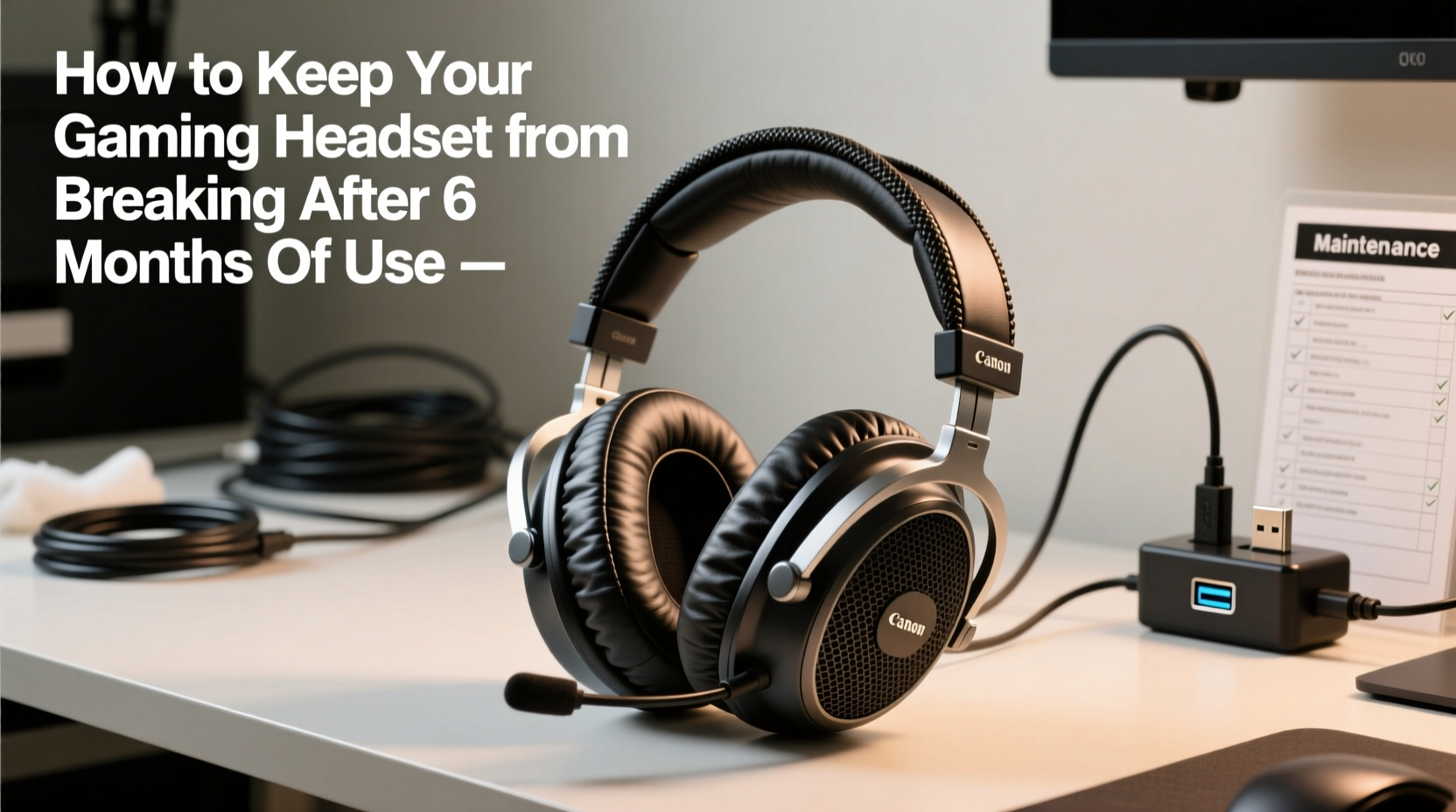
Before diving into prevention, it helps to know what typically fails in gaming headsets. Most issues stem from predictable stress points:
- Hinge joints – Repeated folding or pressure weakens plastic connectors.
- Cables and connectors – Frequent bending, yanking, or poor cable management leads to fraying or loose connections.
- Ear cushions and padding – Sweat, oils, and friction degrade foam and synthetic leather over time.
- Microphone arms – Flexible booms often snap or lose sensitivity from constant adjustment.
- Audio drivers – Exposure to high volumes or electrical surges can damage internal components.
Recognizing these vulnerabilities allows you to take targeted action. For example, if your last headset failed because the left ear went silent, focus on protecting the cable entry point. If the ear pads cracked within months, switch to gentler cleaning methods and storage conditions.
Adopt a Daily Care Routine
Just like any precision device, a gaming headset benefits from consistent upkeep. A few minutes of daily attention can prevent long-term damage.
Post-Use Wipe Down
Sweat and skin oils accumulate quickly on ear cushions and headbands. After each session, gently wipe contact surfaces with a microfiber cloth slightly dampened with water or a 50/50 mix of water and isopropyl alcohol. Avoid soaking the material—excess moisture can seep into electronics or cause foam degradation.
Cable Management
Never wrap your cable tightly around the headset or yank it from the port. Instead, loosely coil it and secure with a velcro tie. If using a wired headset, plug and unplug by gripping the connector—not the cord itself. Over time, pulling on the wire strains internal conductors, leading to intermittent sound or total failure.
Storage Habits
Leaving your headset on the floor, under books, or dangling off a desk edge invites physical damage. Always store it in a stable location, preferably on a dedicated stand or in a padded compartment. If no stand is available, place it on a flat surface away from foot traffic or falling objects.
“Headset longevity isn’t just about build quality—it’s about usage patterns. Users who manage cables carefully and clean regularly see 2–3x longer service life.” — Daniel Ruiz, Audio Hardware Technician at SoundLabs Pro
Follow a Monthly Maintenance Checklist
Daily habits form the foundation, but deeper maintenance ensures all components stay functional. Use this monthly checklist to stay ahead of deterioration.
- Inspect cables for fraying or kinks near connectors
- Test both ear cups for balanced audio output
- Clean ear cushions thoroughly; remove if detachable
- Check microphone clarity and mute function
- Examine hinge stability and joint tightness
- Verify firmware (if applicable) is up to date
- Reposition stored headset to avoid permanent pad compression
If your headset has removable ear pads, consider rotating between two sets. This reduces continuous pressure on one set of foam, slowing deformation and wear. Replacement cushions are relatively inexpensive and widely available for major brands like SteelSeries, HyperX, and Logitech.
Handle Connectivity with Care
Whether wired or wireless, connectivity components are among the most fragile parts of a headset.
Wired Headsets: Protect the Jack and Cable
The junction where the cable meets the plug is especially vulnerable. Reinforce this area with a strain relief sleeve or silicone protector. When disconnecting, always pull from the plug body, not the cord. Avoid routing the cable under desks or through tight spaces where it can be pinched or stepped on.
Wireless Headsets: Battery and Charging Discipline
Lithium-ion batteries degrade faster when overcharged or fully drained. Charge your headset when it reaches 20–30%, and unplug once it hits 80–100%. Avoid leaving it on the charger overnight. Also, power down the headset when not in use—constant Bluetooth or RF signal searching drains battery cycles unnecessarily.
| Maintenance Task | Frequency | Purpose |
|---|---|---|
| Wipe ear pads and headband | Daily | Prevent sweat buildup and material decay |
| Check cable integrity | Weekly | Catch frays before they cause audio loss |
| Deep clean removable pads | Monthly | Eliminate bacteria and odor |
| Update firmware/drivers | Quarterly | Maintain compatibility and performance |
| Rotate or replace ear cushions | Every 4–6 months | Preserve comfort and seal quality |
Real Example: Extending a $150 Headset Beyond Two Years
Mark, a streamer and competitive FPS player, used a mid-range wireless headset daily for over two hours. His previous model died after five months—left ear cut out, battery wouldn’t hold charge. Determined to avoid repeat costs, he implemented a strict care routine:
- He purchased a second pair of memory foam ear pads and alternated them weekly.
- He mounted a small headset stand beside his monitor to eliminate haphazard placement.
- He charged the headset only when battery dropped below 25% and unplugged it at 90%.
- He performed a full audio test every Sunday, checking mic and speaker balance.
- He updated firmware monthly via the manufacturer’s software.
After 27 months, Mark’s headset still performs reliably. While the finish has minor scuffs, audio remains crisp, the mic works flawlessly, and battery life is at 80% of original capacity. “It’s not magic,” he says. “I just treat it like gear that matters. It saves me money and keeps my streams professional.”
Do’s and Don’ts of Headset Longevity
Avoid common pitfalls by following this simple comparison guide.
| Do | Don’t |
|---|---|
| Store on a headset stand or soft surface | Leave it hanging off your chair or monitor |
| Coil cables loosely with velcro ties | Wrap tightly around sharp edges or the headset itself |
| Clean ear pads weekly with a damp cloth | Use harsh chemicals or submerge in water |
| Charge wireless headsets to 80–100% | Leave them plugged in for days after full charge |
| Handle the plug, not the cord, when unplugging | Yank the cable from the port |
| Update firmware and drivers regularly | Ignore software notifications or outdated versions |
Frequently Asked Questions
Can I repair a broken headset cable myself?
Yes, if you have soldering experience. Replacement cables for popular models are sold online, and DIY repair kits include connectors and heat-shrink tubing. However, if your headset is under warranty, contact the manufacturer first—self-repairs may void coverage.
How do I know when ear pads need replacing?
Replace them when they feel hard, show visible cracks, no longer create a seal, or start peeling. Deteriorated pads reduce noise isolation and comfort, forcing you to raise volume and strain drivers.
Is it safe to use third-party ear cushions?
Generally yes, as long as they’re designed for your specific model. High-quality aftermarket pads often use breathable protein leather or memory foam, which can outperform stock materials. Just ensure they fit snugly without stressing the housing.
Final Steps to Long-Term Headset Health
Protecting your headset isn’t complicated, but it does require consistency. Think of it like maintaining a high-performance tool—small efforts compound into significant longevity. Start today by implementing one or two key habits: invest in a headset stand, begin weekly inspections, or order replacement ear pads. These actions cost little time or money but pay dividends in durability and audio quality.
Remember, the goal isn’t perfection—it’s sustainability. Even moderate care dramatically outperforms neglect. By understanding how headsets fail and taking proactive steps, you’re not just preserving a device; you’re ensuring uninterrupted gameplay, clear communication, and better value from your tech.




 浙公网安备
33010002000092号
浙公网安备
33010002000092号 浙B2-20120091-4
Comments
No comments yet. Why don't you start the discussion?