
A professional business website is no longer optional—it’s essential. Whether you're launching a startup, expanding a local service, or scaling an e-commerce brand, your website acts as your digital storefront, customer service hub, and marketing engine all in one. Building it doesn’t require coding expertise or a large budget. What it does require is clarity, planning, and execution. This guide walks through every phase of creating a business website that not only looks credible but performs effectively.
Define Your Purpose and Audience
Before writing a single line of text or selecting a color scheme, identify the core purpose of your website. Are you selling products? Booking appointments? Showcasing a portfolio? Each goal shapes the structure and functionality of your site. Equally important is understanding your target audience. Who are they? What problems do they need solved? How do they search for solutions?
For example, a freelance graphic designer targeting small businesses should emphasize case studies, testimonials, and a clear contact form. A local bakery might prioritize an easy-to-navigate menu, location map, and online ordering capability.
Choose the Right Platform and Hosting
Selecting a website builder or platform determines how much control, flexibility, and scalability you have. The right choice balances ease of use with long-term potential.
| Platform | Best For | Pros | Cons |
|---|---|---|---|
| WordPress.org | Full customization, blogs, SEO | Highly flexible, thousands of plugins | Steeper learning curve, requires hosting |
| Wix | Beginners, visual design | Drag-and-drop editor, all-in-one solution | Limited scalability, less SEO control |
| Squarespace | Creatives, portfolios, minimalism | Beautiful templates, clean interface | Fewer third-party integrations |
| Shopify | E-commerce stores | Secure transactions, inventory management | Transaction fees unless using Shopify Payments |
If you anticipate growth or plan to publish regular content, WordPress paired with managed hosting like SiteGround or WP Engine offers unmatched versatility. For solopreneurs wanting speed and simplicity, Wix or Squarespace may be sufficient at launch.
“Your website isn’t just a brochure—it’s a conversion tool. Choose a platform that grows with your ambitions.” — Lisa Tran, Digital Strategy Consultant
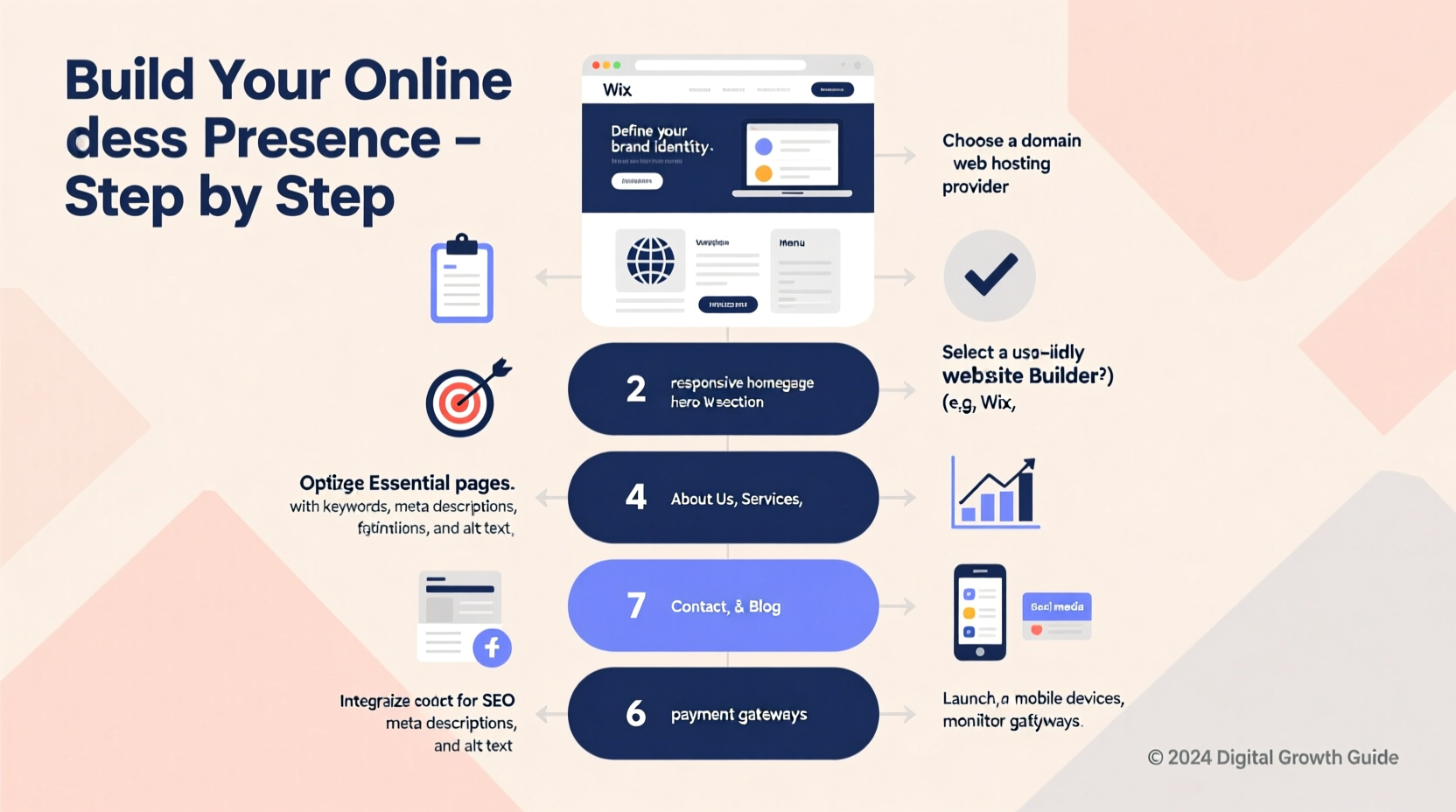
Step-by-Step Website Development Process
Building a website involves more than assembling pages. It’s a structured process designed to ensure usability, performance, and alignment with business goals.
- Register a domain name: Choose a short, memorable name that reflects your brand. Use registrars like Namecheap or Google Domains.
- Set up web hosting: Match your platform needs—shared hosting for starters, VPS or cloud for high-traffic sites.
- Select a template or theme: Prioritize mobile responsiveness and fast loading times. Avoid cluttered designs.
- Create essential pages: Include Home, About, Services/Products, Contact, and a Privacy Policy.
- Add content strategically: Write clear headlines, concise copy, and include calls to action (e.g., “Get a Free Quote”).
- Integrate key tools: Install analytics (Google Analytics), contact forms, live chat, and social media links.
- Optimize for search engines: Use descriptive page titles, meta descriptions, alt text for images, and internal linking.
- Test across devices: Ensure your site works flawlessly on smartphones, tablets, and desktops.
- Launch and monitor: Go live, then track user behavior and fix issues promptly.
Real Example: From Idea to Online Presence
Jamie started a sustainable candle business from her home kitchen. Initially relying on Instagram, she noticed customers hesitated without a dedicated site. She used Squarespace to build a simple site in two weekends. Her homepage featured handcrafted product photos, a story about her sourcing practices, and a secure checkout via Stripe.
Within three months, her online sales doubled. Customers appreciated being able to read ingredient details and shipping policies upfront. By adding a blog with posts like “How to Make Your Candles Last Longer,” she also began ranking for niche keywords, bringing in organic traffic. Jamie’s experience shows that even small websites can deliver outsized returns when built with intent.
Essential Checklist Before Launch
Skipping final checks can undermine credibility. Use this checklist to ensure your site is ready for public view:
- ✅ Domain and hosting are connected and functioning
- ✅ All links (navigation, buttons, emails) work correctly
- ✅ Contact form sends test messages successfully
- ✅ Privacy Policy and Terms of Service are published (required for compliance)
- ✅ Google Analytics and Search Console are installed
- ✅ Site loads in under 3 seconds (test with PageSpeed Insights)
- ✅ Secure HTTPS protocol is active (look for the padlock icon)
- ✅ Content is proofread and free of typos
- ✅ Social media profiles are linked and consistent
- ✅ Mobile version is easy to navigate
Common Pitfalls to Avoid
Many new websites fail due to avoidable mistakes. Recognizing these early saves time and money.
- Overloading with features: Too many animations, pop-ups, or plugins slow down your site and frustrate visitors.
- Neglecting SEO basics: Even beautiful sites won’t get found if they lack proper titles, headings, and keyword-rich content.
- Ignoring mobile users: Over 60% of web traffic comes from mobile devices. A non-responsive site loses credibility instantly.
- Using generic stock photos: Authentic imagery builds trust. If possible, use real photos of your team, workspace, or products.
- Forgetting legal requirements: GDPR, CCPA, and ADA compliance matter—even for small sites. Include cookie consent banners if needed.
FAQ
How much does it cost to build a business website?
Costs vary widely. A basic site using Wix or Squarespace starts around $15–$30/month (including hosting and domain). Custom WordPress sites with professional design and development can range from $2,000 to $10,000+. Ongoing costs include maintenance, security updates, and content creation.
Do I need a developer to build my website?
Not necessarily. Modern website builders allow non-technical users to create functional, attractive sites. However, if you need advanced features like membership portals, custom databases, or complex e-commerce logic, hiring a developer is worth the investment.
How long does it take to build a business website?
A simple site can go live in 1–2 weeks with focused effort. More complex projects, especially those involving content creation, branding, or integrations, may take 4–8 weeks. Planning and content preparation often take longer than technical setup.
Conclusion: Build With Confidence
Your business website is more than a digital address—it’s the foundation of your online identity. By defining your goals, choosing the right tools, and following a disciplined process, you create a platform that attracts customers, builds trust, and supports growth. Start simple, stay focused on user experience, and iterate as you learn what works.




 浙公网安备
33010002000092号
浙公网安备
33010002000092号 浙B2-20120091-4
Comments
No comments yet. Why don't you start the discussion?