
A holiday light display can transform an ordinary home into a winter wonderland, but when those lights move in perfect rhythm with music, the effect becomes unforgettable. Synchronized Christmas light shows have grown in popularity thanks to accessible technology and creative software. The key ingredient? A well-crafted Christmas playlist designed specifically to enhance visual timing and emotional impact. Creating such a playlist isn’t just about choosing festive songs—it’s about aligning beats, tempo changes, and musical peaks with lighting effects to produce a seamless audiovisual experience.
This guide walks through the process of building a Christmas playlist that not only captures the spirit of the season but also works in harmony with animated lights. Whether you're setting up a backyard display for neighbors or planning a community event, the right playlist can elevate your show from simple decoration to immersive performance art.
Understand the Relationship Between Music and Light Animation
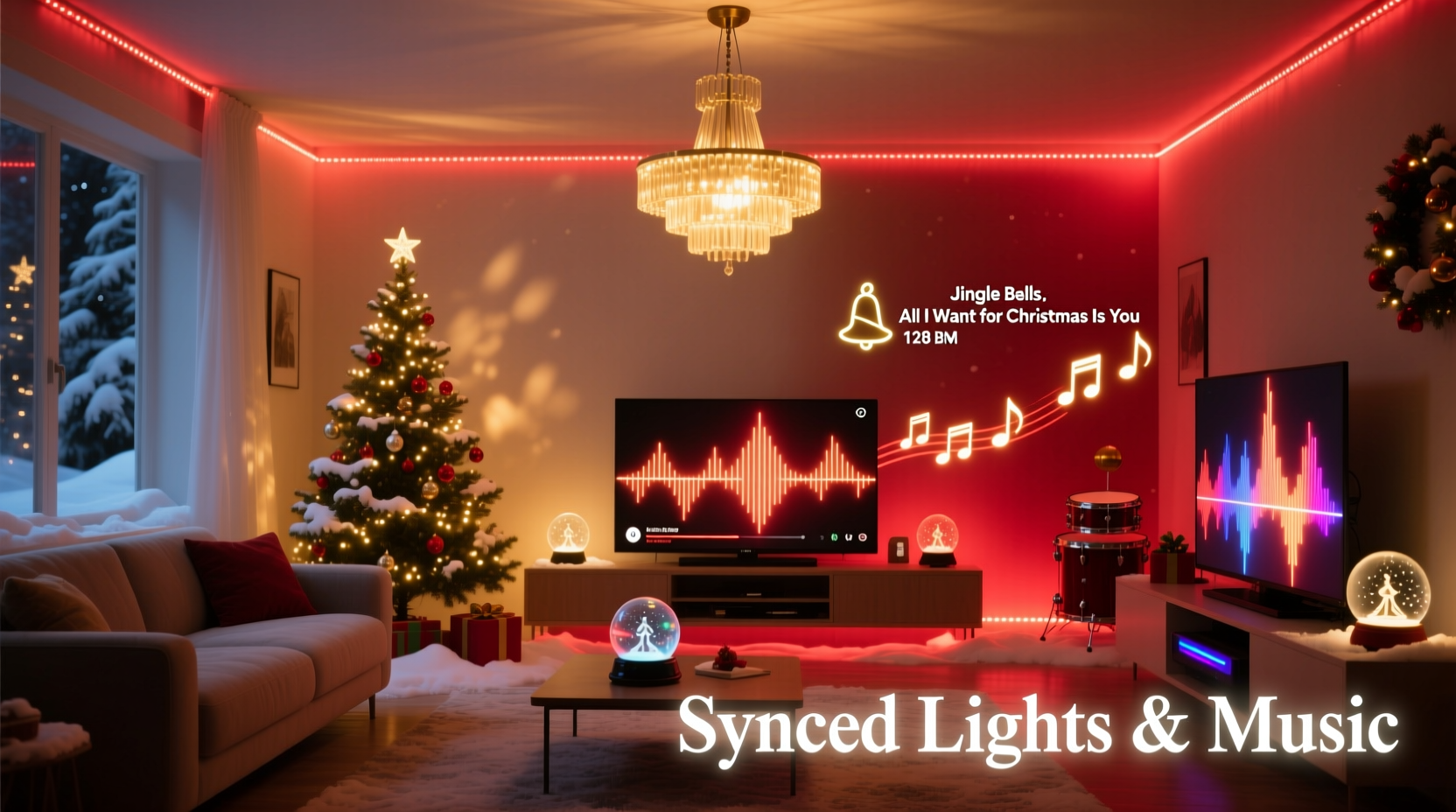
Synchronization between music and lights relies on precise timing. Each flash, color change, or movement of a light strand should correspond to a specific beat, note, or transition in the music. This requires more than random holiday tunes played over blinking bulbs—it demands intentionality in song selection, structure, and arrangement.
The foundation of any synchronized light show is the concept of \"channel control.\" Modern smart lighting systems (like those used with Light-O-Rama, xLights, or Falcon Player) allow users to assign different sections of lights—roof lines, trees, inflatables—to individual channels. These channels are then programmed to turn on, off, dim, or change color at exact moments based on the audio waveform.
To achieve this, the music must be predictable enough to map visually, yet dynamic enough to keep viewers engaged. Songs with clear rhythms, defined verses and choruses, and noticeable instrumental builds work best. For example, a sudden cymbal crash might trigger all lights to flash white, while a slow piano intro could fade in warm amber tones across multiple zones.
“Synchronization turns passive viewing into an emotional journey. When the music swells and the lights explode in unison, people feel it.” — Daniel Reeves, Interactive Holiday Display Designer
Step-by-Step: Building Your Synchronized Playlist
Creating a playlist that supports light animation involves careful planning from start to finish. Follow this timeline to ensure both technical precision and seasonal charm.
- Select Your Hardware and Software Platform
Before choosing music, confirm which system you’ll use for synchronization. Popular options include xLights (free, open-source), Light-O-Rama (paid, professional-grade), or proprietary apps from manufacturers like Govee or Twinkly. Each has different capabilities for handling complex sequences. - Determine Total Runtime
Most residential displays run between 3 and 8 minutes per loop. Decide how long your full sequence will last. Keep in mind shorter loops repeat more frequently and may hold attention better during peak viewing hours. - Choose 4–6 Core Tracks
Pick a mix of fast-paced, medium, and slow songs. Aim for variety without losing thematic consistency. Include classics like “Jingle Bell Rock” for energy, “Carol of the Bells” for dramatic flair, and softer pieces like “O Holy Night” for emotional depth. - Analyze Tempo and Structure
Use tools like Audacity or Mixed In Key to examine BPM (beats per minute), time signatures, and segment breakdowns (intro, verse, chorus, bridge). Mark where major transitions occur—these become natural cues for lighting effects. - Edit and Fade Between Songs
Crossfade tracks smoothly using audio editing software (e.g., Audacity, GarageBand, or Adobe Audition). Avoid abrupt stops unless intentionally timed with a blackout effect. Ensure volume levels are balanced so one song doesn’t overpower another. - Test Early with Basic Sequences
Load your draft playlist into your lighting software and create simple on/off triggers for each beat. Watch how the flow feels. Adjust track order or trim lengths if pacing seems off. - Finalize and Export
Once satisfied, export the final audio as a high-quality WAV or MP3 file (44.1kHz, 16-bit recommended). Use this master version for all future programming.
Choosing the Right Songs for Maximum Visual Impact
Not all Christmas songs are equally effective for synchronized displays. Some lend themselves naturally to choreography due to strong rhythmic patterns, while others lack the clarity needed for precise cueing.
Ideally, look for tracks with:
- Steady tempo (minimal rubato or tempo drift)
- Clear downbeats (easy to count measures)
- Distinct instrumental layers (drums, melody, harmony)
- Dramatic build-ups or crescendos
- Recognizable hooks (audiences anticipate them and react)
Auditory familiarity also plays a role. Viewers enjoy seeing their favorite moments visualized—like flashing red and green on the line “won’t you deck the halls,” or pulsing snowflakes during a xylophone solo.
| Song Title | BPM | Best For | Visual Cue Ideas |
|---|---|---|---|
| Jingle Bell Rock – Bobby Helms | 150 | Fast-moving sequences | Alternating red/green pulses on jingle bell sounds |
| Carol of the Bells – Trans-Siberian Orchestra | 128 | Dramatic sweeps, strobes | Each “bell” note triggers a chase effect across arches |
| All I Want for Christmas Is You – Mariah Carey | 98 | Pop-style choreography | Light burst on “I don’t want a lot…”; twinkles on high notes |
| Sleigh Ride – Boston Pops | 112 | Whimsical, playful effects | Horse whinny = spotlight flash; whip crack = strobe |
| O Come, O Come Emmanuel | 70 | Slow fades, solemn tones | Gradual blue-to-white gradient during choral swells |
Checklist: Preparing Your Playlist for Syncing Success
Before diving into complex light mapping, verify your playlist meets these essential criteria:
- ✅ All tracks are legally cleared for public playback (especially important for neighborhood displays)
- ✅ Audio files are exported in consistent format (MP3 or WAV, same sample rate)
- ✅ Volume levels are normalized across songs (no sudden jumps in loudness)
- ✅ Transitions between songs are smooth (crossfades applied where necessary)
- ✅ BPM is documented for each track (helps with channel timing setup)
- ✅ File names are descriptive (e.g., “01_JingleBellRock_150bpm.mp3”)
- ✅ Backup copy stored locally and in cloud storage
Real Example: How One Family Created a Neighborhood Sensation
In suburban Denver, the Thompson family began experimenting with synchronized lights after attending a local festival featuring a music-linked display. Inspired, they invested in RGB LED strips, a Raspberry Pi running xLights, and spent six weeks preparing their first show.
Their initial challenge was selecting music that would appeal to both children and adults. They started with a single song—“Dance of the Sugar Plum Fairy”—but found its erratic tempo made syncing difficult. After analyzing several alternatives, they switched to a cover version with a steady 120 BPM, allowing them to program repeating sparkle effects aligned with each plucked note.
They expanded to a five-song loop, including a custom medley blending “Santa Claus Is Coming to Town” with “Uptown Funk” for a modern twist. By matching funk beats with rapid color shifts and spotlight movements, they created a viral moment in their neighborhood. Foot traffic increased so much that local police were notified—but instead of shutting it down, officers visited in uniform to take photos with kids.
Their secret? Testing every song with dummy sequences first, refining transitions, and prioritizing audience reaction over technical complexity. As Mr. Thompson put it: “We didn’t need 10,000 lights. We needed four good songs and perfect timing.”
Common Pitfalls and How to Avoid Them
Even experienced creators encounter issues when pairing music with lights. Awareness of common problems can save hours of rework.
- Overcomplicating the playlist: Too many genre shifts or tempo changes disrupt flow. Stick to a cohesive theme—traditional, pop, orchestral, or retro.
- Ignoring silence gaps: Long pauses between songs leave lights idle. Edit playlists to minimize dead air or program ambient glow effects during breaks.
- Mismatched timing resolution: If your lighting controller updates at 10 frames per second but your music has 30 beats per second, some cues will be missed. Match frame rate to musical density.
- Using compressed streaming audio: Low-bitrate files (like YouTube rips) may have sync drift due to encoding artifacts. Always use high-fidelity source files.
- Forgetting sound delay: If speakers are placed far from the display, audio may lag behind lights. Test from various distances or use wireless speaker sync tools.
“The most memorable displays aren't the ones with the most lights—they're the ones where music and motion feel inevitable together.” — Lena Park, Festival Lighting Curator
Frequently Asked Questions
Can I use copyrighted songs in my outdoor display?
For private, non-commercial displays viewed from public spaces (like streets), copyright enforcement is rare in many regions, especially during holidays. However, technically, publicly performed music—even outdoors—requires licensing. To stay compliant, consider using royalty-free holiday music from platforms like Free Music Archive or Artlist, or obtain a blanket license through organizations like ASCAP or BMI if available in your country.
How do I match light effects to specific beats in a song?
Use sequencing software like xLights or Light-O-Rama S1. Import your audio file, zoom into the waveform, and place effect markers at precise timestamps. Most programs support beat-gridding, allowing you to snap cues to quarter-notes or eighth-notes automatically. Start by marking major beats, then layer in finer details like snare hits or vocal accents.
Should I include vocals or stick to instrumentals?
Vocals add emotional resonance and help audiences connect, but they introduce timing complexity due to variable phrasing. A balanced approach works best: use vocal tracks for recognizable hits and instrumentals for technically dense sequences. You can even isolate instrument stems using AI tools like Moises or LALAL.ai to rebuild arrangements with greater control.
Final Steps: From Playlist to Performance
With your playlist finalized, the next phase begins: programming the actual light sequences. Load your audio into your chosen software, assign channels to physical light zones, and begin placing cues. Work section by section—don’t try to complete everything at once.
Preview regularly from outside your house to gauge real-world visibility. Consider viewer perspective: effects that look sharp up close may blur from afar. Also, account for ambient noise; if car traffic drowns out quiet passages, adjust volume or emphasize visual cues during those segments.
Finally, schedule reliable playback. Use a dedicated device (like a mini PC or smartphone) connected to your controller with auto-start functionality. Add redundancy—a backup USB drive or secondary player—in case of failure.
Conclusion: Bring the Holidays to Life Through Rhythm and Light
A Christmas playlist that syncs with light animations does more than entertain—it creates shared moments of joy, wonder, and nostalgia. With thoughtful song selection, technical preparation, and attention to detail, your display can become a beloved tradition in your community.
The magic lies not in expensive gear or thousands of bulbs, but in the harmony between what people hear and what they see. When “Silent Night” glows softly in blue waves, or “Rockin’ Around the Christmas Tree” explodes in joyful pulses, you’re not just playing music—you’re conducting emotion.




 浙公网安备
33010002000092号
浙公网安备
33010002000092号 浙B2-20120091-4
Comments
No comments yet. Why don't you start the discussion?